tools for
humans

Bizway reviews — what users really think

published 26 august 2023last updated 18 march 2026
how we review

we track global search demand across every software category, monitor what real users are saying online, identify which professions rely on each tool, and surface the questions people are actually asking. reviews are consistently updated and reviewed for reliability.

Bizway is an AI-powered business platform that helps solopreneurs and small business owners automate their daily tasks. The tool combines custom AI assistants, workflow automation, and business planning in one interface.

At its core, Bizway lets users create AI assistants tailored to their specific business needs. These assistants handle tasks ranging from generating project roadmaps to providing strategic advice. The platform includes an AI Magic Project Generator that creates step-by-step plans from simple prompts, helping entrepreneurs move from idea to execution. Hub Analytics tracks all AI assistant activity, giving users visibility into their automated workflows.

The tool stores business data in Docs, allowing users to keep important information accessible for their AI assistants to reference. Project Runs automate task execution, while the no-code interface means anyone can build workflows without technical skills.

Starting at $19 per month with a 7-day free trial, Bizway provides options for businesses at different growth stages. The platform aims to simplify project planning, task automation, and strategic advice for small business owners who want to spend less time on repetitive work.

who is Bizway for?

Bizway is built for solo entrepreneurs and small business owners who need to automate business processes without hiring additional staff or learning to code.

  • Solo Entrepreneurs who need AI assistants to generate business roadmaps, automate task lists, and provide strategic advice without paying for employees.
  • Independent Professionals who want to build no-code AI workflows that handle repetitive tasks, freeing up time for client work and business development.
  • Side Hustlers managing projects on limited time who need efficient planning and execution tools without investing in expensive software.
  • Small Business Owners with no technical expertise who want to create custom workflows and automate processes.
  • Service-Based Business Owners who need help developing plans and analyzing their business model with AI-driven insights.
  • Creators who run content businesses and need help with content planning, project management, and business analysis.
  • Startup Founders who need to turn ideas into actionable roadmaps quickly without spending time on manual planning.

Bizway is used by solopreneurs and independent professionals in consulting, creative services, e-commerce, and professional services where automating workflows and reducing workload directly impact profitability.

overall sentiment

select your role to see what people like you are saying

Solo Entrepreneur

positive

Solo entrepreneurs appreciate Bizway's ability to automate business processes and generate roadmaps without hiring staff or learning code. The templates and ease of use align perfectly with their need to maximize productivity on a tight budget, though some find the pricing steep for what they initially need.

strengths

  • No-code automation reduces need to hire additional staff
  • Pre-built templates accelerate business roadmap creation
  • Responsive customer support helps overcome obstacles quickly
  • Good value proposition compared to hiring employees

concerns

  • Pricing feels high for solo operators on limited budgets
  • Learning curve steeper than expected for a no-code platform
  • App builder bugs disrupt workflow setup process

online reviews (last 6 months summarised)

Bizway has positive reviews on Product Hunt, where users praise its ease of use for building AI-powered apps without coding skills. People mention the templates and automation features save time, making it helpful for solopreneurs and side hustles. Customer support gets called out as responsive, and several reviewers say it offers good value for the price.

Reddit users report bugs in the app builder. G2 comments mention the pricing feels high for basic features. The learning curve is steeper than expected for a no-code tool. Integration reliability with certain platforms gets criticized. Advanced users want more customization options.

features

  • Custom AI Assistants: Create AI assistants tailored to your business model and needs, automating tasks and providing strategic guidance without technical expertise.
  • AI Magic Project Generator: Generates complete project outlines and step-by-step roadmaps from simple prompts, turning ideas into execution plans.
  • Tailored Business Advice: Provides personalized AI guidance and analysis specific to your business, offering strategic advice based on your goals and business data.
  • Project Runs Automation: Automates task execution and workflows through Project Runs, allowing AI assistants to complete work without manual intervention.
  • Hub Analytics: Tracks all AI assistant activity and workflow performance in one dashboard, giving visibility into automated processes and productivity metrics.
  • No-Code Workflow Builder: Create AI-powered workflows using prompts and a simple interface, no programming skills required.
  • Business Data Storage: Docs feature stores important business information that AI assistants can reference and use when generating advice, plans, and automations.

pricing

  • Starter Plan offers essential AI automation features at $19 per month, including 3 AI agents, workflow automation, and business planning for solopreneurs and small businesses.
  • Scale Plan provides advanced automation and planning features at $49 per month, designed for growing businesses that need more capabilities.
  • Premium Plan delivers unlimited AI agents and up to 1,500 monthly credits at $129 per month, ideal for businesses with extensive automation needs.
  • A 7-day free trial is available, allowing users to test the platform before committing to a paid plan.

frequently asked questions

How does Bizway's AI Assistant feature work?

You create custom AI assistants in Bizway by providing prompts that describe what you need the assistant to do. For example, you might ask for an assistant that helps with content planning or project management. Once created, the assistant can access data you've stored in Bizway's Docs feature and use it to generate roadmaps, task lists, and advice tailored to your business. The assistants work through Project Runs, which automate the execution of tasks. You can track everything they do through Hub Analytics, which shows all AI activity in one dashboard.

Do I need coding skills to use Bizway effectively?

No, Bizway is built as a no-code platform specifically for people without technical backgrounds. You create AI assistants and workflows using simple prompts and the platform's interface, not by writing code. That said, some users on Reddit mention the learning curve is steeper than expected for a no-code tool, so you might need some time to get comfortable with how everything works.

What's included in the free trial?

Bizway offers a 7-day free trial that lets you test the platform before paying. During the trial, you can create AI assistants, build workflows, and explore the features. There's no permanent free tier, so after the trial ends, you'll need to choose a paid plan to continue using the platform.

What kind of businesses benefit most from using Bizway?

Solopreneurs and small business owners get the most value from Bizway. If you're running a business on your own or with a very small team, Bizway helps you automate tasks that would normally require hiring staff. It's particularly useful for independent professionals, creators, side hustlers, and consultants who need to manage projects, generate business plans, and automate repetitive work. Product Hunt reviews specifically call out how helpful it is for solopreneurs and side hustles.

How does Bizway compare to other no-code automation tools?

Bizway competes with tools like Make, Airtable, Automate.io, and Microsoft Power Automate. The main difference is Bizway focuses on creating custom AI assistants for business tasks rather than just connecting apps together. While other platforms might be better for complex integrations, Bizway aims to provide more tailored business advice and project generation through AI. Some users report that integration reliability with certain tools can be an issue, so if you need rock-solid connections to specific platforms, you might want to test those during the trial.

other tools to check out

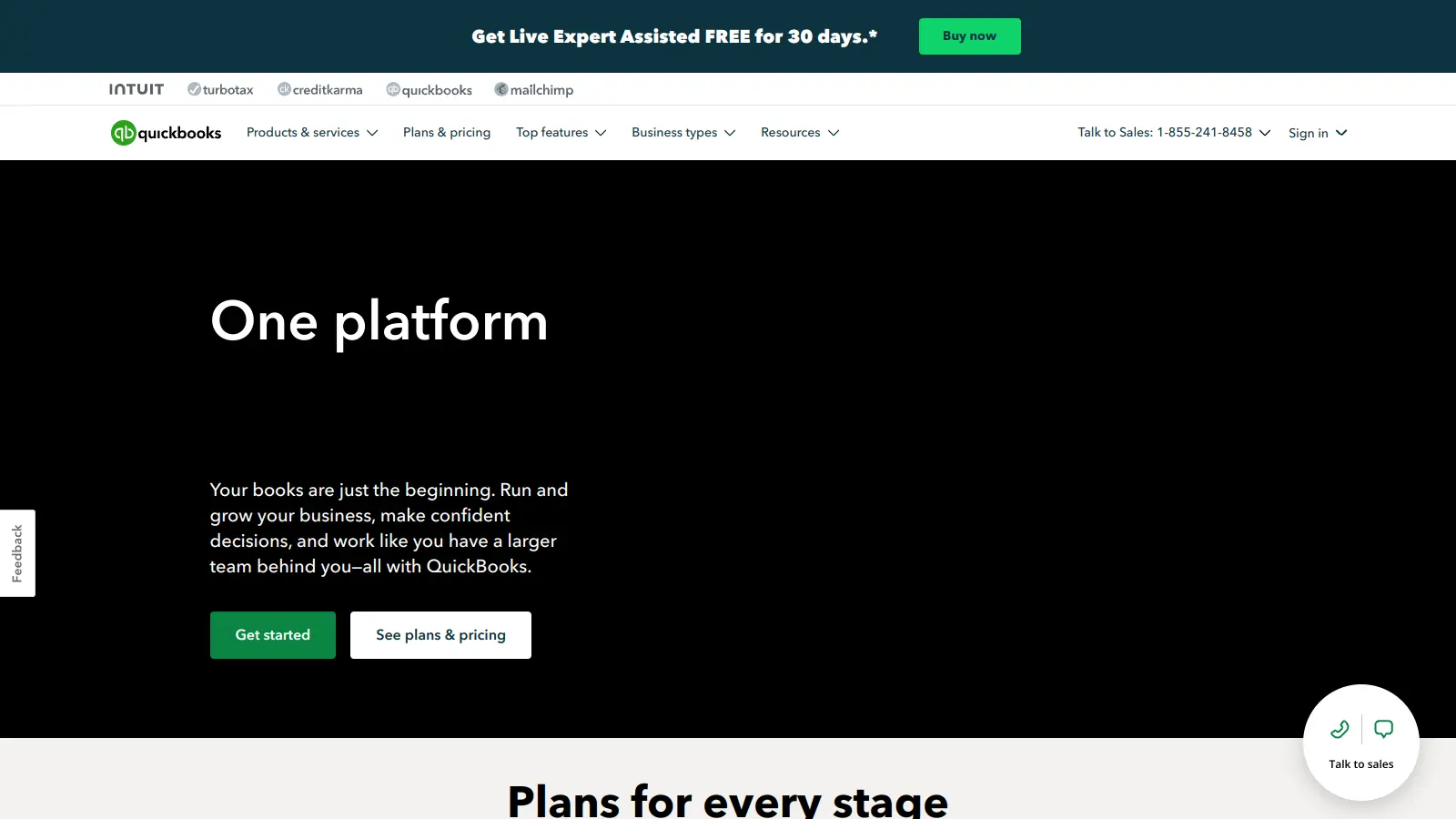
Quickbooks screenshot
online buzz1M+ Searches
trend (1M)48%

Quickbooks

QuickBooks is financial management software designed to help businesses of all sizes manage their finances. It offers features including invoicing, expense tracking, payroll processing, inventory management, and tax preparation. Available in desktop and online versions, QuickBooks provides scalable solutions with pricing tiers for different business needs, from solopreneurs to large enterprises.

best deal

Get 50% off QuickBooks for your first 3 months — Simple Start just $19/month

Microsoft SharePoint screenshot
online buzz500k+ Searches
trend (1M)50%

Microsoft SharePoint

Microsoft SharePoint is a web-based collaboration platform that helps organizations create team sites, intranets, and document management systems. It integrates with Microsoft 365 tools, offering features like real-time co-authoring, version control, security controls, customizable sites, and workflow automation.

best deal

Try SharePoint Plan 1 for just $5/month - Get 1TB pooled storage, real-time collaboration & core document management features

Square screenshot
online buzz500k+ Searches
trend (1M)22%

Square

Square is a payment processing and business management platform that offers multi-channel payment solutions, point-of-sale systems, inventory management, and analytics. It supports credit cards, digital wallets, and bank transfers, provides integrated hardware, enables e-commerce integration, and ensures secure transactions with PCI compliance. The platform now includes Square AI, a conversational AI assistant that analyzes business data and provides insights.

best deal

Try Square Plus Free for 30 Days - No Credit Card Required

Xero screenshot
online buzz500k+ Searches
trend (1M)45%

Xero

Xero is a cloud-based accounting software designed for small businesses, freelancers, and growing companies. It automates bookkeeping, invoicing, bank reconciliation, expense tracking, financial reporting, and cash flow management. Accessible across multiple devices, Xero connects to banks worldwide and integrates with third-party applications for financial management.

best deal

Get 85% off Xero's Early plan for the first 6 months — just $3.75/month when you buy by March 31!

Microsoft CoPilot screenshot
online buzz250k+ Searches
trend (1M)4%

Microsoft CoPilot

Microsoft Copilot is an AI-powered assistant that provides real-time help across Microsoft apps and platforms. It uses advanced language models to automate tasks, generate content, analyze data, and provide suggestions while integrating with Microsoft 365 applications like Word, Excel, Teams, and Outlook.

best deal

Try Microsoft Copilot Chat free with your eligible Microsoft 365 subscription, or get Copilot Business at $18/month promotional pricing for small businesses.

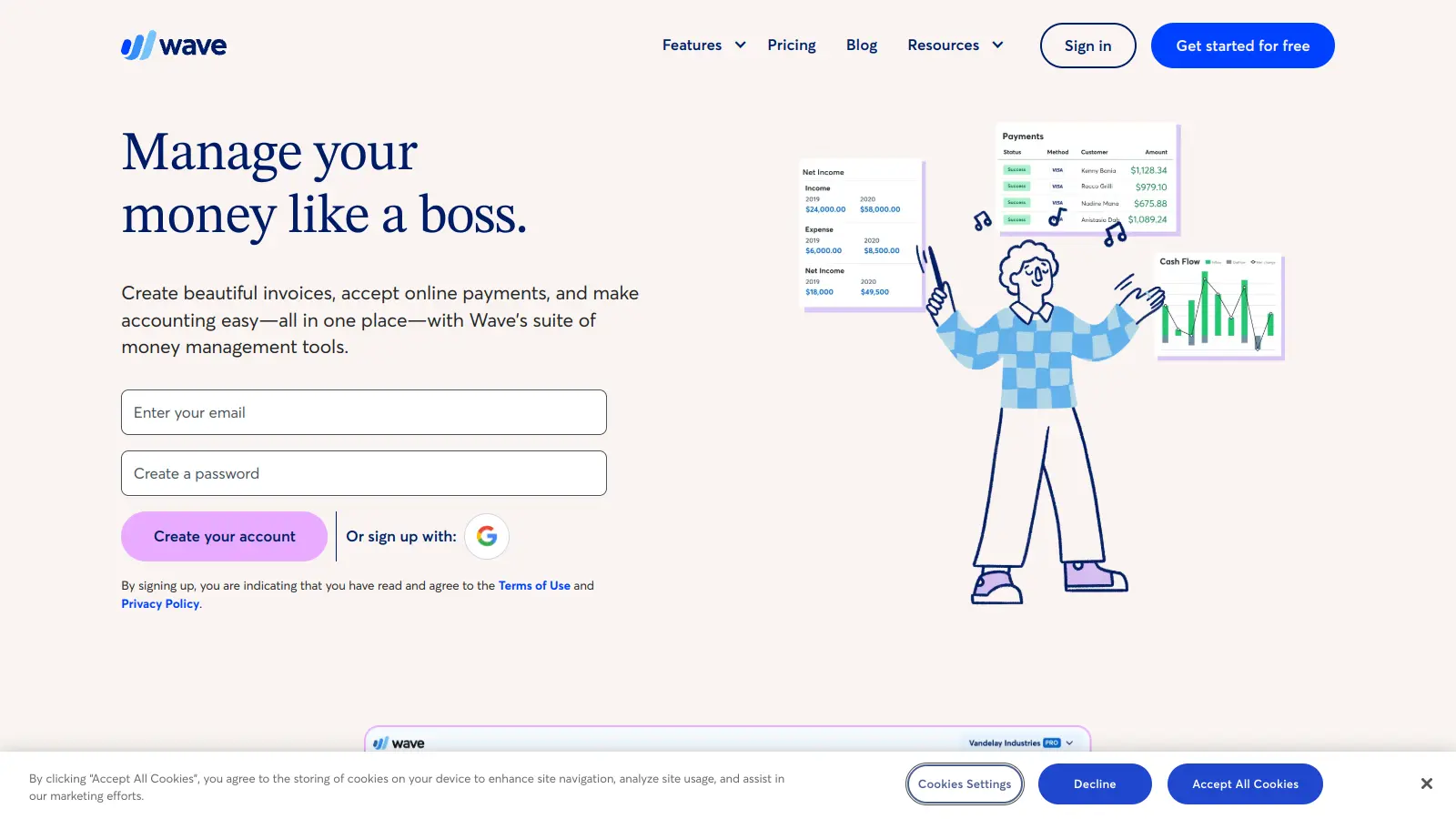
Wave screenshot
online buzz250k+ Searches
trend (1M)22%

Wave

Wave is a financial management tool for small businesses, offering free and paid plans with features like unlimited invoicing, payment processing, bookkeeping, expense tracking, and payroll management. It provides an easy-to-use platform that helps entrepreneurs manage their financial operations, with options to accept online payments, generate financial reports, and track expenses, making it suitable for small business owners seeking a cost-effective accounting solution.

best deal

Get $28.50 off the first 3 months of Wave Pro Plan with auto-import, unlimited receipt scanning, and discounted payment processing fees.