tools for
humans

Replit reviews — what users really think

published 2 february 2023last updated 18 march 2026
how we review

we track global search demand across every software category, monitor what real users are saying online, identify which professions rely on each tool, and surface the questions people are actually asking. reviews are consistently updated and reviewed for reliability.

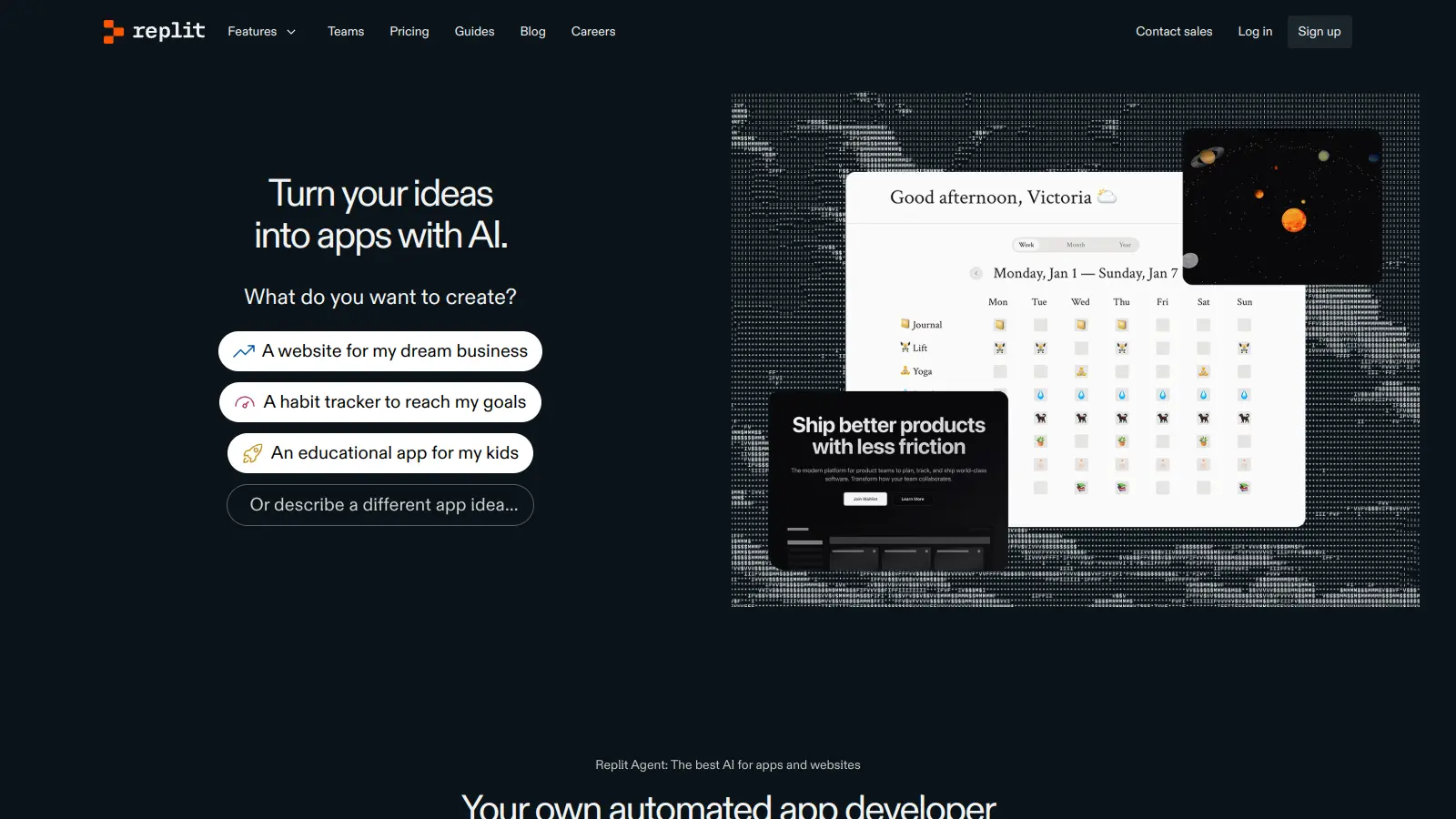
Replit is an AI-powered cloud-based integrated development environment (IDE) that makes coding more accessible and collaborative. It lets developers write, test, and deploy code directly from their web browser, supporting over 50 programming languages including Python, JavaScript, and Java.

Getting started is straightforward since there's no need to download or install anything locally. Users can begin coding right away with just an internet connection and a web browser. The platform includes real-time collaboration, which allows multiple people to work on the same project simultaneously.

The built-in AI assistance, including Replit Agent, helps both new and experienced developers by generating complete applications from natural language descriptions. Agent can autonomously handle code, databases, authentication, and integrations. For traditional coding work, the AI assistant provides debugging, code completion, and explanations. When projects are ready, they can be deployed with just a few clicks to live URLs.

The platform includes version control through Git integration and GitHub syncing, plus design tools like Figma import and a visual editor for refinements. The free tier offers enough features for beginners to start coding. Paid plans provide additional credits and capabilities like private projects and additional computing resources.

who is Replit for?

Replit is perfect for coders who want to skip complex setups and start building immediately from any device with an internet connection. This cloud-based coding platform offers an accessible environment where beginners and professionals alike can write, test, and deploy projects without the usual technical hurdles.

  • Non-technical creators and beginners who can turn ideas into full apps by describing what they want in natural language, with Agent building complete applications autonomously
  • Students and educators running classroom projects, peer programming sessions, and sharing work instantly for feedback
  • Professional developers and teams who need to accelerate development with AI autonomy, real-time collaboration tools, and support for multiple languages with one-click deployment options
  • Product managers and prototypers creating full-stack prototypes with databases and deployments in minutes
  • Remote teams who need to code together regardless of location, with changes visible to everyone instantly and built-in communication features
  • Hobbyist programmers who want to code on different devices without syncing issues and access to a huge template library for inspiration

From computer science classrooms to startup engineering teams, it removes the traditional barriers of local development environments.

overall sentiment

select your role to see what people like you are saying

Computer Science Student

positive

Students appreciate Replit's frictionless onboarding and instant collaboration features for pair programming and assignment submission. The generous free tier and template library make learning accessible, though performance limitations and resource caps can frustrate when working on larger coursework projects.

strengths

  • Zero setup time to start learning — no environment configuration barriers
  • Real-time multiplayer editing for peer review and collaborative learning
  • Generous free tier with hosting capabilities for class projects
  • Massive template library for project inspiration and scaffolding

concerns

  • Resource limits and CPU throttling restrict ability to run complex algorithms or larger datasets
  • Downtime during peak hours disrupts deadline-driven coursework
  • Code privacy concerns for sensitive educational projects stored on external servers

online reviews (last 6 months summarised)

Replit gets praise for being easy to use, especially for quick prototyping and sharing code without setup hassles. Beginners and students love it for learning to code, and the collaboration features like real-time multiplayer editing work well. The free tier is fairly generous with hosting and deployment options, and the huge template library plus AI tools speed up development. Running in the browser means no local environment headaches.

Performance problems hit hard with large projects or heavy compute needs. Free tier users slam into strict resource limits and CPU throttling fast. The always-online requirement bothers developers, along with privacy concerns about code living on Replit's servers. Users report bugs in the IDE and frequent downtime during peak hours. Paid plans cost more than local setups or a VPS. Some languages lack full support for tooling.

features

  • Cloud-Based Integrated Development Environment: Access a powerful coding platform from any device with support for over 50 programming languages, eliminating the need for local software installations.
  • Replit Agent for Autonomous App Building: Describe your app idea in natural language and Agent builds complete applications autonomously, handling code, databases, authentication, and integrations with real-time feedback and testing modes.
  • Real-Time Multiplayer Coding: Work simultaneously with team members on the same project, with instant changes and built-in communication tools for collaboration.
  • Intelligent AI Coding Assistant: Get real-time help with code explanations, debugging, autocomplete, and suggestions using AI that understands your codebase.
  • Built-In Full-Stack Infrastructure: Access databases (PostgreSQL and SQLite), authentication systems, hosting, monitoring, and 30+ one-click integrations including Stripe and OpenAI without external setup.
  • Instant Web Application Deployment: Launch your projects directly from the platform with one-click deployment to live URLs and support for custom domains.
  • Integrated Version Control: Manage code changes efficiently with built-in Git integration and GitHub syncing for your repositories.
  • Visual Design and Editing Tools: Import designs from Figma and use the visual editor to refine your applications.

pricing

  • Free plan available with limited credits and core functionality, providing access to basic features with resource limits and CPU throttling.
  • Core plan at $20 per month includes $25 monthly credits, private and public apps, access to latest AI models, publish and host live apps, collaboration for up to 5 people, and pay-as-you-go for additional usage.
  • Pro plan costs $100 per month for teams, offering tiered credits with discounts, priority support, up to 15 builders, and unused credits roll over for one month.
  • Teams plan at $35 per user per month includes $40 monthly credits, 50 viewer seats, role-based access, private deployments, and centralized billing (being sunset and migrated to Pro starting February 20, 2026).
  • Enterprise plan offers custom pricing with SAML SSO, SCIM, dedicated support, custom viewer seats, and advanced privacy controls, requiring direct contact with Replit for a quote.

frequently asked questions

How does Replit's real-time collaboration feature work?

Replit's real-time collaboration works like Google Docs but for code. When you share your project link with others, they can join your workspace and code alongside you in real time. You'll see their cursor moving and changes happening as they type. The built-in chat feature lets your team communicate without leaving the editor. This "multiplayer coding" is perfect for pair programming, teaching sessions, or team projects where you need immediate feedback. There's no need to commit, push, or pull code—everyone sees updates instantly.

Can I use Replit offline?

No, Replit is a cloud-based IDE that requires an internet connection to work. Since everything runs in the browser, you need to be online to access your projects and use the platform's features. If you're worried about internet access, you might want to keep local backups of important code by downloading your project files or connecting Replit to GitHub for version control.

What can Replit Agent build for me?

Replit Agent can build complete applications from natural language descriptions. You describe what you want in a chat interface, and Agent autonomously generates the code, sets up databases (PostgreSQL or SQLite), adds authentication, and handles integrations with services like Stripe or OpenAI. It works in app testing and build modes, giving you real-time feedback as it creates your project. You can then use the visual editor to refine the results. It's designed for non-technical creators to turn ideas into working apps without writing code themselves.

How secure is my code on Replit?

Replit offers basic security features like Secrets Management to store sensitive information like API keys. For paid plans, you can create private repositories to keep your code confidential. However, since Replit is a cloud platform, your code is stored on their servers. If you're working on highly sensitive projects, you should review their privacy policy and consider whether a cloud IDE meets your security requirements. For additional protection, many users integrate with GitHub and manage access permissions carefully.

Does Replit work well for beginners?

Yes! Replit is great for beginners. You don't need to install anything—just create an account and start coding right away in over 50 programming languages. The simple interface helps you focus on learning rather than setting up complicated development environments. Replit Agent can build apps from your ideas even if you don't know how to code yet, and the AI assistant can explain code concepts and fix errors. The community features let you explore other people's projects to learn from them. Many coding teachers and bootcamps use Replit specifically because it removes technical barriers for newcomers.

other tools to check out

Shopify screenshot
online buzz1M+ Searches
trend (1M)4%

Shopify

Shopify is an e-commerce platform that enables businesses of all sizes to create, manage, and grow online stores. It offers tools for store creation, product management, payment processing, and multichannel sales, supporting both online and in-person transactions. With customizable themes, extensive app integrations, and flexible pricing plans, Shopify caters to entrepreneurs, small businesses, and global brands.

best deal

Get Shopify Basic for $29/month when billed annually (regularly $39/month)

Wix screenshot
online buzz500k+ Searches
trend (1M)30%

Wix

Wix is a website builder that lets individuals and businesses create professional websites without coding. It offers drag-and-drop editing, AI-powered design tools, templates, and features for e-commerce, SEO, and marketing. Pricing ranges from free to enterprise-level, covering everything from personal portfolios to online stores.

best deal

Get 50% off Wix annual plans, with Light Plan starting at $17/month

Jotform screenshot
online buzz100k+ Searches
trend (1M)26%

Jotform

Jotform is an AI-powered form builder that enables individuals and businesses to create, customize, and manage digital forms, apps, and workflows without coding skills. It offers a drag-and-drop interface, 10,000+ templates, payment integrations, AI agents for customer support, and connects with over 1,000 apps. The platform provides conditional logic, form analytics, and robust security, making data collection and workflow automation simple across industries.

best deal

Try the Starter plan for free with 5 forms, 100 monthly submissions, and all standard features. Nonprofits and educational institutions get 50% off paid plans.

Zapier screenshot
online buzz100k+ Searches
trend (1M)33%

Zapier

Zapier is a no-code automation platform that connects over 8,000 apps, enabling users to create automated workflows called "Zaps" without coding. It integrates different services, automating repetitive tasks through customizable triggers, multi-step processes, and real-time data transfer. Pricing ranges from free to enterprise tiers.

best deal

Start automating with unlimited Zaps and 100 monthly tasks free – no credit card needed

Typeform screenshot
online buzz100k+ Searches
trend (1M)41%

Typeform

Typeform is an AI-powered form builder for creating interactive, conversational forms and surveys. It presents questions one at a time, leading to higher engagement and completion rates. With AI-generated form building, customizable templates, integrations with 500+ apps, and AI-powered insights that analyze responses, Typeform provides a solution for collecting data across industries.

best deal

Annual plans save 16% compared to monthly billing. Free plan available with 10 responses per month.

Framer screenshot
online buzz50k+ Searches
trend (1M)74%

Framer

Framer is an AI-powered web design and prototyping platform that enables users to create interactive websites without coding. It offers AI-generated layouts and components, a visual design canvas, robust customization options, tool integrations, real-time collaboration features, and built-in hosting. Suitable for designers and teams, Framer simplifies the design and development process with its user-friendly interface and versatile capabilities.

best deal

Start designing with Framer's Free Plan - includes up to 1,000 pages, 10 CMS collections, hosting on a Framer subdomain, and essential design tools for your personal projects.