Digital Content Creation Software+2 more
Creative Professional ToolsE Commerce Optimization Tool
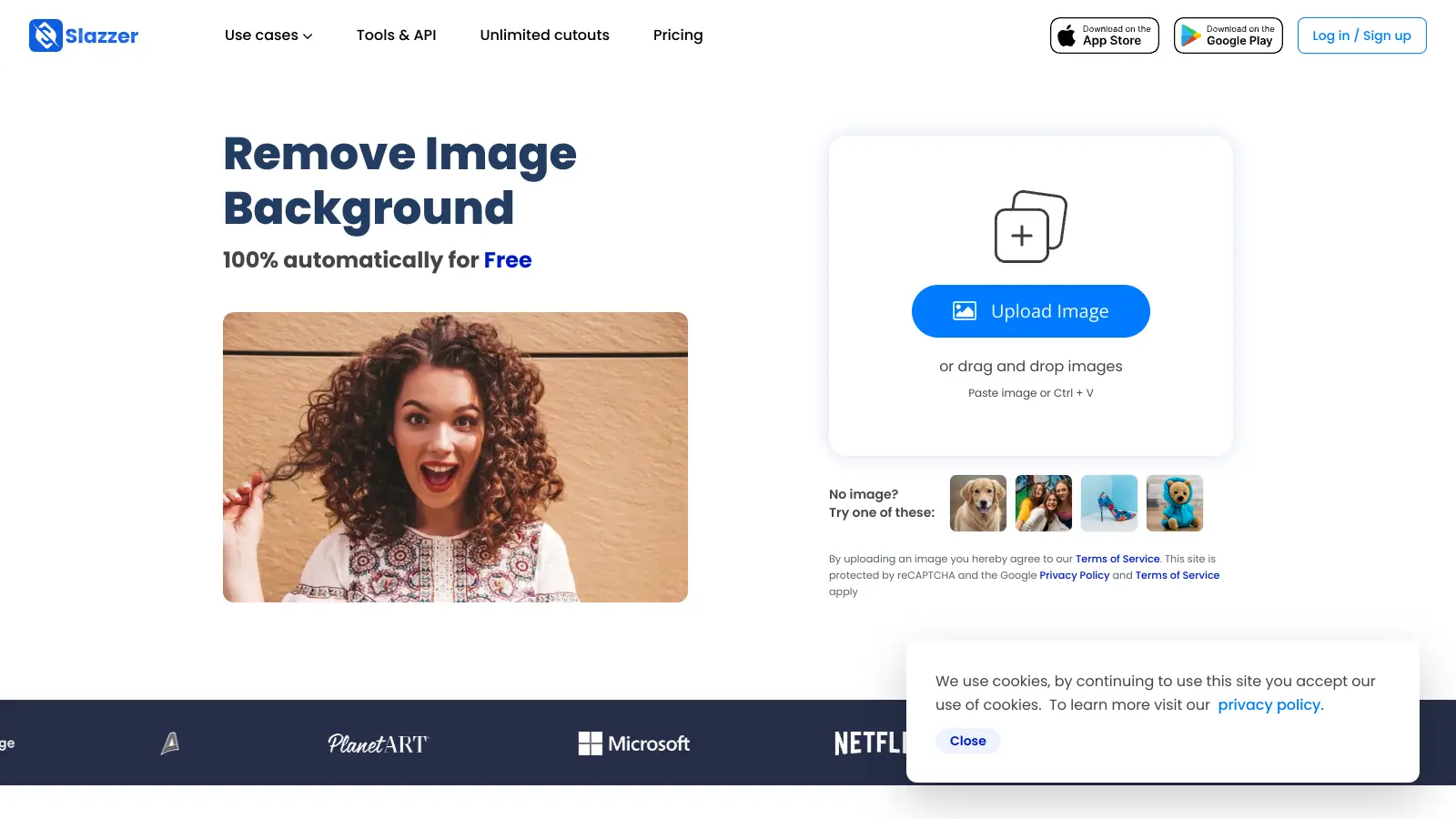
Slazzer
best deal
Free forever plan with 100 credits per month and unlimited free previews - no credit card required
redeem nowbest deal
Free forever plan with 100 credits per month and unlimited free previews - no credit card required
redeem nowwe track global search demand across every software category, monitor what real users are saying online, identify which professions rely on each tool, and surface the questions people are actually asking. reviews are consistently updated and reviewed for reliability.
Slazzer is an AI-powered background removal tool that automatically removes backgrounds from images. The platform serves e-commerce, photography, and digital marketing.
The tool uses deep learning and computer vision algorithms to separate foreground objects from backgrounds in seconds. Users can process single images through the web interface or handle up to 100 images simultaneously with batch processing at three images per second. The platform works on Windows, Mac, and Linux systems.
The service includes precise edge detection for complex details like hair, fur, grass, and transparent glass, plus AI-powered photo restoration for faded or black-and-white images. It also offers image upscaling, automatic lighting and contrast enhancement, and sky replacement for real estate and outdoor photos. It integrates with Shopify, WooCommerce, Photoshop, and Figma, while also offering API access for developers who want to build custom solutions.
Price plans start from $11 monthly for 100 credits, with tiers up to 10,000 credits per month. A free forever plan provides 100 credits monthly with unlimited free previews. Slazzer offers a 14-day money-back guarantee for new users.
Slazzer is for professionals who need to quickly remove backgrounds from images without sacrificing quality. The AI-powered platform saves hours of manual editing time while delivering results that can be immediately used in marketing materials, product listings, or design projects.
From individual freelancers managing their own online portfolios to large retail companies processing thousands of product images weekly, Slazzer provides an accessible solution for anyone who needs quick, high-quality background removal.
Slazzer attracts praise from users who appreciate its speed and accuracy with background removal. Photographers and e-commerce sellers highlight the results on complex images with hair, fur, or intricate details. The batch processing capability saves time for high-volume users, and many find it faster and less frustrating than manual Photoshop methods. The unlimited free previews and API integration get positive mentions from professionals who've integrated it into their businesses.
Customer support is a major pain point. Multiple users report unresponsive support teams that ignore emails, and some claim credits disappeared after purchase with no resolution. The tool requires an internet connection, which disrupts work during outages. The free account features feel limited and push toward paid subscriptions. Some report the tool suddenly stopped working or struggles with very complex edges, and there's concern that the company seems abandoned based on their support experience.
Slazzer handles tricky backgrounds pretty well, especially ones with hair, fur, grass, or even transparent glass. The AI can process low-contrast photos and blurred edges better than most manual editing. It's not perfect though - very complex backgrounds might need some touchups. Most users find the results clean enough for e-commerce and marketing materials without spending hours on manual editing.
Do I need to install anything to use Slazzer?You don't need to install anything to use the basic online version - just visit the website and upload your images. The web platform handles batch processing of up to 100 images simultaneously. There's also a desktop app available for Windows, Mac, and Linux if you prefer working offline, though some users have mentioned installation issues with the desktop version.
Can I try Slazzer before buying credits?Yes! Slazzer offers unlimited free previews for small images so you can test the quality before spending money. The Free Forever plan includes 100 credits per month, which lets you fully process images without paying anything. You can test how well it works with your specific images before committing to a paid plan.
How many images can I process with Slazzer?The number of images depends on your plan. The Free Forever plan gives you 100 credits monthly. Monthly subscriptions range from 100 to 10,000 credits, with each credit letting you process one image. The batch processing feature handles up to 100 images simultaneously at three images per second, which speeds things up for high-volume users like car dealerships or large online stores.
What happens if Slazzer doesn't work well on my images?Slazzer offers a 14-day money-back guarantee if you're not happy with the results. Keep in mind that while the AI works great on most images, it might struggle with extremely complex backgrounds or unusual lighting conditions. For best results, use clear photos with good contrast between the subject and background. Fair warning - multiple users have reported poor customer support experiences with unresponsive teams, so getting help with problems might be frustrating.
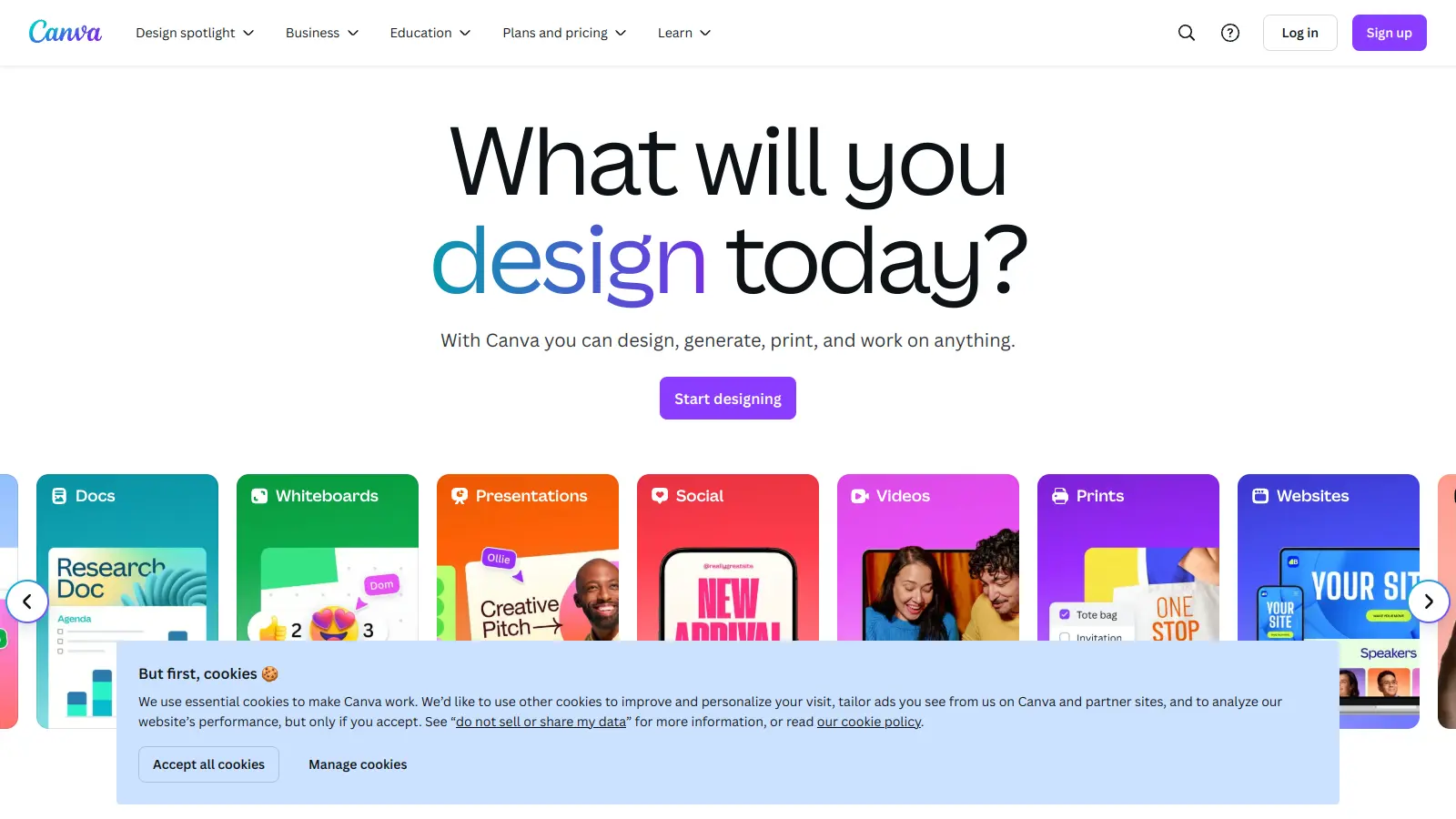
Canva is a graphic design platform that lets individuals and professionals create designs without advanced design skills. It offers hundreds of thousands of templates, design tools, collaboration features, and photo/video editing capabilities. With both free and pro versions, Canva provides access to millions of design elements for creating social media graphics, presentations, posters, and more through its drag-and-drop interface.
best deal
Get 50% off Canva Pro or Business plans for new customers, or try Canva free with 250,000+ templates and 5GB storage
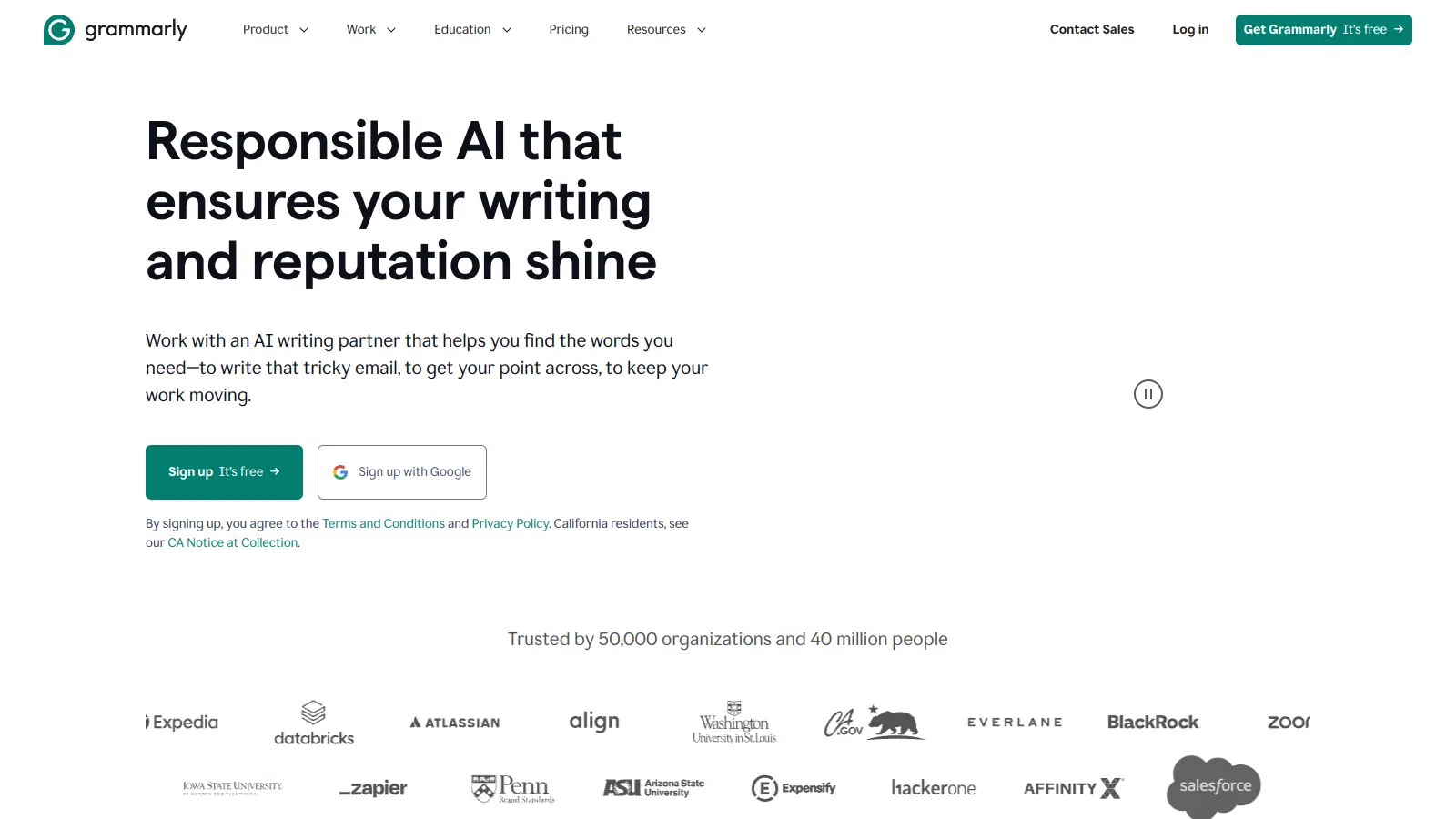
Grammarly is an AI-powered writing assistant that provides real-time grammar, spelling, and punctuation checks, tone adjustments, and generative AI features for composing, rewriting, and proofreading text. It integrates with platforms like Google Docs, Gmail, Microsoft Word, Slack, and web browsers, offering both free and paid versions with features ranging from basic corrections to plagiarism detection and AI writing tools.
best deal
Try Grammarly's Free Version Today - Get Basic Grammar Checks & 100 AI Prompts Per Month Across Your Favorite Apps
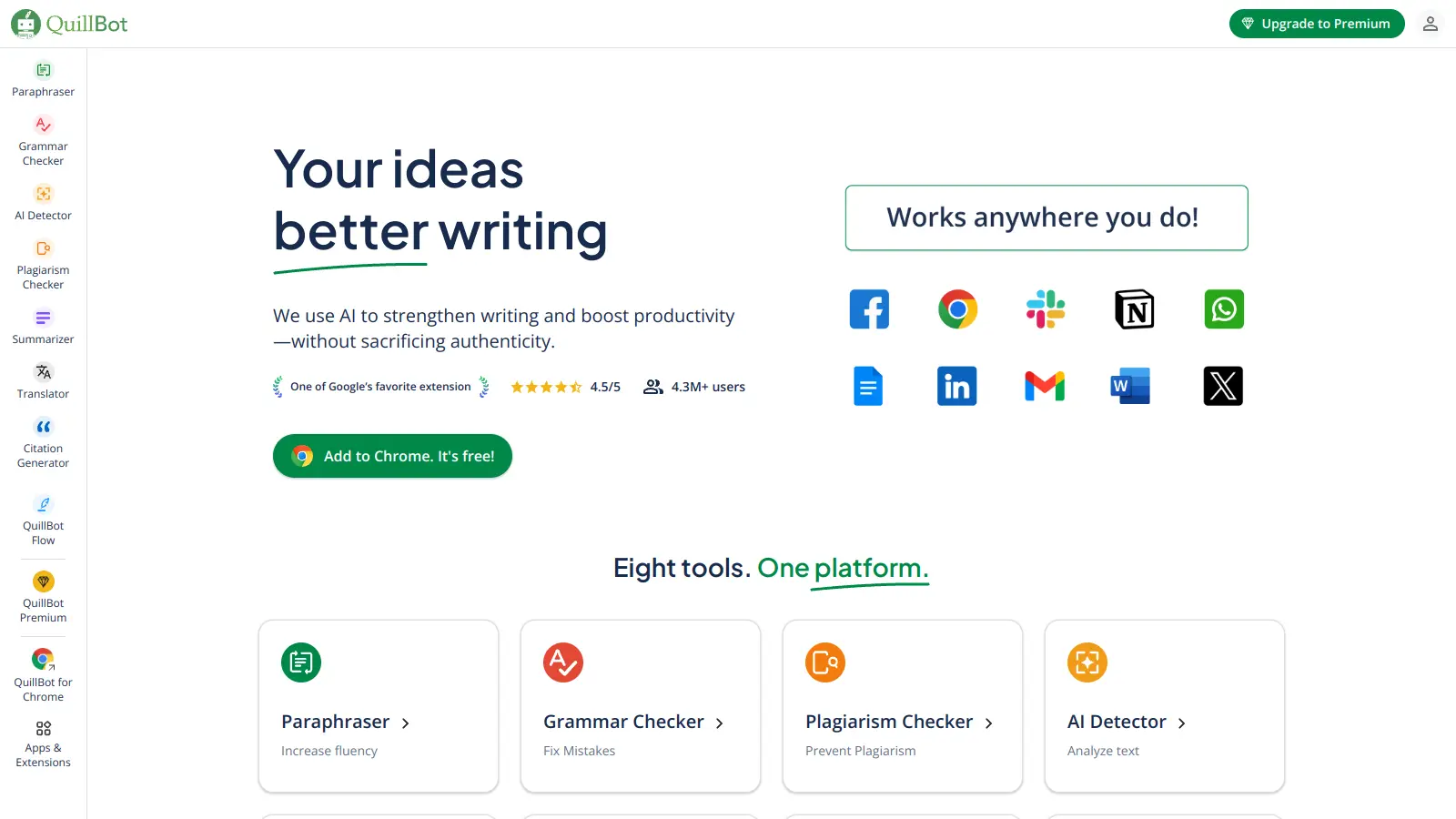
QuillBot is an AI-powered writing tool that helps users improve their writing through features like paraphrasing, grammar checking, summarization, plagiarism detection, citation generation, translation, and AI detection. It offers a web-based interface, Chrome extension, and Google Docs integration, with pricing plans ranging from a free version to monthly, semi-annual, and annual premium subscriptions. The tool uses advanced natural language processing to provide contextually appropriate text modifications.
best deal
Try QuillBot free or upgrade to Premium for just $8.33/month with unlimited paraphrasing and advanced tools. 3-day money-back guarantee included.
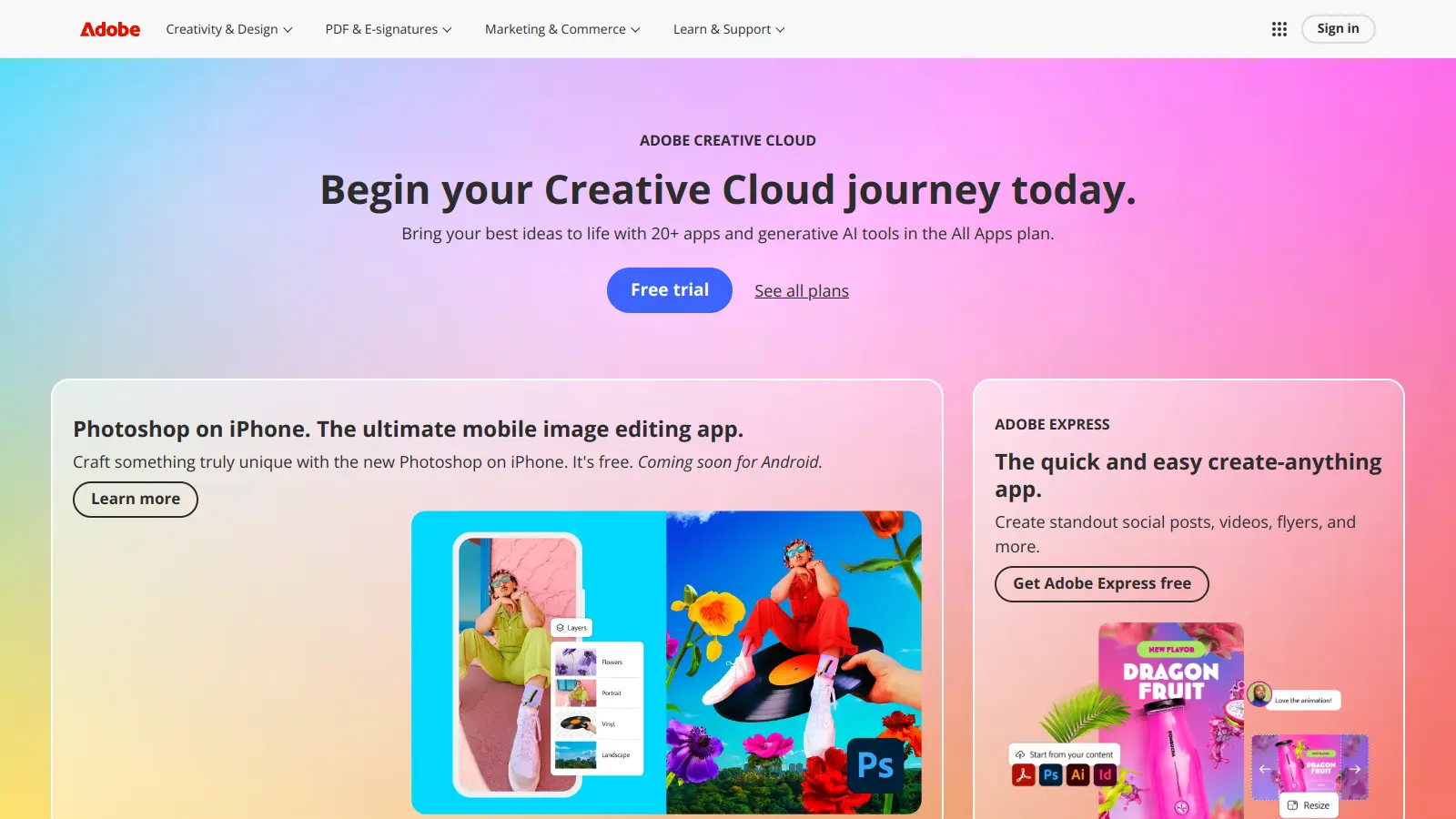
Adobe is a software company founded in 1982, offering digital solutions across creative, document, and marketing domains. Their flagship products include Photoshop, Illustrator, Premiere Pro, and Acrobat, which enable professionals and consumers to create, edit, and manage digital content. With Creative Cloud, Document Cloud, and Experience Cloud, Adobe provides tools for image editing, graphic design, video production, PDF management, and digital marketing.
best deal
New subscribers get 50% off Creative Cloud Pro for the first 3 months - includes 20+ apps and Firefly AI features

Wix is a website builder that lets individuals and businesses create professional websites without coding. It offers drag-and-drop editing, AI-powered design tools, templates, and features for e-commerce, SEO, and marketing. Pricing ranges from free to enterprise-level, covering everything from personal portfolios to online stores.
best deal
Get 50% off Wix annual plans, with Light Plan starting at $17/month
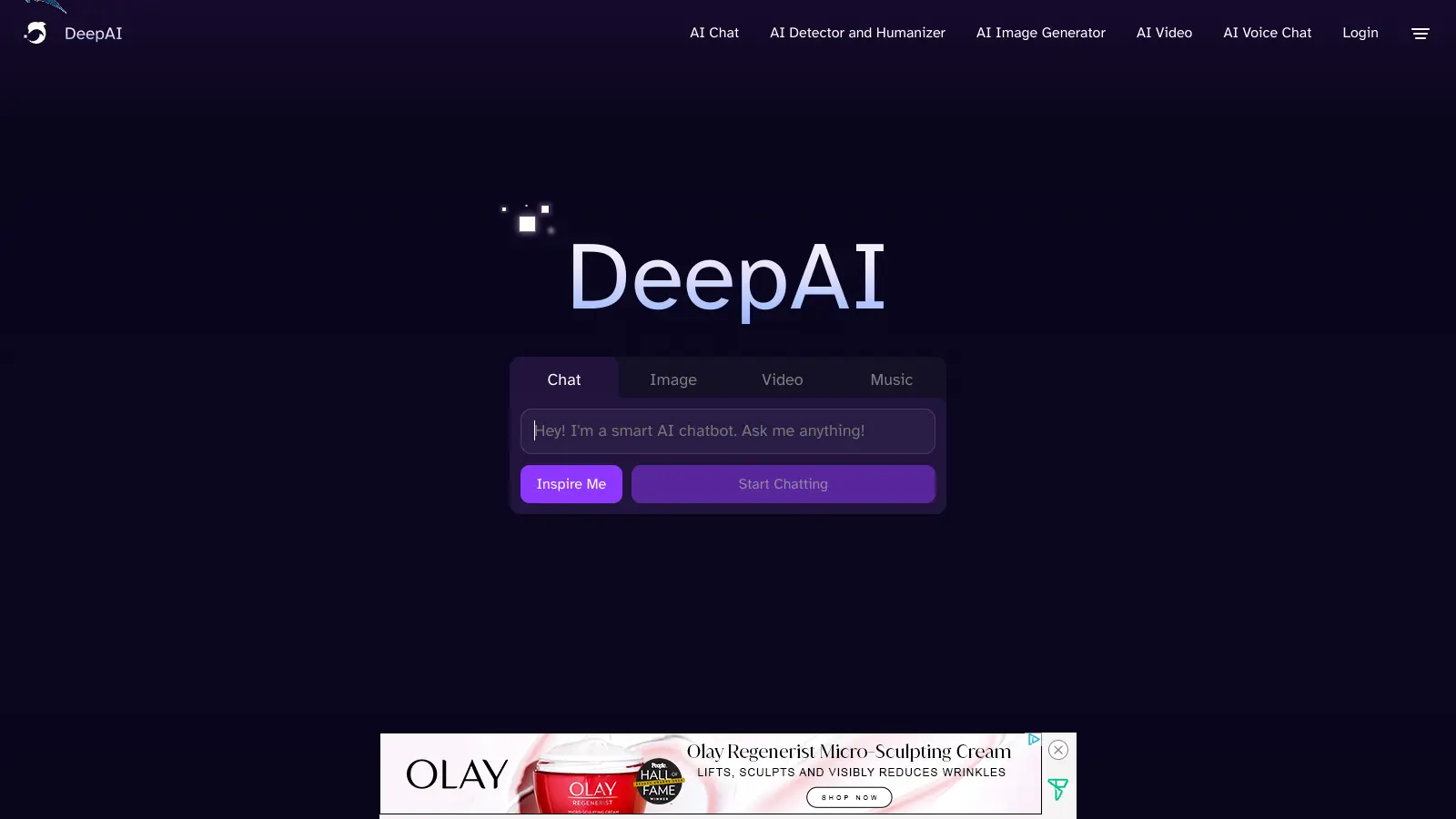
DeepAI is an AI platform offering creative tools including image generation, video creation, chatbot interactions, music generation, and text processing. Designed for users with varying technical skills, it provides affordable pricing options.
best deal
DeepAI Pro yearly plan at $89.99/year saves $29.89 compared to monthly billing (equivalent to 3 months free)