MyCase review — case management, billing & client portal

last reviewed 24 march 2026
how we review

We start with direct ratings from our readers, then look at what real users are saying in practitioner forums and community spaces. We pair that with search demand data and profession-level persona analysis.

full methodology →

Editorial note: this was originally published in august of 2024

quick take

  • Best for: small law firm teams replacing 3+ separate admin tools
  • Skip if: you need deep custom reporting or a full-featured mobile experience
  • £Best value: Basic plan at $39/user for teams where admin time is real lost revenue
½3.7/ 5 — editorial rating

based on real user feedback, community sentiment, pricing value, and fit for target audience. see our full methodology

used MyCase? we'd love to know your thoughts

reader ratings shape our score

MyCase is a cloud-based law practice management platform that combines case management, billing, client communication, and document storage in a single login, which means your team isn't switching between four different tools to get through a standard workday. Small law firm owners and legal office managers get the most out of it, because the efficiency gains are proportionally bigger when admin time is genuinely eating into billable hours. The tradeoff is customization: MyCase keeps things simple and that means limited reporting depth and workflow flexibility compared to more configurable alternatives like Clio.

Pricing starts at $39 per user per month on the Basic plan (billed annually), with a Pro tier at $89 per user that unlocks advanced document automation and AI features. There's a 10-day free trial with no credit card required, which is the right way to test whether the interface actually fits your workflow before you commit. If you're a solo practitioner with low billing volume, run the trial and do the math first — the flat per-user pricing can sting when you're a team of one.

how popular is MyCase?

monthly search interest

823k/mo now

0297k594k900k2023202420252026
peak interest823k/moFeb 2026
searches now823k/moFeb 2026
1-month change— steadyvs prev month

MyCase has grown steadily from roughly 368,000 monthly searches in early 2022 to over 820,000 by mid-2025, where it has held firm through early 2026. This isn't a viral spike followed by a drop-off: it's consistent compounding growth over four years, which suggests the platform is winning more of the legal practice management market rather than riding a short-term trend. Safe to build a firm's workflow around.

who is MyCase for?

Whether MyCase is worth it depends almost entirely on your firm size and how you bill. Pick your role below to see the honest breakdown for your situation.

overall sentiment

select your role to see what people like you are saying

Solo Practitioner

mixed

MyCase can work for a solo practice, but you'll feel the $39 per user per month more than a small team would. The client portal and built-in billing genuinely reduce admin time, and you won't need to hire someone just to keep cases organized. If your billing volume is low, though, run the 10-day trial and do the math before subscribing.

strengths

  • Intuitive interface requires minimal training time
  • All-in-one solution eliminates need for multiple subscriptions
  • Client portal reduces administrative communication burden
  • Quick customer support response times

concerns

  • Pricing feels steep for solo operations with limited billing volume
  • Mobile app limitations force reliance on desktop for full functionality
  • Occasional bugs and slow loading times disrupt workflow efficiency

what users are saying

If you're running a small team where time spent on admin is real lost revenue, the ROI case is clear — but solo practitioners billing under 20 hours a month will struggle to justify $39 per user per month.

Community discussion about MyCase is thin on independent voices, and the available source content doesn't yield much candid user feedback. What does exist paints a moderately positive picture for small firms: the platform earns consistent praise for customer support quality and ease of onboarding, with specific callouts for being cost-effective relative to hiring additional staff or stitching together separate tools. The main criticisms that surface across review platforms cluster around the same themes: mobile app gaps that force users back to desktop for anything complex, limited reporting depth that frustrates anyone trying to run actual business analytics, and occasional slow loading times that become a real problem when you're managing high case volumes. Pricing is the other recurring sticking point, particularly for solo practitioners where $39 to $89 per user per month adds up fast against modest billing volume.

Our take: MyCase is a solid, unglamorous workhorse for small law firms that want to stop juggling separate billing, case management, and client communication tools. It's not the cheapest option and it's not the most customizable, but it's genuinely all-in-one in a way that many competitors aren't. If you're a solo practitioner billing under 20 hours a month, the math is hard to justify at $39 per user on the Basic plan. If you're running a small team where time spent on admin is real lost revenue, the ROI case is clearer. For firms that need deep workflow customization or sophisticated business reporting, Clio is worth a direct comparison before you commit.
features

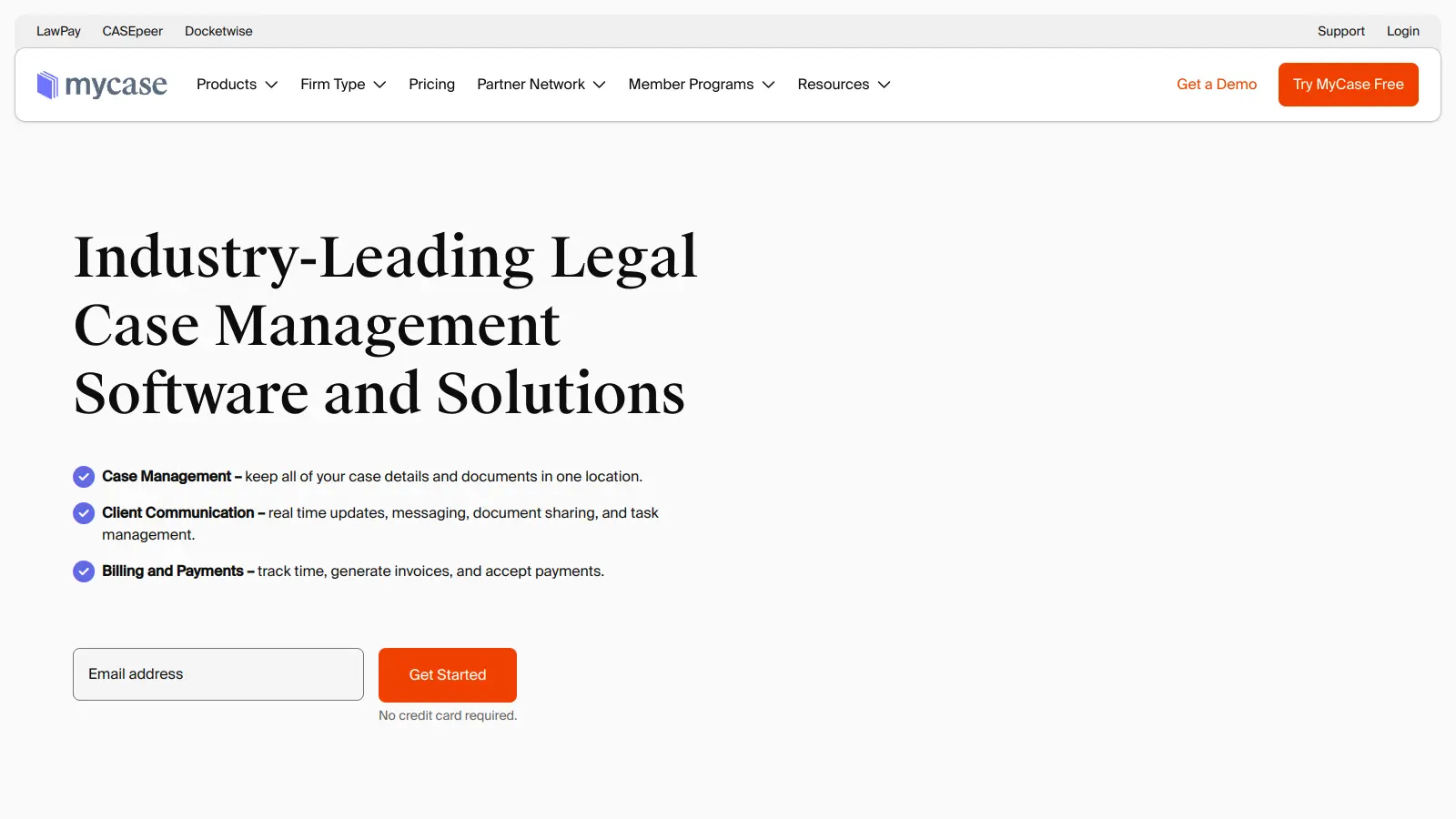
  • AI Document Summarization: Get instant summaries of lengthy legal documents and use AI text editing to draft and revise content more quickly.
  • Conversational AI Interface: Ask questions about your cases in plain English and get instant answers without digging through folders and records.
  • Workflow Automation: Automate repetitive tasks, events, and payment processes to reduce administrative work.
  • Client Intake Forms: Customize legal intake forms for different practice areas to efficiently collect and manage client data.
  • Case Management: Track case details, deadlines, and workflows with tools that organize your law firm's operations.
  • Integrated Billing System: Generate professional invoices, track billable hours, and collect payments securely with legal accounting features including IOLTA compliance and bank reconciliation.
  • Secure Client Portal and 2-Way Texting: Share messages, documents, and upcoming tasks with clients through a protected online platform with unlimited texting on Pro plans and above.
  • Immigration Add-On: Access specialized tools powered by Docketwise including smart forms, USCIS case tracking, e-filing capabilities, and priority date tracking.

pricing

  • Free 10-day trial available with no credit card required, allowing users to test the software before committing.
  • Basic Plan costs $39 per user monthly when billed annually, offering case and contact management, task management, client portal, time entry and expense tracking, billing and online payments, legal calendaring, and unlimited document storage.
  • Pro Plan priced at $89 per user monthly when billed annually, including everything in Basic plus custom fields, unlimited 2-way texting, client intake management, unlimited eSignature, advanced billing and invoicing, secure document sharing via portal, and integrations with Google, Outlook, and more.
  • Advanced Plan includes everything in Basic and Pro plus sync files to your desktop with MyCase Drive and additional advanced automation tools and reporting capabilities. Pricing varies by firm size and needs.

frequently asked questions

For small firms with 2 or more fee earners, yes, the Basic plan at $39 per user per month is defensible if it replaces multiple subscriptions. The Pro plan at $89 per user starts to feel steep unless you're actively using the advanced document automation and AI features. Solo practitioners billing fewer than 15 to 20 hours a month will struggle to make the numbers work. Use the 10-day trial before committing to either tier.

Small law firm owners and legal office managers get the most out of it. If you're coordinating a small team across billing, case notes, and client communication, the all-in-one approach saves real time. Solo practitioners can make it work but will feel the cost more acutely. Immigration attorneys benefit from the dedicated immigration add-on, which handles status tracking and document-heavy workflows that generic case management tools handle poorly.

Two stand out. First, the mobile app is noticeably limited compared to desktop, which is a problem if you're on the move between court and client meetings. Second, the reporting tools lack the depth you'd want for serious business analytics: you can track time and billing, but building a clear picture of firm-level performance requires workarounds. Occasional slow loading times also come up consistently in user feedback, particularly on high case volume accounts.

Clio is the more established platform with deeper integrations and more customization, but it's also more expensive and comes with a steeper learning curve. If you want a system your team can be live on within a week without IT help, MyCase wins. If you're running a larger operation that needs custom workflows and detailed analytics, Clio is the better fit. For small firms under 10 users who want straightforward and fast, MyCase is the easier call.

Yes, and this is one of the areas where it earns its cost. The client portal handles status updates and document sharing in a way that cuts down on the constant email and phone tag that eats solo and small firm time. Legal office managers specifically flag this as one of the biggest practical wins. It won't eliminate client calls entirely, but it does reduce the low-value ones.

tools for
humans

toolsforhumans editorial team

Reader ratings and community feedback shape every score. Since 2022, ToolsForHumans has helped 600,000+ people find software that holds up after launch. how we research →

other tools to check out

Deadlines screenshot
online buzz201k
trend (1M)steady
3.5based on real user feedback, community sentiment, pricing value, and fit for target audience. see our full methodology

Deadlines

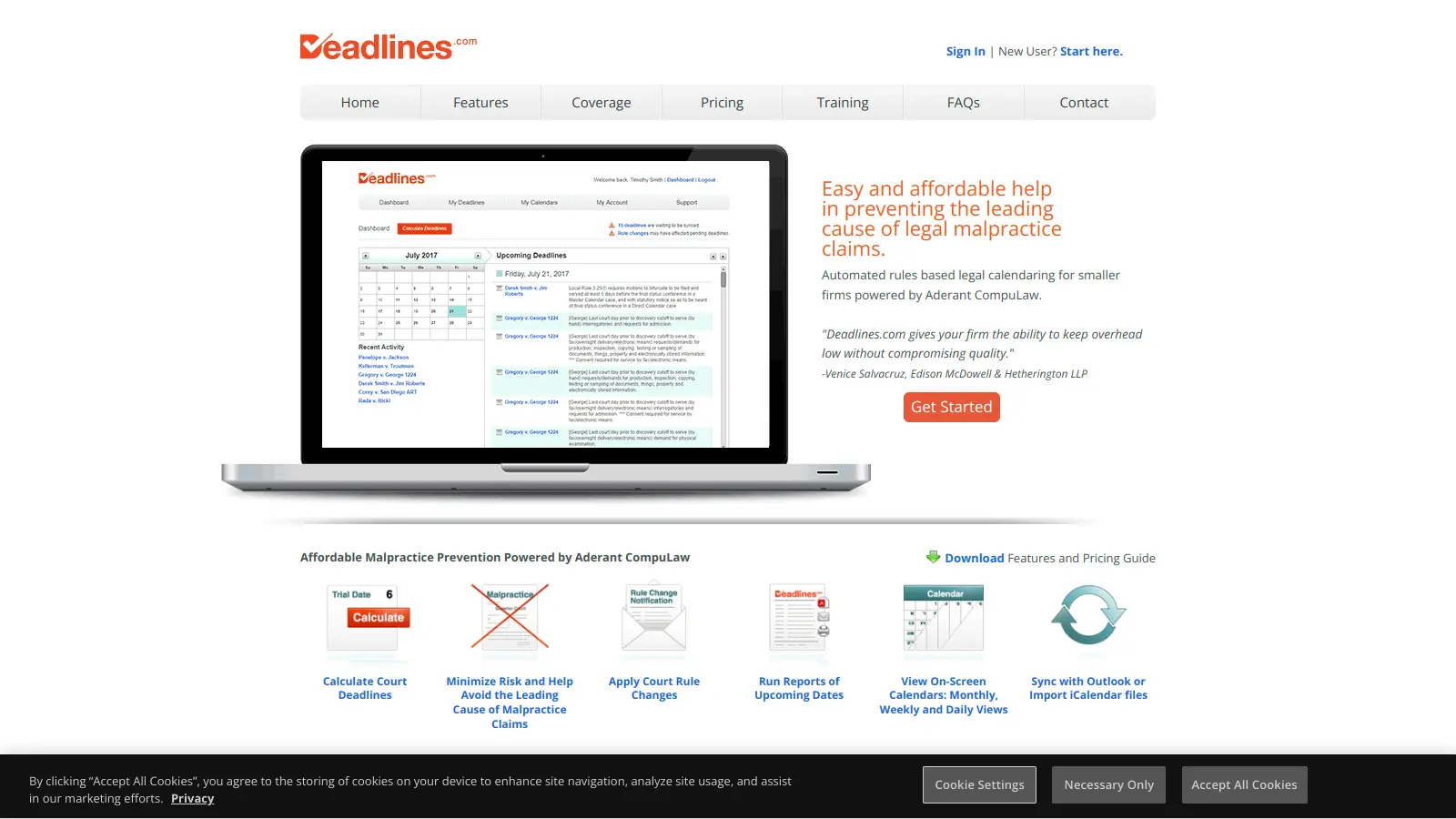
Deadlines.com is a legal calendaring tool powered by Aderant CompuLaw that helps law firms manage court deadlines and rules effectively. It offers features like automated deadline calculation, court rule change notifications, reporting, mobile access, and calendar sync capabilities. Designed for firms of all sizes, it reduces malpractice risks, ensures court rule compliance, and provides an affordable solution for tracking critical legal dates.

best deal

Try Deadlines starting at $15 per case per month to avoid missed legal deadlines

Harvey AI screenshot
online buzz110k
trend (1M)steady
3.8based on real user feedback, community sentiment, pricing value, and fit for target audience. see our full methodology

Harvey AI

Harvey AI is an AI platform built for legal professionals, offering AI-powered legal research, contract analysis, document drafting, and clause extraction. Trained on legal datasets, it helps lawyers automate complex workflows, enhance research capabilities, and improve efficiency across multiple practice areas.

best deal

Join the waitlist to explore Harvey AI's legal solutions starting at approximately $500 per lawyer annually

Clio screenshot
online buzz110k
trend (1M)steady
4.0based on real user feedback, community sentiment, pricing value, and fit for target audience. see our full methodology

Clio

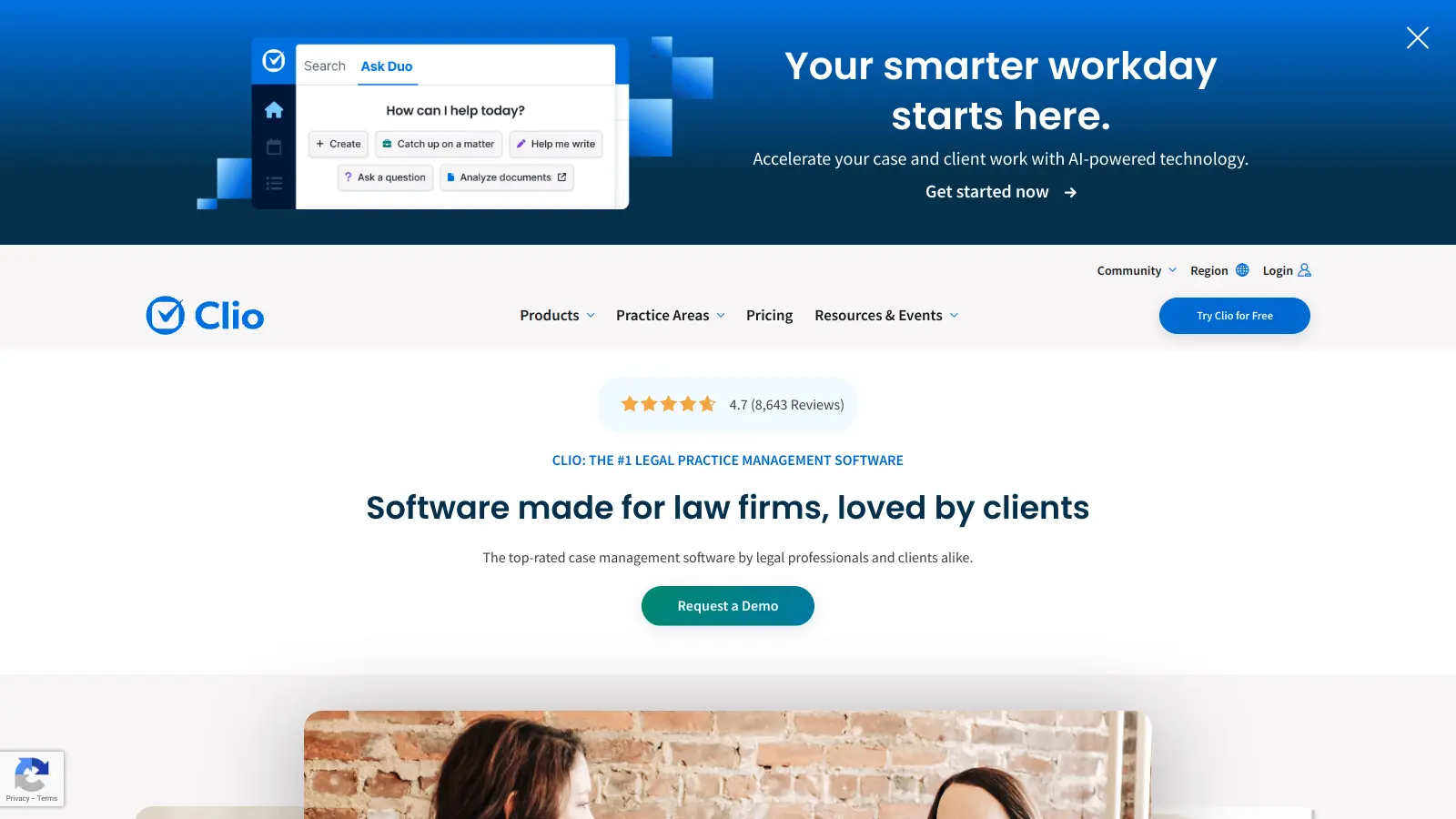
Clio is a cloud-based legal practice management software that streamlines law firm operations. It offers features for case management, billing, document automation, client intake, and collaboration. The platform provides AI tools like Clio Duo for automating tasks, tracking finances, engaging clients, managing documents, and integrating with other software.

best deal

Get 15% bundle savings and try Clio free before committing to a plan

Filevine screenshot
online buzz27k
trend (1M)steady
3.8based on real user feedback, community sentiment, pricing value, and fit for target audience. see our full methodology

Filevine

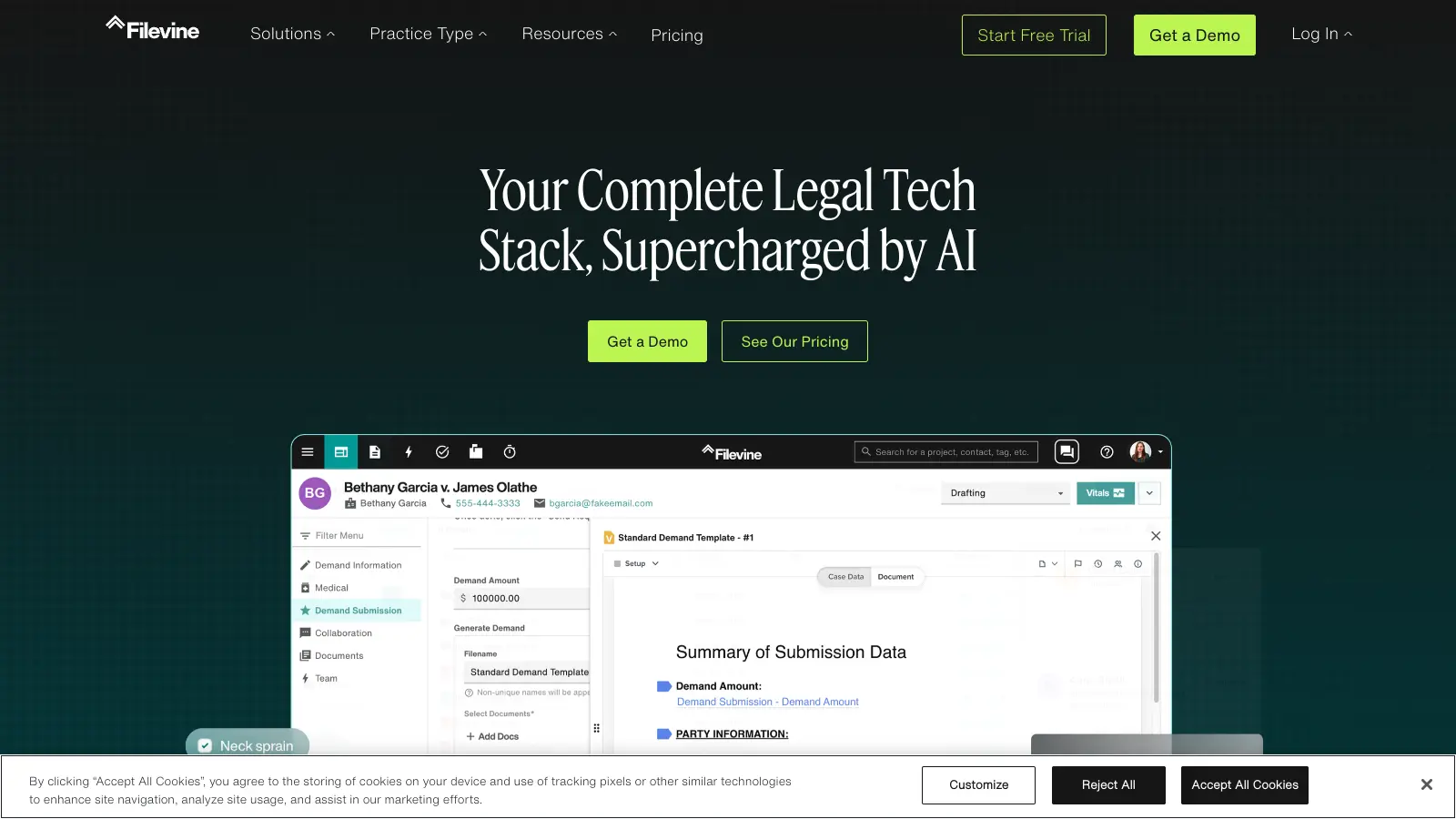
Filevine is an AI-powered legal management platform designed for case, matter, and project management. It automates case workflows, analyzes and summarizes documents, manages depositions, and ensures compliance for law firms. The platform features customizable solutions with document management, AI-driven document review and drafting, secure client communication, integrations, and advanced reporting tools.

best deal

Free trial available — test Filevine's AI-powered legal management platform before you commit

LawPay screenshot
online buzz15k
trend (1M)steady
3.5based on real user feedback, community sentiment, pricing value, and fit for target audience. see our full methodology

LawPay

LawPay is a specialized payment management software designed for law firms, offering secure credit card and eCheck processing, comprehensive billing and invoicing tools, detailed financial reporting, and seamless integration with legal software. It ensures compliance with legal standards, provides PCI Level 1 security, and helps law firms manage their financial operations efficiently, supporting over 55,000 firms nationwide.

best deal

Start accepting secure legal payments for just $19/month with LawPay

Luminance screenshot
online buzz9.9k
trend (1M)steady
4.0based on real user feedback, community sentiment, pricing value, and fit for target audience. see our full methodology

Luminance

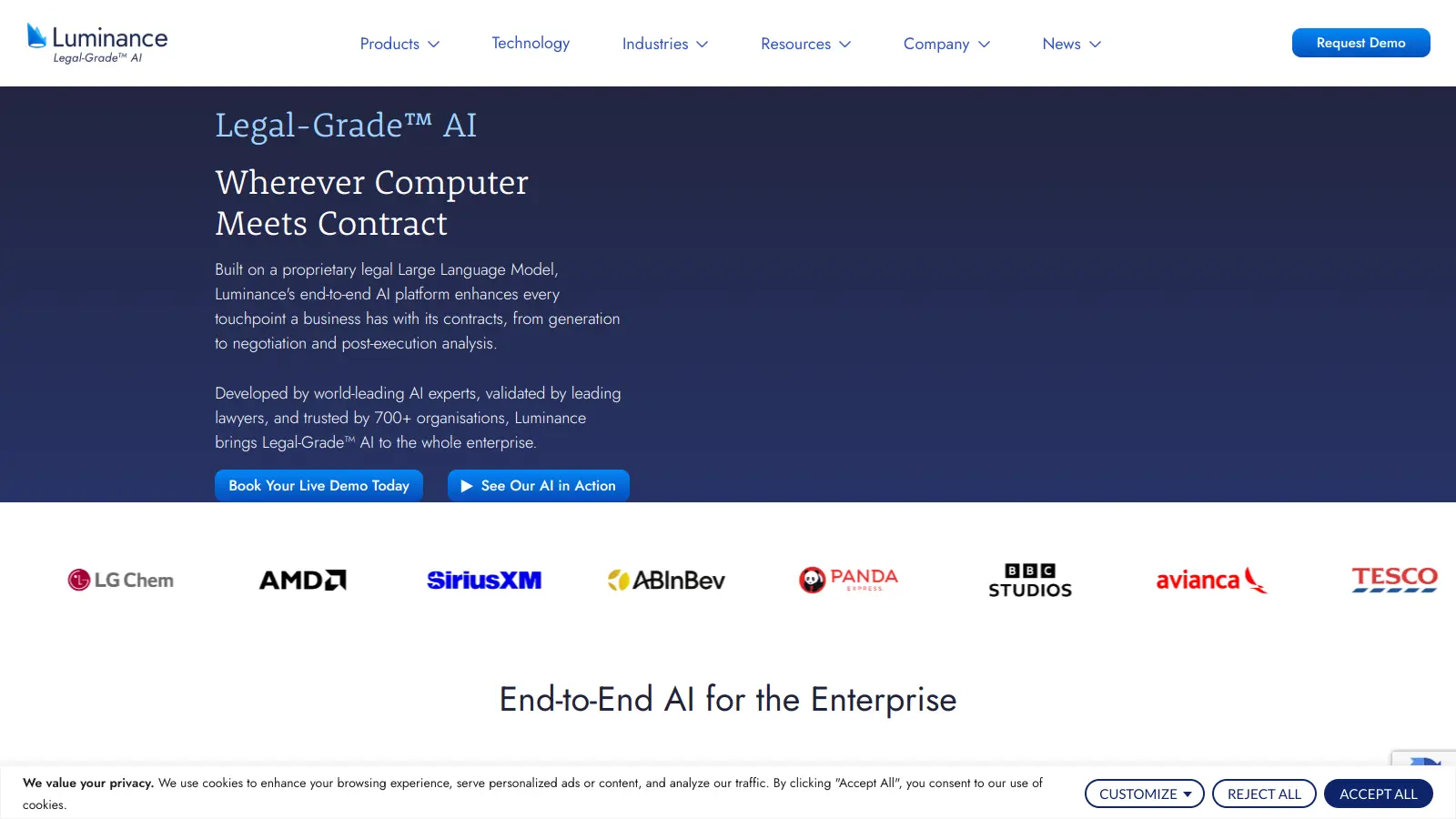
Luminance is an AI-powered legal technology platform that automates contract management, review, drafting, and negotiation using its proprietary Large Language Model. Founded in 2015 by Cambridge mathematicians, it serves over 1,000 organizations worldwide including law firms, corporate legal teams, and global consultancies. The platform offers deep document analysis, integration with Microsoft Word, and AI-driven features that reduce contract processing time while ensuring compliance and data security.

best deal

Get Your Personalized Luminance Quote And See How AI Legal Tools Can Transform Your Contract Management