Best MSP Software: Top Picks for IT Service Providers (2026)
8 tools reviewedlast reviewed 20 march 2026
Editorial note:this was originally published in august of 2024
Some links on this page are affiliate links. If you sign up via our link we may earn a commission, at no extra cost to you. This doesn't affect which tools we recommend or how we rank them.
MSP software covers a lot of ground: remote monitoring and management (RMM), professional services automation (PSA), network management, backup, and documentation. Most MSPs run several of these tools together, so picking the right ones matters more than finding a single platform that claims to do everything.
This list focuses on tools that hold up in real multi-client environments, where you're managing dozens of endpoints across different sites, billing clients accurately, and keeping tickets from falling through the cracks. Pricing, ease of onboarding, and how well each tool plays with the rest of a typical MSP stack were all weighed.
Whether you're building a stack from scratch or replacing a tool that's slowing you down, the eight picks below cover the core categories an MSP actually needs.
We collect first-hand reviews from people who use these tools every day — what works, what doesn't, whether it's worth paying for. We research pricing, features, and comparisons so that feedback has real context behind it. For this guide, tools were selected based on scalability for growing MSPs, automation capabilities, and integration breadth with third-party platforms. Read our full research methodology.
help us improve this guide
tell us what you're looking for, what you're using now, and what caught your eye — takes 30 seconds.
What is MSP software?
MSP software refers to the platforms managed service providers use to monitor, manage, and support client IT infrastructure remotely. The category includes RMM tools for endpoint monitoring and patching, PSA tools for ticketing and billing, network management systems, backup solutions, and documentation platforms.
Unlike internal IT tools, MSP software is built for multi-tenant use: one technician managing dozens of client environments simultaneously. That means features like per-client dashboards, white-labelling, automated alerting, and billing integration are table stakes rather than extras.
MSPs typically combine three to five of these tools into a connected stack. The most common core is an RMM paired with a PSA, with network monitoring, backup, and security tooling layered on top depending on the service tiers offered.
Documentation management designed for MSP technician workflows.
MSPs who need structured, searchable client documentation
PaidFrom $29/user/mo (billed annually)
our top pick
1
NinjaOne
A unified RMM platform with strong endpoint management and patching.
Custom
Best for · MSPs wanting a clean RMM with minimal setup timePricing · Pricing on request (free trial available)
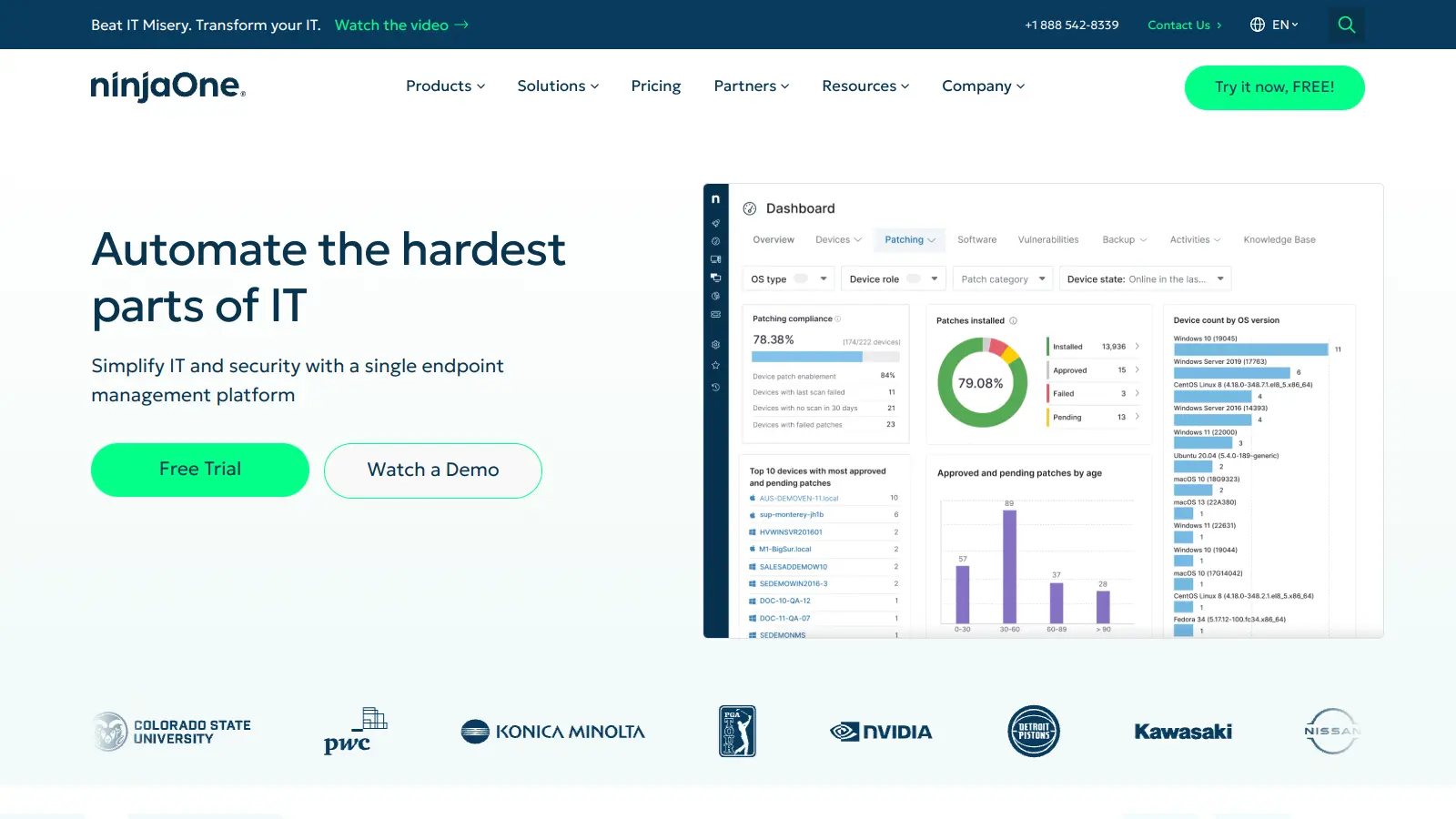
NinjaOne gives MSPs a single console for endpoint management, automated patching, remote access, and backup across Windows, Mac, and Linux devices. It's used by over 35,000 customers globally and consistently scores high on ease of use in third-party rankings, which matters when you're onboarding new technicians. The platform connects to common PSA tools like ConnectWise Manage and Autotask, and it has its own ticketing module if you want to reduce the number of tools in your stack.
Pros
✓Consistently rated top for ease of use on Capterra and G2
✓Native backup and remote access included in one platform
✓Strong two-way PSA integrations with ConnectWise and Autotask
Cons
✗Pricing is not published; requires a sales conversation to get a quote
✗PSA functionality is basic compared to dedicated tools like ConnectWise Manage
Enterprise-grade RMM built for MSPs managing complex client environments.
Custom
Best for · Mid-to-large MSPs already using ConnectWise toolsPricing · Pricing on request
ConnectWise RMM handles device monitoring, automated patch management, and remote troubleshooting across multi-client environments. It integrates tightly with ConnectWise Manage (PSA) and ConnectWise Automate, making it a natural choice for MSPs already in the ConnectWise ecosystem. The reporting capabilities are comprehensive, though users consistently note the interface requires time to learn and the reporting UI could be more intuitive.
Pros
✓Deep native integration with ConnectWise PSA and Automate
✓Granular alerting and escalation policy controls
✓Comprehensive reporting across device health and performance
Cons
✗Steep learning curve; new technicians take time to get productive
✗Reporting UI is functional but not user-friendly compared to newer competitors
The market-leading PSA for ticket management, billing, and time tracking.
Custom
Best for · Established MSPs needing a full-featured PSAPricing · Pricing on request
ConnectWise Manage is the PSA most commonly referenced when MSPs talk about ticketing and billing. It handles the full service delivery workflow: tickets, contracts, time entries, invoicing, and project management in one platform. It has an extensive integration library covering RMM tools, accounting software, and CRMs. The platform is feature-rich to the point of complexity, and smaller teams often find they're paying for capabilities they never use.
Pros
✓Widest integration library of any PSA tool on the market
✓Full contract and billing management with SLA tracking
✓Large community of certified technicians and third-party consultants
Cons
✗Configuration complexity is high; most teams need professional services to deploy it properly
✗Pricing is not transparent and tends to be expensive for smaller MSPs
An integrated RMM with automation, patching, and mobile device management.
Custom
Best for · MSPs managing mixed endpoint environments including mobile devicesPricing · Pricing on request
Kaseya VSA is a long-established RMM platform that covers endpoint monitoring, automated patch management, ransomware detection, and remote access in a single system. It includes mobile device management and a policy-based patch approval workflow, which is useful for MSPs with clients in regulated industries. Kaseya has invested heavily in its IT Complete suite, meaning VSA is increasingly bundled with other Kaseya products rather than sold as a standalone tool.
Pros
✓Broad platform: RMM, MDM, and security features in one product
Network monitoring and documentation built specifically for MSPs.
Custom
Best for · MSPs providing network management services to clientsPricing · Pricing on request (free trial available)
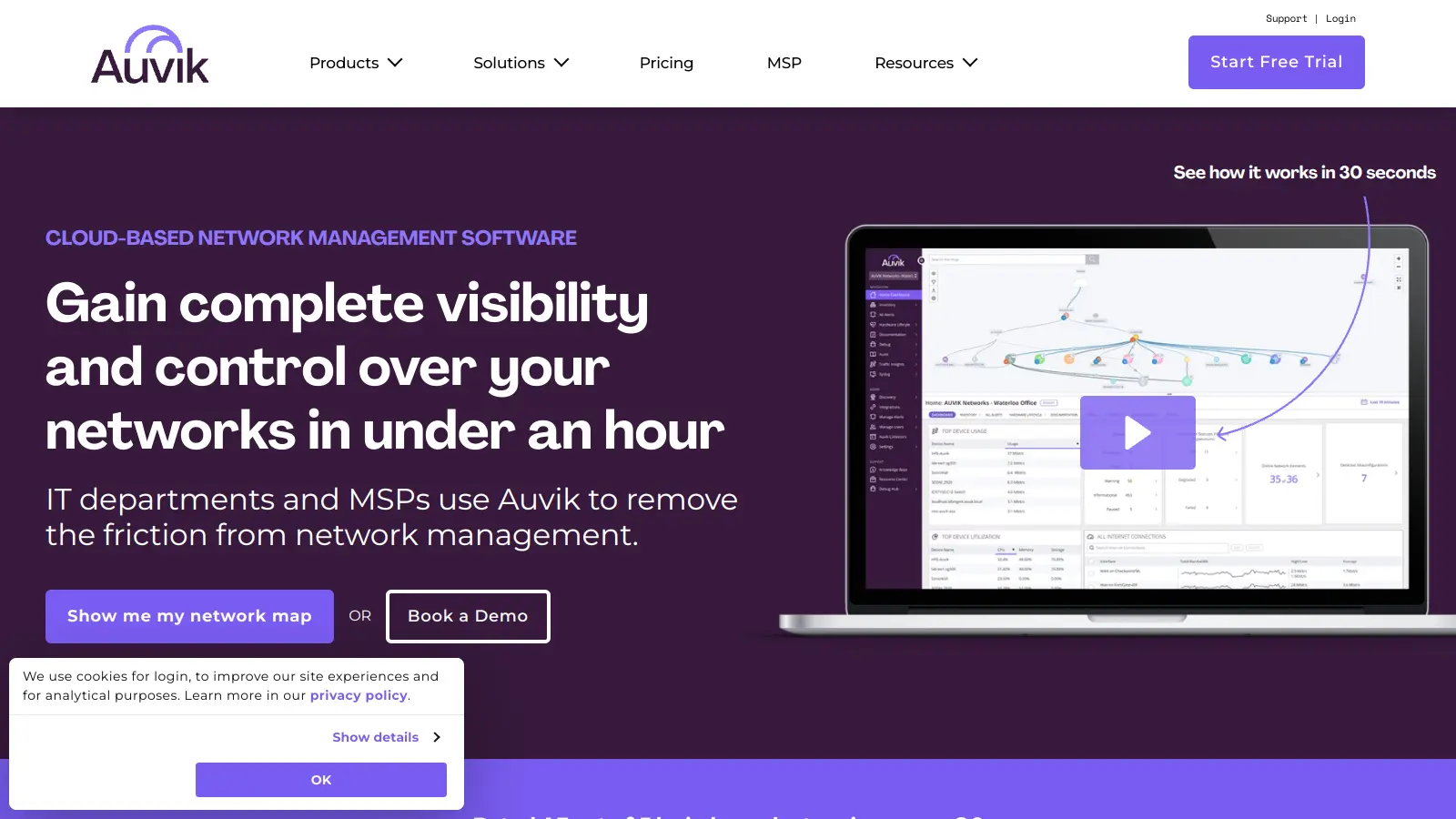
Auvik focuses on network management rather than endpoint management, which makes it a complement to an RMM rather than a replacement. It automatically maps network topology, monitors device health via SNMP, and provides traffic analysis through its TrafficInsights feature, including on encrypted traffic. MSPs use Auvik to keep network documentation current automatically, which solves one of the most common time sinks in multi-client environments. Setup typically takes under 15 minutes per site.
Pros
✓Automatic network topology mapping keeps documentation current without manual effort
✓TrafficInsights provides traffic analysis even on encrypted flows
✓Fast deployment: under 15 minutes per site according to Auvik's own data
Cons
✗Focused on network devices only; you still need a separate RMM for endpoint management
✗Per-device pricing can add up quickly for clients with large network device counts
An all-in-one RMM and PSA platform priced for smaller MSPs.
Paid
Best for · Small MSPs wanting RMM and PSA without managing two separate toolsPricing · From $139/mo per technician
Syncro combines RMM and PSA functionality in a single platform and charges per technician rather than per device, which makes it predictable to budget for growing teams. It covers remote monitoring, automated scripting, ticketing, invoicing, and basic billing in one interface. The depth of each module is below what you get from dedicated tools like ConnectWise Manage or NinjaOne, but for MSPs under 10 technicians, the simplicity and flat-rate pricing are genuinely useful trade-offs.
Pros
✓Per-technician pricing means unlimited device monitoring without per-endpoint fees
✓RMM and PSA in one platform reduces integration maintenance overhead
✓Faster to deploy than enterprise tools like ConnectWise Manage
Cons
✗PSA and billing modules are less mature than standalone PSA tools
✗Per-technician cost gets expensive as your team grows past 10 technicians
A multi-client RMM with built-in remote access and security add-ons.
Custom
Best for · MSPs wanting RMM with remote access included at no extra costPricing · Pricing on request (free trial available)
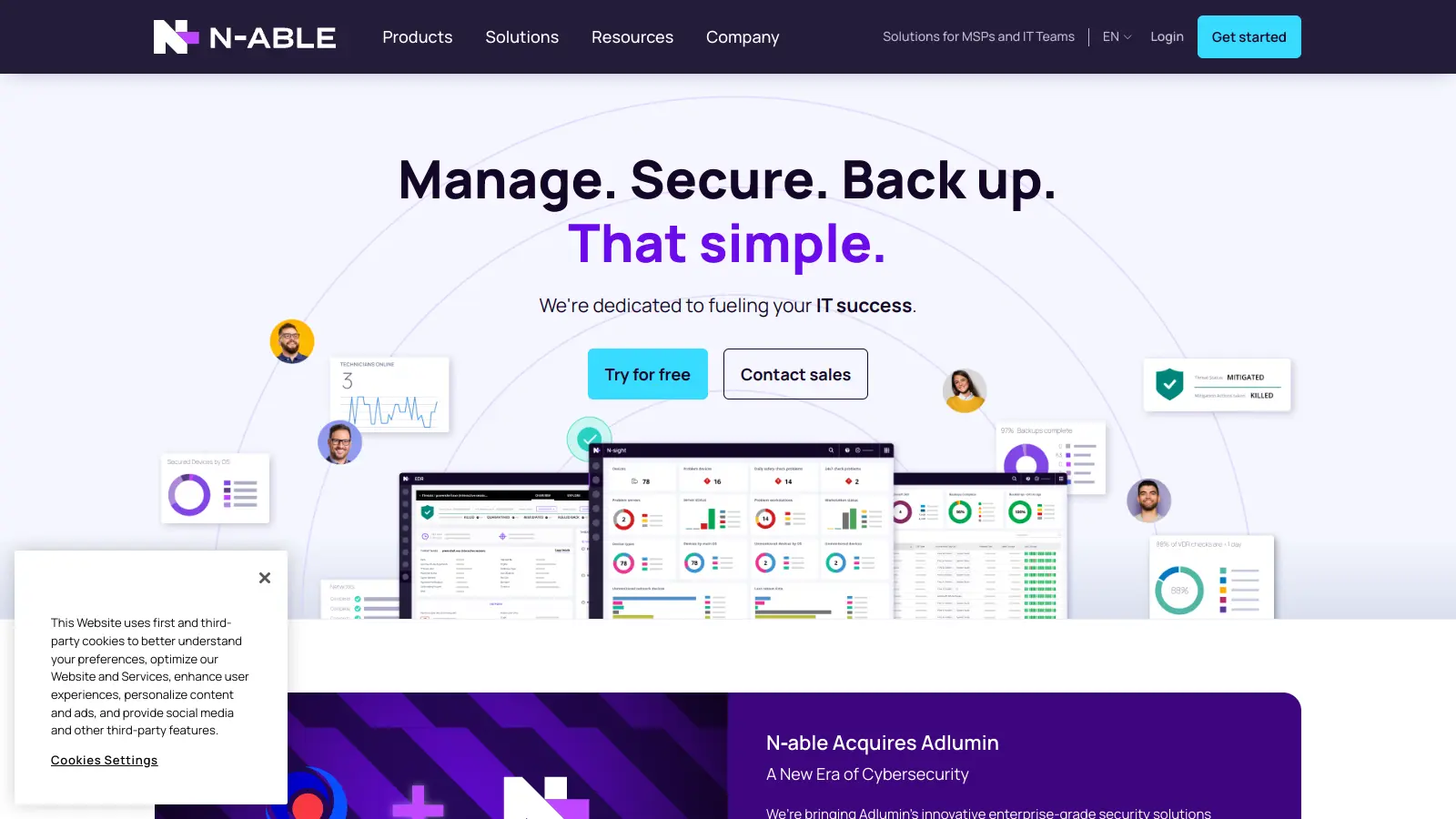
N-able N-sight (formerly SolarWinds RMM) provides monitoring, patch management, and remote access for MSPs managing Windows, Mac, and Linux endpoints. It includes built-in Take Control remote access and integrates with N-able's broader security product suite, including endpoint detection and response. The platform is designed for MSPs who want monitoring and remote access in one tool without committing to a full ConnectWise or Kaseya ecosystem.
Pros
✓Take Control remote access included natively, no separate licensing required
✓Clear multi-client dashboard with per-client health views
✓Integrates well with N-able's EDR and security products for bundled security services
Cons
✗Pricing is not published; previous per-device pricing was on the higher end of the market
✗Less community presence and third-party integrations than ConnectWise or Kaseya
Documentation management designed for MSP technician workflows.
Paid
Best for · MSPs who need structured, searchable client documentationPricing · From $29/user/mo (billed annually)
IT Glue is the documentation platform most MSPs reference when they talk about keeping client passwords, network diagrams, SOPs, and asset records organised. It links documentation directly to devices, contacts, and configurations, so technicians can find what they need without leaving the tool during an active incident. It integrates with all major RMM and PSA tools. Documentation quality directly affects resolution times, and IT Glue is built around that workflow more than any general-purpose wiki or knowledge base.
Pros
✓Structured documentation model links assets, passwords, and SOPs by client
✓Integrates with ConnectWise, Autotask, Kaseya VSA, and NinjaOne natively
✓Mature access control and audit logging for compliance documentation
Cons
✗Per-user pricing adds up for larger technician teams
✗Kaseya's ownership of IT Glue means it's increasingly pushed as part of a bundle rather than standalone
Dedicated RMM and PSA tools tend to go deeper than all-in-one platforms, but managing two systems adds integration overhead. If you're under 10 technicians, an all-in-one like Syncro or NinjaOne (with PSA add-ons) reduces complexity. Larger teams often get more from best-of-breed tools connected via API.
Per-device vs per-technician pricing
Per-device pricing scales predictably as you add endpoints but can get expensive fast at enterprise client counts. Per-technician pricing keeps costs fixed but may limit how many endpoints you can monitor economically. Check which model fits your current client mix and where you expect to be in 12 months.
Multi-tenant architecture
Every tool on this list should isolate client data cleanly and let you switch between client views without logging out. Look specifically at how alerting, reporting, and patch policies are scoped: client-level control is a minimum requirement.
Integration with your existing stack
If you're already running a PSA like ConnectWise Manage or Autotask, confirm your RMM has a native two-way integration before committing. Broken integrations between ticketing and monitoring are the most common source of missed alerts and unbilled work in MSP environments.
Onboarding time and support quality
Some MSP platforms have steep learning curves and require professional services to deploy properly. Factor in setup time realistically: a tool that takes three months to configure properly delays any productivity gains. Vendor support quality matters more in MSP software than most categories because downtime affects your clients directly.
frequently asked questions
Most MSPs benefit from having both. The RMM handles monitoring, patching, and remote access; the PSA handles tickets, time tracking, and billing. Running them separately gives you more depth in each area, but there are all-in-one platforms like Syncro that combine both if simplicity matters more than depth at your current size.
RMM tools generally run between $2 and $5 per device per month at mid-market volumes. PSA tools are often priced per technician, typically $50 to $150 per technician per month. All-in-one platforms like Syncro charge a flat monthly rate per technician that covers both. Many vendors require a direct quote for pricing, especially at higher volumes.
There are free tiers and trials, but no fully-featured MSP tool is free in production. Auvik offers a free trial, and NinjaOne provides pricing on request with a free trial available. For small MSPs getting started, some vendors offer reduced pricing or bundled packages, but budget for paid tools from day one.
Choosing tools that don't integrate with each other is the most common problem. If your RMM can't auto-create tickets in your PSA, or your backup tool can't alert into your ticketing system, you'll spend hours on manual data entry that should be automated. Verify native integrations before signing any contract.
Platforms like NinjaOne and ConnectWise are moving toward broader coverage, but no single tool fully replaces a complete stack today. All-in-ones are a reasonable trade-off for smaller MSPs, but mid-sized and larger MSPs typically get better results from purpose-built tools that are well integrated than from a single platform that does everything adequately.
tools for humans
toolsforhumans editorial team
Reader ratings and community feedback shape every score. Since 2022, ToolsForHumans has helped 600,000+ people find software that holds up after launch. The picks here come from that.