Best Product Tour Software: Top Picks for SaaS Teams (2026)
7 tools reviewedlast reviewed 20 march 2026
Editorial note:this was originally published in august of 2024
Some links on this page are affiliate links. If you sign up via our link we may earn a commission, at no extra cost to you. This doesn't affect which tools we recommend or how we rank them.
Product tour software covers two distinct jobs: showing prospects what your product does before they sign up, and guiding existing users through features after they do. The tools that handle both well are rare. Most specialize in one or the other, and picking the wrong category wastes real money.
This list covers seven tools across both categories, selected based on pricing transparency, setup complexity, analytics quality, and how well each fits specific team types, from early-stage startups to mid-market SaaS companies with dedicated growth teams.
Whether you're trying to lift trial-to-paid conversion or reduce support tickets from confused new users, there's a specific tool here for your situation. The pricing ranges from free to several hundred dollars a month, and the trade-offs are real.
We collect first-hand reviews from people who use these tools every day — what works, what doesn't, whether it's worth paying for. We research pricing, features, and comparisons so that feedback has real context behind it. For this guide, tools were selected based on onboarding capabilities, analytics depth, and multi-platform support for product tours. Read our full research methodology.
help us improve this guide
tell us what you're looking for, what you're using now, and what caught your eye — takes 30 seconds.
What is product tour software?
Product tour software creates interactive, step-by-step experiences that guide users through a product's features and workflows. There are two main types: in-app tours that appear inside your live product as overlays and tooltips, and interactive demo tours that are shareable replicas of your product hosted externally, used on marketing pages or in sales outreach.
SaaS companies use these tools to reduce the time it takes new users to reach their first 'aha moment', highlight new features to existing customers, and let prospects explore the product before booking a demo or starting a trial. Without them, teams rely on static documentation or video walkthroughs, both of which have much lower engagement and completion rates.
The typical buyers are product managers, product marketers, and growth teams at B2B SaaS companies. Some tools require a developer to install a code snippet; others work entirely through a Chrome extension with no engineering involvement at all.
Screenshot-based demo builder with minimal setup and fast publishing.
Small teams needing quick, shareable feature demos without complex setup
FreemiumFree plan available; paid from $32/mo per user
our top pick
1
Navattic
Interactive demo platform for marketing and sales teams.
Freemium
Best for · Mid-market and enterprise GTM teams running product-led salesPricing · Free plan available; paid plans pricing on request
Navattic captures your product through a Chrome extension and turns it into a shareable, clickable demo you can embed on landing pages, include in email sequences, or send as a sales leave-behind. It doesn't require users to be inside your live product. The AI Copilot feature lets you click through your product once and then generates tour scripts automatically, which cuts build time significantly. Navattic Engage tracks which target accounts are interacting with demos and how far they get.
Pros
✓No code install required — works from Chrome extension captures
✓Account-level demo engagement tracking built in
✓AI Copilot generates tour scripts from a single click-through
Cons
✗Paid plan pricing is not publicly listed, requiring a sales call
✗Not an in-app onboarding tool — only works for external demos
In-app onboarding and user engagement for non-technical teams.
Custom
Best for · Growth and product teams at established SaaS companiesPricing · Pricing on request
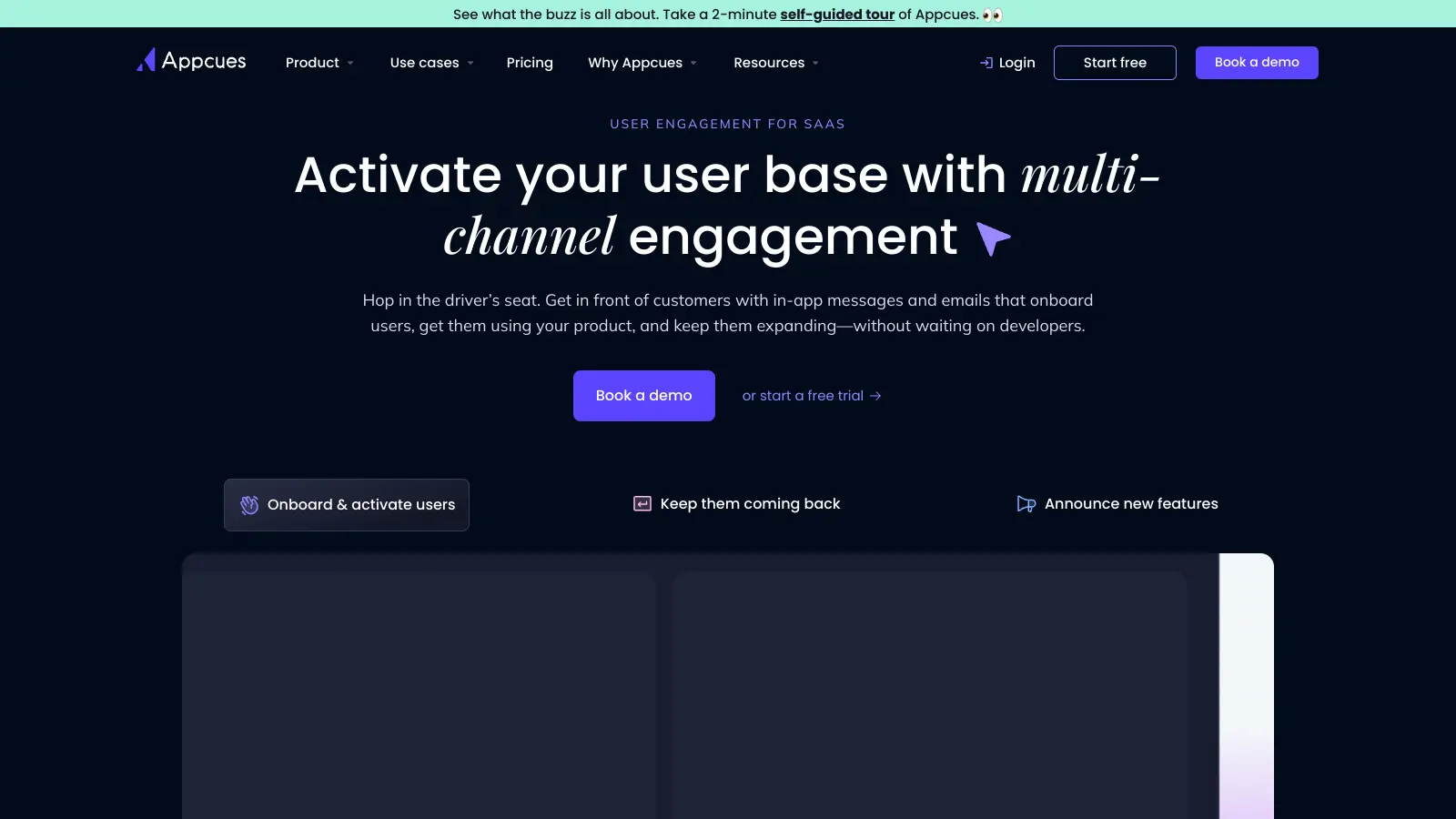
Appcues lets product and growth teams build in-app experiences including onboarding flows, feature announcements, NPS surveys, and checklists without writing code. It targets users based on behaviour, plan, and properties, and its AI-powered engine is designed to personalise which experience a user sees based on their in-app actions. It also supports email and push alongside in-app messaging, making it one of the more complete lifecycle tools in this category.
Pros
✓Covers in-app, email, and push from a single platform
✓Strong behavioural targeting and segmentation options
✓Well-documented integrations with major analytics tools
Cons
✗Pricing is not published and tends to be expensive at scale
✗Steeper learning curve than simpler tooltip-only tools
No-code in-app tours built for SaaS startups on a real budget.
Paid
Best for · Early-stage SaaS startups wanting in-app onboarding without enterprise pricingPricing · From $99/mo
Hopscotch is an in-app onboarding tool focused on SaaS companies that find tools like Pendo or Appcues too expensive or too complex. All plans include unlimited tours and in-app messages. The Starter plan at $99/month covers up to 3,000 monthly active users with no-code tour and tooltip creation. The Growth plan at $249/month adds integrations with GA4, Mixpanel, Heap, Segment, and Zapier. A Chrome extension lets you preview experiences without any code installed, though you'll still need a one-line snippet to go live.
Pros
✓Transparent per-tier pricing starting at $99/month
✓Unlimited tours on all plans, no feature gating on tour count
✓Live support included on every plan, not just enterprise
Cons
✗No mobile app support — web only
✗Analytics integrations locked to the $249/month Growth tier
Interactive demo builder with AI scripting for marketing teams.
Freemium
Best for · Marketing and presales teams needing embeddable product demos quicklyPricing · Free plan available; paid plans from $500/mo
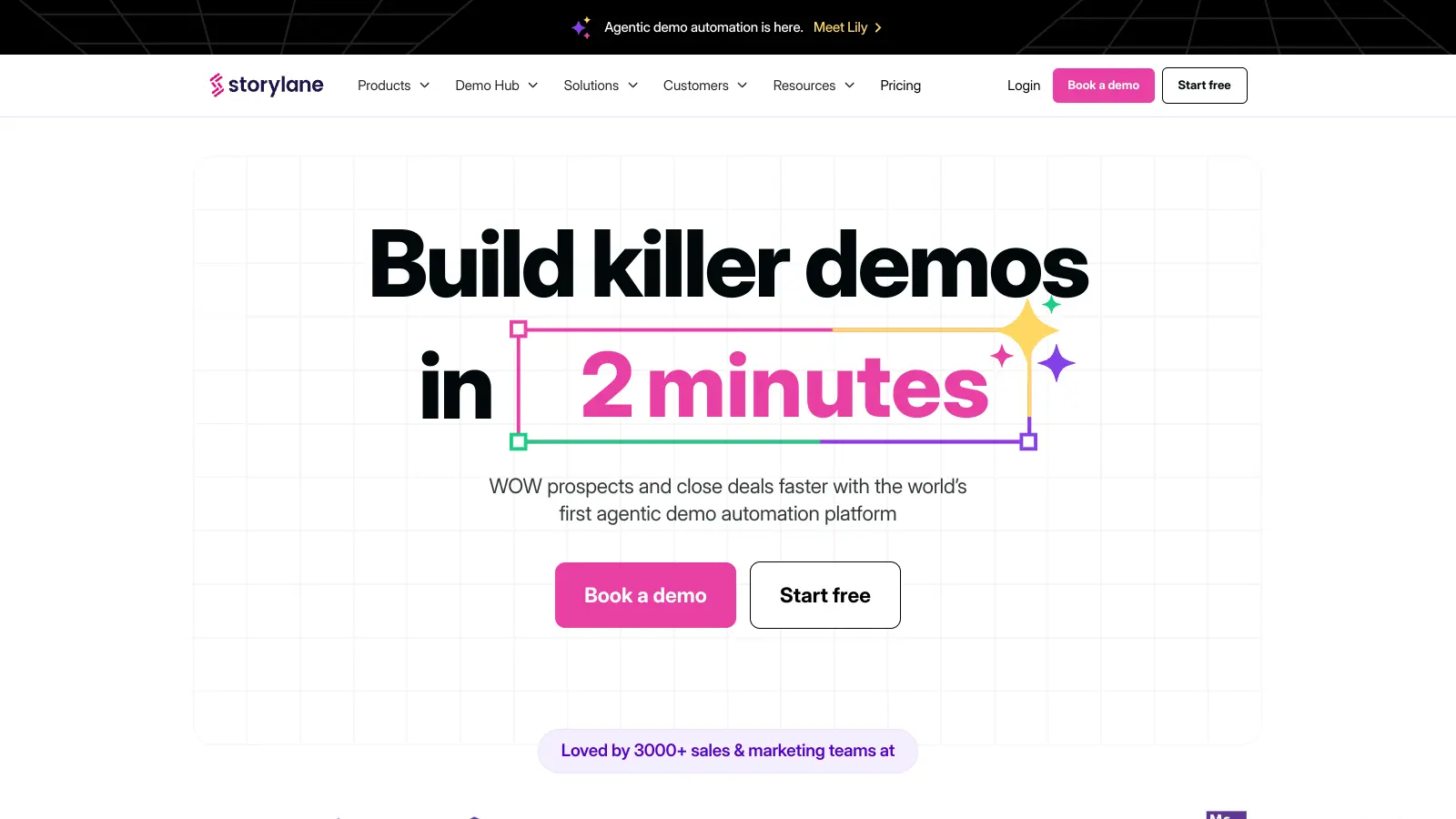
Storylane captures your product as a screenshot or HTML clone and lets you build an interactive demo with guided steps, annotations, and branching paths. It's aimed at marketing and presales teams who want to embed demos on their website or send them to prospects. An AI assistant writes the walkthrough script from your captured product, and the platform includes analytics on how prospects engage with each step. It's positioned as an accessible starting point for teams new to interactive demos.
Pros
✓AI generates demo scripts directly from product captures
✓Free plan available for initial testing
✓Step-level engagement analytics on all paid plans
Cons
✗Paid team plans jump to $500/month, a big leap from free
✗HTML clone captures can break with complex app interactions
In-app onboarding with checklists, tooltips, and resource centres.
Paid
Best for · Small to mid-sized SaaS teams building structured user onboardingPricing · From $69/mo
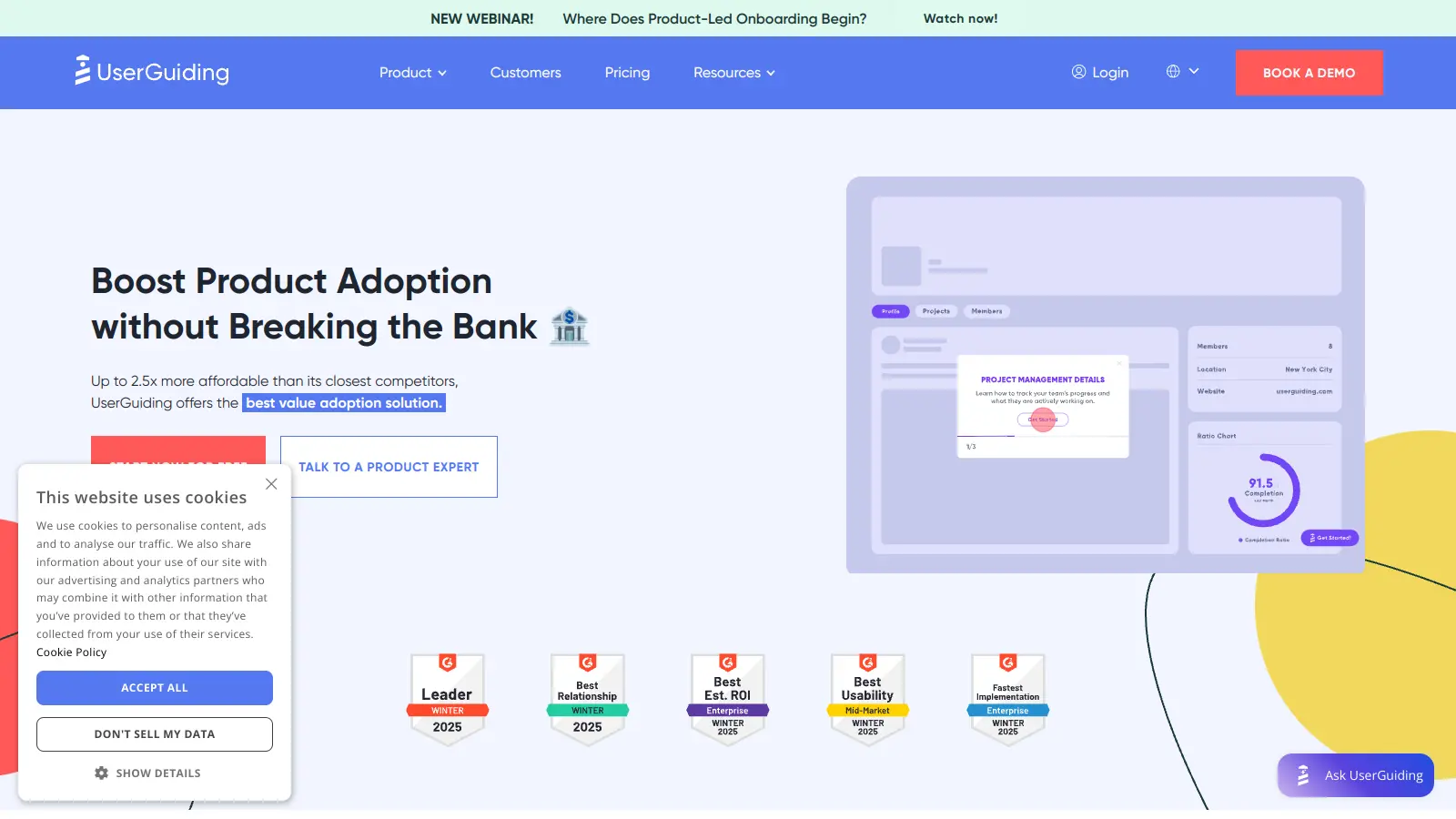
UserGuiding is an in-app onboarding platform that lets teams build product tours, onboarding checklists, hotspots, and in-app resource centres without developer involvement. It's designed around user segmentation, so you can target tours by user property, plan, or URL and personalise the onboarding experience based on role or use case. It includes a basic analytics dashboard and integrates with tools like Segment, Mixpanel, Intercom, and HubSpot.
Pros
✓Onboarding checklists and resource centres included natively
✓Broad integration list including HubSpot and Intercom
✓More affordable entry point than Appcues or Pendo
Cons
✗Analytics depth is limited compared to dedicated analytics tools
✗Customisation options for visual styling require higher-tier plans
In-product experiences with A/B testing and deep segmentation.
Paid
Best for · Growth teams running onboarding experiments with an analytics stack in placePricing · From $279/mo
Chameleon builds in-app product tours, modals, tooltips, and surveys with a focus on experimentation. It has native A/B testing for onboarding flows, letting teams run controlled tests on tour content, targeting, and timing. It integrates deeply with Segment, Mixpanel, Heap, and Salesforce, making it suited to data-mature teams who want to tie onboarding experiments to downstream revenue metrics. HelpBar, its in-app search and command palette, is a standout addition not found in most competitors.
Pros
✓Native A/B testing on tour content and targeting rules
✓HelpBar adds in-app search and command palette functionality
✓Deep Segment and CRM integrations for revenue attribution
Cons
✗Higher starting price makes it hard to justify for early-stage teams
✗Requires a mature analytics setup to get value from A/B features
Screenshot-based demo builder with minimal setup and fast publishing.
Freemium
Best for · Small teams needing quick, shareable feature demos without complex setupPricing · Free plan available; paid from $32/mo per user
Arcade takes a different approach from HTML clone tools: it builds demos from screenshots stitched together with hotspots and annotations. This makes captures more stable than HTML replicas but also means the demo isn't truly interactive in the same way. It's fast to build, easy to embed, and works well for simple feature walkthroughs on marketing sites or in help articles. The free plan allows up to three demos, and paid plans add branching, custom branding, and team collaboration.
Pros
✓Captures are screenshot-based so they never break after product updates
✓Free plan includes up to 3 demos with no time limit
✓Fast to build — most demos take under 30 minutes from scratch
Cons
✗Screenshot-based approach means limited true interactivity
✗Not suited for complex multi-step workflows with conditional logic
In-app tour tools (like Appcues or Hopscotch) require your users to be inside your actual product. Interactive demo platforms (like Navattic or Storylane) create a standalone replica you can embed on your website or send in sales emails. If your primary goal is pre-signup conversion, you need the second type.
Setup complexity and developer dependency
Most tools require at least one line of code installed on your app. Some then let non-technical teams build and publish tours entirely on their own; others need ongoing dev involvement for targeting rules or custom styling. Check whether the tool has a Chrome extension for previewing tours without a full install, and confirm whether Segment or Google Tag Manager support is enough for your stack.
Targeting and segmentation capabilities
The ability to show the right tour to the right user matters. Look for targeting based on user properties, plan type, page URL, and behaviour triggers (like completing a specific action or hitting a feature for the first time). Generic one-size-fits-all tours have lower completion rates and annoy users who don't need them.
Analytics and optimization features
At minimum you want step-level completion data so you can see where users drop off. Better tools add A/B testing, heatmaps, goal tracking, and integration with your existing analytics stack (Mixpanel, Heap, GA4). If you can't measure whether a tour is working, you can't improve it.
Pricing model relative to your user volume
Several tools price by monthly active users, which gets expensive quickly as you scale. Others charge a flat rate per seat or per workspace. Run the numbers at your current MAU count and at 3x growth before committing, especially for annual plans.
frequently asked questions
A product tour typically refers to an in-app walkthrough shown to users who are already inside your live product, guiding them through features with tooltips and modals. An interactive demo is a shareable replica of your product that prospects can explore before signing up, usually embedded on a marketing page or sent in a sales email. Some platforms, like Navattic and Storylane, focus on the latter; others, like Appcues and Hopscotch, focus on the former.
In-app onboarding tools often start around $100 to $250 per month for smaller user counts, scaling significantly with monthly active users. Interactive demo platforms sometimes offer free tiers with limited demos, with paid plans starting from around $500 per month for team features and analytics. Enterprise pricing is almost always custom. Expect to pay more as your MAU count grows if you're on a usage-based plan.
Partially. Most tools let you build and preview tours without code using a Chrome extension. To go live in your actual product, you'll need someone to install a JavaScript snippet, though if you already use Segment or Google Tag Manager, that step is often straightforward. Interactive demo tools like Navattic and Arcade require no installation at all since they work from screenshots or screen recordings of your product.
Building one generic tour and showing it to every user. New users, power users returning to find a specific feature, and prospects on your marketing site all need different experiences. Tours that ignore user context, plan type, or onboarding stage tend to get dismissed immediately. Start with a specific segment and a specific goal before building anything.
The better ones do. Tools like Hopscotch (Growth plan and above), Appcues, and Chameleon integrate with Mixpanel, Heap, Segment, and GA4. Navattic integrates with Twilio Segment and major CRMs. If your analytics stack is central to how you measure activation and retention, confirm integration depth before choosing a tool, since some offer only basic event-passing rather than full bidirectional data sync.
tools for humans
toolsforhumans editorial team
Reader ratings and community feedback shape every score. Since 2022, ToolsForHumans has helped 600,000+ people find software that holds up after launch. The picks here come from that.