Best AI Tools for Coders: Top Picks for Developers (2026)
8 tools reviewedlast reviewed 20 march 2026
Editorial note:this was originally published in april of 2023
Some links on this page are affiliate links. If you sign up via our link we may earn a commission, at no extra cost to you. This doesn't affect which tools we recommend or how we rank them.
This page is for developers who want to know which AI tools are actually worth adding to their workflow, not a list of everything that exists. There are now hundreds of AI coding extensions and editors, and most of them overlap significantly. This list cuts to the ones that matter, organized by what they're good at.
The picks here cover the full development lifecycle: autocomplete in your editor, multi-file refactoring agents, app prototyping tools, and code review. Pricing ranges from free to enterprise custom, so there's something here whether you're solo or on a team of 50.
Each tool was selected based on real-world use cases, honest pricing, and the kind of tasks where it genuinely outperforms the alternatives. No filler picks.
We collect first-hand reviews from people who use these tools every day — what works, what doesn't, whether it's worth paying for. We research pricing, features, and comparisons so that feedback has real context behind it. For this page, tools were selected based on code generation accuracy, real-time debugging capabilities, and framework-specific support. Read our full research methodology.
help us improve this guide
tell us what you're looking for, what you're using now, and what caught your eye — takes 30 seconds.
What are AI tools for coders?
AI coding tools are software that help developers write, review, refactor, and debug code faster. They range from autocomplete plugins that sit inside your existing editor to standalone AI-first editors, browser-based app builders, and automated code review agents. The common thread is that they interpret natural language or code context and return useful suggestions, edits, or generated code.
The category has expanded significantly. In 2024, 62% of developers surveyed by Stack Overflow reported already using AI tools in their development process. The tools are no longer experiments — they're part of daily workflows at companies of all sizes.
Different tools target different layers: editor assistants handle line-by-line suggestions, repository-level agents manage multi-file changes and debugging loops, and app builders generate full-stack scaffolding from a prompt. Most experienced developers use more than one.
Open-source terminal-based AI coding agent for power users.
Command-line developers who want model flexibility and no subscription
FreeFree (open source); pay only for LLM API usage
our top pick
1
GitHub Copilot
The market-standard AI code assistant, built into your editor.
Freemium
Best for · Individual developers and teams already on GitHubPricing · Free plan available; Pro from $10/mo; Business from $19/user/mo
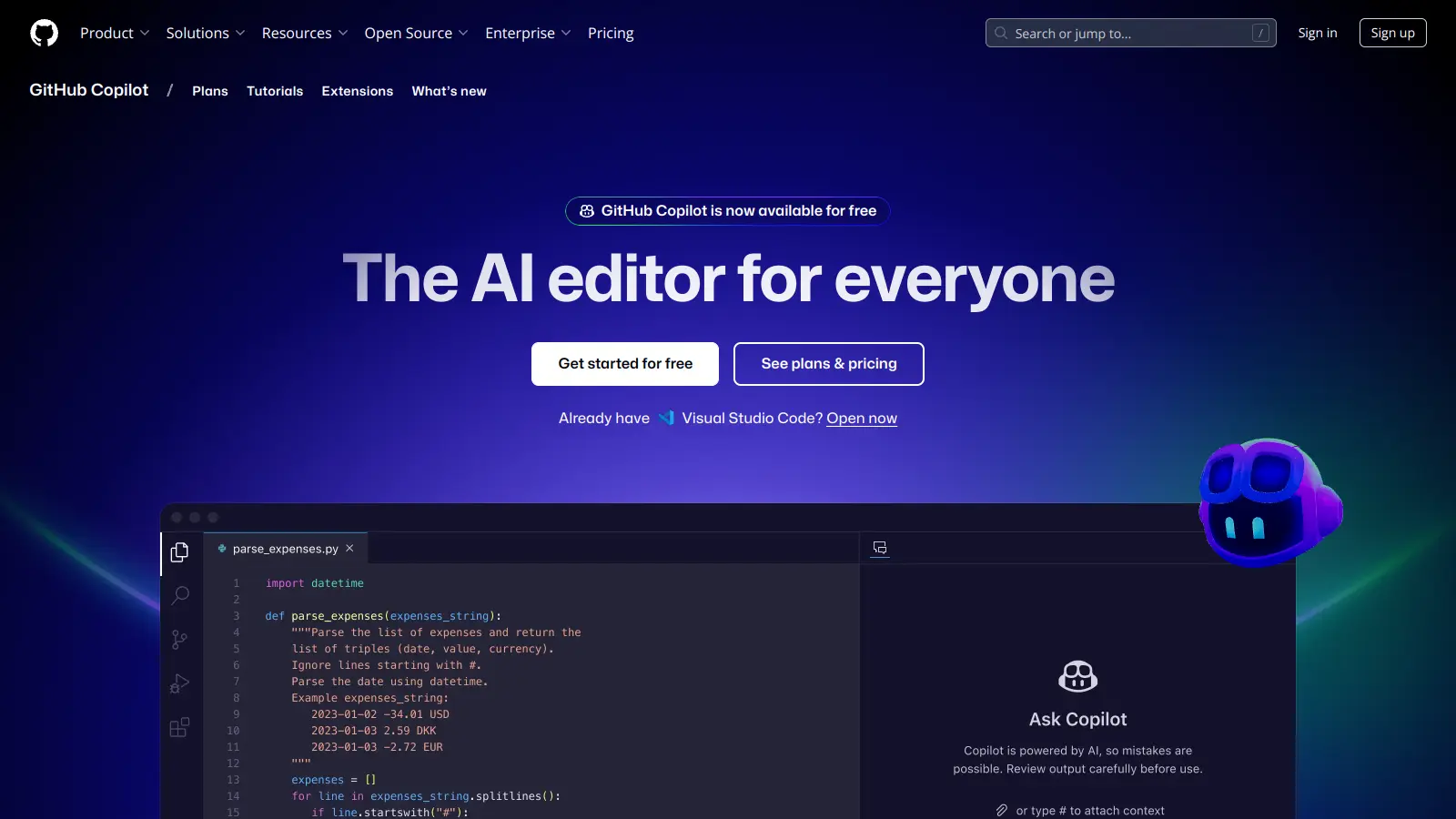
GitHub Copilot is an AI coding assistant that provides inline code suggestions, multi-file edits via Copilot Workspace, and chat-based help directly inside VS Code, JetBrains, and other popular editors. It's trained on a large corpus of public code and integrates tightly with GitHub pull request workflows. The free tier is available to all GitHub users with a limit on monthly completions and chat interactions.
Pros
✓Deep GitHub PR and Actions integration
✓Supports VS Code, JetBrains, Vim, and more
✓Free tier now available to all GitHub users
Cons
✗Suggestions can be confidently wrong in complex logic
✗Copilot Workspace multi-file edits still feel inconsistent
A VS Code fork rebuilt around multi-file AI editing and agents.
Freemium
Best for · Full-stack and backend developers doing complex refactorsPricing · Free plan available; Pro from $20/mo; Business from $40/user/mo
Cursor is an AI-first code editor with its own interface built on top of VS Code. It handles multi-file edits, inline chat, and agentic task execution across an entire codebase, not just the current file. It's particularly capable for backend refactoring, migrating legacy code, and iterating on large projects where context across files matters. The Pro plan gives access to fast model requests using GPT-4o and Claude.
Pros
✓Repository-level context across multiple files
✓Familiar VS Code interface with no migration friction
✓Strong at legacy code refactoring and API generation
Cons
✗Context can drop mid-session on very large codebases
AI autocomplete with a self-hosted option for privacy-conscious teams.
Freemium
Best for · Teams with strict data privacy or compliance requirementsPricing · Free plan available; Pro from $12/mo; Enterprise pricing on request
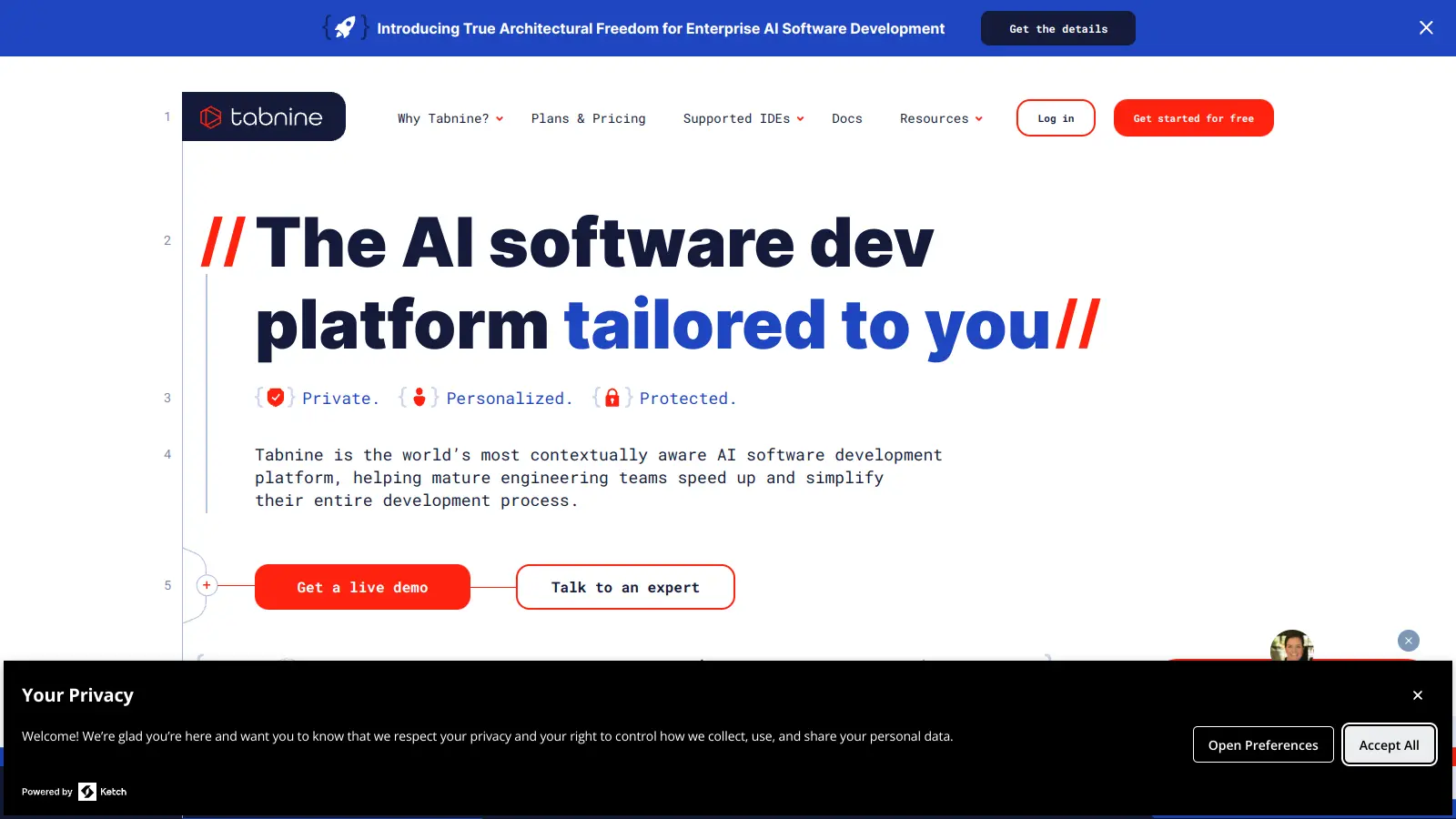
Tabnine is an AI code completion tool that supports over 80 programming languages and integrates with most major editors including VS Code, JetBrains, and Vim. It's one of the few tools that offers a fully self-hosted deployment model, meaning your code never leaves your infrastructure. Teams on the Enterprise plan can also fine-tune the model on their own codebase to align suggestions with internal conventions.
Pros
✓Self-hosted deployment keeps code off external servers
✓Supports 80+ languages including less common ones
✓Custom model fine-tuning on your codebase (Enterprise)
Cons
✗Suggestions are less creative than Copilot or Cursor
AWS-native AI coding assistant with built-in security scanning.
Freemium
Best for · Teams building on AWS infrastructurePricing · Free plan available; Pro from $19/user/mo
Amazon Q Developer is an AI assistant for developers working in AWS environments. It handles code suggestions, automated code reviews, security vulnerability detection, and can run multi-step upgrade tasks like migrating a Java 8 app to Java 17. It integrates with VS Code, JetBrains, and the AWS console directly. The free tier includes code suggestions and security scans with a monthly usage cap.
Pros
✓Built-in security scanning flags CVEs inline
✓Automated upgrade agents for runtime migrations
✓Native integration with AWS console and CLI
Cons
✗Much less useful outside of AWS-centric workflows
✗Suggestions quality lags behind Copilot for general coding
Prompt-to-UI tool that generates clean React components fast.
Freemium
Best for · Frontend developers prototyping React UIs quicklyPricing · Free plan available; Premium from $20/mo
v0 generates React and Tailwind UI components from text prompts or Figma imports. It's built by Vercel and outputs production-ready code you can copy directly into a Next.js project. It's most useful for quickly scaffolding marketing pages, landing pages, and internal dashboards. The free tier gives limited monthly generations; the paid tier scales this up significantly.
Pros
✓Outputs clean React and Tailwind code instantly
✓Figma-to-code import reduces design handoff time
✓Direct Next.js and Vercel deployment integration
Cons
✗Tightly coupled to Vercel's ecosystem
✗Struggles with complex component logic beyond simple layouts
Full-stack app builder that goes from prompt to deployed app.
Freemium
Best for · Developers and founders building quick MVPs and demosPricing · Free plan available; Starter from $20/mo
Lovable generates complete full-stack web apps from natural language prompts, handling frontend, backend logic, and database integration via Supabase. It's designed for speed: you can have a working, deployed prototype in under an hour without writing a line of code. It's particularly good for MVPs, stakeholder demos, and hackathon builds where polish matters more than custom architecture.
Pros
✓Generates deployed full-stack apps from a single prompt
✓Native Supabase integration for auth and data
✓Fast enough for hackathon-speed builds
Cons
✗Locks you into Supabase; other backends require manual work
✗Generated components can break when iterated beyond initial spec
AI code review and test generation focused on quality before merge.
Freemium
Best for · Teams who want AI help on code quality and test coveragePricing · Free plan available; Teams from $19/user/mo; Enterprise pricing on request
Qodo focuses on code review and test generation rather than raw code generation. It analyzes pull requests, flags logic issues and edge cases, and generates test suites that cover behavior you might have missed. It integrates with GitHub, GitLab, and Bitbucket. The free tier covers individual use; the team tier adds PR review automation at scale.
Pros
✓PR review catches logic issues, not just style problems
✓Test generation covers edge cases automatically
✓Works with GitHub, GitLab, and Bitbucket
Cons
✗Narrower scope than editor-first tools; not a daily coding assistant
✗Test suggestions occasionally miss business-critical context
Open-source terminal-based AI coding agent for power users.
Free
Best for · Command-line developers who want model flexibility and no subscriptionPricing · Free (open source); pay only for LLM API usage
Aider is a command-line AI coding agent that connects to your local codebase and lets you make changes through a chat interface in your terminal. It supports multiple LLM backends including OpenAI, Anthropic Claude, and local models via Ollama. Because it runs locally and you bring your own API key, there's no per-seat subscription — you pay only for the API tokens you use. It's a strong pick for developers who prefer staying in the terminal and want full control over which model they use.
Pros
✓Bring your own API key — no per-seat subscription cost
✓Supports Claude, GPT-4o, Gemini, and local models
✓Full repo context with git-aware change tracking
Cons
✗Terminal-only; no GUI or editor plugin experience
✗Requires comfort with API key setup and CLI workflows
If you want AI suggestions while you type, look for tools that integrate with VS Code, JetBrains, or Neovim directly. If you need help with multi-file refactors or automated task execution, a standalone agent like Cursor or Claude Code will be more capable than a plugin.
Context window and codebase awareness
Tools vary significantly in how much of your codebase they can hold in context at once. For small functions, any tool works. For large refactors or working across 10+ files, you need a tool built for repository-level context — Cursor and Copilot Workspace are designed for this, basic autocomplete tools are not.
Language and framework coverage
Most major tools support JavaScript, Python, TypeScript, and Go well. Coverage drops for less common languages like Elixir, Zig, or COBOL. Check specifically for your stack — Tabnine, for example, supports over 80 languages, while some newer tools are heavily JS/TS-focused.
Privacy and data handling
Some tools send your code to external servers for processing; others offer self-hosted or on-premise options. If you work in a regulated environment or on proprietary codebases, check whether the vendor offers a data retention opt-out or an enterprise tier with stronger data controls before committing.
Price relative to team size
Solo developers can get a lot done on free tiers from GitHub Copilot or Tabnine. At team scale, per-seat costs add up fast: Copilot Business is $19/user/month, Cursor Business is $40/user/month. Factor in how many developers will actually use it daily vs. occasionally.
frequently asked questions
Most productive developers use two or three. A common setup is an in-editor autocomplete tool like Copilot or Tabnine for day-to-day suggestions, plus a heavier agent like Cursor for complex multi-file tasks. App builders like Lovable or v0 are used situationally for prototyping, not as daily drivers.
Free tiers exist for most major tools, including GitHub Copilot (for verified students and OSS maintainers), Tabnine, and Codeium. Paid plans typically start between $10 and $20 per month for individuals. Team and enterprise plans range from $19 to $40+ per user per month, with custom pricing for on-premise or high-volume contracts.
Free tiers are genuinely useful for learning and solo projects, but paid tiers usually unlock longer context windows, faster model access, and better multi-file handling. For professional use, the $10-$19/month entry price for Copilot or Cursor is typically worth it if you're coding more than a few hours a week.
Accepting generated code without reading it. AI tools produce plausible-looking code that can have subtle logic errors, security issues, or dependency problems. Treat suggestions as a fast first draft, not a finished answer — especially in security-sensitive or production contexts.
Yes, but with caveats. Most cloud-based tools process your code on their servers, which is a concern for sensitive IP. GitHub Copilot, Tabnine, and Amazon Q all offer enterprise tiers with stricter data controls and opt-outs from training data use. If your codebase is highly sensitive, prioritize tools with explicit enterprise data isolation commitments.
tools for humans
toolsforhumans editorial team
Reader ratings and community feedback shape every score. Since 2022, ToolsForHumans has helped 600,000+ people find software that holds up after launch. The picks here come from that.