Best Sales Management Software: Top Picks for Sales Teams (2026)
7 tools reviewedlast reviewed 20 march 2026
Editorial note:this was originally published in august of 2024
Sales management software covers a lot of ground: pipeline tracking, lead scoring, forecasting, rep performance monitoring, and the reporting that ties it all together. The right tool depends on your team size, your sales motion, and how much complexity you actually need.
This list covers seven tools, from enterprise-grade CRMs to lightweight pipeline managers, evaluated on pricing transparency, core sales management features, and how well they fit specific team types. You'll find both the obvious picks and a couple of options worth considering if the big names feel like overkill.
We collect first-hand reviews from people who use these tools every day — what works, what doesn't, whether it's worth paying for. We research pricing, features, and comparisons so that feedback has real context behind it. For this guide, prioritisation went to platforms offering robust pipeline management, real-time analytics, and seamless CRM integration capabilities. Read our full research methodology.
help us improve this guide
tell us what you're looking for, what you're using now, and what caught your eye — takes 30 seconds.
What is sales management software?
Sales management software is a category of tools that helps sales leaders and reps organize deals, track pipeline progress, forecast revenue, and monitor team performance. At the core, it replaces spreadsheets and disconnected inboxes with a single place where deal data, contact history, and activity logs live together.
Most tools in this category combine CRM functionality (contact and deal records) with pipeline visualisation, reporting dashboards, and some form of automation for follow-ups or task assignments. More advanced platforms add AI-assisted lead scoring, quota management, and territory planning for larger teams.
Sales managers use these tools to spot which deals are stalling, which reps need coaching, and where revenue is likely to land at the end of a quarter. Sales reps use them to prioritise their day and keep track of where each deal stands.
An AI-assisted CRM with a strong free tier and built-in phone features.
Growing SMBs wanting AI features without enterprise pricing
FreemiumFree plan available; paid from $9/user/mo (Growth)
our top pick
1
Salesforce Sales Cloud
The enterprise sales management platform with the deepest feature set.
Paid
Best for · Mid-market and enterprise sales teamsPricing · From $25/user/mo (Starter); $165/user/mo for Einstein AI features
Salesforce Sales Cloud covers the full sales management stack: lead and opportunity tracking, customisable pipelines, territory and quota management, AI-assisted lead scoring, and a reporting engine that handles almost any question you can ask about your pipeline. It connects to hundreds of third-party tools and has a large ecosystem of consultants and add-ons. The platform is powerful but expects a real implementation investment, especially for teams that want to customise it beyond the defaults.
Pros
✓Most complete set of sales management features available
✓Highly customisable pipelines, fields, and workflows
✓AI forecasting and lead scoring on higher tiers
Cons
✗Meaningful setup time and often requires admin support
✗Advanced features locked behind expensive higher tiers
A genuinely free CRM with a clear upgrade path as your team grows.
Freemium
Best for · Startups and small teams starting from scratchPricing · Free plan available; Sales Hub from $20/user/mo
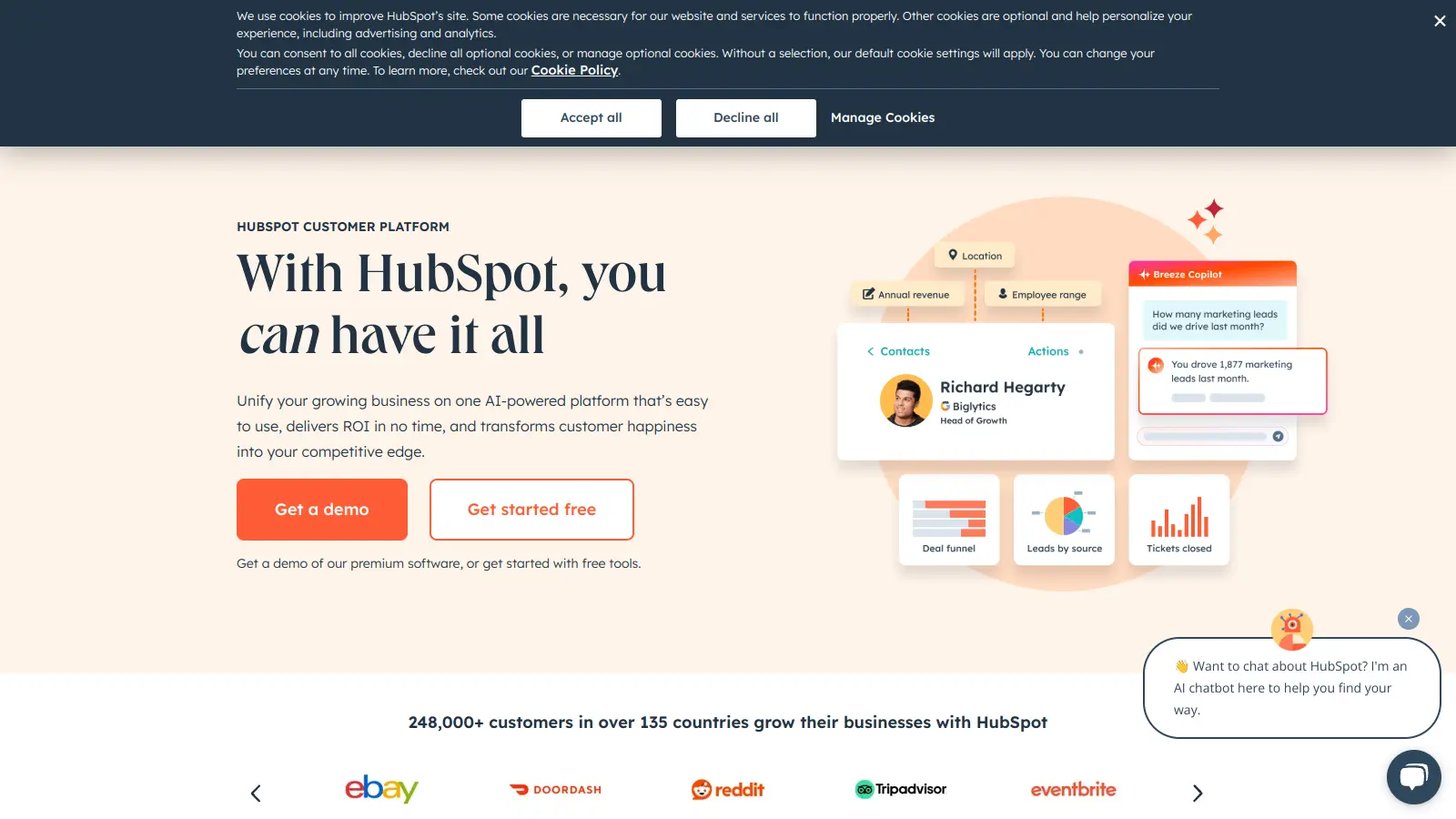
HubSpot's free CRM gives you unlimited users, contact records, pipeline management, and basic deal reporting with no time limit and no credit card required. It handles email logging, meeting scheduling, and a visual deal board out of the box. Paid Sales Hub tiers add email sequences, call recording, forecasting, and custom reporting. The free tier is one of the most functional in this category, though automation and multi-pipeline support require a paid plan.
Pros
✓Free tier includes unlimited users and contacts
✓Clean interface with low onboarding friction
✓Strong integration marketplace with 2,000+ apps
Cons
✗Automation and sequences require a paid plan
✗Reporting depth is limited until higher-tier Sales Hub plans
A pipeline-first CRM designed for reps who want to move deals fast.
Paid
Best for · Small to mid-size B2B sales teamsPricing · From $14/user/mo (Essential); $49/user/mo (Professional)
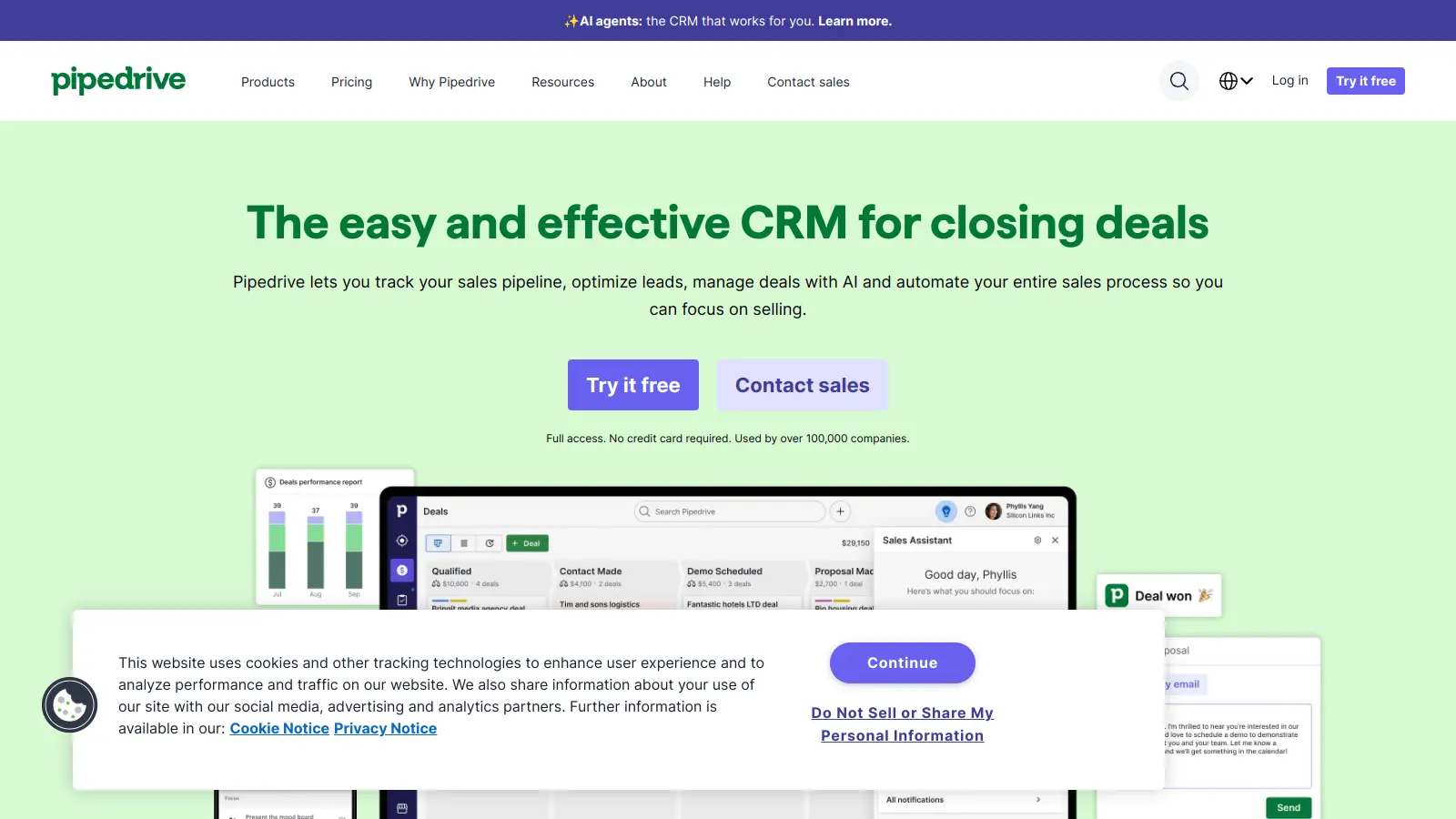
Pipedrive organises everything around the deal pipeline, making it easy for reps to see exactly where each opportunity stands and what action is needed next. Its interface is straightforward enough that most reps start using it productively within a day. It has AI-powered deal recommendations, email sync, and activity reminders on all plans, with automation and reporting tools added on higher tiers. It's used by over 100,000 companies across 179 countries.
Pros
✓Pipeline view is fast and easy to navigate daily
✓AI deal suggestions available on all paid tiers
✓Competitive entry-level pricing with no feature bloat
Cons
✗Reporting is basic on Essential and Advanced plans
A CRM built specifically for inside sales teams that call and email at volume.
Paid
Best for · Inside sales teams with high outreach volumePricing · From $49/user/mo (Startup); $99/user/mo (Professional)
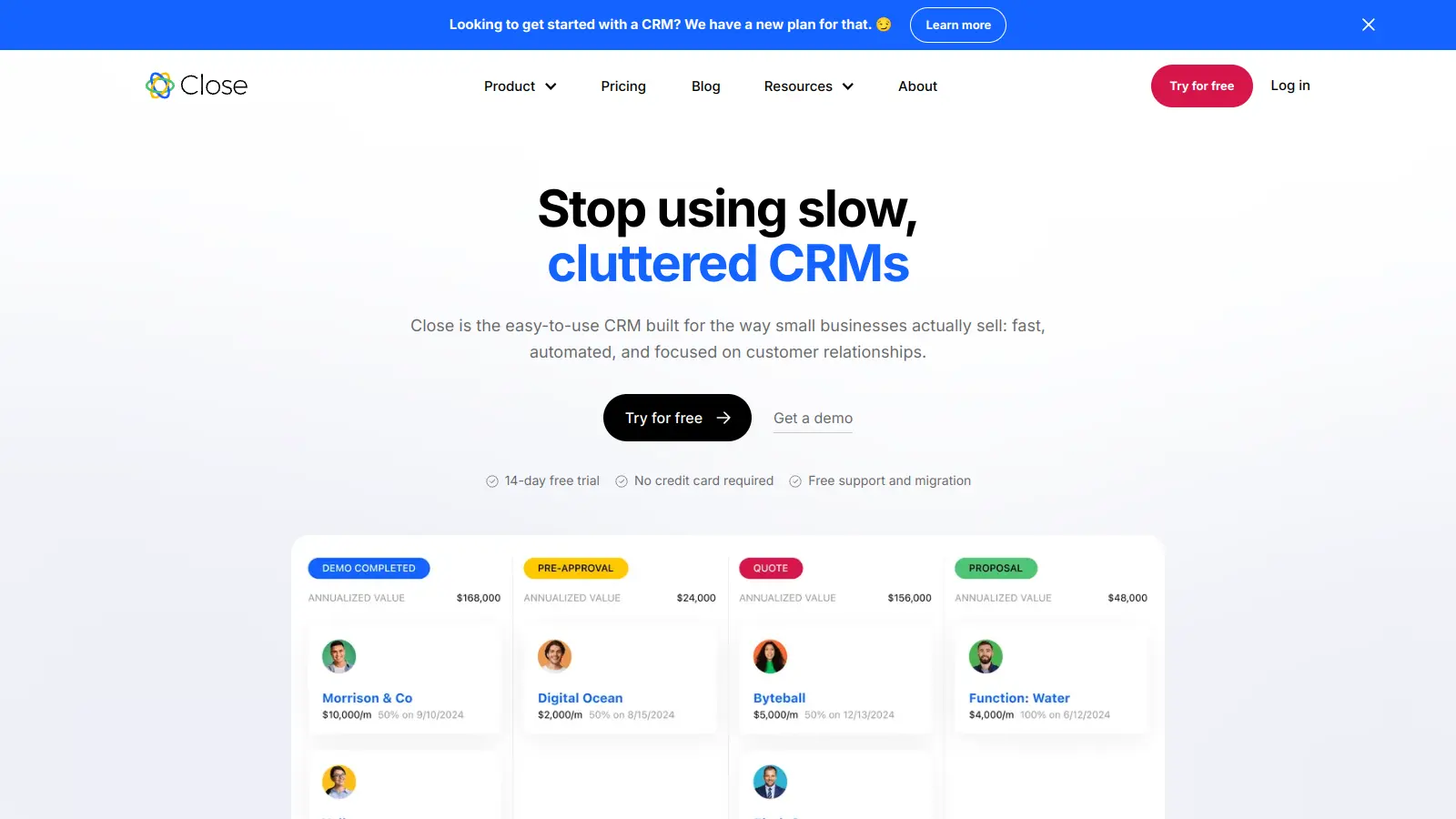
Close is designed for teams whose sales process is heavily phone and email based. It has a built-in power dialer, SMS, and email sequences, so reps can run their entire outreach from one screen without jumping between tools. Pipeline management and lead tracking are solid, and the activity-focused reporting suits managers who want to track rep output, not just deal counts. It's less suited to field sales or complex enterprise deals.
Pros
✓Built-in dialer and SMS means no separate calling tool
A full-featured CRM with a free tier and competitive mid-market pricing.
Freemium
Best for · Budget-conscious teams wanting enterprise featuresPricing · Free up to 3 users; paid from $14/user/mo (Standard)
Zoho CRM covers lead management, pipeline tracking, workflow automation, and sales forecasting at a price point well below Salesforce. The free plan supports up to three users with basic CRM features, and paid plans add automation, custom reports, territory management, and AI-assisted scoring via Zia. It integrates with the rest of the Zoho suite, which is useful if you're already using Zoho Desk or Zoho Campaigns.
Pros
✓Free plan available for teams of up to 3 users
✓AI forecasting and scoring at much lower cost than Salesforce
✓Deep integration with the Zoho product ecosystem
Cons
✗Interface feels dated compared to Pipedrive or HubSpot
✗Setup and customisation has a steeper learning curve
A visual, flexible CRM that works for teams already using Monday.com.
Paid
Best for · Teams already using Monday.com for project managementPricing · From $12/user/mo (Basic); $17/user/mo (Standard)
Monday CRM is built on the Monday.com work management platform, which means it inherits its highly visual, column-based interface and flexible board structure. You can customise deal stages, fields, and automation rules without technical help, and it connects natively to Monday.com projects if your sales and delivery teams work in the same tool. It handles pipeline tracking, contact management, and basic reporting well, though it lacks the depth of dedicated CRMs for complex sales forecasting.
Pros
✓Very easy to customise without developer help
✓Native connection to Monday.com projects and workflows
✓Clean visual interface with fast onboarding
Cons
✗Sales forecasting and quota tracking are limited
✗Less suited to teams with no existing Monday.com usage
An AI-assisted CRM with a strong free tier and built-in phone features.
Freemium
Best for · Growing SMBs wanting AI features without enterprise pricingPricing · Free plan available; paid from $9/user/mo (Growth)
Freshsales combines contact and deal management with a built-in phone and email tool, AI lead scoring via Freddy AI, and visual pipeline tracking. The free plan is more capable than most, supporting unlimited users with contact management, built-in chat, and a basic pipeline. Paid tiers add AI contact scoring, sales sequences, and advanced reporting. It integrates with Freshdesk and the wider Freshworks suite if you need support and sales in one place.
Pros
✓Freddy AI contact scoring available on Growth plan
✓Built-in phone and email reduce tool stack complexity
✓Free plan supports unlimited users with core features
Cons
✗Freddy AI insights are less accurate on smaller datasets
✗Reporting customisation is limited below Pro tier
A five-person team and a 200-person sales org have almost nothing in common in terms of needs. Lightweight tools like Pipedrive or Close are built for smaller, faster-moving teams. Salesforce Sales Cloud and Microsoft Dynamics 365 are designed for orgs that need territory management, complex approval workflows, and multi-region reporting.
Pipeline customisation
Check whether the tool lets you create multiple pipelines, define your own deal stages, and set stage-specific fields. Some tools are opinionated about pipeline structure, which works fine until your sales process doesn't match their defaults.
Reporting and forecasting depth
Basic tools show you deal counts and close dates. Better tools let you build custom reports on rep activity, stage conversion rates, and forecast accuracy over time. If your manager or CFO needs a reliable revenue forecast each week, this matters a lot more than the pipeline view.
Automation and integrations
Look at what the tool automates out of the box versus what requires a higher-tier plan or a third-party integration. Email sequence automation, task creation on stage change, and lead routing are common features, but they're often locked behind paid tiers. Check whether your existing email provider, calling tool, or marketing platform connects natively.
Pricing model and scaling cost
Most sales management tools charge per user per month, so costs scale quickly as your team grows. Compare the per-seat cost at your current team size and at 2x, and check which features are only available on enterprise plans. A tool that looks affordable at five seats can get expensive fast at twenty.
frequently asked questions
A CRM stores customer and contact data. Sales management software does that too, but adds pipeline tracking, rep performance reporting, forecasting, and activity management on top. In practice, most modern CRMs marketed at sales teams include sales management features, so the categories overlap heavily. The distinction matters when a tool is CRM-heavy but light on pipeline analytics or quota tracking.
Entry-level plans run from free (HubSpot, Zoho CRM) to around $15 to $25 per user per month for tools like Pipedrive or Close. Mid-tier plans with more automation and reporting land between $40 and $100 per user per month. Salesforce Sales Cloud starts at $25 per user per month on the Starter tier but scales to $165 or more per user per month for advanced AI and forecasting features.
For a team of two or three people doing light pipeline tracking, HubSpot's free CRM or Zoho CRM's free tier can genuinely work. The limits that hurt most are contact caps, automation restrictions, and the absence of reporting beyond basic deal counts. Once you need email sequences, custom reports, or more than one pipeline, a paid plan is usually necessary.
Choosing based on features you plan to use rather than features your team will actually adopt. Complex tools with deep automation and custom objects often get used at 20% of capacity because the setup cost is too high and training takes too long. Start with a tool your team will open every day, then upgrade if you genuinely hit its limits.
Yes, most integrate with Gmail and Outlook for email sync and calendar booking. The quality varies: some tools log emails automatically and two-way sync calendar events, while others require manual logging or a paid add-on. Always test the email integration specifically, since it's the feature sales reps use most and the one most likely to break or require reconfiguration.
tools for humans
toolsforhumans editorial team
Reader ratings and community feedback shape every score. Since 2022, ToolsForHumans has helped 600,000+ people find software that holds up after launch. The picks here come from that.