Best Case Legal Software: Top Picks for Attorneys (2026)
7 tools reviewedlast reviewed 20 march 2026
Editorial note:this was originally published in august of 2024
Some links on this page are affiliate links. If you sign up via our link we may earn a commission, at no extra cost to you. This doesn't affect which tools we recommend or how we rank them.
This page is for attorneys and legal professionals looking for case management software that actually fits how a law firm runs: client intake, document management, billing, court deadlines, and communication all in one place.
The tools here range from solo-practitioner-friendly platforms to more specialised options built for specific practice areas like bankruptcy. Each pick was evaluated on pricing transparency, core case management features, learning curve, and how well it handles the day-to-day admin that eats into billable hours.
If you're specifically looking for bankruptcy petition software, Best Case by Stretto is the category leader and is covered below. But if you need broader case management, there are stronger general-purpose options worth knowing about.
We collect first-hand reviews from people who use these tools every day — what works, what doesn't, whether it's worth paying for. We research pricing, features, and comparisons so that feedback has real context behind it. For this guide, case management software was evaluated on integration capabilities, workflow automation, and suitability for solo practitioners and small firms. Read our full research methodology.
help us improve this guide
tell us what you're looking for, what you're using now, and what caught your eye — takes 30 seconds.
What is legal case management software?
Legal case management software is a purpose-built platform that helps law firms organise client matters, track deadlines, manage documents, and handle billing from a single interface. It replaces the combination of spreadsheets, email folders, and paper files that most small firms rely on early on.
Attorneys use it to store case files, log time, generate invoices, communicate with clients, and stay on top of court deadlines. Some platforms cover the full practice lifecycle; others specialise in a single area like bankruptcy filing, immigration case tracking, or personal injury settlement management.
The primary users are solo practitioners, small and mid-size firms (2 to 50 attorneys), and legal operations teams at larger organisations. Enterprise law departments typically use heavier enterprise platforms, which are outside the scope of this list.
Highly configurable case management for litigation-heavy practices.
Litigation and personal injury firms with complex case workflows
CustomPricing on request
our top pick
1
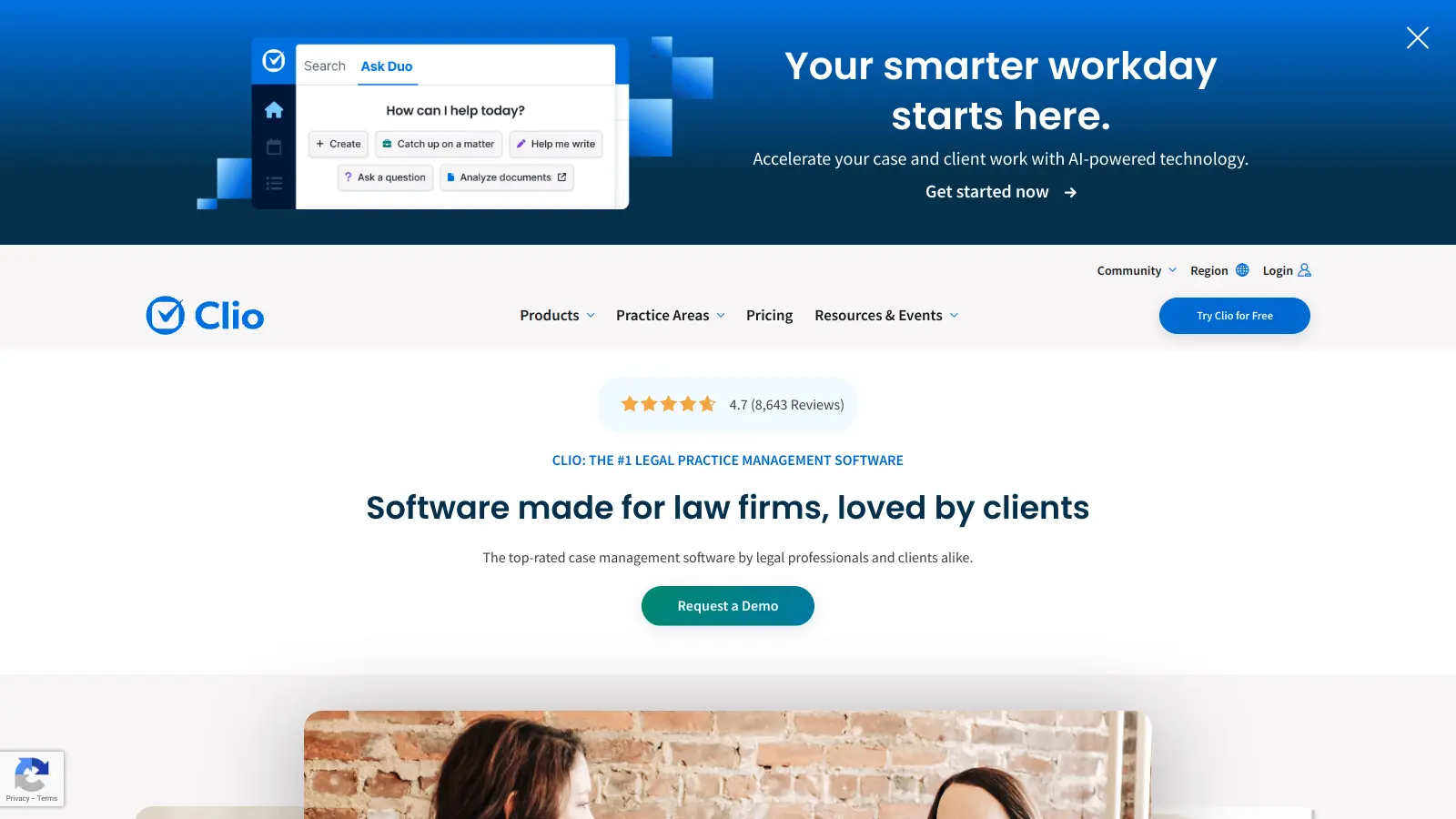
Clio
The most widely adopted practice management platform for law firms.
Paid
Best for · Solo to mid-size firms across most practice areasPricing · From $49/user/mo
Clio covers the full practice lifecycle: client intake, matter management, time tracking, billing, document storage, and a client-facing portal. It has one of the largest ecosystems of third-party integrations in legal software, including Outlook, Google Workspace, QuickBooks, and over 200 others. The EasyStart plan is genuinely usable for solos, while the higher tiers unlock document automation and advanced reporting.
Pros
✓200+ integrations including QuickBooks and Outlook
All-in-one case management with built-in payment processing.
Paid
Best for · Small firms wanting billing and client comms in one toolPricing · From $39/user/mo
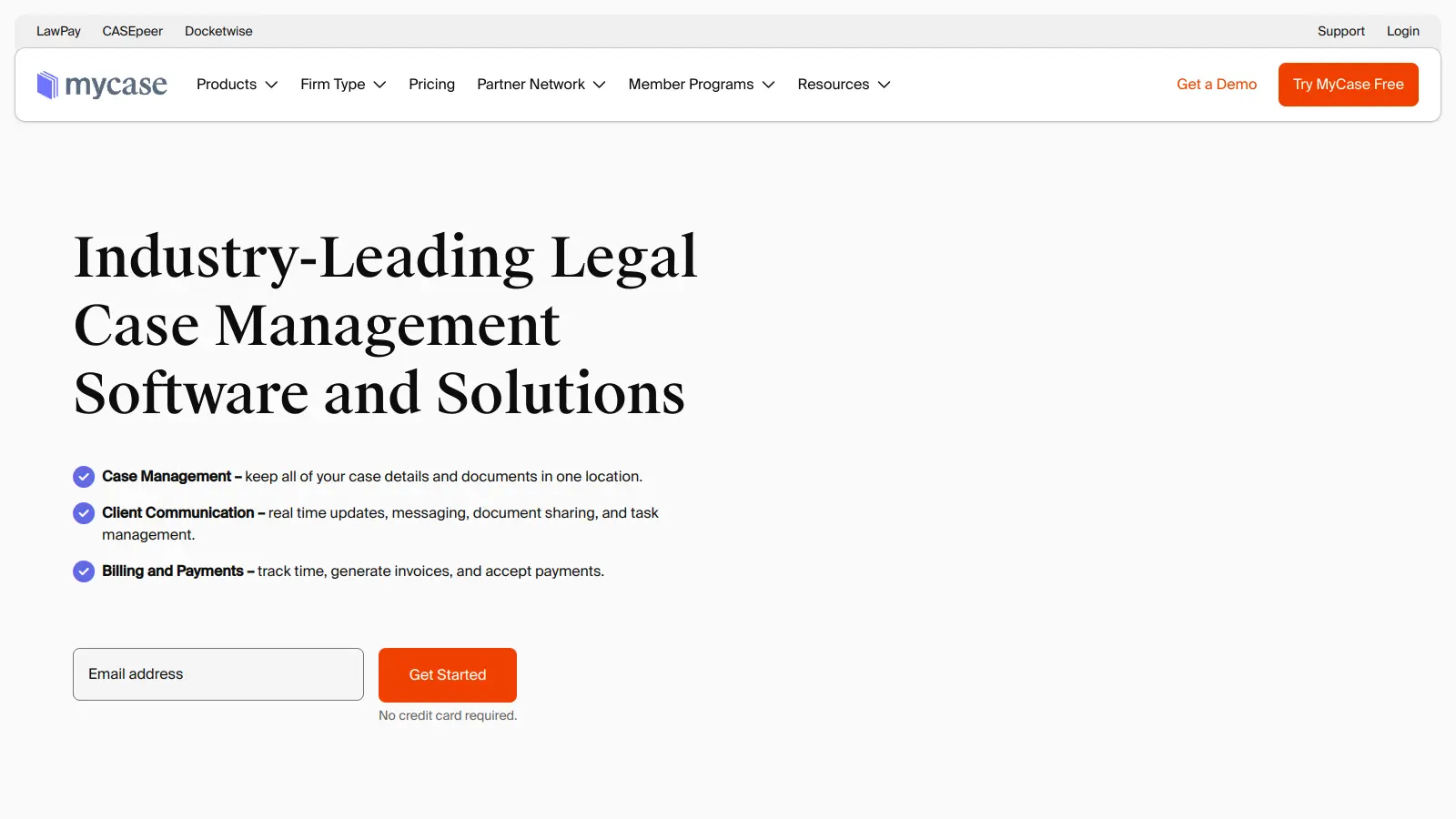
MyCase bundles case management, client communication, and payment processing without requiring third-party add-ons for most core tasks. The built-in client portal handles document sharing, messaging, and invoice payment. It's priced slightly lower than Clio at the base tier and includes trust accounting across all paid plans.
Pros
✓Built-in payment processing with no extra app
✓Trust accounting included on all plans
✓Client portal covers messaging, docs, and invoices
Cons
✗Fewer third-party integrations than Clio
✗Reporting tools are basic compared to competitors
The category standard for bankruptcy petition preparation and e-filing.
Custom
Best for · Consumer bankruptcy attorneys filing Chapter 7 and Chapter 13Pricing · Pricing on request
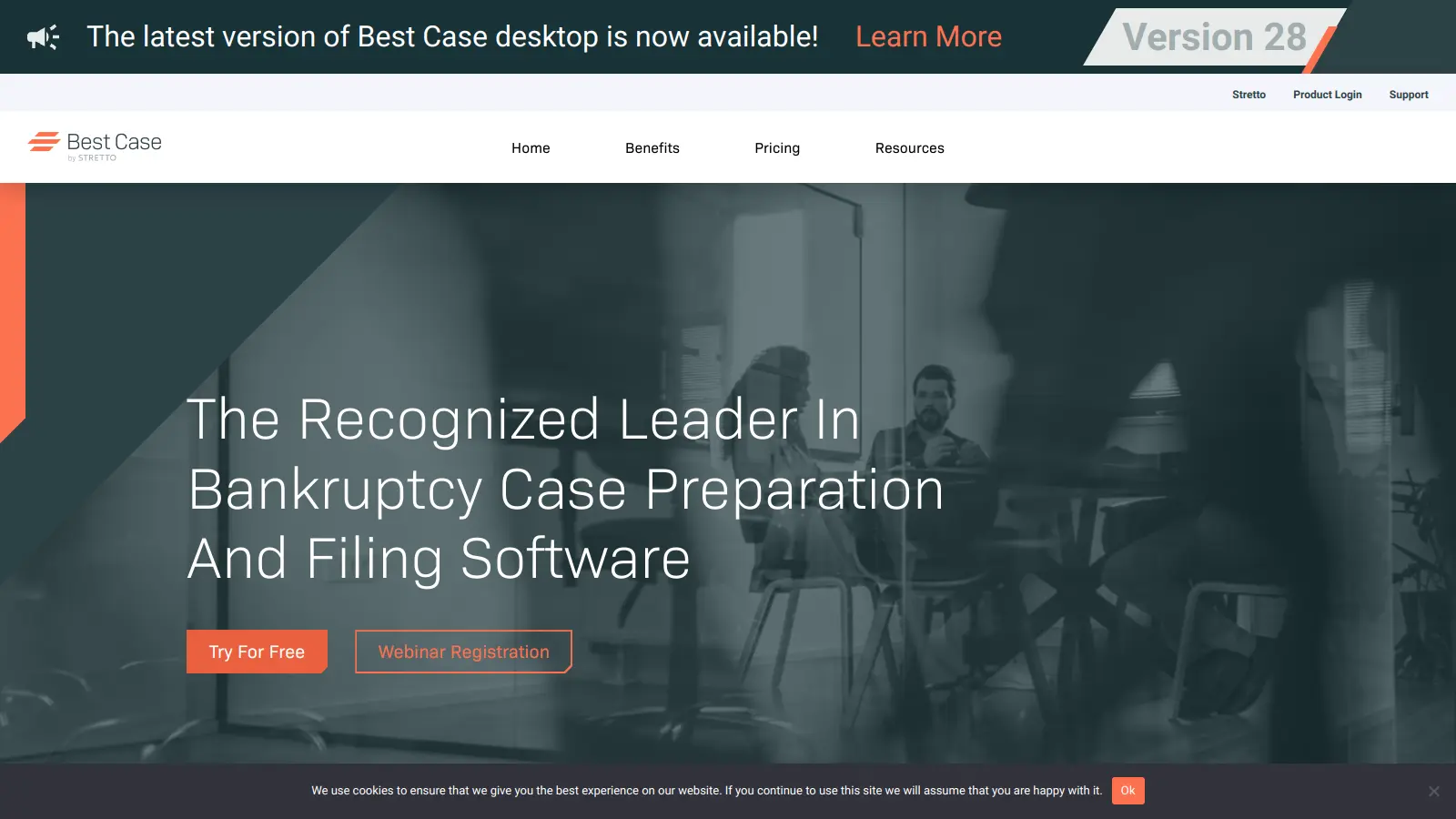
Best Case is built specifically for consumer bankruptcy attorneys and handles the entire petition workflow: client intake via a secure online portal, auto-populated federal and local court forms, and OneTouch electronic filing that uploads documents to the court's CM/ECF system and returns a case number. It saves an average of 60 minutes of data entry per case through its Due Diligence Reports, which import credit and financial data directly into schedules. This is not a general case management tool; it does bankruptcy and does it well.
Fast-to-learn practice management with strong automation features.
Paid
Best for · Small firms prioritising quick setup and workflow automationPricing · From $49/user/mo
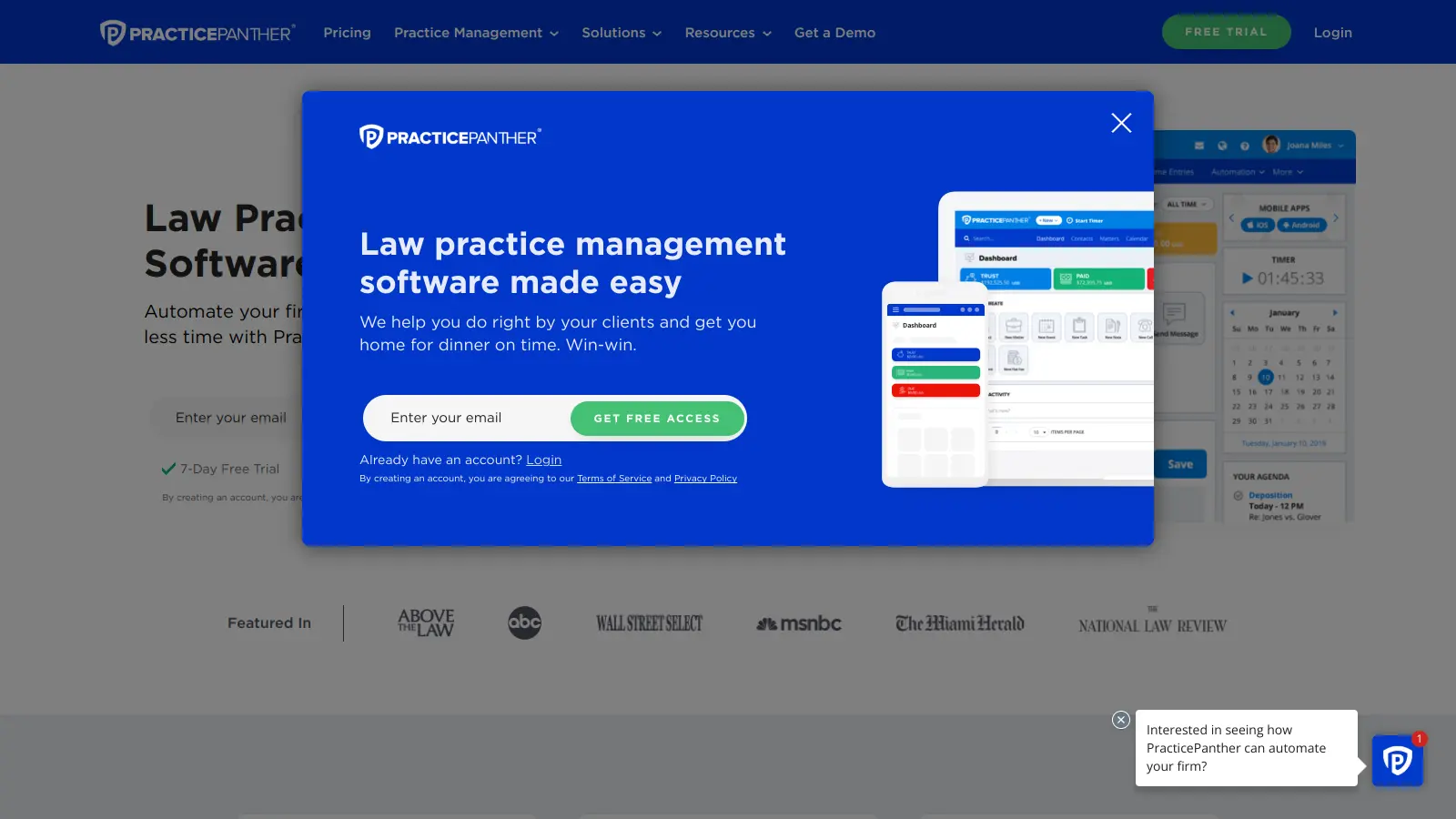
PracticePanther is known for being quicker to set up than Clio, with a cleaner interface that most attorneys can navigate without training. It includes automated workflows for routine tasks like sending intake forms or follow-up emails, a client portal, and integrated payment processing via LawPay. The automation builder is one of the more accessible in the category for non-technical users.
Pros
✓Workflow automation builder is intuitive for non-developers
✓LawPay integration built in for trust-safe payments
✓Clean interface with short learning curve
Cons
✗Fewer integrations than Clio's ecosystem
✗Storage limits on lower-tier plans can be restrictive
Practice management with full legal accounting built in, no QuickBooks needed.
Paid
Best for · Firms wanting accounting and case management in one platformPricing · From $89/user/mo
CosmoLex is the clearest alternative for firms that want trust accounting, general ledger, and practice management in a single platform without running a parallel QuickBooks subscription. It handles IOLTA compliance, bank reconciliation, and financial reporting natively. The trade-off is that the interface is more complex than most competitors, and onboarding takes longer as a result.
Pros
✓Full legal accounting built in, no third-party app needed
✓IOLTA trust accounting compliant across all plans
✓Eliminates double-entry between practice and accounting tools
Immigration-specific case management with USCIS form automation.
Paid
Best for · Immigration attorneys and practices with high form volumePricing · From $55/mo
Docketwise is built for immigration attorneys and handles the USCIS and Department of State forms that general platforms can't touch. It auto-populates government forms from client intake data, tracks case status through USCIS portals, and includes a multilingual client questionnaire system. For immigration practices, it eliminates the manual form-filling work that takes up a significant portion of every case.
Pros
✓Auto-populates USCIS and DOS forms from intake data
Highly configurable case management for litigation-heavy practices.
Custom
Best for · Litigation and personal injury firms with complex case workflowsPricing · Pricing on request
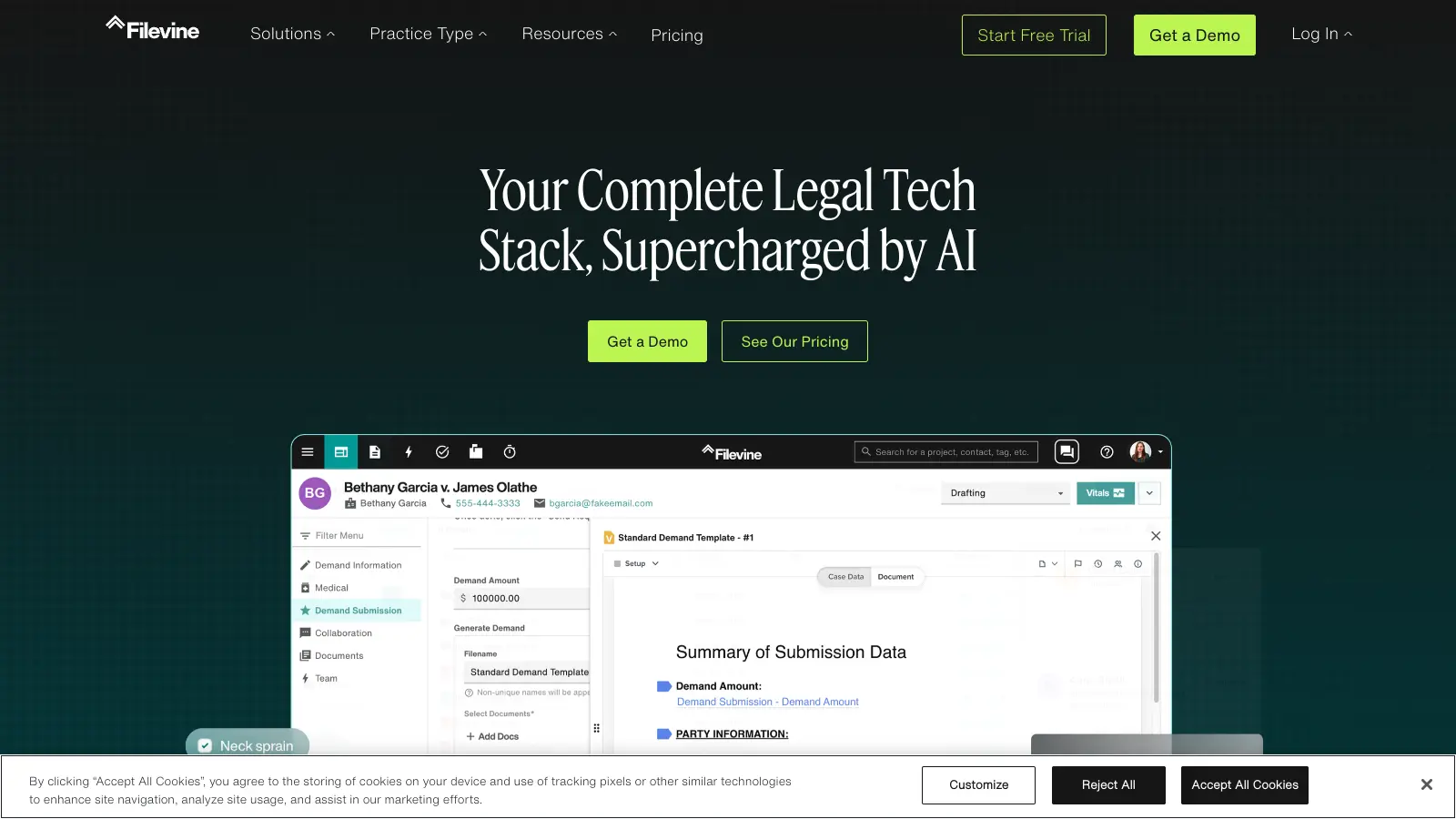
Filevine is built around a project-management-style workflow that works well for litigation and personal injury firms managing cases with many moving parts. Each case is a 'project' with customisable sections, task assignments, and deadline tracking. It has strong document management, a native e-signature tool, and an AI-assisted feature set for document review and drafting. Pricing is not published and requires a demo call.
Pros
✓Highly configurable project-style case structure
✓Strong document management with version control
✓AI-assisted document review and drafting tools
Cons
✗Pricing opacity requires a sales process before you can evaluate cost
✗Overkill for solo or simple transactional practices
General-purpose platforms like Clio work for most practice areas, but if you do high-volume bankruptcy, immigration, or personal injury work, a specialist tool will handle court-specific forms and filing workflows far better than a generic one.
Billing and time-tracking quality
Time tracking and invoicing are where legal software earns its keep. Look for one-click timers, LEDES billing export, trust accounting compliance (IOLTA), and direct payment processing. Not every platform handles all of these well.
Client communication tools
A secure client portal that lets clients upload documents, sign forms, and check case status reduces back-and-forth significantly. Check whether the portal is included in the base plan or locked behind a higher tier.
Court and calendar integrations
Deadline management matters more in law than almost any other profession. Look for court rules calendaring (automatic deadline calculation based on jurisdiction), plus sync with Google Calendar or Outlook. Some platforms pull directly from PACER for federal cases.
Pricing structure and per-user costs
Most platforms charge per user per month, which scales quickly as you add staff. A plan that looks affordable for a solo attorney can become expensive at five or ten users. Factor in the cost of add-ons like e-signature, document storage limits, and payment processing fees before comparing sticker prices.
frequently asked questions
In practice, these terms are used interchangeably. Some vendors use 'practice management' to signal broader coverage including billing, accounting, and client communication, while 'case management' is sometimes used for the matter-tracking component specifically. Most modern platforms do both.
Expect to pay between $39 and $99 per user per month for a mainstream platform like Clio, MyCase, or PracticePanther. Specialist tools like Best Case by Stretto use annual subscription models that vary by filing volume. Free plans exist but are usually limited to one user with capped storage or features.
Free tiers can work for very small solo practices, but most cap the number of active matters, users, or storage. The bigger limitation is that free plans rarely include trust accounting or IOLTA compliance, which is a legal requirement for most attorneys handling client funds.
Most major platforms have a QuickBooks Online integration, though the depth varies. Clio and CosmoLex have tighter accounting integrations than most. If your firm's bookkeeper works in QuickBooks, verify the sync is two-way before committing to a platform.
Choosing based on features they won't use rather than the workflows they do every day. A platform with a great document automation suite is wasted if your practice is mainly phone calls and court appearances. Pick the tool that handles billing and deadlines well first, then evaluate the extras.
tools for humans
toolsforhumans editorial team
Reader ratings and community feedback shape every score. Since 2022, ToolsForHumans has helped 600,000+ people find software that holds up after launch. The picks here come from that.