Best CRM Software for Mac: Top Picks for Apple Users (2026)
7 tools reviewedlast reviewed 20 march 2026
Editorial note:this was originally published in august of 2024
Most CRMs technically run on a Mac, because they run in a browser. That's a low bar. This list is for Mac users who want a CRM that actually fits their workflow: clean in Safari, synced with Calendar and Contacts, and not a chore to use on a MacBook.
The tools here were selected based on macOS compatibility, Apple ecosystem integration (Mail, Calendar, iCloud), ease of use, and pricing transparency. The list covers everything from a fully native Mac app to browser-based tools that still feel at home on macOS.
Whether you're a freelancer, a small agency, or a sales team running on Apple hardware, there's a solid option here without having to compromise on features or fight your own tools.
We collect first-hand reviews from people who use these tools every day — what works, what doesn't, whether it's worth paying for. We research pricing, features, and comparisons so that feedback has real context behind it. For this guide, prioritisation was given to Mac-native CRM software with strong integration capabilities and offline functionality. Read our full research methodology.
help us improve this guide
tell us what you're looking for, what you're using now, and what caught your eye — takes 30 seconds.
What is a CRM for Mac?
A CRM (Customer Relationship Management) tool helps you track contacts, manage sales pipelines, log communications, and stay on top of follow-ups. For Mac users, the distinction matters: a CRM that was designed with Windows and Chrome in mind often feels clunky on macOS, with layout bugs in Safari, broken calendar sync, and no native app.
A CRM built for Mac, or at least properly optimised for it, syncs with Apple Mail, Calendar, and Contacts without manual workarounds. Ideally it also works on iPhone and iPad with the same level of polish, since most Mac users are deep in the Apple ecosystem across devices.
The main users of Mac-specific CRM guidance are freelancers, creative agencies, consultants, and small-to-mid-sized businesses that run on Apple hardware and want tools that match the quality they expect from their OS.
A flexible, build-your-own CRM inside a tool Mac users already love.
Freelancers and solopreneurs who prefer flexible, minimal tools
FreemiumFree plan available; paid from $10/user/mo
our top pick
1
Daylite
The only CRM built exclusively for Apple devices.
Paid
Best for · Apple-only small businesses and freelancersPricing · From $29.99/user/mo
Daylite is a native macOS and iOS CRM that integrates directly with Apple Mail, Calendar, Contacts, and Siri. It's designed for small businesses running entirely on Apple hardware, with offline access, pipeline tracking, and project management built in. Nothing else on this list feels this at home on a Mac.
Pros
✓Native Apple Mail plug-in links emails to contacts and deals
✓Works fully offline, syncs when reconnected
✓Integrates with Calendar, Contacts, Siri, and Shortcuts natively
Cons
✗No support for Windows, Android, or Google Workspace users
✗Lacks marketing automation and advanced reporting tools
Best for · Mac users on Google WorkspacePricing · From $9/user/mo
Copper is built specifically for Google Workspace users, with a Gmail sidebar that logs contacts and deals without leaving your inbox. It works cleanly in Chrome on Mac, auto-fills contact data from emails, and syncs with Google Calendar. It's the right pick if your team runs on Gmail rather than Apple Mail.
Pros
✓Gmail sidebar lets you manage CRM without switching tabs
✓Auto-captures contact data from email threads
✓Clean, simple interface that loads fast in Chrome on Mac
Cons
✗Requires Google Workspace, not usable with Apple Mail or iCloud
✗Reporting and automation limited on lower-tier plans
Best for · Growing teams wanting free-to-start CRM with marketing toolsPricing · Free plan available; paid from $15/user/mo
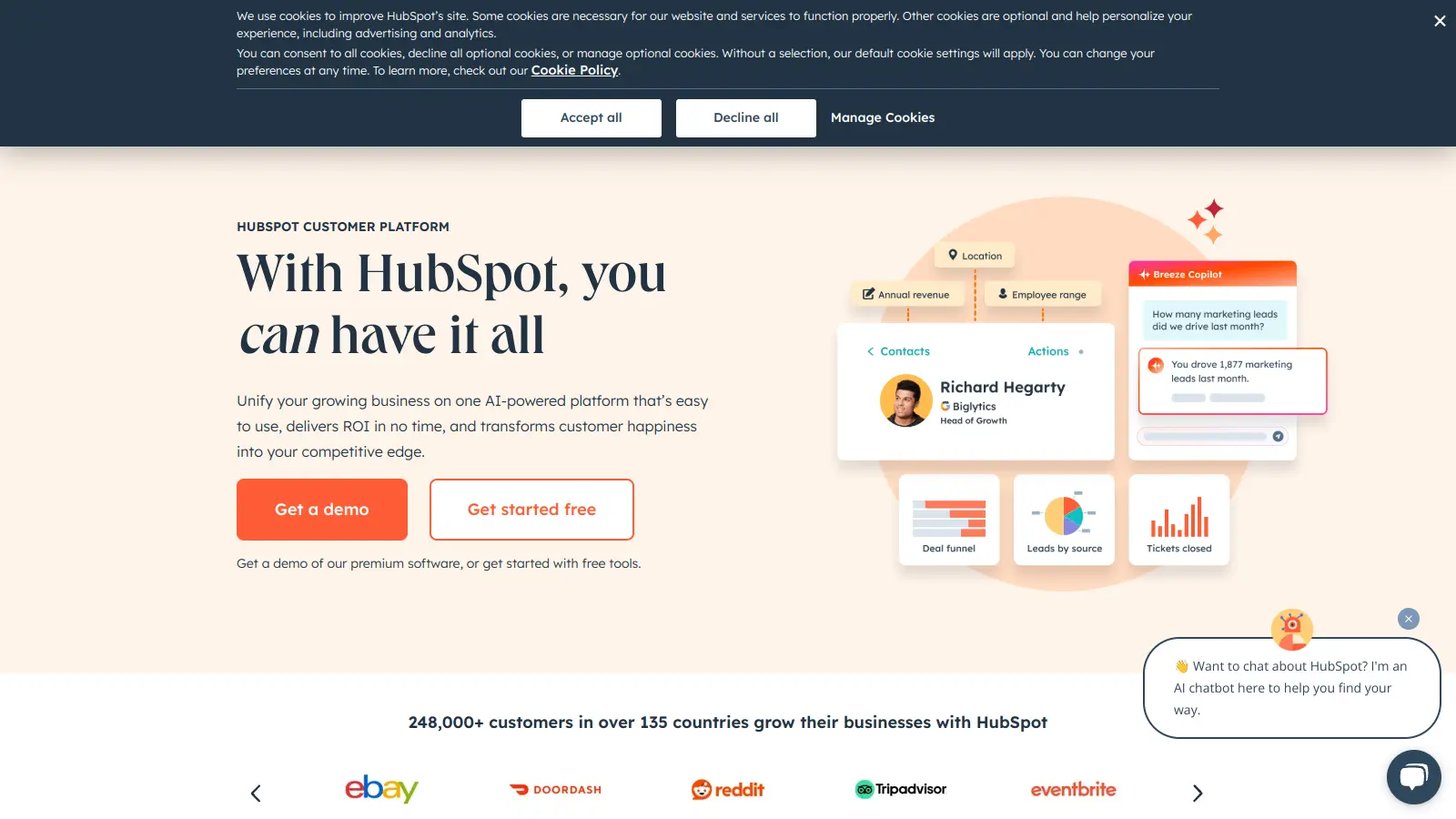
HubSpot's free CRM covers contact management, deal pipelines, email tracking, and basic reporting with no time limit. It runs in any browser on Mac without issues and has a well-rated iPhone app. Paid plans add automation, sequences, and advanced analytics, though costs rise steeply as your team grows.
Pros
✓Genuinely usable free plan with unlimited contacts
✓Strong email tracking and deal pipeline on free tier
✓Extensive integration library covers most Mac-compatible tools
Cons
✗Automation and sequences require paid plans
✗Costs escalate significantly as contact lists and team size grow
A visual sales pipeline CRM built for deal-focused teams.
Paid
Best for · Sales-focused teams tracking deals and follow-upsPricing · From $14/user/mo
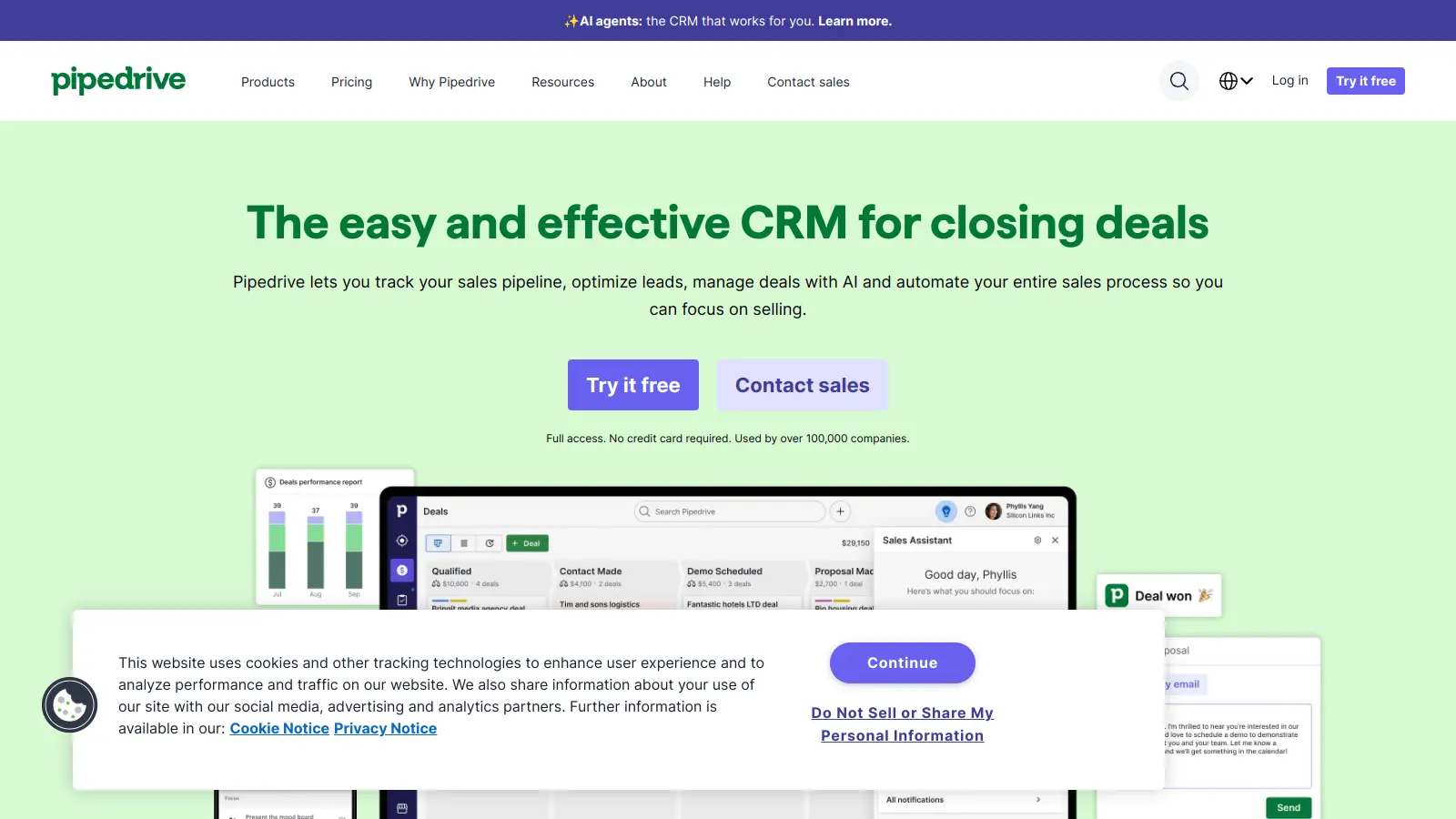
Pipedrive centres on a drag-and-drop Kanban-style pipeline that makes it easy to see where every deal stands. It runs cleanly in Safari on Mac, has a solid iPhone app, and integrates with Apple Calendar via two-way sync. The interface is minimal by design, which appeals to Mac users who prefer less visual noise.
Pros
✓Visual pipeline is fast and clean in Safari
✓Two-way Apple Calendar sync works reliably
✓Activity reminders and follow-up nudges built into every plan
Cons
✗No free plan, only a 14-day trial
✗Marketing and email campaign features cost extra as add-ons
A low-maintenance CRM that fills itself in from your inbox.
Paid
Best for · Small B2B teams who hate manual data entryPricing · From $29/user/mo
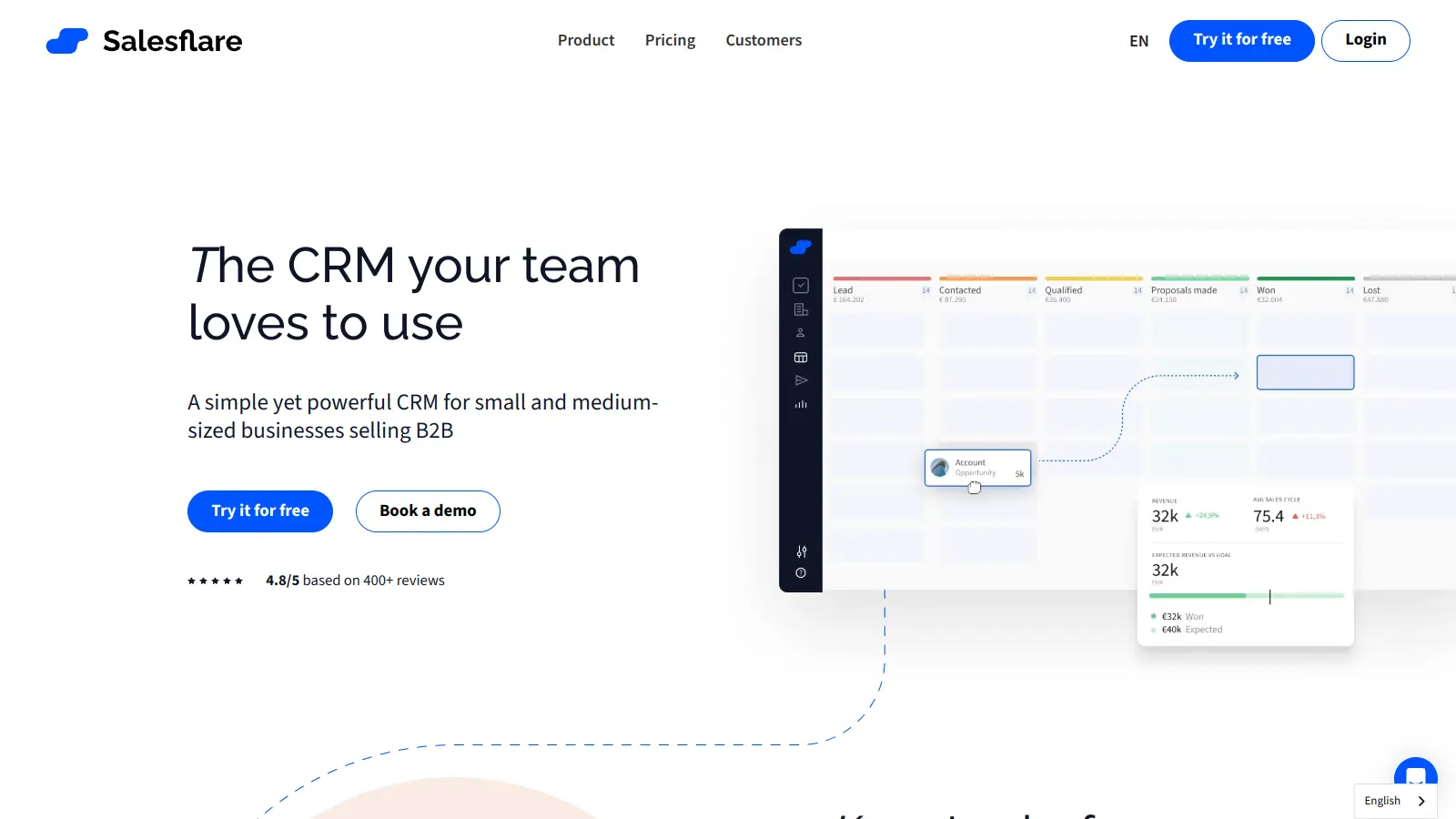
Salesflare pulls contact data, meeting notes, and email history automatically from your connected mailbox and calendar, reducing manual data entry to near zero. It works with Apple Mail, Gmail, and Outlook for Mac, and has a clean interface that feels considered rather than bloated. Best suited to small B2B sales teams that want an up-to-date CRM without the admin overhead.
Pros
✓Auto-captures contacts and emails from Apple Mail and Gmail
✓Works in Safari and has a clean, distraction-free interface
✓Built-in email tracking without needing third-party extensions
Cons
✗Limited customisation compared to larger CRM platforms
✗Reporting is basic, no advanced analytics on any plan
Best for · Small teams wanting a full-featured free starting pointPricing · Free plan available; paid from $9/user/mo
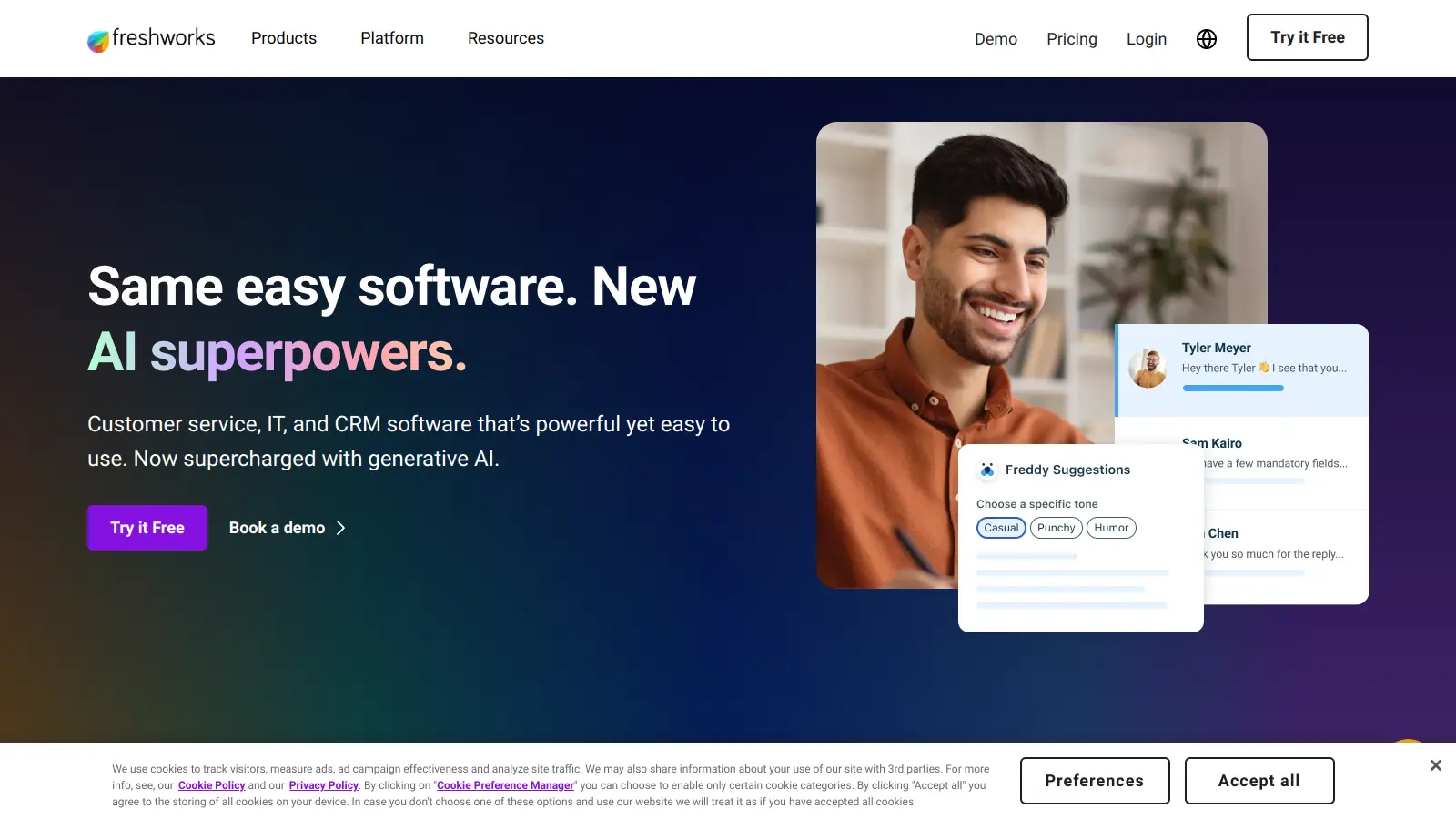
Freshsales covers contact management, visual pipelines, built-in phone and email, AI-powered lead scoring, and workflow automation. The free plan is genuinely functional for individuals and small teams. It runs in Safari without layout issues, and the iOS app handles the core sales workflow well. It's a practical choice if you want more built-in features without paying from day one.
Pros
✓Free plan includes pipelines, contacts, and built-in email
✓AI lead scoring available on mid-tier plans
✓Loads correctly in Safari with no major layout issues
Cons
✗Workflow automation locked behind Growth plan and above
✗Apple Calendar sync requires third-party tools, not native
A flexible, build-your-own CRM inside a tool Mac users already love.
Freemium
Best for · Freelancers and solopreneurs who prefer flexible, minimal toolsPricing · Free plan available; paid from $10/user/mo
Notion isn't a dedicated CRM, but its database and relation features make it practical for contact tracking, pipeline management, and deal notes, especially for freelancers and solopreneurs who don't need heavy automation. The Mac desktop app is fast, well-designed, and feels genuinely native. It won't replace Salesforce, but for structured, lightweight CRM use it's hard to beat the price.
Pros
✓Native Mac app is fast and integrates with macOS well
✓Highly customisable to match your exact sales workflow
✓Free plan covers basic CRM use for one person
Cons
✗No built-in email tracking, automation, or deal notifications
✗Requires setup time; not a ready-to-use CRM out of the box
A native Mac app (like Daylite) behaves like proper macOS software: it respects keyboard shortcuts, works offline, and syncs with system-level tools like Calendar and Contacts. Browser-based CRMs can still work well, but check specifically that they load correctly in Safari and don't require Chrome-only extensions.
Apple ecosystem integration
If your team uses Apple Mail, iCal, or iCloud Contacts, check whether the CRM can sync with those directly. Some CRMs only integrate with Google Workspace or Outlook, which means you'll need workarounds or a third-party sync tool.
Mobile experience on iPhone and iPad
Most Mac users also work from an iPhone. A CRM with a poorly rated or feature-limited iOS app will break your workflow the moment you leave your desk. Check the App Store rating and confirm which features are actually available on mobile, not just on desktop.
Offline access
If you travel frequently or work in areas with unreliable connectivity, you'll want a CRM that lets you view and edit records offline and syncs when you reconnect. This is rare: most browser-based CRMs require an active connection for almost everything.
Pricing relative to team size
Per-user pricing adds up fast. A solo consultant has very different needs from a 10-person sales team. Check whether the free plan is genuinely usable or just a demo, and confirm whether key features like automations and reporting are locked behind higher tiers.
frequently asked questions
It depends on your workflow. If you rely on Apple Mail, iCal, or offline access, a native app like Daylite is worth the extra cost. For most small teams, a well-optimised browser-based CRM works fine in Safari, as long as you check for layout issues and extension compatibility before committing.
Free plans exist at HubSpot and Freshsales, though both restrict automation and reporting. Most paid plans start between $14 and $29 per user per month. Daylite is the main outlier with a flat subscription around $29.99/month per user, which covers all Apple devices.
Yes, for basic contact management and pipeline tracking. The free tier has no time limit and handles a surprisingly large contact volume. The main limitations are that automation, sequences, and advanced reporting are locked behind paid plans starting at $15/user/month.
Daylite has the tightest Apple Mail integration via its Mail plug-in, letting you link emails directly to contacts and projects from within the Mail app. Copper focuses on Gmail integration and is the wrong choice if you use Apple Mail. Salesflare and HubSpot both have more limited Apple Mail support.
All tools on this list have iOS apps, but quality varies. Daylite, Pipedrive, and HubSpot have consistently well-rated iPhone apps with solid feature parity. Freshsales and Insightly have functional mobile apps but are primarily desktop-first products. Always check the App Store rating before committing.
tools for humans
toolsforhumans editorial team
Reader ratings and community feedback shape every score. Since 2022, ToolsForHumans has helped 600,000+ people find software that holds up after launch. The picks here come from that.