Best Policy Management Software for Compliance Teams (2026)
8 tools reviewedlast reviewed 20 march 2026
Editorial note:this was originally published in september of 2024
Some links on this page are affiliate links. If you sign up via our link we may earn a commission, at no extra cost to you. This doesn't affect which tools we recommend or how we rank them.
Policy management software helps organizations create, distribute, track, and archive policies in one place, replacing email chains, shared drives, and manual attestation logs. This page is for compliance officers, HR directors, and operations managers who need a reliable audit trail and don't have time to chase down signatures.
The tools below were selected based on workflow depth, acknowledgment tracking, version control, integration options, and pricing transparency. The list covers platforms built specifically for policy management as well as a few adjacent tools worth knowing about.
We collect first-hand reviews from people who use these tools every day — what works, what doesn't, whether it's worth paying for. We research pricing, features, and comparisons so that feedback has real context behind it. For this guide, tools were selected based on policy creation, version control, approval workflows, and compliance reporting capabilities. Read our full research methodology.
help us improve this guide
tell us what you're looking for, what you're using now, and what caught your eye — takes 30 seconds.
What is policy management software?
Policy management software is a dedicated system for drafting, approving, publishing, and retiring organizational policies and procedures. It replaces ad hoc document storage with structured workflows, role-based access, and automated reminders so the right people review and acknowledge the right documents on time.
The core users are HR teams, compliance officers, legal departments, and risk managers, particularly in regulated industries like healthcare, finance, and government contracting where audit-ready documentation is mandatory.
Key functions include version control (so older policy drafts are preserved but inactive), acknowledgment tracking (proof that employees read and accepted a policy), workflow automation (routing documents through reviewers and approvers), and reporting that shows compliance gaps across teams or locations.
Risk and compliance platform with policy management as one module.
Compliance teams managing policy alongside risk and audit programs
CustomPricing on request
our top pick
1
PowerDMS
Policy management built for accreditation-heavy regulated industries.
Custom
Best for · Public safety agencies and healthcare organizationsPricing · Pricing on request
PowerDMS covers the full policy lifecycle from drafting to employee acknowledgment, with strong compliance tracking tools for public safety, healthcare, and government sectors. It includes version control, electronic signatures, and a training module that ties policies directly to staff learning records. The platform is widely used by law enforcement agencies and hospitals that need to demonstrate compliance with specific accreditation bodies.
Pros
✓Accreditation-specific compliance tracking built in
✓Policy-to-training links in a single platform
✓Electronic signatures with full audit trail
Cons
✗Pricing is opaque and requires a sales call
✗Interface feels dated compared to newer competitors
Cloud-based policy management with AI-assisted document creation.
Custom
Best for · Mid-size organizations modernizing from manual systemsPricing · Pricing on request
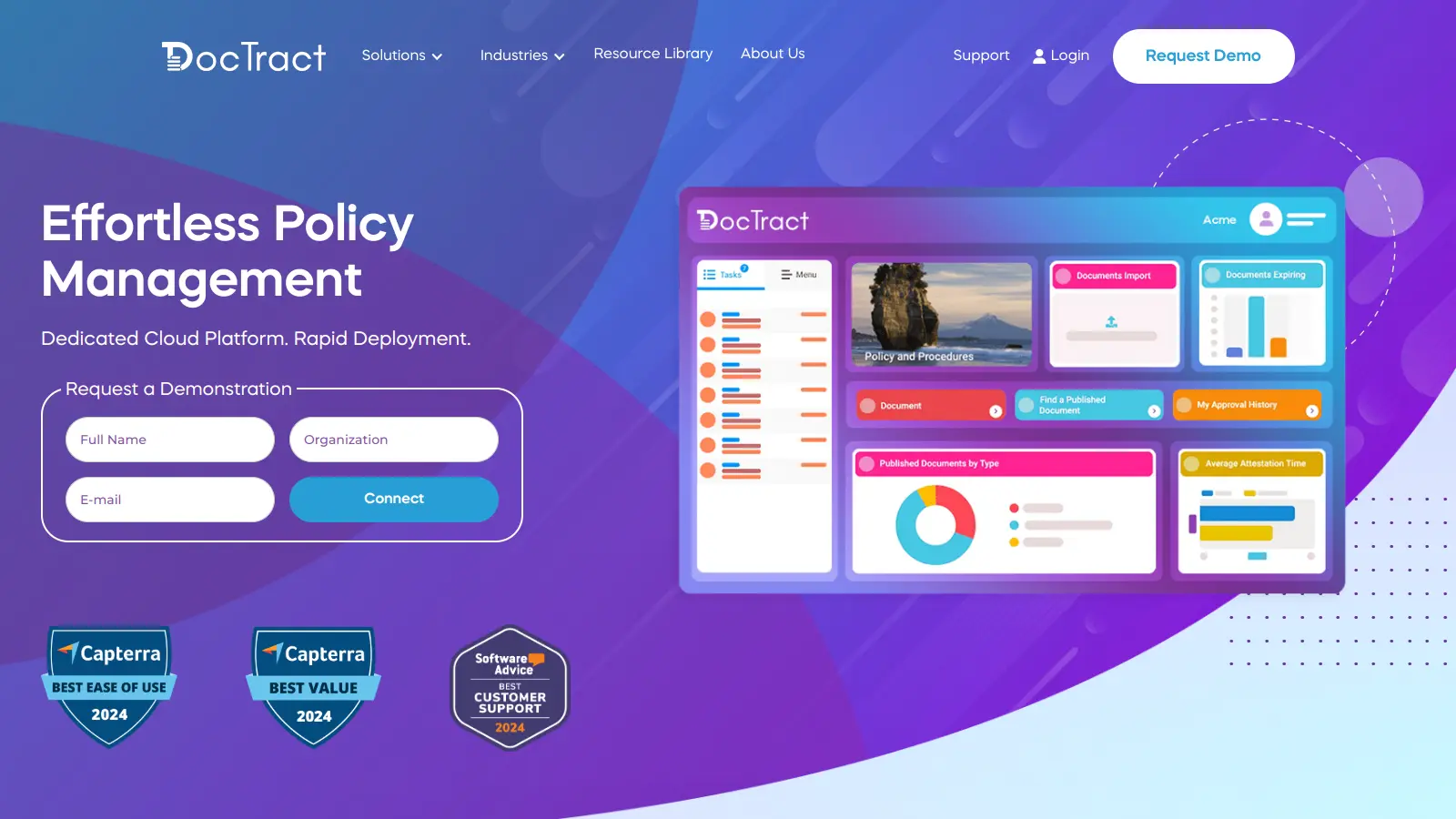
DocTract is a cloud-native platform founded in 2018 that handles policy creation, collaborative editing, approval workflows, and employee attestation. It integrates with Microsoft Word and Google Docs for drafting, and includes AI-assisted features for document generation and workflow automation. The customizable document portal supports branded policy hubs with natural language search and automated distribution.
Pros
✓Native Word and Google Docs integration for drafting
✓AI-assisted document creation reduces authoring time
✓Highly rated implementation and ongoing support
Cons
✗No public pricing; requires a demo to get a quote
✗Newer platform with a smaller third-party integration ecosystem
HR-focused policy management with configurable multi-department workflows.
Custom
Best for · HR teams managing policies across multiple locationsPricing · Pricing on request
ComplianceBridge targets HR teams managing policies across multiple departments, locations, or business units. Its workflow engine lets you build separate approval chains per group and copy them as templates, which saves time when onboarding new departments. Acknowledgment tracking, audit-proof document logs, and a dedicated client success manager are included as standard.
Pros
✓Workflow templates can be duplicated per department
✓Immutable audit log: no records are ever deleted
✓Dedicated client success manager included
Cons
✗No self-serve trial or transparent pricing online
✗Reporting dashboard customization is limited without support help
Healthcare policy management built for hospital compliance teams.
Custom
Best for · Hospital systems and multi-facility healthcare networksPricing · Pricing on request
PolicyStat, now part of the RLDatix suite, is designed specifically for hospital systems and healthcare networks. It handles policy authoring, approval routing, and staff attestation with features aligned to Joint Commission and CMS requirements. The platform supports multi-facility deployments where different sites may have different policy sets but need centralized oversight.
Pros
✓Built for Joint Commission and CMS audit requirements
✓Multi-facility policy management from one admin view
✓Part of broader RLDatix risk and safety suite
Cons
✗Functionality outside healthcare context is limited
✗Integration with non-healthcare HR systems requires configuration
SharePoint-native policy management for Microsoft 365 shops.
Custom
Best for · Organizations already running Microsoft 365 and SharePointPricing · Pricing on request
ConvergePoint builds its policy management product directly on top of Microsoft SharePoint, which makes it a practical choice for organizations already invested in the Microsoft 365 ecosystem. It adds structured review cycles, automated reminders, and attestation tracking to SharePoint without requiring a separate platform. Users manage everything from within the SharePoint interface they already know.
Pros
✓Lives inside SharePoint, no new platform to adopt
Policy management with a pre-built healthcare policy library included.
Custom
Best for · Hospitals and clinics that need ready-made policy contentPricing · Pricing on request
MCN Healthcare's Policy Manager comes with an optional library of over 1,000 pre-written healthcare policies, which cuts the initial content build significantly for hospitals and clinics starting from scratch. The platform covers the standard workflow, approval, and attestation features, and includes tools for managing policy gaps against regulatory standards. It's narrowly focused on healthcare and not well-suited to other industries.
Pros
✓1,000+ pre-written healthcare policy templates available
✓Regulatory gap analysis tools included
✓Designed specifically for clinical compliance workflows
Cons
✗Healthcare-only focus limits use for mixed-industry orgs
✗Policy library content requires internal review before use
A general document platform many teams repurpose for policy storage.
Paid
Best for · Small teams needing basic policy storage within Microsoft 365Pricing · Included in Microsoft 365 (from $6/user/mo)
SharePoint is included in most Microsoft 365 subscriptions, making it the default starting point for many organizations building a policy repository. It handles document storage, versioning, and access control well, but acknowledgment tracking, structured approval workflows, and compliance reporting require custom configuration or third-party add-ons like ConvergePoint. It works for small teams with low compliance overhead.
Pros
✓Already licensed by most Microsoft 365 customers
✓Strong access control and document versioning
✓Familiar interface reduces adoption friction
Cons
✗No native employee attestation or acknowledgment tracking
✗Compliance workflows require significant custom build or add-ons
Risk and compliance platform with policy management as one module.
Custom
Best for · Compliance teams managing policy alongside risk and audit programsPricing · Pricing on request
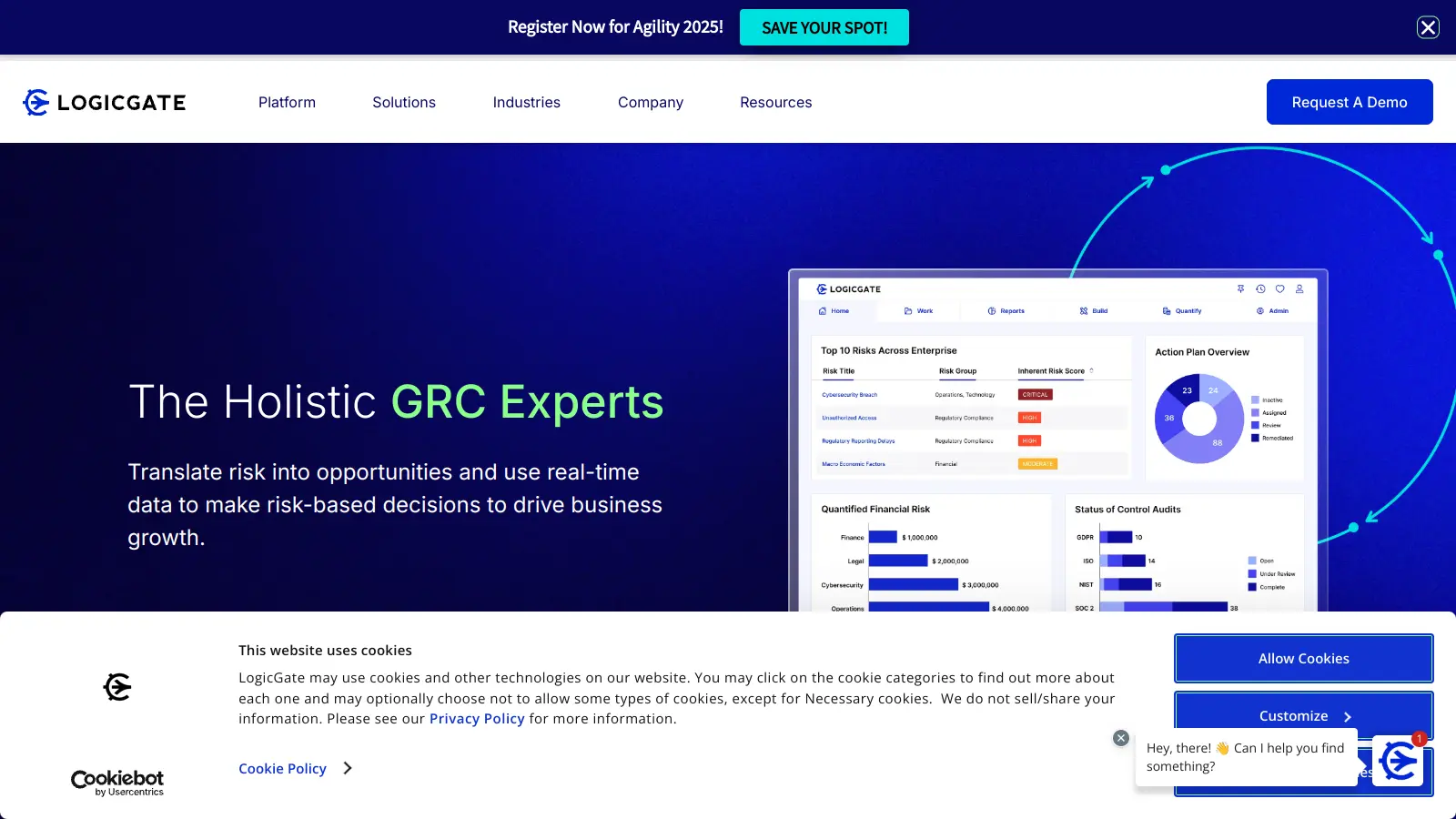
LogicGate is a broader GRC (governance, risk, and compliance) platform that includes policy management alongside risk assessments, controls testing, and audit management. It's a fit for organizations that want policy management connected to their wider compliance program rather than a standalone tool. The no-code workflow builder is flexible, but the platform's depth means a longer implementation compared to purpose-built policy tools.
Pros
✓Policy management connects directly to risk and audit workflows
The core compliance requirement is proof that employees received, read, and accepted a policy. Check whether the tool tracks read receipts, stores timestamps, and can produce an audit-ready report per policy or per employee without manual exports.
Workflow configurability
Most platforms offer approval workflows, but the depth varies significantly. Some support only linear approval chains; others allow branching workflows by department, location, or role. If your organization has multiple business units with different approval hierarchies, linear workflows will become a bottleneck.
Version control and document history
You need a full history of every revision, who made it, and when it was approved. Confirm that old versions are retained and accessible for audits, not just the current published version, and that the system flags when a policy is approaching its scheduled review date.
Integration with existing tools
Policy content is often drafted in Microsoft Word or Google Docs, and employees may need to access policies through an intranet or HRIS. Check whether the tool can import from Word, integrate with Active Directory or SSO for user provisioning, and whether it connects to systems like SharePoint, Workday, or your LMS.
Pricing model and seat structure
Most policy management tools are priced per user or per module, and costs can scale quickly in large organizations. Clarify whether read-only employees (who only receive and acknowledge policies) count as full seats, and whether features like analytics dashboards or API access are included or cost extra.
frequently asked questions
A document management system stores files and controls access. Policy management software adds compliance-specific layers on top: structured approval workflows, mandatory employee acknowledgment with audit trails, scheduled review reminders, and reporting on who has and hasn't read a given policy. You can store policies in SharePoint, but you'll need to build most of that compliance functionality yourself.
Pricing ranges from free (for limited features or small teams) to several hundred dollars per user per year for enterprise platforms. Most dedicated tools are priced on request and require a demo before a quote. Budget-conscious buyers should check whether read-only employees are charged as full seats, since that often doubles the cost in larger organizations.
Microsoft SharePoint is the most common free-adjacent option, since many organizations already license it through Microsoft 365. It handles document storage and basic versioning but requires custom configuration for proper acknowledgment tracking and approval workflows. For organizations that need audit-ready compliance reporting out of the box, a dedicated paid tool is usually faster to implement.
Choosing based on document storage features rather than acknowledgment and reporting depth. Most platforms store and version documents adequately. The gaps show up during audits when you need to prove, by name and date, that every employee in a specific department acknowledged a specific policy version. Test that reporting flow before committing to a platform.
Several tools on this list, including PolicyStat (now RLDatix), MCN Healthcare's Policy Manager, and PowerDMS, are built specifically for healthcare compliance and align with Joint Commission, CMS, and DNV requirements. They include healthcare-specific templates and can generate accreditation-ready audit reports. General-purpose tools like SharePoint require significant custom build-out to meet the same standards.
tools for humans
toolsforhumans editorial team
Reader ratings and community feedback shape every score. Since 2022, ToolsForHumans has helped 600,000+ people find software that holds up after launch. The picks here come from that.