Best Software for Marketing Agencies: Top Picks (2026)
8 tools reviewedlast reviewed 20 march 2026
Editorial note:this was originally published in september of 2024
Some links on this page are affiliate links. If you sign up via our link we may earn a commission, at no extra cost to you. This doesn't affect which tools we recommend or how we rank them.
Marketing agencies run on billable hours, client reporting, and campaign execution, and the software you use directly affects how profitable and organised you are. The wrong stack means time lost to manual reporting, missed deadlines, and invoices that take forever to generate.
This list covers eight tools built for or widely adopted by marketing agencies, selected across project management, CRM, reporting, time tracking, and workflow automation. Pricing is based on current published rates. Each pick is assessed on how well it fits actual agency workflows, not just general business use.
Whether you run a five-person boutique agency or a 50-person full-service shop, there's a specific tool here worth considering.
We collect first-hand reviews from people who use these tools every day — what works, what doesn't, whether it's worth paying for. We research pricing, features, and comparisons so that feedback has real context behind it. For this guide, priority was given to tools offering native AI integration, multi-channel campaign management, and transparent ROI reporting for agencies. Read our full research methodology.
help us improve this guide
tell us what you're looking for, what you're using now, and what caught your eye — takes 30 seconds.
What is agency software?
Agency software refers to tools designed to help marketing agencies manage their operations, including client projects, team schedules, time tracking, invoicing, reporting, and CRM. These tools differ from generic business software because they're built around client-facing workflows: billable hours, campaign timelines, multi-client dashboards, and deliverable approvals.
Marketing agencies typically need software across several categories: a project management tool to track work, a CRM to manage client relationships, a reporting platform to show campaign results, and a time or billing tool to stay profitable. Many agencies use a combination of tools rather than one all-in-one platform.
The problem this software solves is operational overhead. Without dedicated tools, agencies waste hours building manual reports in spreadsheets, lose visibility into team capacity, and struggle to demonstrate ROI to clients. The right software makes client delivery faster and gives agency leadership real data to work with.
SEO, PPC, and competitive research in one platform for agencies.
SEO and PPC agencies managing multiple client domains
PaidFrom $139.95/mo; Agency plans from $249.95/mo
our top pick
1
AgencyAnalytics
Automated client reporting connected to 75+ marketing platforms.
Paid
Best for · Agencies with 5+ clients needing automated reportingPricing · From $12/mo per client (billed annually)
AgencyAnalytics pulls campaign data from Google Ads, Meta, SEMrush, Mailchimp, and 70+ other sources into white-labelled dashboards and automated reports. Agencies can send scheduled reports to clients without manually compiling data each month. The platform also includes basic rank tracking and site auditing, which reduces the need for separate SEO tools.
Pros
✓White-label dashboards with custom branding
✓75+ direct integrations including Google, Meta, HubSpot
✓Automated scheduled reports save hours monthly
Cons
✗Per-client pricing gets expensive at scale
✗Reporting depth limited compared to dedicated BI tools
CRM with marketing, sales, and reporting tools in one platform.
Freemium
Best for · Agencies managing inbound marketing for B2B clientsPricing · Free plan available; paid from $15/seat/mo
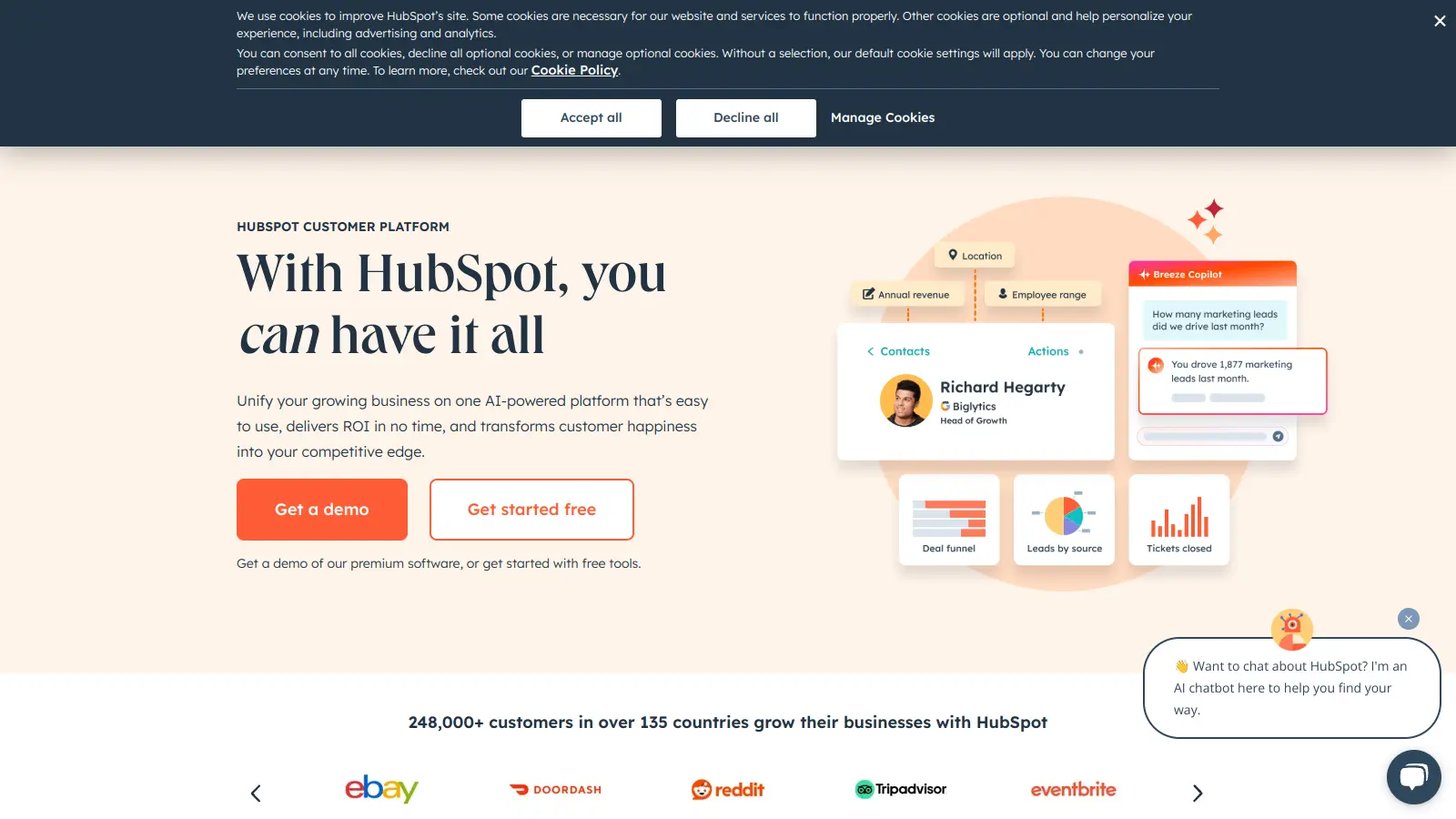
HubSpot's CRM is free to start and covers contact management, deal tracking, email marketing, and basic reporting. For agencies, it works both as an internal client pipeline tool and as a platform you can deploy for clients. Paid tiers add marketing automation, custom reporting, and multi-touch attribution, which are essential for agencies running inbound programmes.
Pros
✓Free CRM is genuinely functional, not just a trial
✓Native integration across email, ads, and landing pages
✓Partner programme with reseller and agency discounts
Cons
✗Full feature set requires expensive Marketing Hub tiers
✗Per-seat pricing adds up fast for larger agency teams
Team scheduling and capacity planning built for client-service teams.
Paid
Best for · Agencies managing team capacity across multiple client projectsPricing · From $4.16/person/mo (billed annually)
Resource Guru is a resource management tool that shows who's available, when, and for which client. Agencies use it to schedule team members across projects, avoid double-booking, and track utilisation rates. It also has time tracking built in, so billable hours are logged against the same projects you're scheduling.
Project and campaign management for teams running multiple workstreams.
Freemium
Best for · Agencies managing content production and campaign workflowsPricing · Free plan available; paid from $10.99/seat/mo
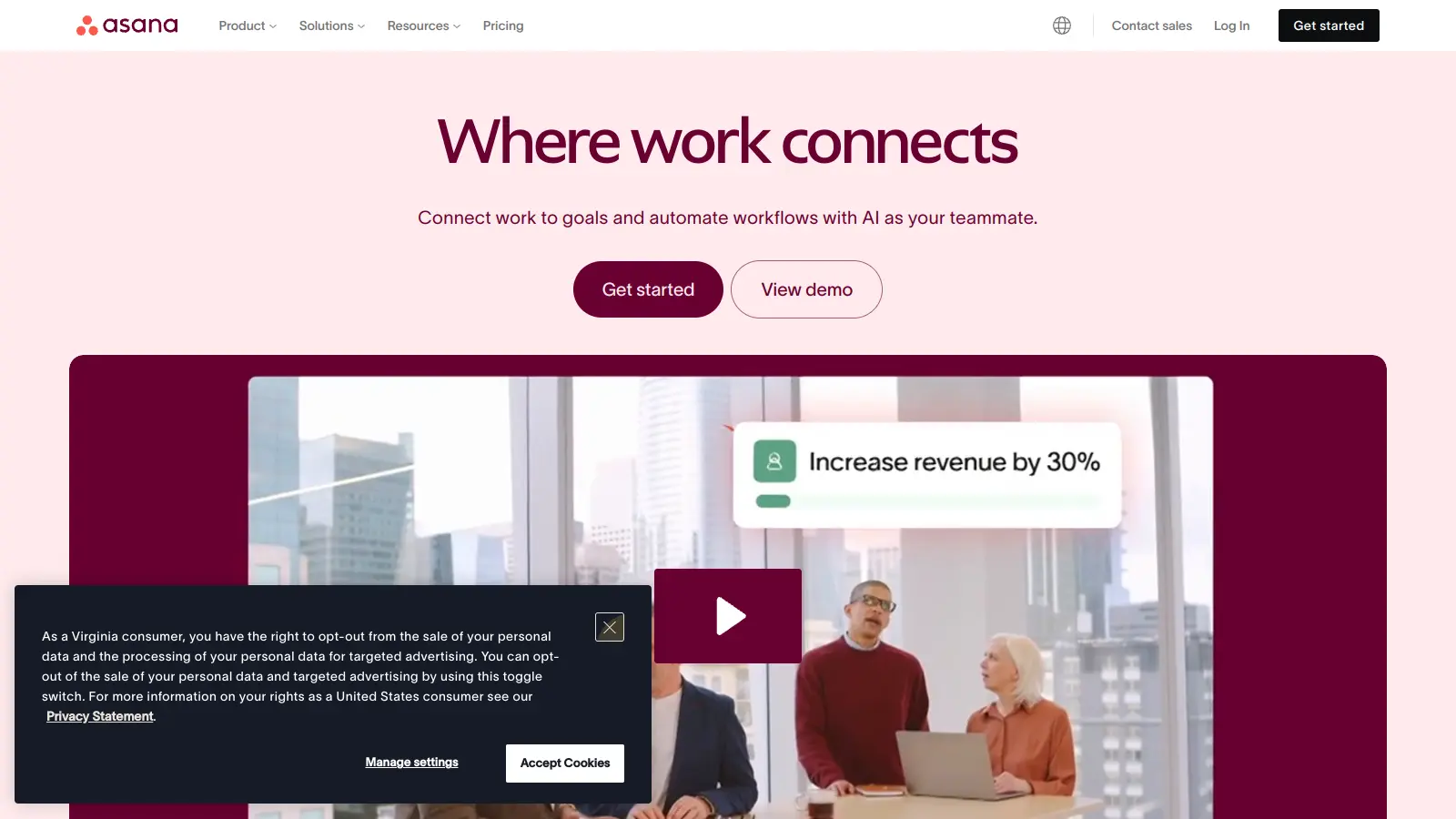
Asana handles task assignment, campaign timelines, and deadline tracking across client projects. Agencies use it to coordinate content production, approvals, and launch schedules. The timeline view and dependency tracking are particularly useful when managing campaigns with sequential deliverables across multiple team members.
Pros
✓Timeline and dependency views suit campaign planning
✓Integrates with Slack, Google Drive, and 200+ tools
✓Free tier is usable for small teams under 15 people
Cons
✗No native time tracking or billing functionality
✗Can become cluttered without disciplined project structure
Time tracking and invoicing with direct project profitability data.
Freemium
Best for · Agencies billing hourly or tracking time against retainersPricing · Free for 1 seat; paid from $11/seat/mo
Harvest tracks billable hours at the project and task level and converts them directly into client invoices. Agencies use it to understand which clients and project types are actually profitable. It integrates with Asana, Basecamp, and QuickBooks, so time data flows into both project management and accounting without duplication.
Pros
✓Direct link from tracked time to client invoice
✓Project budget tracking with overage alerts
✓Clean Asana and QuickBooks integrations
Cons
✗Reporting is basic compared to dedicated analytics tools
No-code automation connecting the apps in your agency stack.
Freemium
Best for · Agencies with a multi-tool stack and repetitive cross-app workflowsPricing · Free plan available; paid from $19.99/mo
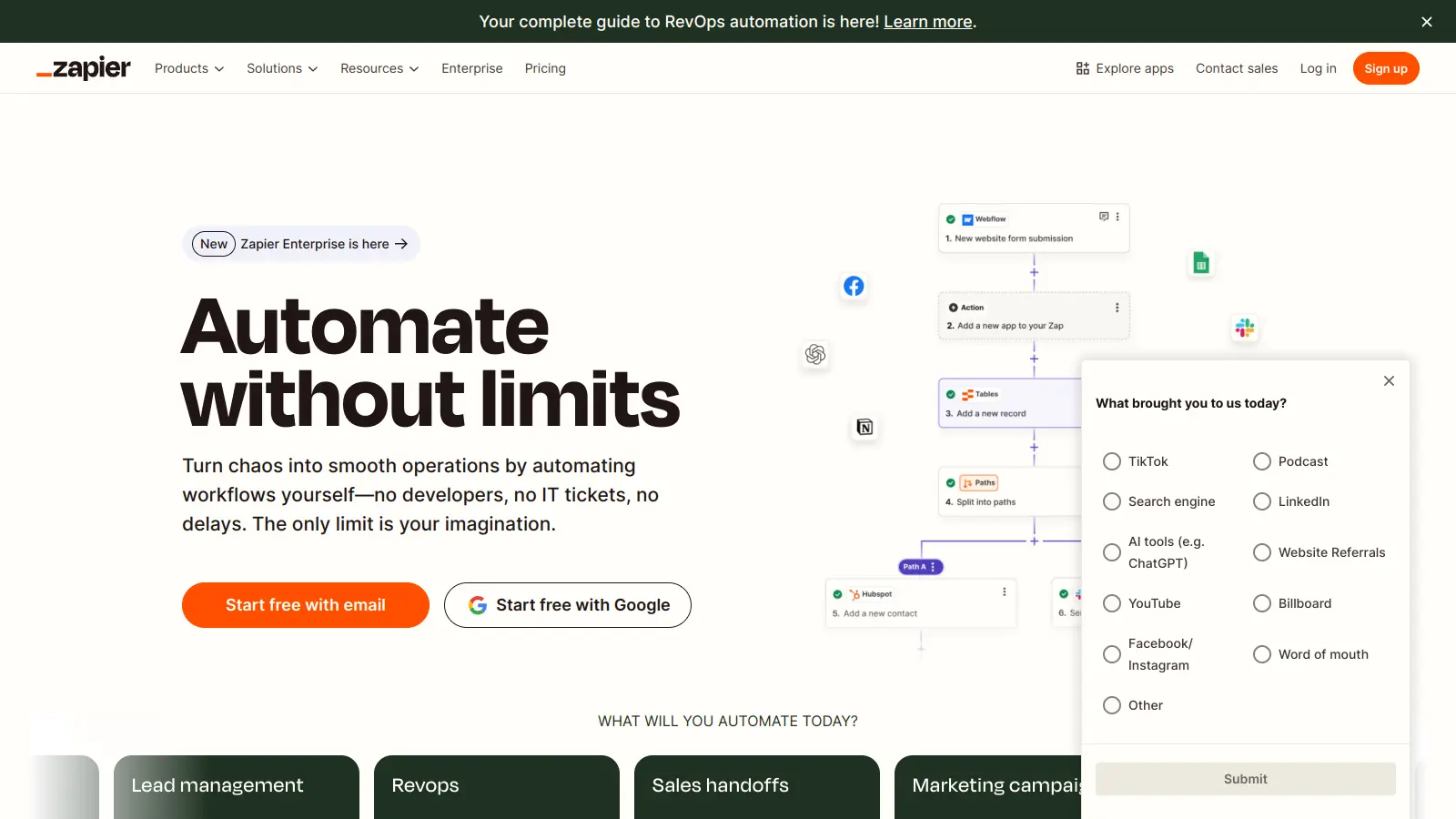
Zapier connects over 7,000 apps and lets agencies automate repetitive handoffs between tools, such as creating a Asana task when a new client is added in HubSpot, or sending a Slack notification when a report is delivered. It doesn't replace any single tool but reduces the manual work of keeping data consistent across a multi-tool stack.
Pros
✓Connects 7,000+ apps including most agency tools
✓No-code interface accessible without developer support
Accounting and invoicing designed for client-billing businesses.
Paid
Best for · Small agencies needing clean invoicing and expense trackingPricing · From $17/mo (billed annually)
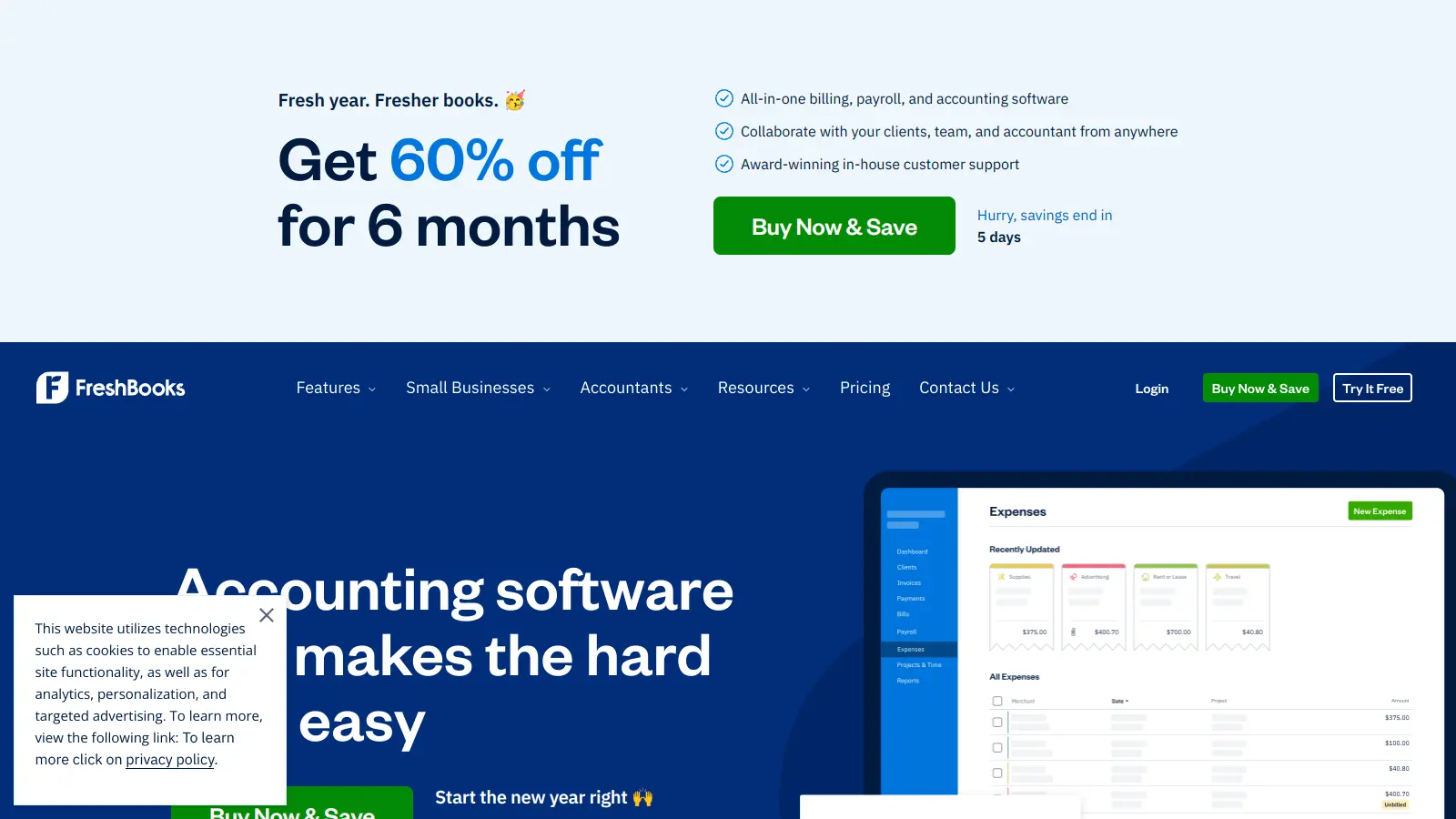
FreshBooks handles invoicing, expense tracking, and basic accounting for agencies that don't need full accounting software complexity. It's designed for service businesses, so features like project-based invoicing, retainer billing, and client payment portals are built in from the start rather than added as workarounds.
Pros
✓Retainer and project-based invoicing built in natively
✓Client payment portal reduces invoice chasing
✓Simple enough to use without an accountant
Cons
✗Client and team member limits on lower tiers
✗Less powerful than QuickBooks for complex accounting needs
SEO, PPC, and competitive research in one platform for agencies.
Paid
Best for · SEO and PPC agencies managing multiple client domainsPricing · From $139.95/mo; Agency plans from $249.95/mo
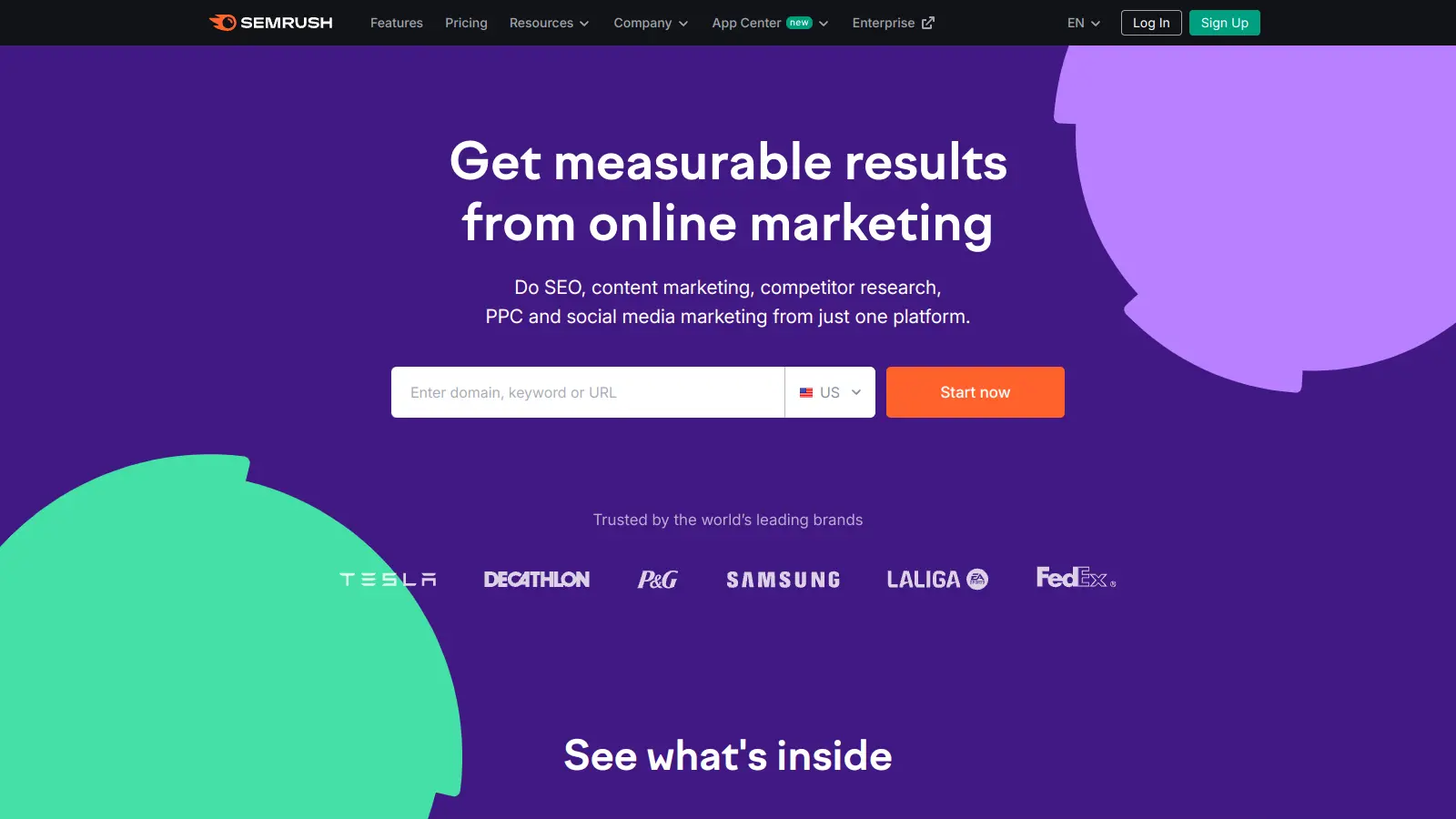
Semrush covers keyword research, technical site audits, rank tracking, backlink analysis, and competitor benchmarking. Agencies use it across SEO and paid search client work and can generate white-labelled PDF reports directly from the platform. The Agency Growth Kit add-on adds a client portal and lead generation tools aimed specifically at agency new business.
Pros
✓Covers SEO, PPC, social, and content research in one tool
✓White-label reporting available on Pro tier and above
✓Agency Growth Kit adds client portal and lead gen tools
Cons
✗Expensive relative to single-channel alternatives like Moz
✗Data depth can overwhelm teams without dedicated SEO staff
Agencies manage multiple clients simultaneously, so any reporting or analytics tool needs to handle separate dashboards per client, ideally with white-labelling. A tool that only offers single-account reporting will create manual work at scale.
How does it handle time tracking and billing?
If you bill by the hour or need to track time against retainers, the software needs native time tracking or a clean integration with your invoicing tool. Check whether time entries link directly to projects and whether the billing output is client-ready without reformatting.
What integrations does it support?
Agencies use a wide range of platforms: Google Ads, Meta, HubSpot, Mailchimp, and more. Software that can pull data from these sources automatically saves hours of manual reporting each month. Check the specific integrations list, not just a headline number.
Is pricing per seat or flat rate?
Per-seat pricing gets expensive fast as your team grows. Flat-rate or tiered pricing based on clients or projects is often more predictable for agencies. Run the numbers at your current team size and at 2x growth before committing.
Does it fit your agency size?
Some tools are built for enterprise agencies with dedicated ops teams; others work better for small shops that need simplicity over configurability. Check whether the onboarding process and feature depth match where your agency is now, not where you hope to be in three years.
frequently asked questions
Most agencies use a combination of tools rather than one platform. A typical stack includes a project management tool (Asana or ClickUp), a CRM (HubSpot), a reporting platform (AgencyAnalytics), and a time tracking or invoicing tool (Harvest or FreshBooks). The exact mix depends on agency size and service type.
A realistic budget for a 10-person agency running a core stack of four to five tools is $300 to $800 per month. Per-seat tools like HubSpot and Asana add up quickly at that team size, so compare tiered pricing carefully. Several tools on this list have free plans worth starting with before committing to paid tiers.
Free plans work for very small agencies or early-stage testing, but most hit limits quickly. HubSpot's free CRM is genuinely useful, but reporting and automation features require a paid plan. AgencyAnalytics and Resource Guru offer trials rather than permanent free tiers. Start free where possible, but plan for upgrade costs within the first six months.
Buying for features they don't currently need. Agencies often choose the most complex option available and then underuse it, paying for a tool that's misconfigured and never fully adopted. Start with the simplest tool that solves your immediate problem and upgrade when you've outgrown it.
General tools like Zapier and FreshBooks work well for agencies with standard needs. Specialist tools like AgencyAnalytics and Resource Guru are worth the extra cost when you're managing 10 or more clients, need white-labelled reporting, or have complex resource scheduling requirements. The specialist tax is usually worth paying at scale.
tools for humans
toolsforhumans editorial team
Reader ratings and community feedback shape every score. Since 2022, ToolsForHumans has helped 600,000+ people find software that holds up after launch. The picks here come from that.