Best Accounting Software for Real Estate Brokerages (2026)
7 tools reviewedlast reviewed 20 march 2026
Editorial note:this was originally published in august of 2024
Some links on this page are affiliate links. If you sign up via our link we may earn a commission, at no extra cost to you. This doesn't affect which tools we recommend or how we rank them.
Real estate brokerages have specific accounting needs that general bookkeeping software handles badly: commission splits, agent expense tracking, trust account reconciliation, and Schedule E reporting. Most tools force you to build workarounds from scratch.
This list covers seven tools worth considering, from purpose-built agent software like Realtyzam to full-service platforms like QuickBooks and Xero. Each pick is assessed on pricing, real estate-specific features, and how much setup work you'll actually need to do.
Whether you're a solo agent, a small brokerage with a handful of agents, or a growing firm that needs payroll and multi-entity reporting, there's a fit here.
We collect first-hand reviews from people who use these tools every day — what works, what doesn't, whether it's worth paying for. We research pricing, features, and comparisons so that feedback has real context behind it. For this guide, tools were selected based on their ability to handle trust accounting, commission tracking, and transaction-specific reporting requirements. Read our full research methodology.
help us improve this guide
tell us what you're looking for, what you're using now, and what caught your eye — takes 30 seconds.
What is accounting software for real estate brokerages?
Accounting software for real estate brokerages is financial tracking and reporting software adapted to the specific workflows of property sales businesses. This includes commission income tracking, agent fee splits, trust account management, client-related expense categorization, and tax form preparation like Schedule C or Schedule E.
General accounting tools can handle basic bookkeeping but require significant manual configuration to match how a brokerage actually operates. Purpose-built real estate accounting tools come pre-loaded with relevant chart of accounts categories, commission calculators, and reports that brokerages need without custom setup.
Brokerages typically use these tools to stay compliant with state licensing requirements around trust accounts, pay agents accurately, and produce end-of-year tax documentation without scrambling.
Invoice-focused accounting software that works for service-based businesses.
Independent agents who bill clients and need clean invoicing
PaidFrom $19/mo
our top pick
1
QuickBooks Online
The most widely used small business accounting platform, adapted for real estate.
Paid
Best for · Small to mid-size brokerages with an accountant on staffPricing · From $35/mo
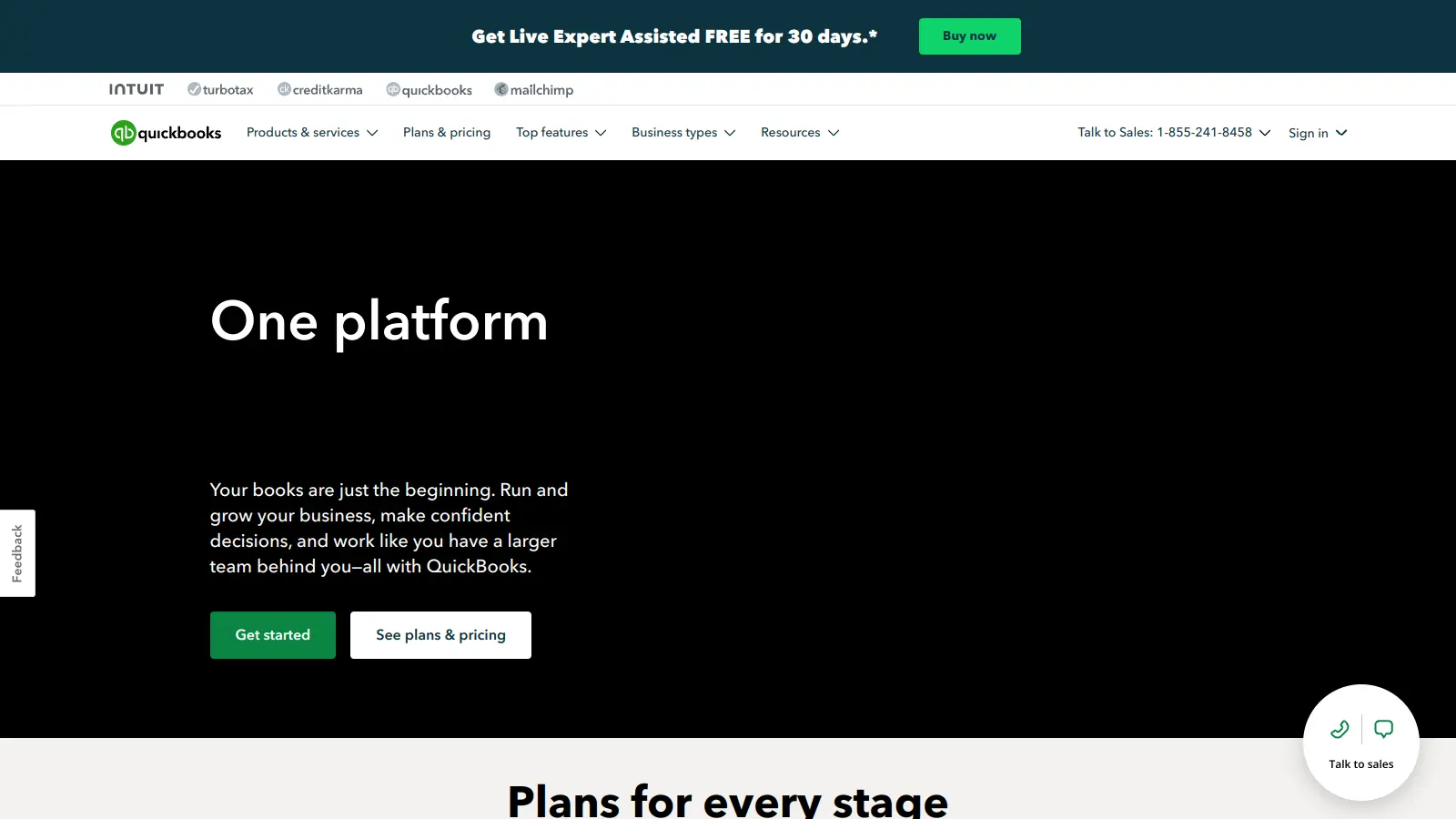
QuickBooks Online is the default choice for most small brokerages because accountants and bookkeepers already know it. It handles invoicing, payroll, bank reconciliation, and multi-user access across plans. For real estate use, you'll need to customize the chart of accounts and either build commission tracking manually or use a third-party integration like Brokermint.
Pros
✓Accountants universally familiar with the interface
✓Payroll add-on available for all 50 states
✓1,000+ third-party app integrations
Cons
✗No native commission split or trust account features
✗Costs add up quickly once you add payroll and multiple users
Lightweight accounting built exclusively for real estate agents.
Freemium
Best for · Solo agents who want simple expense tracking and tax prepPricing · Free trial, then from $12/mo
Realtyzam is built for individual agents, not brokerages. It connects to over 10,000 banks and credit cards for automatic transaction import and categorizes expenses using custom rules. Tax reporting takes seconds: the platform generates a ready-to-hand-to-your-accountant report with one click. There's no payroll, no multi-agent management, and no trust account tracking.
Pros
✓Pre-built categories specific to real estate agents
✓Bank feed auto-categorization cuts manual entry to near zero
✓One-click tax report generation
Cons
✗No brokerage-level features like commission splits or trust accounts
Cloud accounting with a strong app ecosystem for real estate firms.
Paid
Best for · Brokerages that want flexible integrations and cloud-first workflowsPricing · From $20/mo
Xero covers the core accounting stack: invoicing, bank reconciliation, payroll, and reporting. For real estate brokerages, its value is in the app marketplace, which includes property management integrations like Re-Leased and payment tools like Stripe. Like QuickBooks, it requires manual setup to handle commission tracking, but it's often preferred by firms with international operations or those already using Xero-native tools.
Pros
✓Clean UI that non-accountants can navigate
✓Strong third-party app marketplace including Re-Leased
✓First month free on any plan
Cons
✗Requires significant chart-of-accounts customization for brokerage use
✗US payroll costs extra and is less mature than QuickBooks payroll
Accounting software built around rental property investor workflows.
Paid
Best for · Broker-investors managing rental portfolios alongside salesPricing · From $15/mo
REI Hub is designed for real estate investors managing rental portfolios, not sales brokerages. It comes pre-loaded with a rental-specific chart of accounts, Schedule E reporting, and net operating income calculations. If your brokerage also manages rental properties or you're a broker-investor hybrid, it covers the rental side far better than QuickBooks out of the box. It's not a fit for pure sales brokerage commission tracking.
Pros
✓Pre-built Schedule E and NOI reports with no configuration
✓Property-level income and expense tracking
✓Purpose-built chart of accounts saves hours of setup
Cons
✗No commission split or brokerage-specific sales tracking
Free double-entry accounting for freelancers and very small businesses.
Freemium
Best for · Solo agents or new brokerages with minimal budgetPricing · Free (payroll from $20/mo + $6/employee)
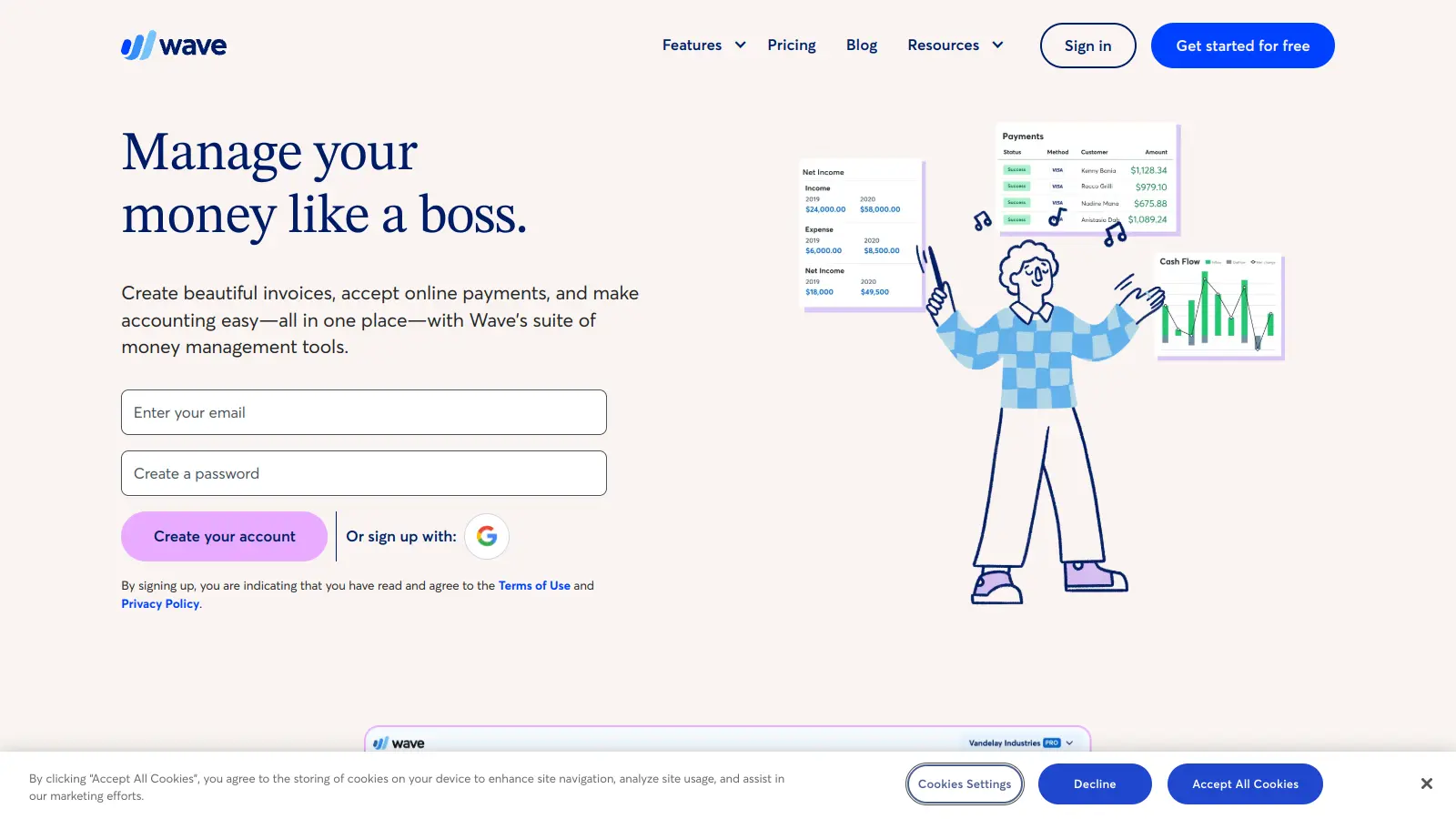
Wave is free for core accounting: income and expense tracking, invoicing, and financial reports. Payroll and payment processing cost extra. For a solo agent or brand-new small brokerage watching costs, it's a legitimate starting point. The trade-off is that Wave has no real estate-specific features at all, so you're building every category and report yourself.
Pros
✓Core accounting features are genuinely free
✓Handles invoicing and bank connections without a subscription
✓Double-entry bookkeeping keeps records audit-ready
Property management software with integrated accounting for residential portfolios.
Paid
Best for · Brokerages that combine sales with residential property managementPricing · From $58/mo
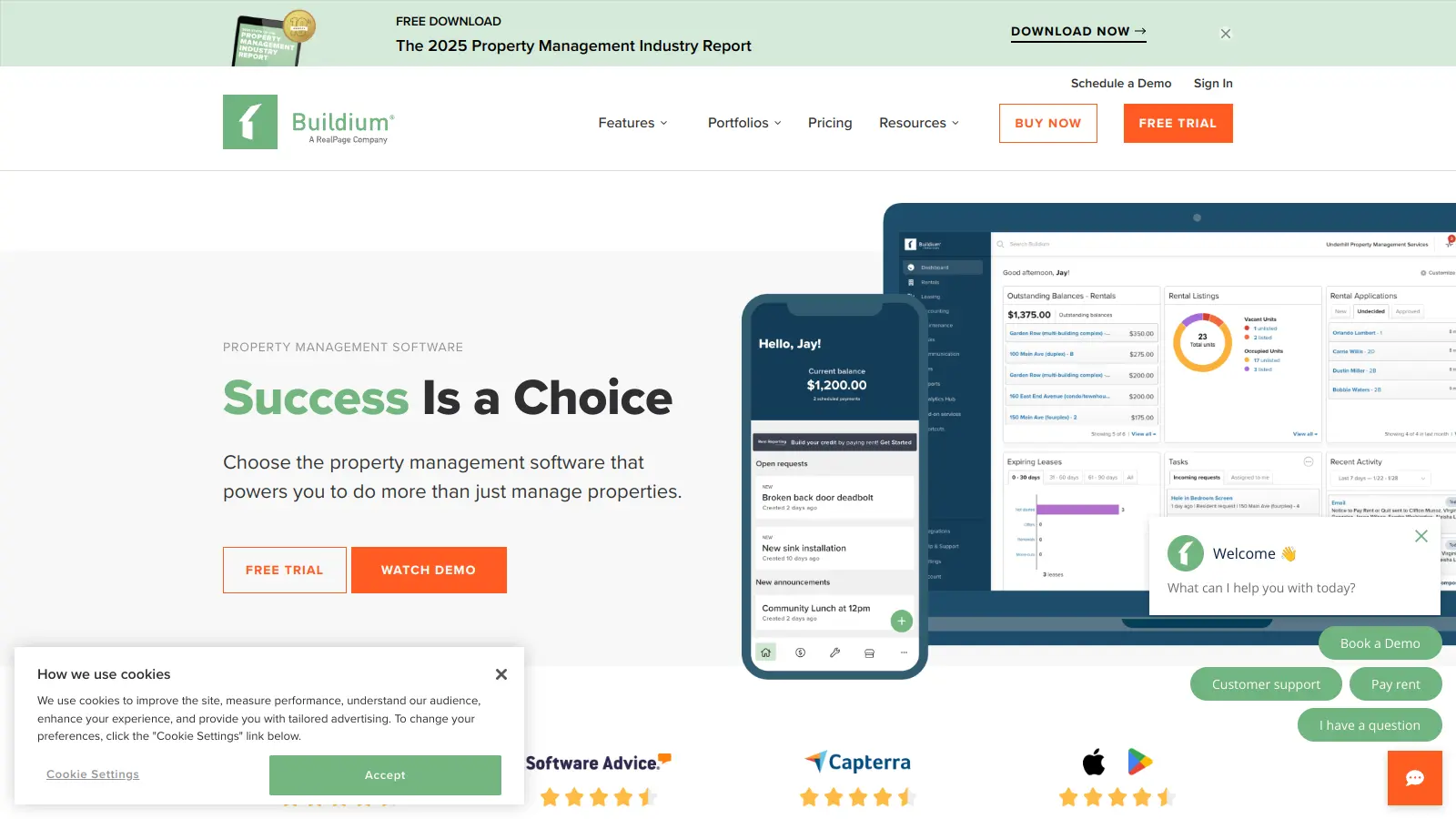
Buildium covers the full property management lifecycle, trust account tracking, owner disbursements, maintenance requests, and tenant screening, with accounting built in rather than bolted on. It's more property management than pure accounting, but for brokerages that also manage residential rentals, it's one of the few tools that handles both trust accounting compliance and day-to-day financials in one system.
Pros
✓Trust account tracking and reconciliation built in
✓Owner and tenant portals included at all plan tiers
✓1099 eFiling available at higher plans
Cons
✗No commission split tracking for sales agents
✗Pricing jumps significantly once you move beyond the base plan
Invoice-focused accounting software that works for service-based businesses.
Paid
Best for · Independent agents who bill clients and need clean invoicingPricing · From $19/mo
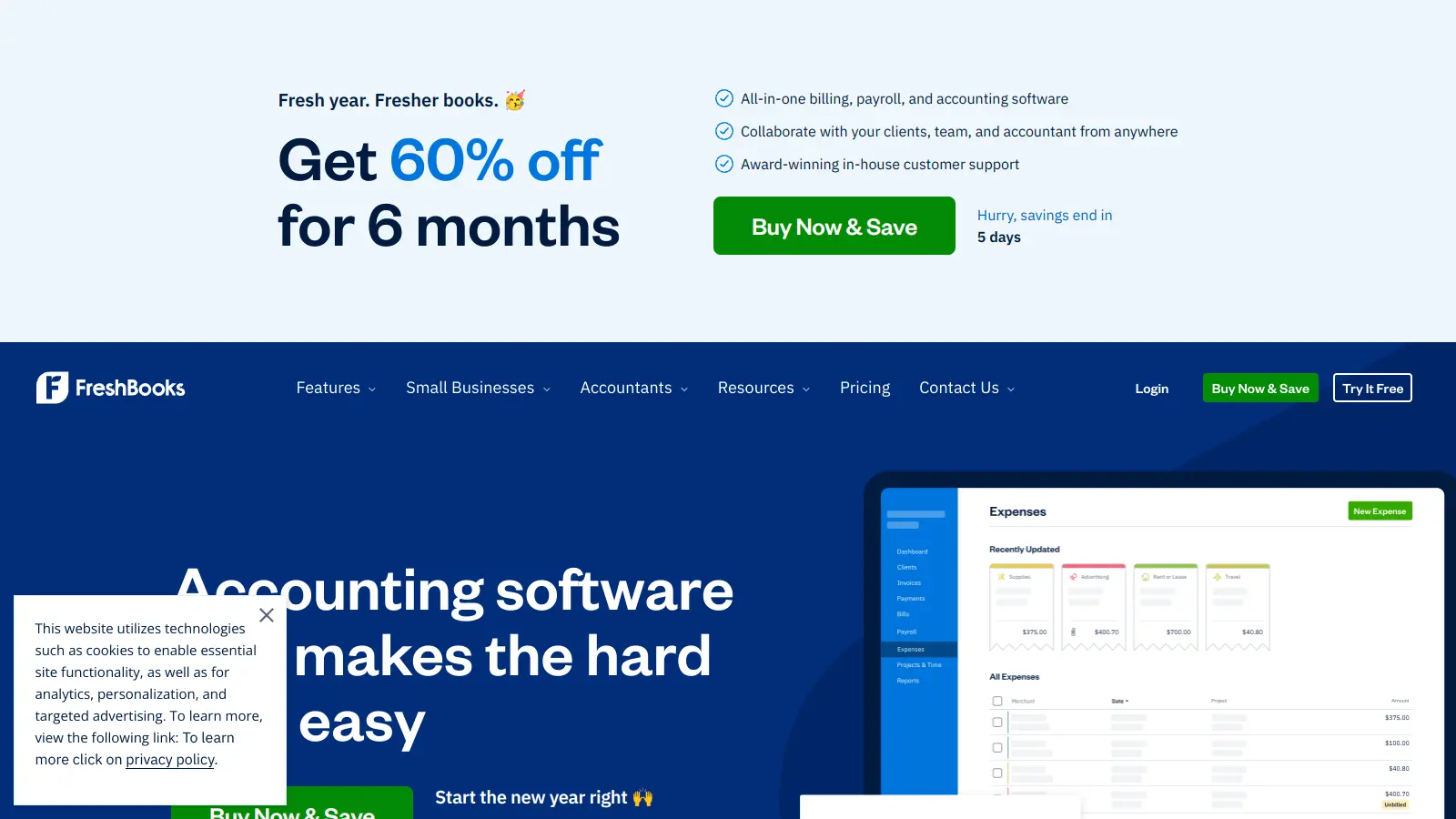
FreshBooks is built around invoicing and client billing, which maps reasonably well to agent commission invoicing and referral fee tracking. It handles expense categorization, time tracking, and basic reporting. It's not real estate-specific and lacks trust accounting or commission split tools, but its clean interface and low entry price make it a workable option for agents who send a lot of invoices and want something easier than QuickBooks.
Pros
✓Invoicing workflow is faster than QuickBooks or Xero
✓Client portal for easy payment collection
✓Straightforward expense categorization with receipt capture
Cons
✗No brokerage-specific features whatsoever
✗Reporting is too basic for multi-agent or multi-property operations
How to choose accounting software for your real estate brokerage
Does it handle commission splits natively?
Brokerages pay agents based on split agreements that vary by agent, transaction, and sometimes deal size. Software that can't calculate and record these splits forces you to track them in a spreadsheet alongside your accounting tool, which creates reconciliation headaches.
Does it support trust account management?
Most states require brokerages to maintain separate trust or escrow accounts for client funds. Your accounting software needs to track these accounts separately and make reconciliation easy, or you risk compliance violations during audits.
What does setup actually require?
General platforms like QuickBooks or Xero need a customized chart of accounts before they're useful for a brokerage. Purpose-built tools come pre-configured but may be too narrow if your firm has payroll, multiple entities, or property management on top of sales.
How many agents and transactions do you process monthly?
A solo agent needs something cheap and simple. A brokerage with 20+ agents and 50+ transactions a month needs multi-user access, reporting by agent, and ideally payroll integration. Pricing scales sharply between these tiers, so match the tool to your actual volume.
Does it integrate with your other tools?
Most brokerages use a CRM, a transaction management platform like Dotloop or SkySlope, and sometimes a property management tool. Check whether the accounting software connects to these via direct integration or API, because manual data re-entry between systems is where errors accumulate.
frequently asked questions
QuickBooks works, but you'll need to manually configure the chart of accounts, create custom reports for commission income, and potentially buy add-ons for payroll. Purpose-built tools like Realtyzam or REI Hub come pre-configured for real estate workflows and save significant setup time. For a growing brokerage with complex needs, QuickBooks or Xero with the right integrations often ends up being more capable long-term.
Solo agents can get functional tools for free (Wave) or under $20/month (Realtyzam). Small brokerages typically spend $30 to $100/month on mid-tier QuickBooks or Xero plans. Larger brokerages with payroll, multi-user access, and advanced reporting can spend $200/month or more. Most tools offer monthly billing with no long-term contract.
Accounting software handles financial tracking: income, expenses, invoicing, payroll, and tax reporting. Property management software handles tenant and lease lifecycles. Some platforms combine both, but dedicated accounting tools are generally stronger on the financial reporting side. Brokerages focused on sales rather than rentals rarely need full property management software.
A trust account holds client funds like earnest money deposits before a transaction closes. Most state real estate licensing boards require brokerages to maintain these separately from operating accounts and to reconcile them regularly. Your accounting software should allow separate tracking of trust account transactions. If it doesn't, you'll need a manual process to stay compliant.
Free tools like Wave handle basic income and expense tracking well enough for a solo agent just starting out. However, free plans typically lack multi-user access, payroll, commission-specific reporting, and trust account tracking. As soon as you have employees or multiple agents sharing a system, upgrading to a paid plan is worth the cost.
tools for humans
toolsforhumans editorial team
Reader ratings and community feedback shape every score. Since 2022, ToolsForHumans has helped 600,000+ people find software that holds up after launch. The picks here come from that.