Digital Content Creation Software+2 more

Beautiful.ai
best deal
Try Beautiful.ai's 14-day free trial with full Pro or Team features before committing to the $12/month Pro Plan.
redeem now
best deal
Try Beautiful.ai's 14-day free trial with full Pro or Team features before committing to the $12/month Pro Plan.
redeem nowwe track global search demand across every software category, monitor what real users are saying online, identify which professions rely on each tool, and surface the questions people are actually asking. reviews are consistently updated and reviewed for reliability.
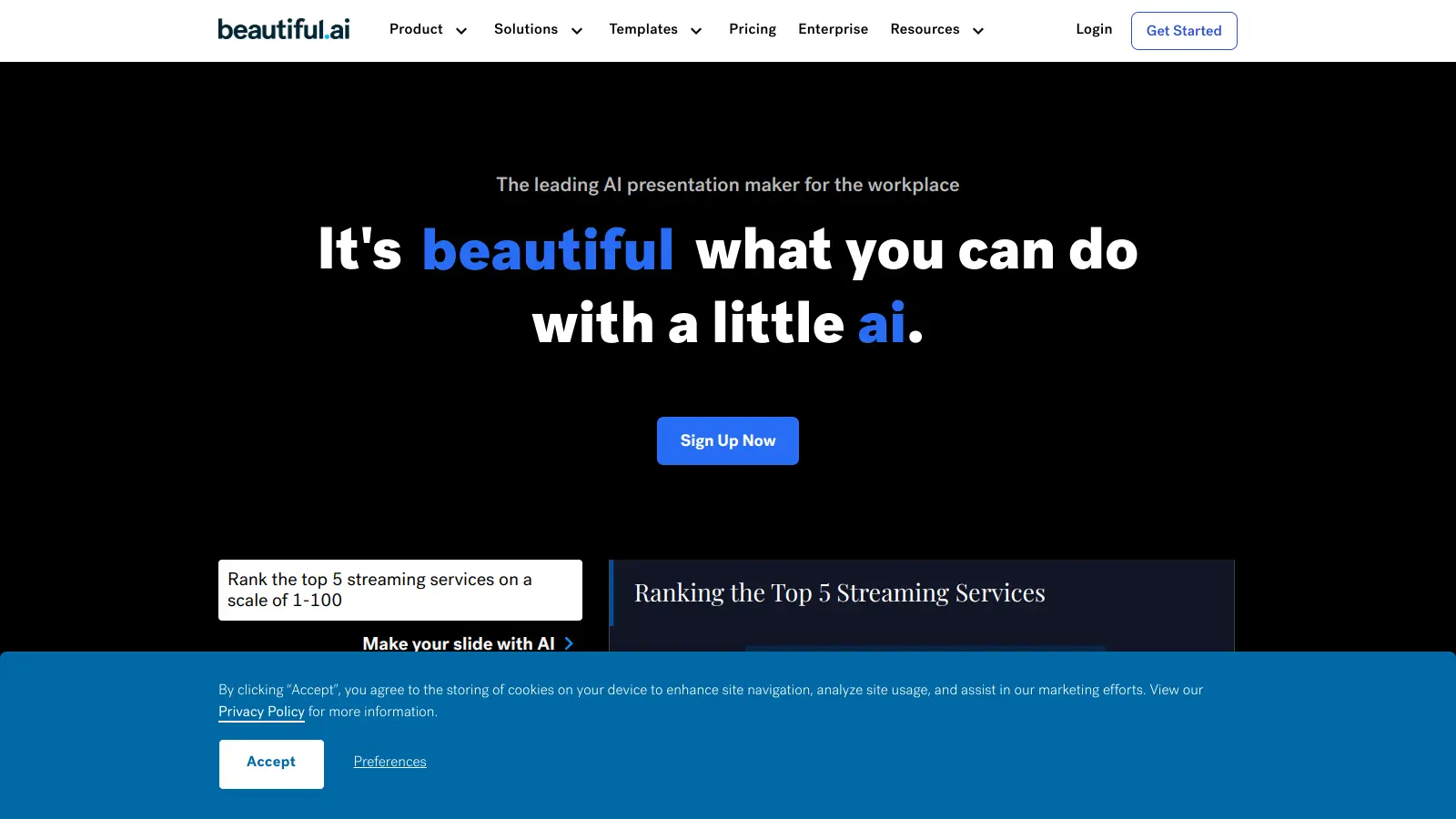
Beautiful.ai is a cloud-based presentation software that uses artificial intelligence to help users create professional-looking slides. The platform automatically applies design principles in real-time, making it easier for anyone to build presentations without extensive design experience.
The software offers smart templates that adapt to your content as you work, along with AI-powered features that handle layout and formatting. Teams can collaborate in real-time, share slides, and maintain consistent branding across presentations. You'll find tools for data visualization, including charts and graphs that can pull information directly from spreadsheets. The platform integrates with PowerPoint, Google Slides, Slack, Dropbox, Salesforce, and Webex.
The platform comes with a learning curve. Pricing starts at $12 per month for individual users when billed annually, with team plans available for larger organizations. A 14-day free trial is available, though it requires a credit card.
Beautiful.ai works for professionals who need to create polished presentations but lack design skills or time to start from scratch. The AI handles formatting automatically while maintaining professional design standards throughout.
Used across technology, education, marketing, and consulting where regular professional presentations are essential.
Users like the intuitive interface and drag-and-drop functionality. The platform gets positive feedback for transforming ideas into visually striking slides quickly, with templates that save time. Customer support is responsive when issues come up.
Customization is limited compared to PowerPoint or Keynote. You have less control over exact positioning and design elements. The templates lock you into certain design choices. Some earlier feedback mentioned concerns about the refund policy and unexpected charges, though this appears in older discussions.
Beautiful.ai's AI-powered design assistance automatically formats your slides as you add content. Unlike PowerPoint or Google Slides where you manually position every element, Beautiful.ai applies design principles in real-time to keep your slides looking professional. The smart templates adjust as you edit, saving you time and ensuring design consistency throughout your presentation.
How accurate is the AI slide generation feature?The AI slide generation feature works well for creating presentation outlines and basic content, but it's not perfect. It's best at creating standard business slides with common layouts. Some users find the generated slides need tweaking to match their specific needs. The AI is more helpful for getting started quickly than for creating completely finished slides. You'll likely want to customize the generated content, but it gives you a solid foundation to build from.
Can I import my existing PowerPoint presentations?Yes, you can import PowerPoint presentations. PowerPoint import is available on the Pro plan and higher. When you import a presentation, Beautiful.ai will convert your slides to its format. Keep in mind that some complex designs or special effects from PowerPoint might not transfer perfectly. You'll probably need to make some adjustments after importing, but it saves you from starting completely from scratch.
How does team collaboration work in Beautiful.ai?Team collaboration in Beautiful.ai works in real-time, similar to Google Docs. You can invite team members with one click, and everyone can edit the same presentation simultaneously. The platform includes commenting features and role-based permissions to control who can view or edit. Teams can also create centralized slide libraries and custom brand kits to maintain consistent branding. For larger organizations, you can set up team workspaces with version control to organize presentations by department or project.
What are the limitations of the free trial?The free trial gives you access to full Pro or Team features for 14 days, so you can test the complete platform including AI-powered content generation, PowerPoint import/export, and analytics. You'll need to provide a credit card to start the trial. This gives you enough time to test how the platform works with your actual presentation needs. After the trial ends, you'll need to choose a paid plan to continue using the service.

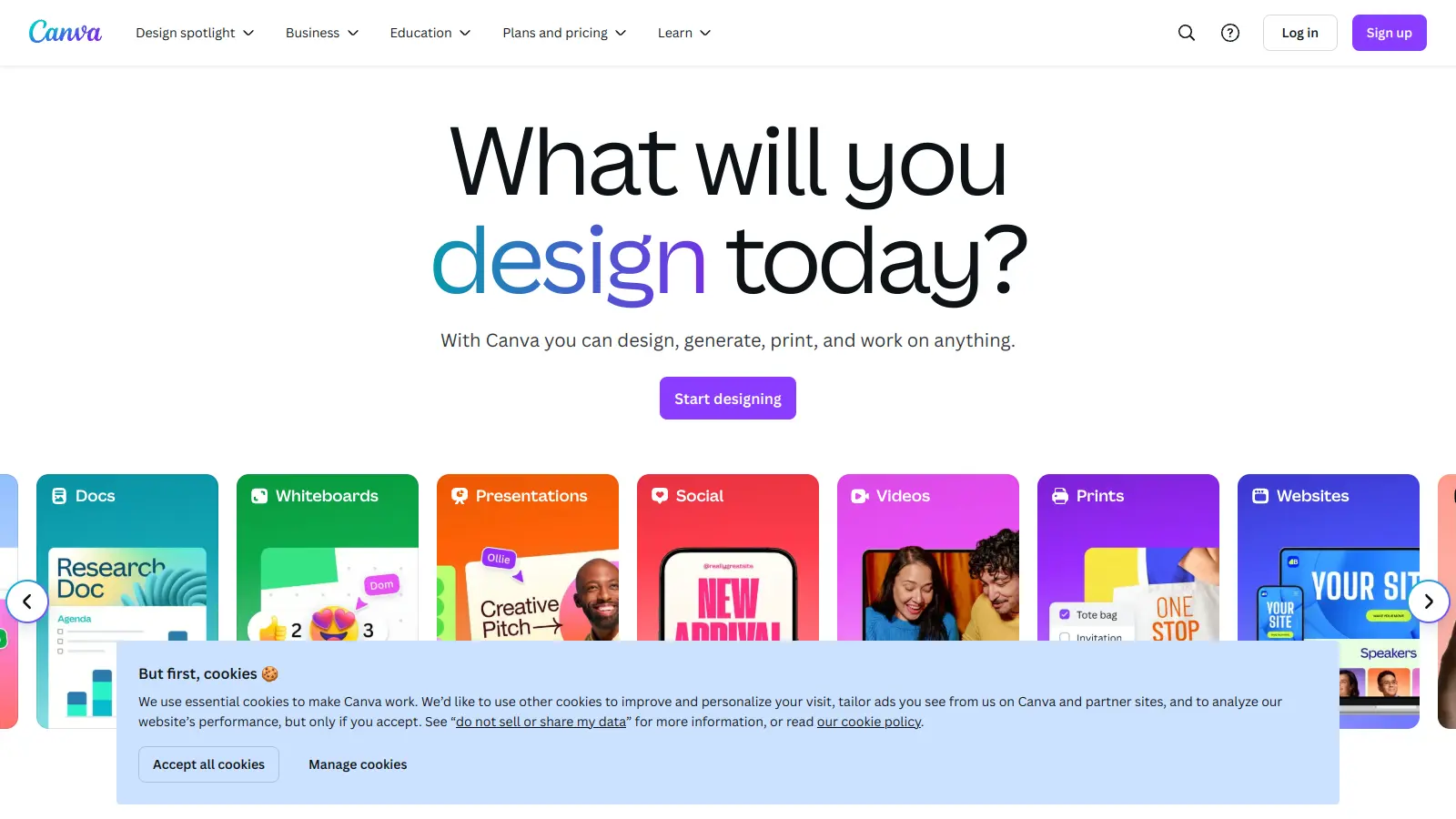
Canva is a graphic design platform that lets individuals and professionals create designs without advanced design skills. It offers hundreds of thousands of templates, design tools, collaboration features, and photo/video editing capabilities. With both free and pro versions, Canva provides access to millions of design elements for creating social media graphics, presentations, posters, and more through its drag-and-drop interface.
best deal
Get 50% off Canva Pro or Business plans for new customers, or try Canva free with 250,000+ templates and 5GB storage

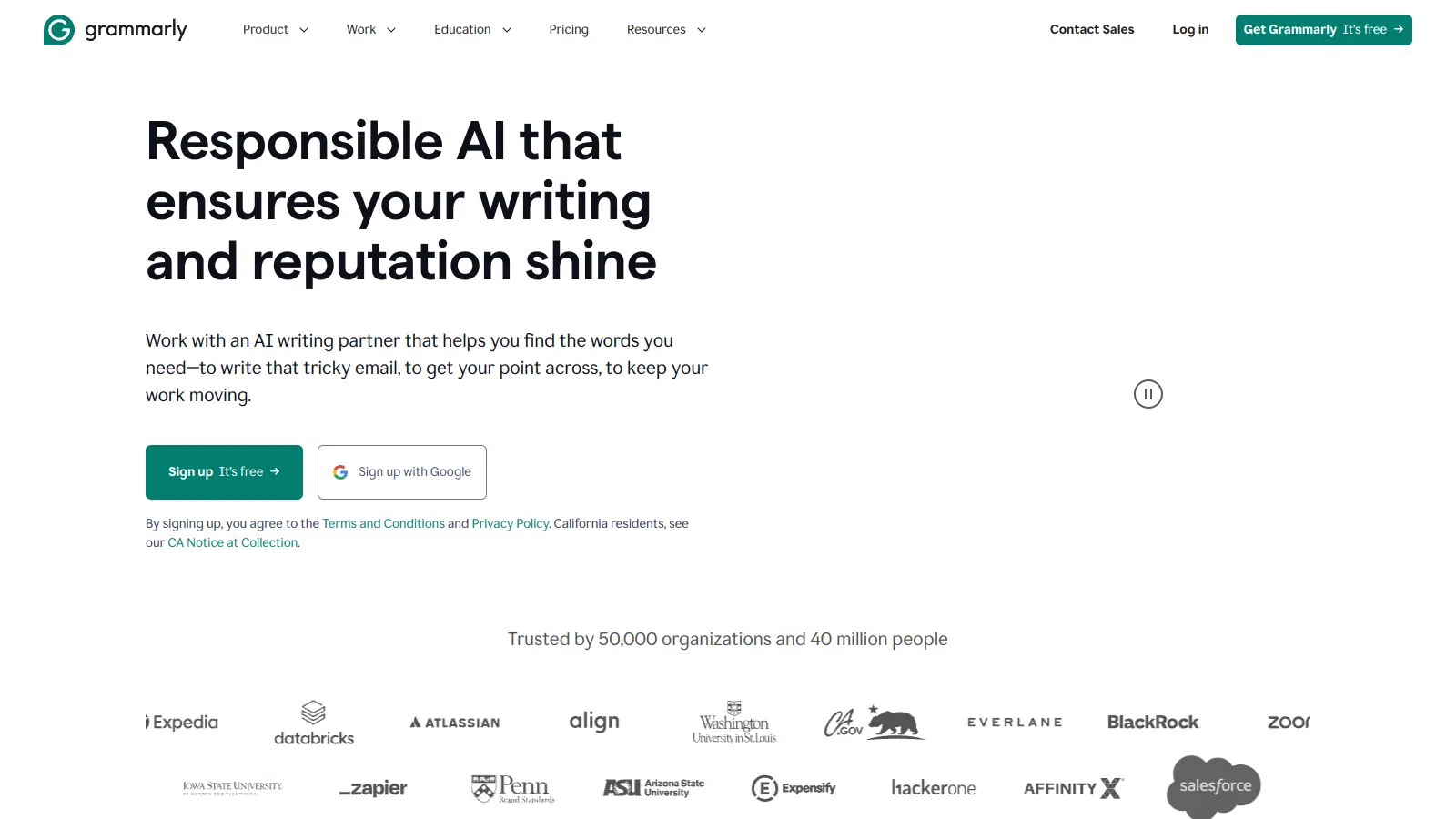
Grammarly is an AI-powered writing assistant that provides real-time grammar, spelling, and punctuation checks, tone adjustments, and generative AI features for composing, rewriting, and proofreading text. It integrates with platforms like Google Docs, Gmail, Microsoft Word, Slack, and web browsers, offering both free and paid versions with features ranging from basic corrections to plagiarism detection and AI writing tools.
best deal
Try Grammarly's Free Version Today - Get Basic Grammar Checks & 100 AI Prompts Per Month Across Your Favorite Apps

QuillBot is an AI-powered writing tool that helps users improve their writing through features like paraphrasing, grammar checking, summarization, plagiarism detection, citation generation, translation, and AI detection. It offers a web-based interface, Chrome extension, and Google Docs integration, with pricing plans ranging from a free version to monthly, semi-annual, and annual premium subscriptions. The tool uses advanced natural language processing to provide contextually appropriate text modifications.
best deal
Try QuillBot free or upgrade to Premium for just $8.33/month with unlimited paraphrasing and advanced tools. 3-day money-back guarantee included.

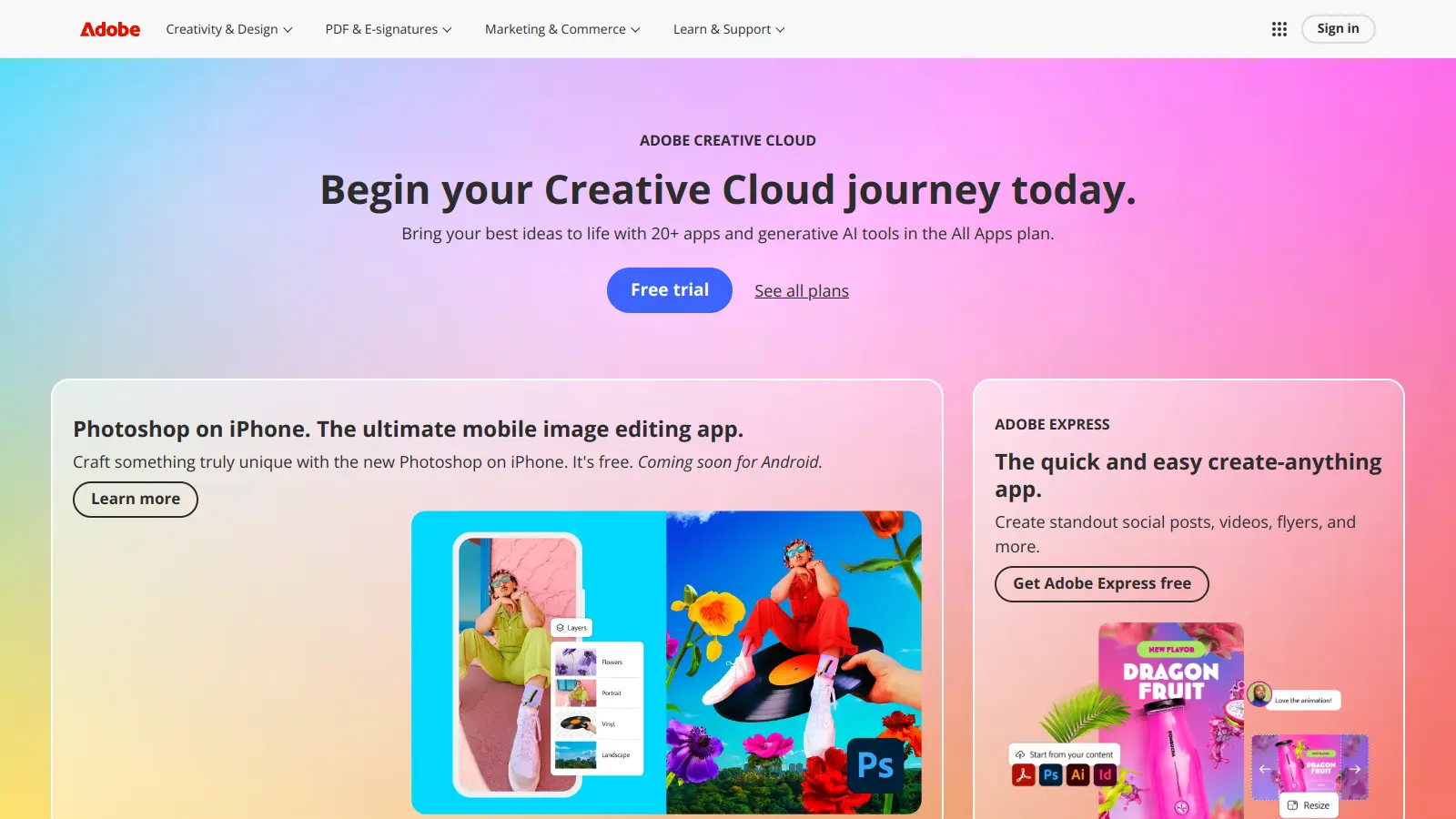
Adobe is a software company founded in 1982, offering digital solutions across creative, document, and marketing domains. Their flagship products include Photoshop, Illustrator, Premiere Pro, and Acrobat, which enable professionals and consumers to create, edit, and manage digital content. With Creative Cloud, Document Cloud, and Experience Cloud, Adobe provides tools for image editing, graphic design, video production, PDF management, and digital marketing.
best deal
New subscribers get 50% off Creative Cloud Pro for the first 3 months - includes 20+ apps and Firefly AI features

Wix is a website builder that lets individuals and businesses create professional websites without coding. It offers drag-and-drop editing, AI-powered design tools, templates, and features for e-commerce, SEO, and marketing. Pricing ranges from free to enterprise-level, covering everything from personal portfolios to online stores.
best deal
Get 50% off Wix annual plans, with Light Plan starting at $17/month

DeepAI is an AI platform offering creative tools including image generation, video creation, chatbot interactions, music generation, and text processing. Designed for users with varying technical skills, it provides affordable pricing options.
best deal
DeepAI Pro yearly plan at $89.99/year saves $29.89 compared to monthly billing (equivalent to 3 months free)