tools for
humans

Guru review 2026 - features, pricing & deals

published 26 august 2024last updated 13 february 2026
how we review

we track global search demand across every software category, monitor what real users are saying online, identify which professions rely on each tool, and surface the questions people are actually asking. reviews are consistently updated and reviewed for reliability.

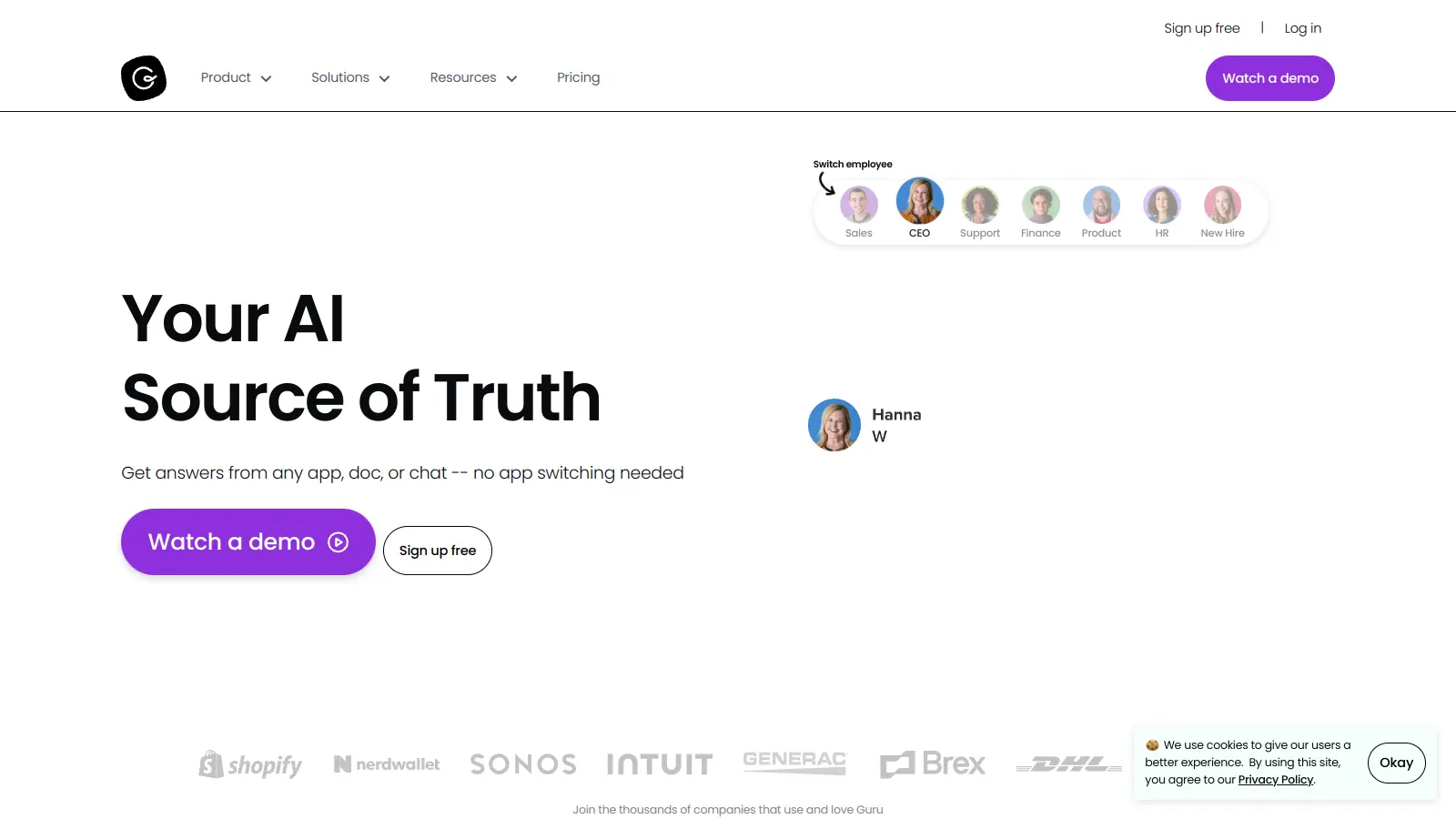
Guru is a knowledge management platform that combines AI technology with collaborative features to help teams organize and share information. It serves as a central hub where companies can store, manage, and distribute their collective knowledge across departments and tools.

The platform connects with workplace tools like Slack, Microsoft Teams, Salesforce, Google Workspace, Asana, Trello, Jira, SharePoint, and Confluence. Teams can access information without switching between applications.

Guru uses "knowledge cards" to package information into digestible formats. These cards can contain anything from company policies and best practices to training materials and frequently asked questions. The platform's AI uses semantic search and reasoning to surface relevant information based on context and user roles. Agentic Search retrieves, reasons, and responds with needed knowledge rather than matching keywords. Automated content verification keeps information fresh.

Guru offers a 30-day free trial with no credit card required. The Self-Serve plan starts at $25 per user monthly with a 10-seat minimum, while Enterprise pricing is custom. Features include search capabilities, analytics tools, browser extensions for web-wide access, and permission-aware governance that respects source system access controls.

who is Guru for?

Guru helps teams that need to organize, share, and access company knowledge. The platform's integrations and AI reduce time spent searching for information and ensure everyone works with accurate, up-to-date knowledge.

  • IT teams needing instant access to technical documentation and protocols that stay current through automated verification.
  • HR teams requiring centralized policy and compliance information that's easy to find and always accurate.
  • Customer support teams seeking rapid access to product details, troubleshooting guides, and company policies to respond faster.
  • Sales and customer success professionals who need quick access to product specifications, pricing details, and competitive information.
  • Operations teams managing complex workflows and documentation that automatically prompts for reviews before information becomes outdated.
  • Remote or distributed teams that need consistent access to the same knowledge base regardless of location or time zone.
  • Fast-growing startups and enterprise organizations that need to preserve institutional knowledge and scale efficiently.

Guru is adopted across tech companies, customer service organizations, sales teams, and any business that wants to turn tribal knowledge into a structured, accessible resource.

online reviews (last 6 months summarised)

Public discussion about Guru in knowledge management circles is limited compared to broader business software categories. The platform has been recognized as a leader in intranet and enterprise search categories, but detailed user reviews and feedback across major software review sites are sparse.

Enterprise knowledge management platforms often fly under the radar because they're used internally by organizations rather than by individual consumers who typically write reviews. Companies evaluating Guru will likely want to take advantage of the 30-day free trial to assess whether it fits their workflow and knowledge sharing needs.

features

  • AI-Powered Semantic Search: Uses contextual understanding and reasoning to retrieve relevant information rather than matching keywords, with Agentic Search that retrieves, reasons, and responds with needed knowledge.
  • Knowledge Cards: Organize company information into digestible, interconnected formats that can contain policies, best practices, training materials, and FAQs.
  • Automated Content Verification: Keeps information accurate and compliant through automatic review cycles, expiration dates, and verification workflows.
  • Workflow Integration: Connects with Slack, Microsoft Teams, Asana, Trello, Jira, SharePoint, Confluence, Google Drive, and Salesforce so users can access knowledge without switching applications.
  • Agent Center: Handles automated question answering and answer editing with proactive AI suggestions and triggers.
  • Permission-Aware Governance: Respects source system access controls with role-based permissions and custom access settings to protect sensitive information.
  • Research Mode: Guided research with sources and citations for thorough investigation of topics.
  • Collaborative Editing: Shared drafts with version tracking and duplicate detection to identify redundant content.
  • Browser Extension: Provides web-wide access to company knowledge from anywhere.
  • Analytics Dashboard: Tracks usage insights to understand how teams interact with knowledge.

pricing

  • Self-Serve Plan costs $25 per user monthly with a 10-seat minimum ($250/month annual or $300/month billed monthly). Includes enterprise AI search, intranet, wiki, and AI credits.
  • Enterprise Plan has custom pricing requiring direct sales contact, offering enterprise-grade security with SOC 2 Type 2 compliance and dedicated support.
  • 30-day free trial available with no credit card required.
  • Guru for Good program offers reduced pricing for eligible 501(c)(3) nonprofits with 50+ users.

frequently asked questions

What's the difference between Guru's Agentic Search and regular keyword search?

Agentic Search retrieves, reasons, and responds with needed knowledge rather than matching keywords. Unlike traditional search that looks for exact terms, Guru's semantic search understands context and intent. It pulls from your verified company documents and uses AI reasoning to deliver answers that match what you're actually asking, not just what words you typed. This means you get more relevant results even if you don't use the exact terminology your company uses in its documentation.

Can Guru integrate with the tools we already use?

Yes. Guru connects with Slack, Microsoft Teams, Salesforce, Google Workspace, Asana, Trello, Jira, SharePoint, Confluence, and Google Drive. The browser extension lets you access Guru knowledge without switching apps. This means you can find answers while staying in your email, CRM, project management tool, or chat programs. The goal is to deliver knowledge exactly where you're working instead of making you hunt for it in another system.

How secure is our company information in Guru?

Guru's Enterprise plan includes SOC 2 Type 2 compliance and enterprise-grade security. The platform uses permission-aware governance that respects source system access controls, meaning if someone doesn't have access to a document in SharePoint, they won't see it in Guru either. You can control who sees what information through role-based permissions and custom access settings. Audit logs track who's viewing and changing content, keeping your confidential information safe.

How does automated content verification work?

Guru's automated content verification keeps information fresh through review cycles and expiration dates. The system sends reminders when content needs review to prevent outdated information from circulating. The Agent Center provides proactive AI suggestions and can handle automated question answering. Anyone with permission can suggest updates, and knowledge owners can approve changes. Duplicate detection identifies redundant content so you're not maintaining the same information in multiple places.

What's the minimum commitment to use Guru?

The Self-Serve plan requires a 10-seat minimum, so you'll pay for at least 10 users even if your team is smaller. That works out to $250 per month on an annual plan or $300 monthly if you pay month-to-month. You can try Guru free for 30 days without a credit card to see if it fits your needs. If you're a 501(c)(3) nonprofit with 50 or more users, check out the Guru for Good program for reduced pricing.
other tools to check out

ChatGPT screenshot
online buzz25M+ Searches
trend (1M)23%

ChatGPT

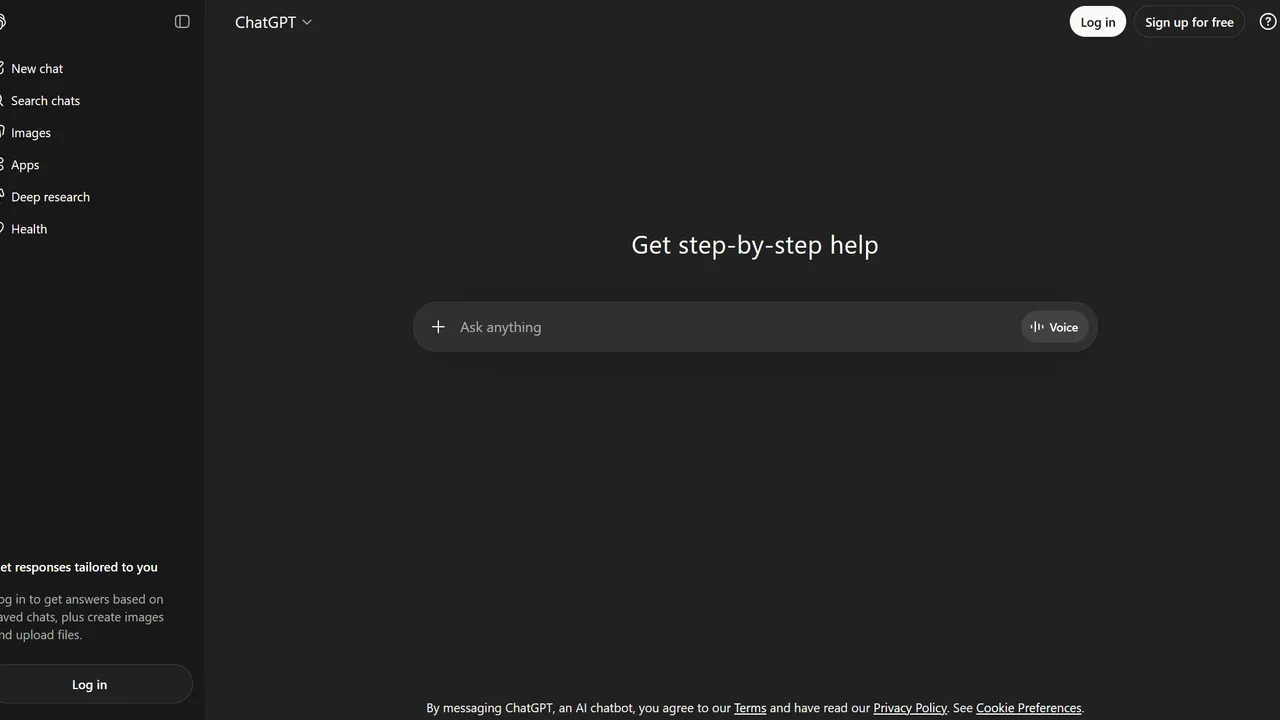
ChatGPT is an AI chatbot by OpenAI that uses language models to hold conversations, generate content, and complete tasks. It includes web browsing, image generation and analysis, voice interaction, autonomous task automation, and custom GPT creation. Available in multiple pricing tiers from free to enterprise, ChatGPT handles creative writing, data analysis, coding, and real-world automation.

best deal

Try ChatGPT Free: Basic AI conversations with GPT-5.2 Instant access (around 10 messages every 5 hours) at no cost.

Canva screenshot
online buzz10M+ Searches
trend (1M)23%

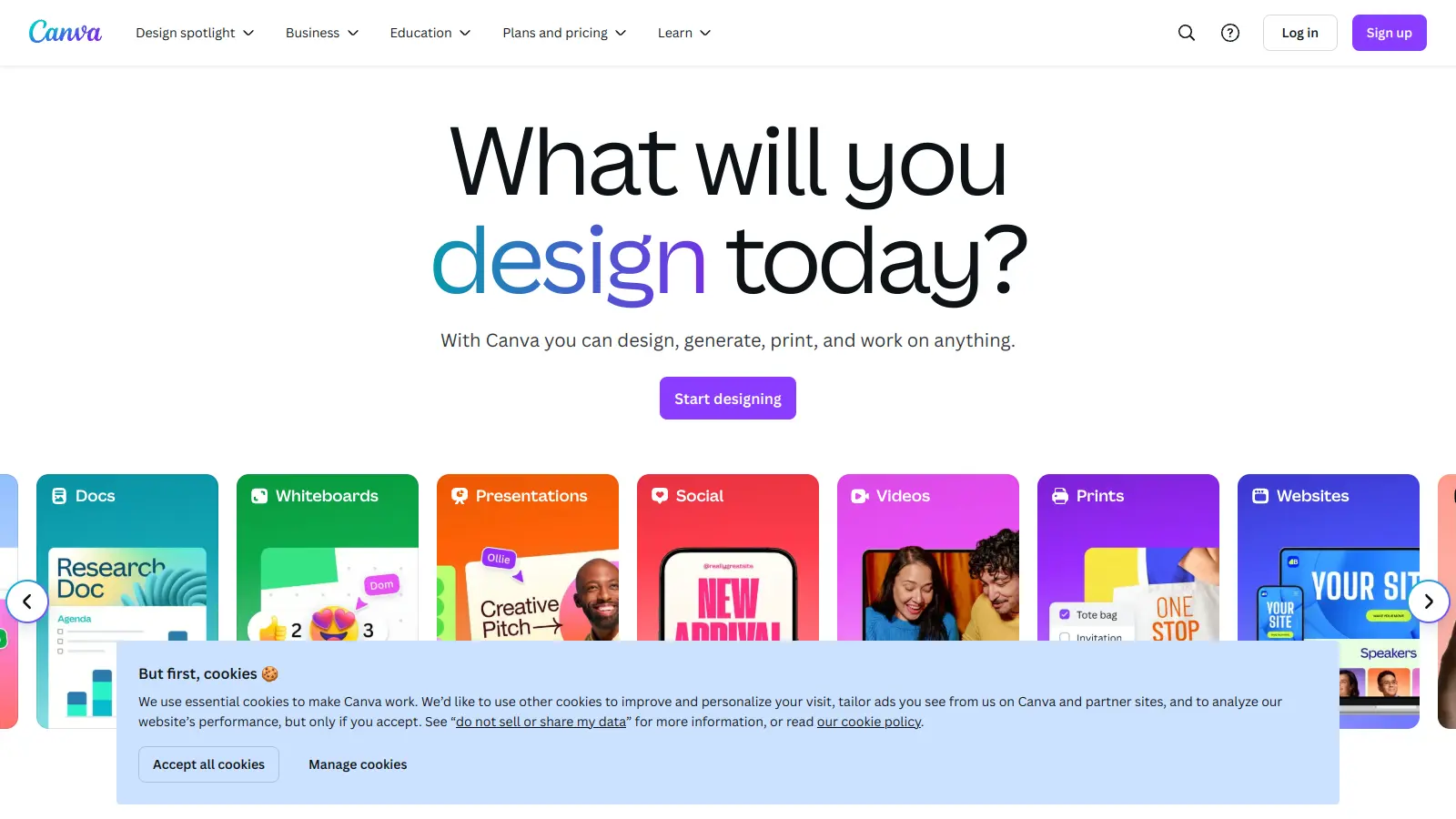
Canva

Canva is a graphic design platform that lets individuals and professionals create designs without advanced design skills. It offers hundreds of thousands of templates, design tools, collaboration features, and photo/video editing capabilities. With both free and pro versions, Canva provides access to millions of design elements for creating social media graphics, presentations, posters, and more through its drag-and-drop interface.

best deal

Get 50% off Canva Pro or Business plans for new customers, or try Canva free with 250,000+ templates and 5GB storage

Gemini screenshot
online buzz1M+ Searches
trend (1M)4%

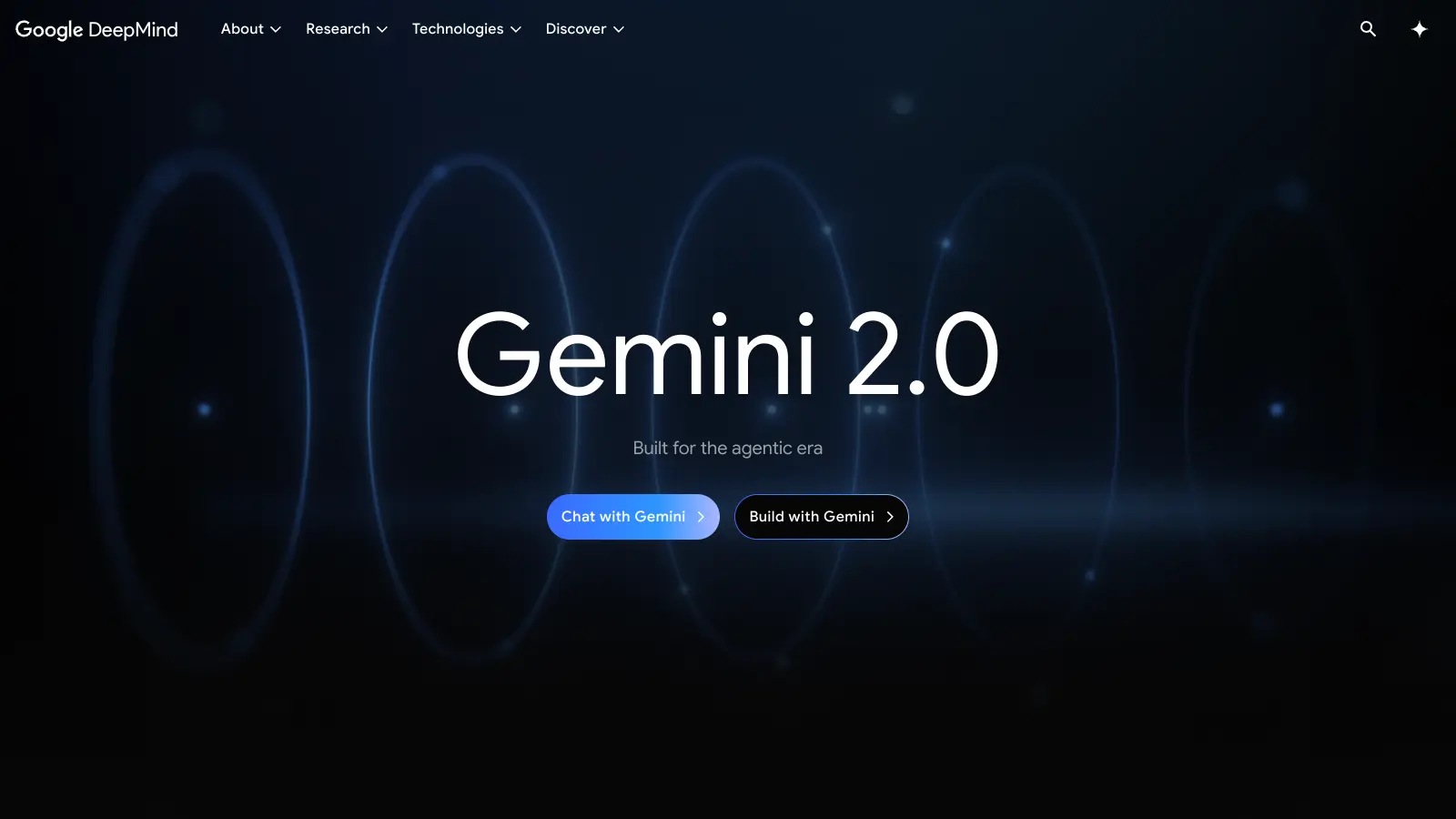
Gemini

Gemini is an advanced AI assistant by Google that processes text, code, images, audio, and video across Google's ecosystem. It offers content creation, coding assistance, research capabilities, and workflow automation through the Gemini app, web interface, and integrations with Google Workspace, Pixel phones, and Chrome.

best deal

Google AI Plus: Get 50% off at $3.99/month for the first 2 months (new subscribers); Google AI Pro: Try free for one month.

Grammarly screenshot
online buzz1M+ Searches
trend (1M)22%

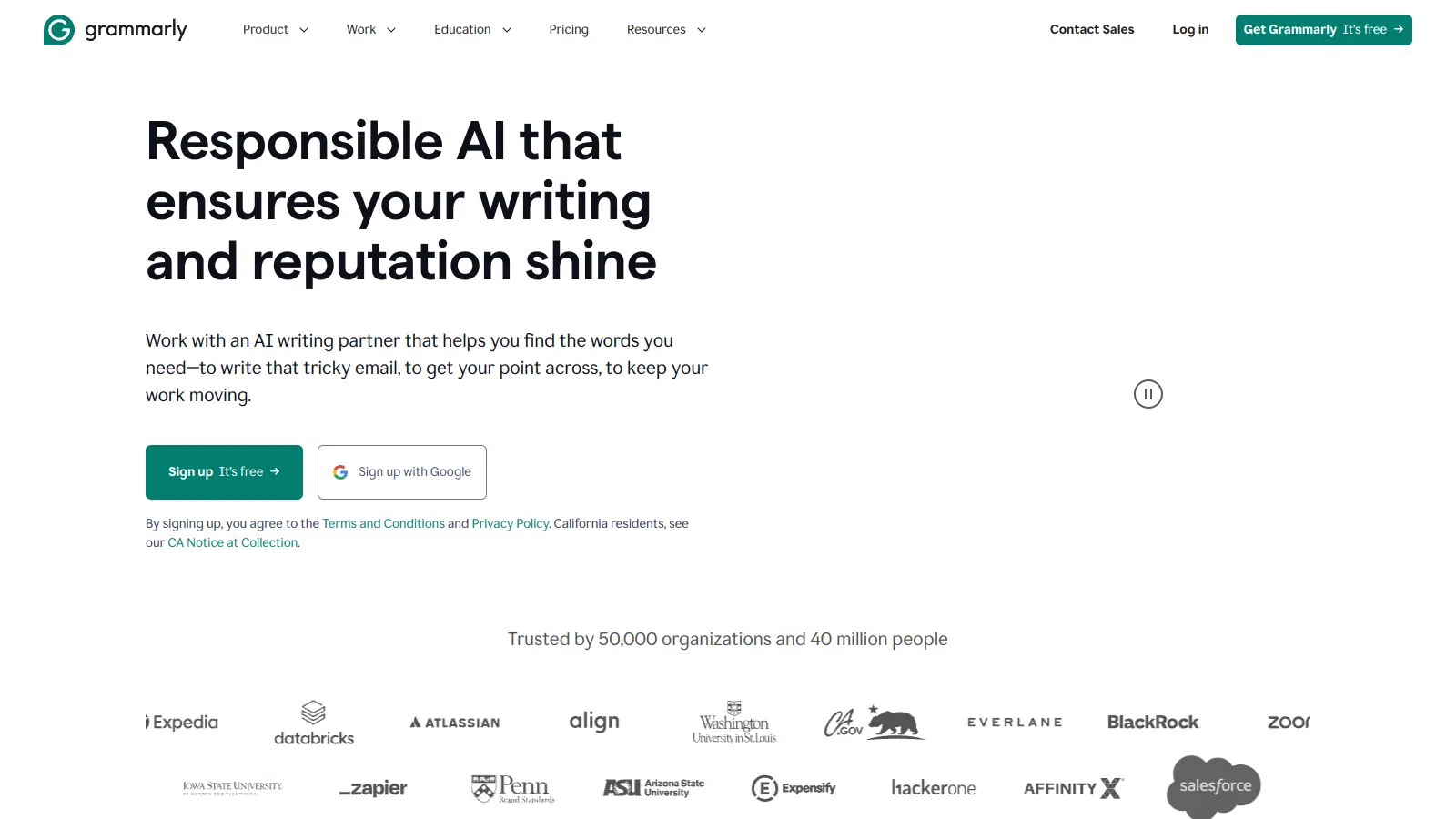
Grammarly

Grammarly is an AI-powered writing assistant that provides real-time grammar, spelling, and punctuation checks, tone adjustments, and generative AI features for composing, rewriting, and proofreading text. It integrates with platforms like Google Docs, Gmail, Microsoft Word, Slack, and web browsers, offering both free and paid versions with features ranging from basic corrections to plagiarism detection and AI writing tools.

best deal

Try Grammarly's Free Version Today - Get Basic Grammar Checks & 100 AI Prompts Per Month Across Your Favorite Apps

QuillBot screenshot
online buzz1M+ Searches
trend (1M)-13%

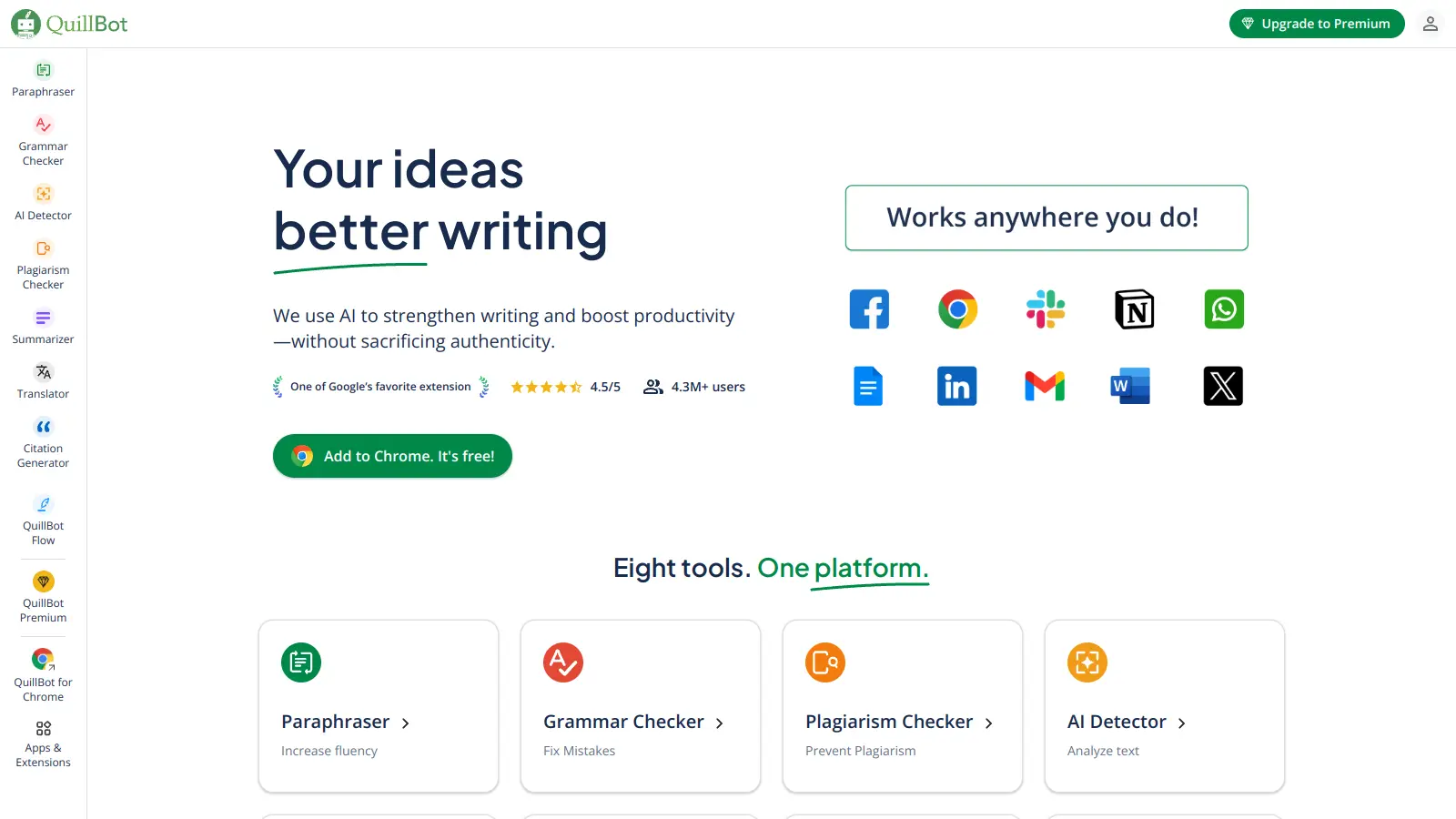
QuillBot

QuillBot is an AI-powered writing tool that helps users improve their writing through features like paraphrasing, grammar checking, summarization, plagiarism detection, citation generation, translation, and AI detection. It offers a web-based interface, Chrome extension, and Google Docs integration, with pricing plans ranging from a free version to monthly, semi-annual, and annual premium subscriptions. The tool uses advanced natural language processing to provide contextually appropriate text modifications.

best deal

Try QuillBot free or upgrade to Premium for just $8.33/month with unlimited paraphrasing and advanced tools. 3-day money-back guarantee included.

Microsoft SharePoint screenshot
online buzz500k+ Searches
trend (1M)50%

Microsoft SharePoint

Microsoft SharePoint is a web-based collaboration platform that helps organizations create team sites, intranets, and document management systems. It integrates with Microsoft 365 tools, offering features like real-time co-authoring, version control, security controls, customizable sites, and workflow automation.

best deal

Try SharePoint Plan 1 for just $5/month - Get 1TB pooled storage, real-time collaboration & core document management features