tools for
humans

Box reviews — what users really think

published 30 august 2024last updated 13 february 2026
how we review

we track global search demand across every software category, monitor what real users are saying online, identify which professions rely on each tool, and surface the questions people are actually asking. reviews are consistently updated and reviewed for reliability.

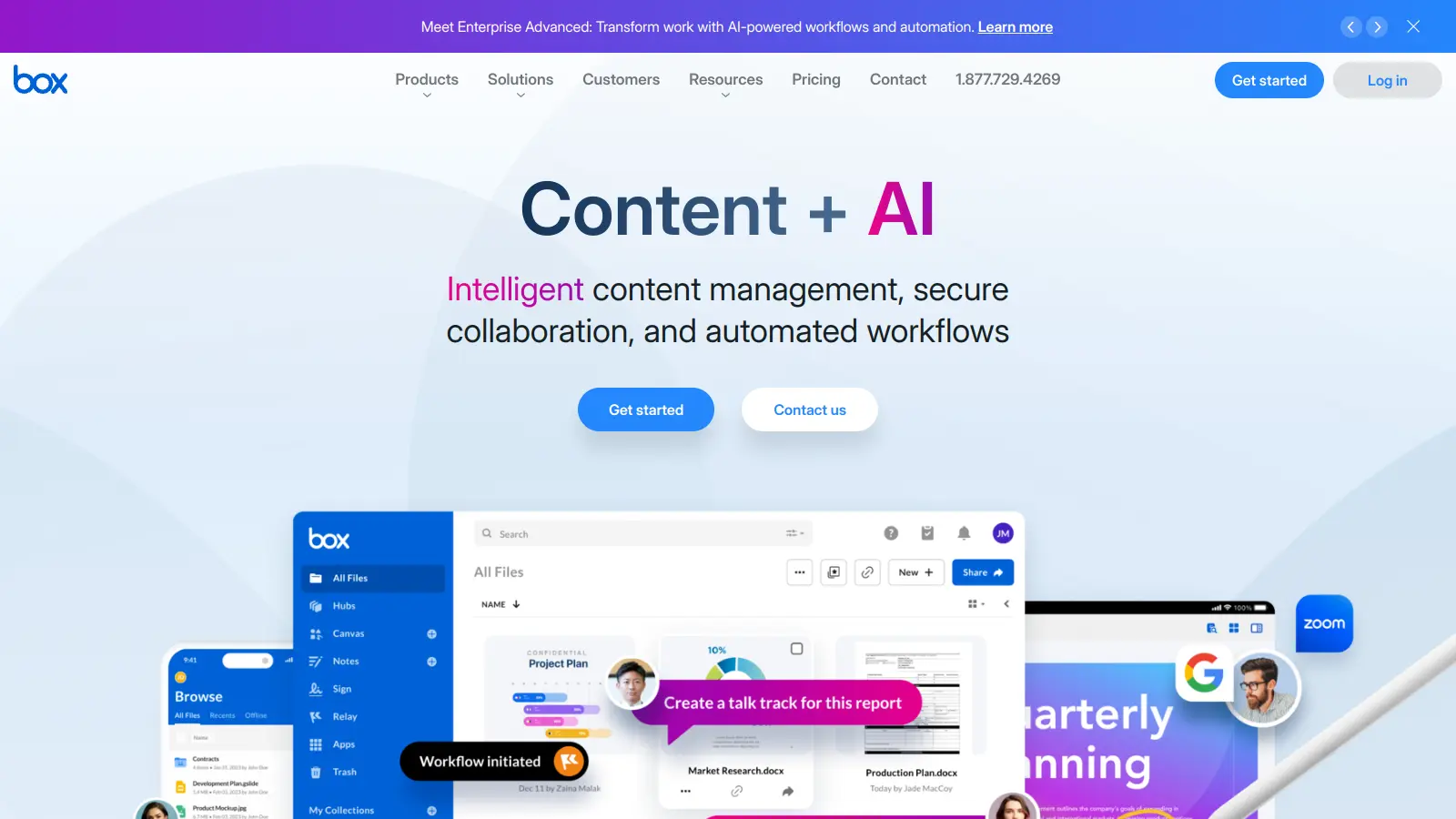
Box is a cloud-native content management platform that helps businesses store, manage, and work together on their files and data. The platform combines secure storage with tools for teamwork.

Box offers security features to keep sensitive data safe while letting teams collaborate. Users can access their files from anywhere, work on documents together in real-time, and automate workflows. The platform includes AI capabilities through Box AI, which can answer questions about your documents, generate summaries, create content like emails and notes, and extract metadata automatically.

Box connects to over 1,500 business tools like Microsoft Office, Google Workspace, and Salesforce. Teams can use Box alongside their existing apps without switching between different platforms.

Business plans start at $20 per user monthly and include unlimited storage. The Enterprise Plus plan adds unlimited AI queries in Notes, Documents, and Hubs, along with the AI toolkit and Smart Content Insights. The platform scales as organizations grow, whether they're small teams or large enterprises needing security and compliance features.

who is Box for?

Box is built for teams and individuals who need to manage, store, and collaborate on content securely in the cloud. It saves time through automated workflows and AI-powered insights while making document sharing easier with security controls.

  • IT Leaders who need enterprise-grade security and compliance features to protect company data while enabling collaboration.
  • Sales Teams looking to predict client queries, enrich presentations, and access insights from documents quickly with AI assistance.
  • Customer Service Teams that analyze feedback and extract information from multiple files to respond faster.
  • Recruiters who generate job postings from internal documentation and manage candidate files securely.
  • Marketing Teams who collaborate on content creation and use AI to generate blog posts, emails, and agendas from existing materials.
  • Product Teams seeking insights on concepts and features by querying multiple documents and images at once.
  • Healthcare Organizations looking for HIPAA-compliant storage solutions with secure sharing options for patient information.

Box is adopted across industries including healthcare, financial services, government, education, and technology, particularly by roles focused on information management, collaboration, and security.

online reviews (last 6 months summarised)

Box is flying under the radar lately. Reddit and other platforms haven't been buzzing with discussions about it. The cloud storage platform maintains a quiet presence in the tech ecosystem.

Without recent user feedback, it's hard to gauge current sentiment. The lack of conversation suggests Box might be maintaining a steady user experience that isn't generating significant buzz right now—positive or negative.

features

  • Enterprise-Grade Security: Protects your data with identity management, device security controls, and threat detection to prevent unauthorized access and breaches.
  • Real-Time Team Collaboration: Enables document sharing, editing, and communication across internal and external teams with secure file access and whiteboarding tools.
  • AI-Powered Content Management: Box AI answers questions from your documents, generates summaries and new content, extracts metadata automatically, and queries multiple files or images at once while maintaining security and permissions.
  • Platform Integrations: Connects with over 1,500 business applications like Microsoft Office, Salesforce, and Google Workspace to work across your digital ecosystem.
  • Automated Business Processes: Simplifies workflows through automated document routing, e-signatures with Box Sign, and custom form creation to improve organizational efficiency.
  • Regulatory Compliance: Supports global data privacy standards including GDPR, HIPAA, and FedRAMP, ensuring your content management meets industry regulations.
  • Unlimited Cloud Storage: Provides cloud-native storage solutions with flexible plans that grow with your business, with unlimited storage on Business Plus and Enterprise plans.

pricing

  • Free plan available with 10GB storage and basic backup and sync functionality.
  • Business plan costs $20 per user monthly with 100GB storage, Box Notes, Shield Basic, and Relay included.
  • Business Plus plan priced at $33 per user monthly with unlimited storage, advanced search, and Box Sign.
  • Enterprise plan costs $47 per user monthly with full Shield and Relay, custom retention policies, and integrations.
  • Enterprise Plus plan offers custom pricing with AI toolkit, unlimited AI queries in Notes, Documents, and Hubs, Smart Content Insights, and 24/7 support.
  • Annual billing provides approximately 30% discount on Enterprise plans compared to monthly payments.
  • File upload size limits vary by plan: 5GB per file on Business, 15GB on Business Plus, and 50GB on Enterprise plans.

frequently asked questions

What's the difference between Box AI and Box AI Studio?

Box AI helps you work with your content faster by summarizing documents, answering questions about your files, and generating content based on what's in your Box account. You can ask questions in natural language, select one or multiple documents and images, and get summaries, extractions, or new content like emails and notes. Box AI Studio takes things further by letting you build custom AI agents for specific tasks in your business. Think of Box AI as the ready-to-use AI tool, while AI Studio lets you create specialized AI helpers tailored to your company's needs without coding skills.

Can I use Box with Microsoft Office and Google Workspace?

Yes! Box works with both Microsoft Office and Google Workspace. You can edit Word, Excel, and PowerPoint files directly in Box without downloading them. The same goes for Google Docs, Sheets, and Slides. Box connects with over 1,500 apps, so you won't need to switch between different tools constantly. Your teams can keep using the programs they already know while Box handles the secure storage and sharing behind the scenes.

How secure is Box for storing sensitive company information?

Box takes security seriously with multiple layers of protection. All your content is encrypted both during transfer and when stored. You can control exactly who sees what with detailed permission settings and track who's accessing files. For highly sensitive data, Box Shield can detect unusual behavior that might signal a security risk. Plus, Box meets compliance standards like GDPR, HIPAA, and FedRAMP, which means it's trusted even for healthcare and government information. Box AI maintains these same security standards and respects existing permissions when processing files.

What makes Box different from other cloud storage solutions?

Unlike basic cloud storage, Box is built for business collaboration and workflow. Business Plus and Enterprise plans include unlimited storage, not just file sharing. Box includes tools for automated workflows with Box Relay, electronic signatures with Box Sign, and visual collaboration with Box Canvas. The AI features help you find information faster by querying multiple documents at once, generating summaries, and creating new content from your files. Box AI supports models like GPT-4o and is accessible within Box Documents, Notes, Hubs, and via API. Box connects your content across all your business apps while keeping everything secure and compliant.

How much storage do I get with Box?

Storage varies by plan. The free plan includes 10GB of storage. The Business plan comes with 100GB per user. Business Plus and Enterprise plans offer unlimited storage, which means you don't have to worry about running out of space as your company grows. The only limits are on file upload sizes, which vary by plan. The Business plan lets you upload files up to 5GB each, Business Plus increases that to 15GB per file, and Enterprise plans allow files up to 50GB each.

other tools to check out

Microsoft SharePoint screenshot
online buzz500k+ Searches
trend (1M)50%

Microsoft SharePoint

Microsoft SharePoint is a web-based collaboration platform that helps organizations create team sites, intranets, and document management systems. It integrates with Microsoft 365 tools, offering features like real-time co-authoring, version control, security controls, customizable sites, and workflow automation.

best deal

Try SharePoint Plan 1 for just $5/month - Get 1TB pooled storage, real-time collaboration & core document management features

MyCase screenshot
online buzz500k+ Searches
trend (1M)22%

MyCase

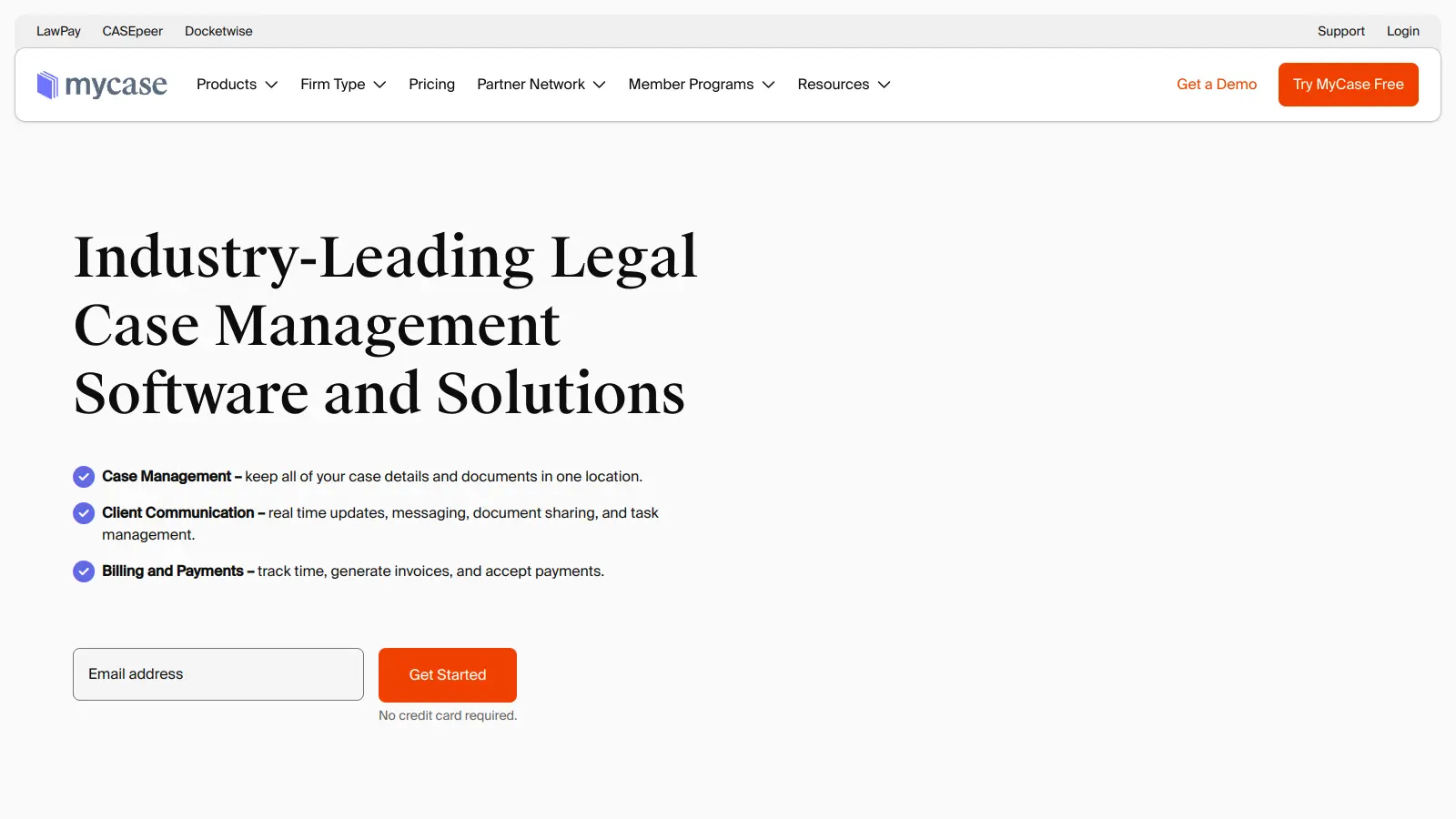
MyCase is a cloud-based law practice management software designed for solo and small to midsize law firms. It provides a platform for managing client communication, case workflow, billing, and document management. With features like client intake forms, eSignature, case tracking, secure client portals, AI-powered document summarization, and integrated payment solutions, MyCase helps law firms streamline their operations and improve efficiency across multiple practice areas.

best deal

Try MyCase Free for 10 Days - No Credit Card Required

Gradescope screenshot
online buzz100k+ Searches
trend (1M)-32%

Gradescope

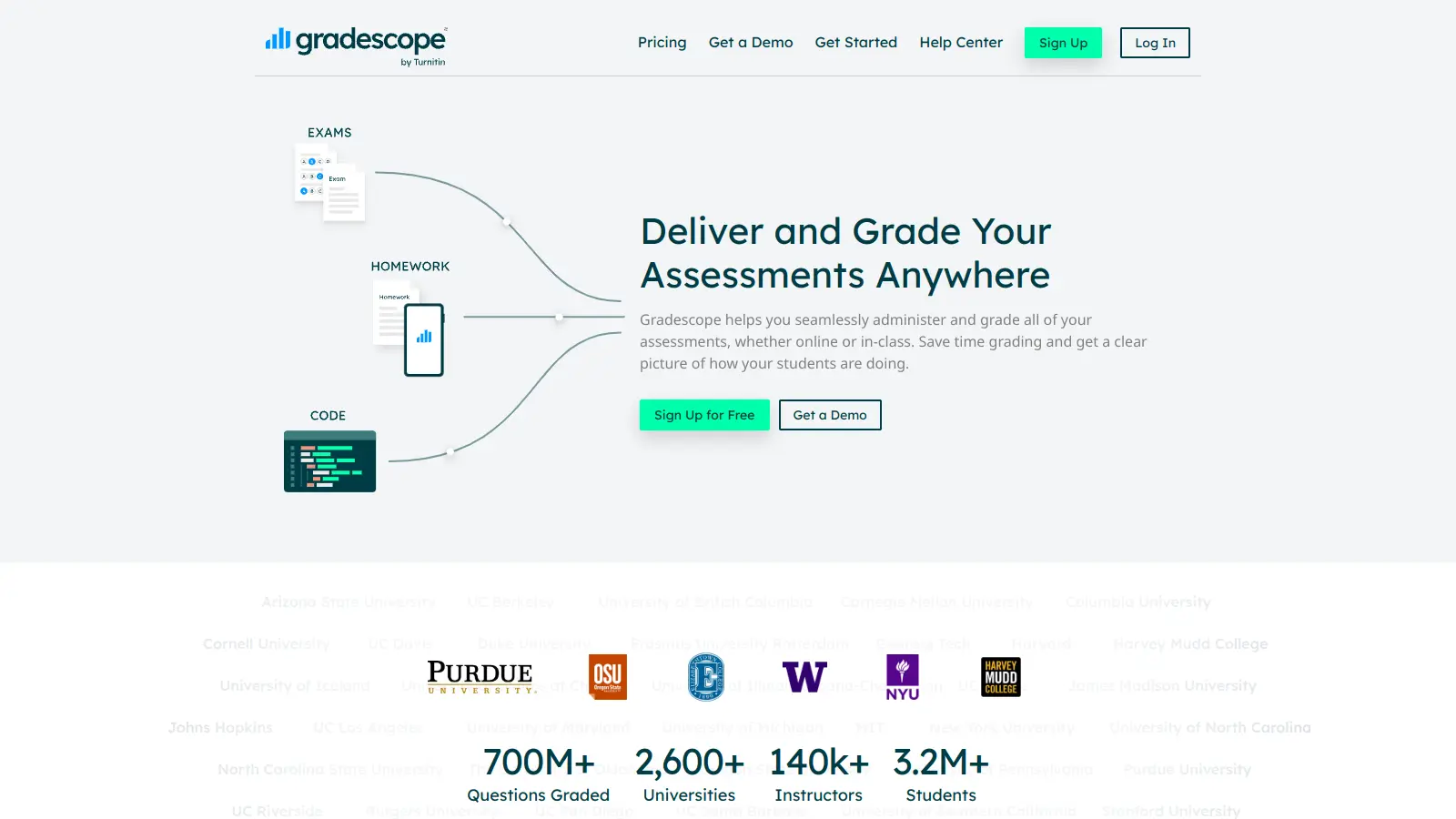
Gradescope is a comprehensive digital grading platform that streamlines assessment for various assignment types, including exams, homework, and programming assignments. Developed by UC Berkeley instructors, it reduces manual grading time through AI-powered tools, enables consistent feedback, supports multiple graders, and provides detailed performance analytics. The platform integrates with learning management systems and offers features like dynamic rubrics, annotation, and anonymous grading to enhance educational assessment efficiency.

best deal

Get started with Gradescope for just $1 per student and streamline your grading process

Clio screenshot
online buzz100k+ Searches
trend (1M)2%

Clio

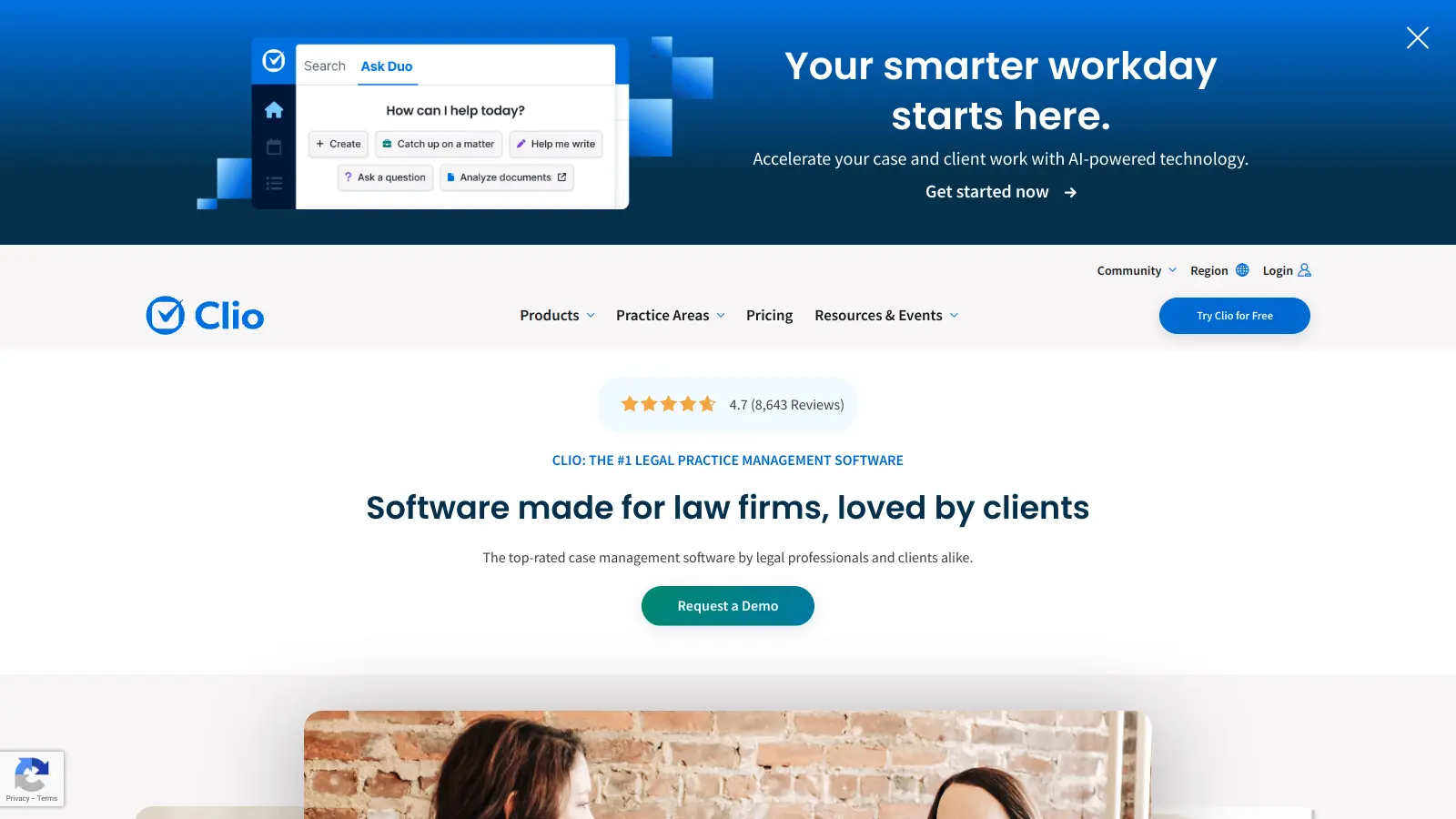
Clio is a cloud-based legal practice management software that streamlines law firm operations. It offers features for case management, billing, document automation, client intake, and collaboration. The platform provides AI tools like Clio Duo for automating tasks, tracking finances, engaging clients, managing documents, and integrating with other software.

best deal

Get 15% bundle savings and try Clio free before committing to a plan

Guru screenshot
online buzz50k+ Searches
trend (1M)22%

Guru

Guru is an AI-powered knowledge management platform that helps organizations capture, organize, and share collective knowledge. It offers knowledge cards, tool integrations, AI-driven search, and automated content verification. The platform provides access to information across tools with real-time updates and context-aware answers tailored to individual user roles.

best deal

Try Guru free for 30 days with no credit card required, or get reduced pricing through Guru for Good if you're an eligible nonprofit.

PandaDoc screenshot
online buzz50k+ Searches
trend (1M)22%

PandaDoc

PandaDoc is a cloud-based document automation platform designed to help businesses create, track, manage, and electronically sign proposals, quotes, contracts, invoices, and other business documents. It's built for sales teams and small to mid-sized businesses looking to streamline their documentation workflows.

best deal

Try PandaDoc free with unlimited seats for basic eSign, or start a 14-day free trial on select paid plans