tools for
humans

Docparser review 2026 - features, pricing & deals

published 24 august 2024last updated 13 february 2026
how we review

we track global search demand across every software category, monitor what real users are saying online, identify which professions rely on each tool, and surface the questions people are actually asking. reviews are consistently updated and reviewed for reliability.

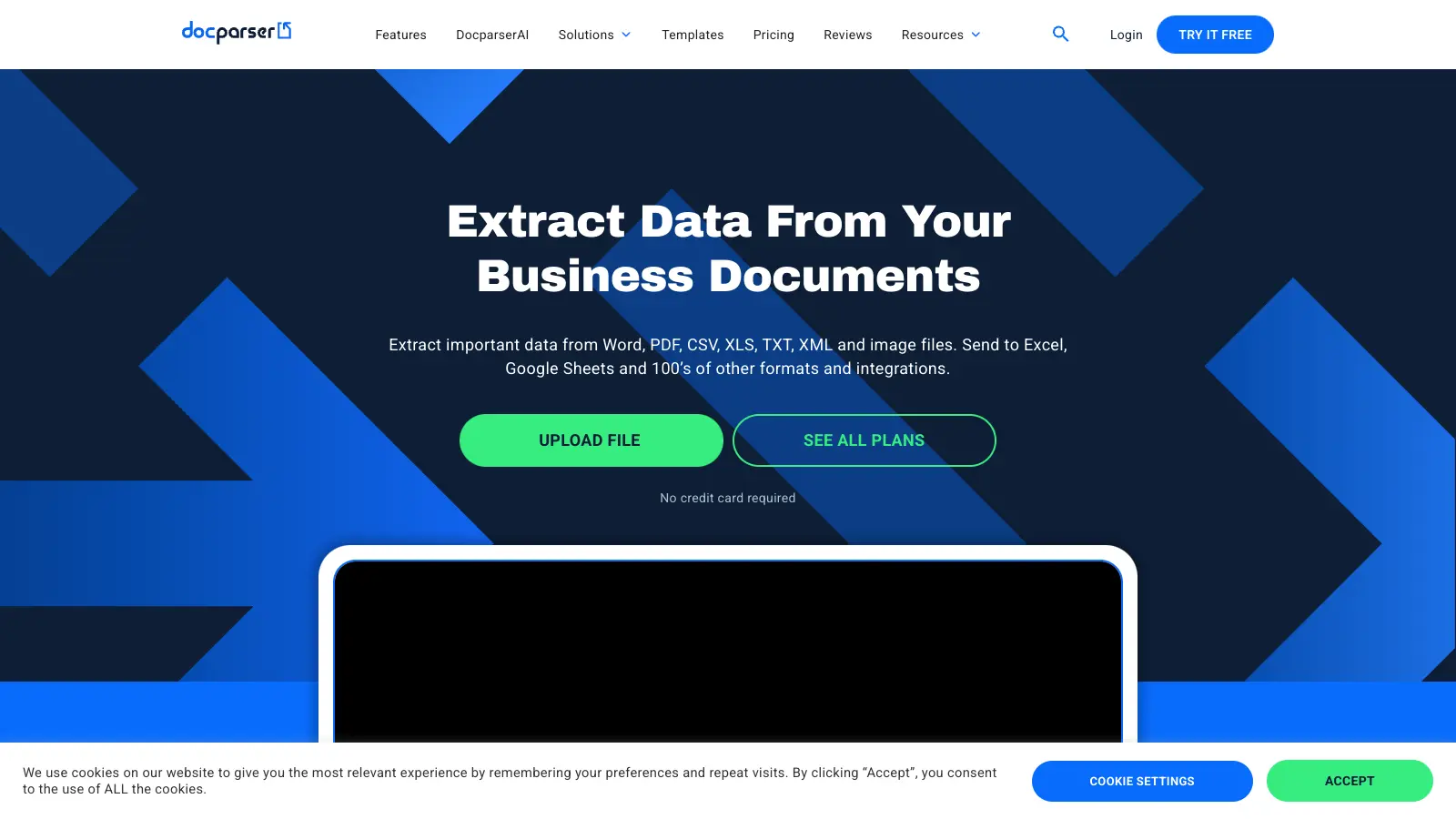
Docparser is a document parsing software that helps businesses extract data from PDFs, Word documents, images, Excel sheets, CSV, TXT files, and more. It uses Zonal OCR, pattern recognition, and AI to pull important information from documents automatically, saving time on manual data entry.

The software works with common business documents including invoices, purchase orders, bank statements, contracts, resumes, and forms. Users can set up custom parsing rules without coding knowledge, and the platform includes AI-powered templates like SmartAI Parser that automatically creates extraction rules from just one document. Once data is extracted, it can be exported as Excel, CSV, JSON, or XML.

Integration options are broad, with connections to popular cloud storage services like Dropbox and Google Drive. The tool also works with automation platforms such as Zapier and includes an API for custom applications. This makes it simple to fit Docparser into existing business workflows, with over 6,000 app integrations available.

Small businesses can start with the Starter plan at $39 monthly, while larger organizations might opt for the Professional ($74/month) or Business ($159/month) tiers. A 14-day free trial with no credit card required lets users test the core features before committing, and there's also a perpetual free version available.

Industries like accounting, retail, logistics, legal, and human resources use Docparser to streamline their document processing. The tool handles everything from simple forms to complex financial statements, and can recognize handwriting, checkboxes, and tables.

who is Docparser for?

Docparser is ideal for businesses and teams drowning in manual document processing tasks who need to save time and reduce errors. This tool works best for organizations that regularly handle standardized documents and want to automate data extraction without hiring developers or learning complex systems.

  • Finance professionals who process numerous invoices, purchase orders, and financial statements daily and need to transfer data accurately to accounting systems
  • Administrative staff who regularly extract information from forms, applications, or contracts and need a reliable way to digitize this data quickly
  • Operations managers in logistics or retail who handle shipping documents, inventory records, and order forms and want to eliminate data entry bottlenecks
  • HR teams who need to parse resumes for candidate screening and evaluation without manually typing out each application
  • Legal professionals who extract data from recurring legal documents like contracts, agreements, and filings
  • Small business owners with limited technical resources who need a user-friendly solution to process business documents without coding knowledge
  • Data analysts who need to transform information from PDFs and other documents into usable formats for reporting and analysis

online reviews (last 6 months summarised)

Docparser gets positive feedback from users who appreciate how easy it is to set up and use for extracting data from documents. Many report that it saves time on manual data entry and works well with invoices, receipts, and forms. The OCR and parsing functionality are generally seen as reliable, and users find the automation capabilities helpful for repetitive tasks. Customer support receives praise for being responsive and helpful.

The pricing is expensive for small businesses or startups, especially when processing high volumes of documents. The tool struggles with poor quality documents, leading to accuracy issues. There's a learning curve for the more complex features, and some users report slow processing times for large batches. Template options for specialized document types are limited. Support response times can slow down during peak hours.

features

  • Document Parsing: Extract data from PDFs, Word documents, images, Excel sheets, CSV, and TXT files using Zonal OCR, pattern recognition, and AI technologies for business document processing.
  • SmartAI Parser: Automatically creates extraction rules from just one document, recognizing handwriting, checkboxes, and tables without manual configuration for faster setup.
  • Cloud Integrations: Connect with Dropbox, Google Drive, and OneDrive, and use REST API and webhooks to automate document workflows across over 6,000 apps through platforms like Zapier.
  • AI-Enhanced Extraction: Use DocparserAI and image preprocessing to improve data accuracy and handle complex document parsing challenges, including content summarization features.
  • Multiple Document Types: Parse invoices, purchase orders, bank statements, contracts, HR forms, resumes, shipping orders, and legal documents with customizable extraction rules.
  • No-Code Setup: Create parsing configurations without programming skills, using drag-and-drop uploads and preset rules for quick document processing in a point-and-click editor.
  • Flexible Data Export: Convert extracted data into Excel, Google Sheets, CSV, JSON, and XML formats for easy integration with existing business systems.

pricing

  • 14-day free trial available with no credit card required, plus a perpetual free version
  • Starter Plan at $39 per month with 100 credits, includes parse PDF/Word/Image files, download to Excel/CSV/JSON/XML, Google Sheets export, hundreds of integrations, and beginner webinar/articles/support
  • Professional Plan at $74 per month with 250 credits, includes everything in Starter plus multifactor authentication, teams and managed users, free parsing setup, and parser version control
  • Business Plan at $159 per month with 1,000 credits, includes everything in Professional plus multi-layout parsers, priority support, and priority parsing access
  • Enterprise Plan with custom pricing for unlimited parsing requirements, includes all features, extended document retention, white labeling license, and unlimited parsers
  • One credit can parse a document up to 5 pages long
  • No setup fees for any pricing plan
  • Save 20% with annual subscription plans

frequently asked questions

What documents can Docparser extract data from?

Docparser works with PDFs, Word documents, Excel spreadsheets, CSV files, TXT files, and images. It's built for extracting data from business documents like invoices, purchase orders, shipping notes, bank statements, contracts, HR forms, resumes, and more. If you regularly handle the same document formats and need to pull specific information from them, Docparser can likely handle it. The tool uses OCR technology to recognize text in images and scanned documents too, which means you won't need to manually type that data anymore. It can even recognize handwriting and checkboxes.

Do I need coding skills to use Docparser?

No. The platform is built with a user-friendly interface that lets you set up document parsers using simple drag-and-drop tools and a point-and-click editor. You can create custom parsing rules by simply clicking on the data you want to extract. The SmartAI Parser can even automatically create extraction rules from just one document, making setup even faster. For common document types, Docparser offers preset rules to speed things up. While knowing some regular expressions might help with complex extraction rules, it's not required for most users. The no-code approach makes it accessible for anyone in your organization who needs to process documents.

How accurate is Docparser's data extraction?

Docparser offers high accuracy rates for data extraction, especially with clean, consistent documents. The tool uses Zonal OCR, pattern recognition, and AI technologies to ensure precise extraction. You can boost accuracy by creating specific rules for your document layouts. Their AI engine (DocparserAI) further improves results by learning from corrections you make. The point-and-click editor lets you adjust, edit, and filter AI outputs to get exactly what you need. Handwritten text, poor quality scans, or complex layouts will require some fine-tuning. Most users report that after proper setup, accuracy is reliable enough to significantly reduce manual data entry and errors.

Can Docparser connect with the other tools I use?

Yes, Docparser connects with lots of tools through multiple methods. It has direct integrations with cloud storage services like Dropbox, Google Drive, and OneDrive for importing documents. For sending your extracted data, you can use their REST API, webhooks, or connect through platforms like Zapier and Workato that link to over 6,000 apps. This means you can automatically push data to your accounting software, CRM, spreadsheets, or custom applications. You can also export data as CSV, Excel, Google Sheets, JSON, or XML if you prefer manual transfers. These connection options make it easy to fit Docparser into your existing workflows.

How many documents can I process with Docparser?

Docparser works on a credit system where each document costs a certain number of credits to process. Generally, one credit lets you parse a document up to 5 pages long. The Starter plan offers 100 credits monthly, which means you can process about 100 standard documents per month. The Professional plan includes 250 credits, and the Business plan comes with 1,000 credits. There's also a 14-day free trial with no credit card required, plus a perpetual free version to test the platform. For high-volume needs, the Enterprise plan offers unlimited parsing requirements with custom pricing.
other tools to check out

Microsoft SharePoint screenshot
online buzz500k+ Searches
trend (1M)50%

Microsoft SharePoint

Microsoft SharePoint is a web-based collaboration platform that helps organizations create team sites, intranets, and document management systems. It integrates with Microsoft 365 tools, offering features like real-time co-authoring, version control, security controls, customizable sites, and workflow automation.

best deal

Try SharePoint Plan 1 for just $5/month - Get 1TB pooled storage, real-time collaboration & core document management features

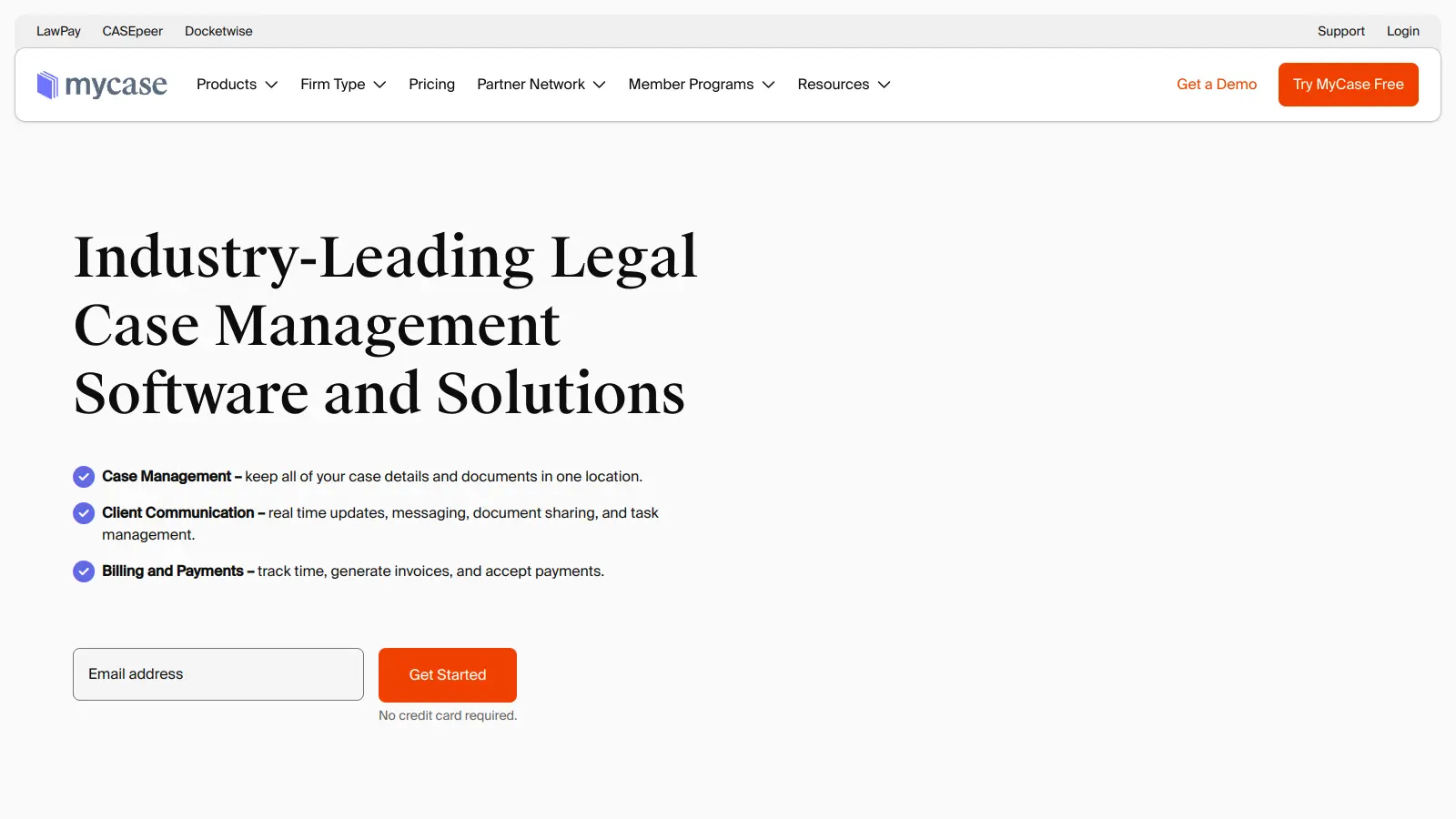
MyCase screenshot
online buzz500k+ Searches
trend (1M)22%

MyCase

MyCase is a cloud-based law practice management software designed for solo and small to midsize law firms. It provides a platform for managing client communication, case workflow, billing, and document management. With features like client intake forms, eSignature, case tracking, secure client portals, AI-powered document summarization, and integrated payment solutions, MyCase helps law firms streamline their operations and improve efficiency across multiple practice areas.

best deal

Try MyCase Free for 10 Days - No Credit Card Required

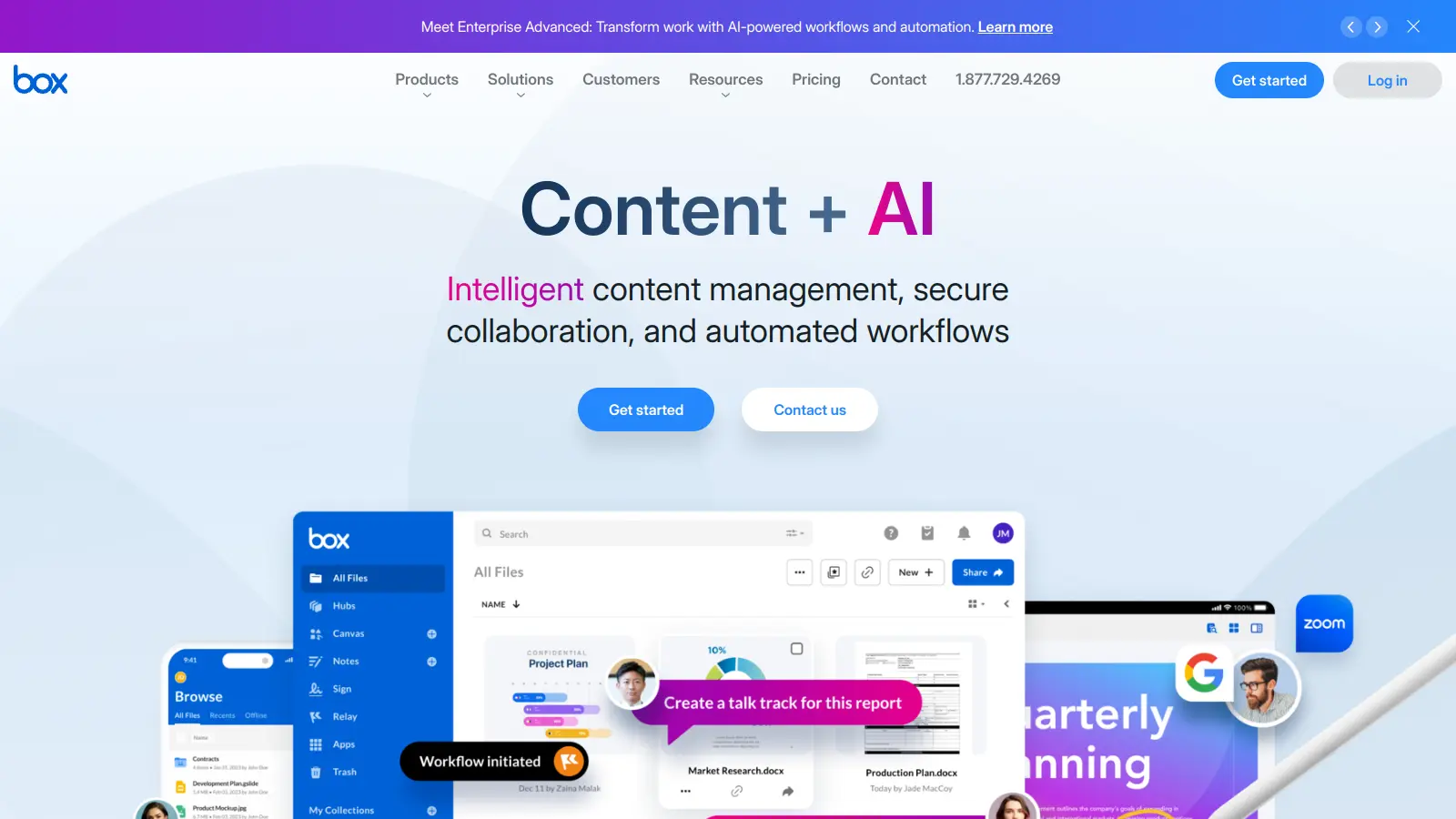
Box screenshot
online buzz500k+ Searches
trend (1M)22%

Box

Box is a cloud-native content management platform that enables secure storage, collaboration, and content management. It offers features including security controls, AI-driven insights, workflow automation, and integrations across business applications. With scalable solutions for individuals, teams, and enterprises, Box helps organizations manage, share, and protect their digital content.

best deal

Try Box free with 10GB storage or get 30% off Enterprise plans when billed annually

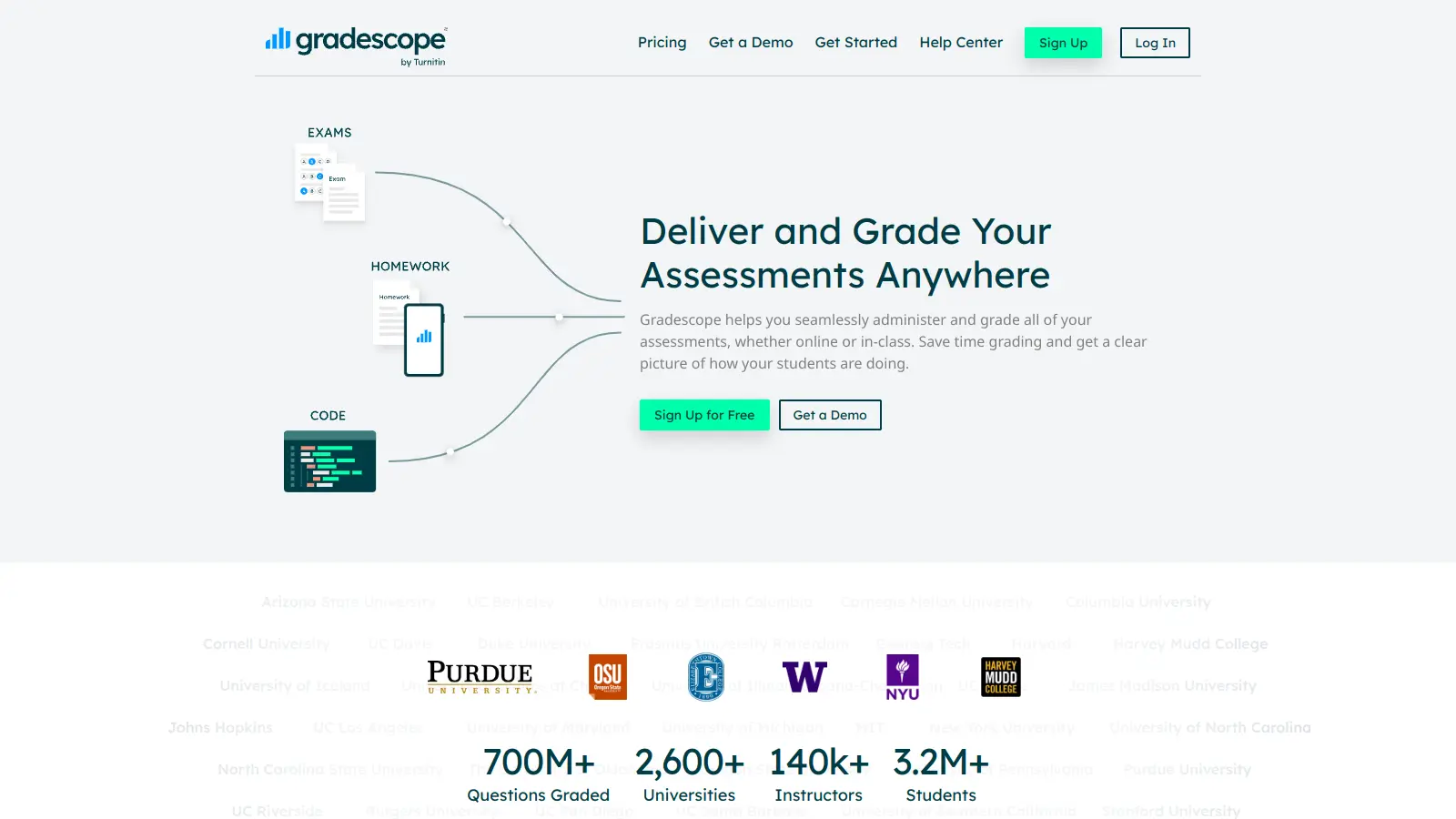
Gradescope screenshot
online buzz100k+ Searches
trend (1M)-32%

Gradescope

Gradescope is a comprehensive digital grading platform that streamlines assessment for various assignment types, including exams, homework, and programming assignments. Developed by UC Berkeley instructors, it reduces manual grading time through AI-powered tools, enables consistent feedback, supports multiple graders, and provides detailed performance analytics. The platform integrates with learning management systems and offers features like dynamic rubrics, annotation, and anonymous grading to enhance educational assessment efficiency.

best deal

Get started with Gradescope for just $1 per student and streamline your grading process

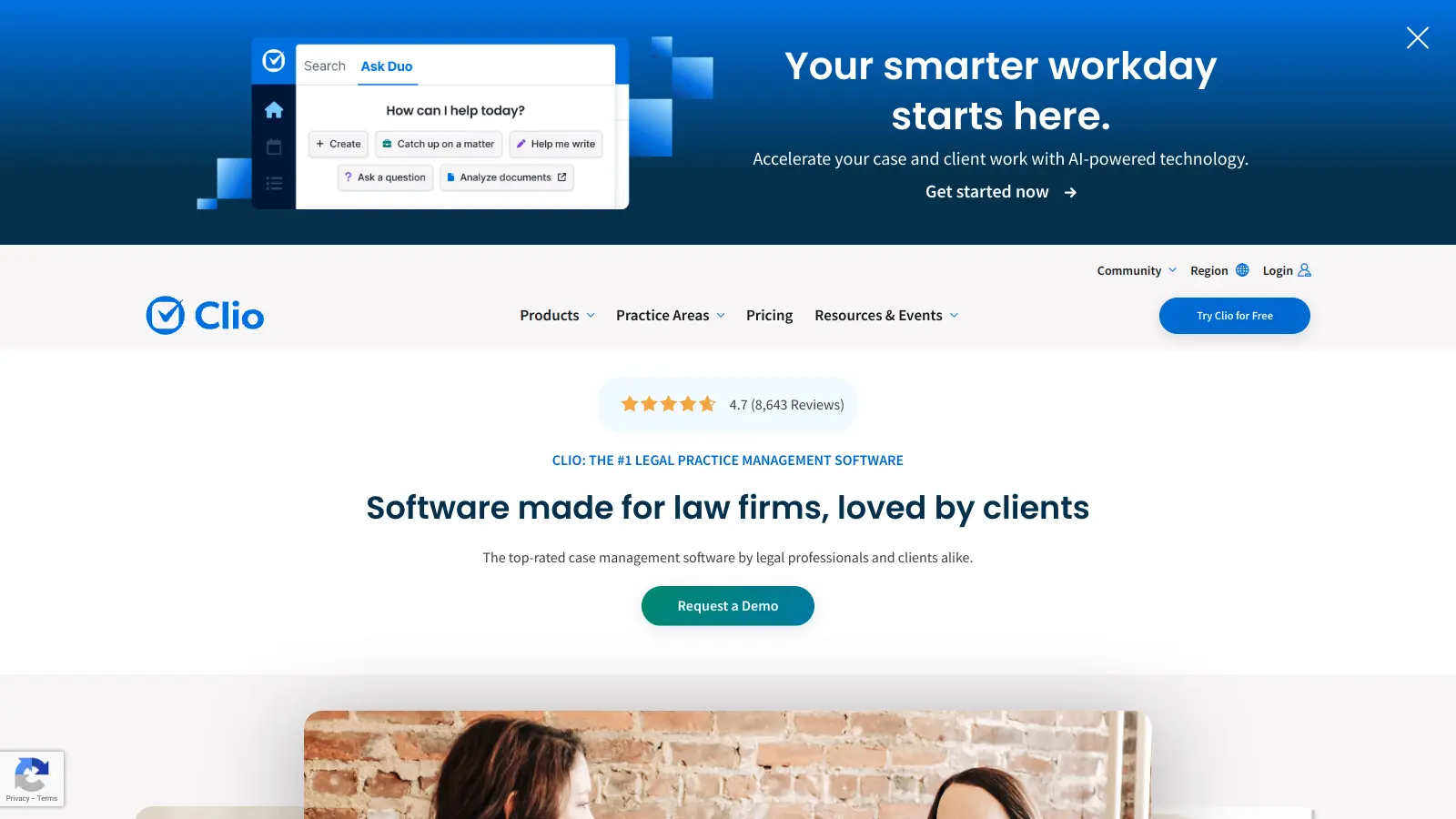
Clio screenshot
online buzz100k+ Searches
trend (1M)2%

Clio

Clio is a cloud-based legal practice management software that streamlines law firm operations. It offers features for case management, billing, document automation, client intake, and collaboration. The platform provides AI tools like Clio Duo for automating tasks, tracking finances, engaging clients, managing documents, and integrating with other software.

best deal

Get 15% bundle savings and try Clio free before committing to a plan

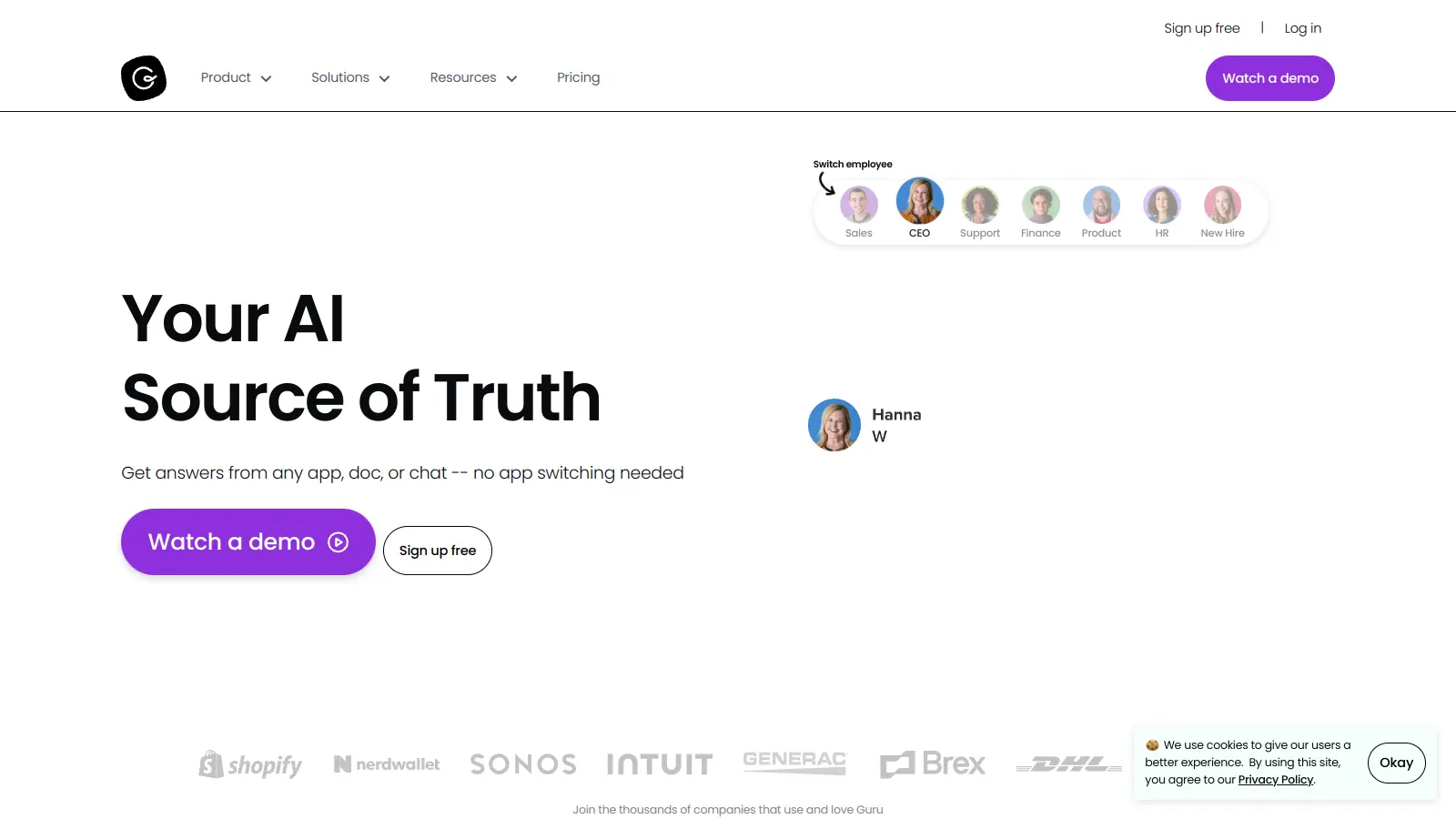
Guru screenshot
online buzz50k+ Searches
trend (1M)22%

Guru

Guru is an AI-powered knowledge management platform that helps organizations capture, organize, and share collective knowledge. It offers knowledge cards, tool integrations, AI-driven search, and automated content verification. The platform provides access to information across tools with real-time updates and context-aware answers tailored to individual user roles.

best deal

Try Guru free for 30 days with no credit card required, or get reduced pricing through Guru for Good if you're an eligible nonprofit.