Document Management System+2 more

PandaDoc
best deal
Try PandaDoc free with unlimited seats for basic eSign, or start a 14-day free trial on select paid plans
redeem now
PandaDoc
best deal
Try PandaDoc free with unlimited seats for basic eSign, or start a 14-day free trial on select paid plans
redeem nowWe start with direct ratings from our readers, then look at what real users are saying in practitioner forums and community spaces. We pair that with search demand data and profession-level persona analysis.
Editorial note: this was originally published in august of 2024
quick take
based on real user feedback, community sentiment, pricing value, and fit for target audience. see our full methodology
used PandaDoc? we'd love to know your thoughts
reader ratings shape our score
PandaDoc combines document creation, e-signatures, and real-time engagement tracking in a single platform, which sets it apart from pure e-signature tools that stop once the document leaves your hands. Sales professionals and small business owners who send proposals get the most from it, because the engagement analytics tell you when a client opened your quote and how long they spent on each section. The tradeoff is complexity: you get more than DocuSign or SignNow, but you also need more setup time, and the pricing tiers reward heavier usage rather than occasional signing.
The free plan supports unlimited seats with basic e-signing, which is a genuine entry point worth testing. Paid plans start at $9/user/month but the document cap at that tier makes Essentials at $19/user/month the first plan worth paying for. PandaDoc runs in the browser on desktop and has a mobile app for signing on the go. Before committing to a paid tier, run a real proposal through the template builder during the trial: the builder's quirks become obvious fast, and it'll tell you whether the workflow actually fits how you work.
monthly search interest
74k/mo now
PandaDoc's search volume has been remarkably stable for four years, oscillating in a tight band between roughly 50k and 74k monthly searches with no sustained growth and no sustained decline. This is the pattern of a mature tool with a locked-in user base: people searching for it largely already know what it is. It's not riding a growth wave, but it's not losing ground either, which means you're evaluating a settled product rather than a work-in-progress.
PandaDoc works quite differently depending on whether you're closing deals, managing contracts, or just trying to get a client to sign something. Pick your role below to see whether it's actually worth it for your situation.
overall sentiment
select your role to see what people like you are saying
Sales Professional
positiveIf you're sending proposals regularly and want to know the moment a client opens your quote, PandaDoc's engagement tracking is genuinely useful and not something you get from a basic e-signature tool. The template library speeds up proposal creation, and the mobile app means you can get a signature during a client meeting rather than waiting for a follow-up email. The Business tier gets expensive for larger teams, so benchmark the per-seat cost against your deal volume before committing.
strengths
concerns
Contract Manager
mixedThe AI-assisted redlining and audit trail features are real, and if you're processing a high volume of contracts they do reduce review time. But the advanced features have a steep learning curve, and integration bugs with external enterprise systems come up often enough to be a genuine workflow risk. If your contracts involve highly specialised clause structures or you need fast support when something breaks, PandaDoc's limitations will frustrate you more than help you.
strengths
concerns
Small Business Owner/Freelancer
positiveThe free tier is a legitimate starting point: unlimited seats, basic signing, and no upfront cost means you can test it without committing. If you're sending more than a handful of documents a month, the Essentials plan at $19/month is where the template and tracking features that justify PandaDoc over a simpler tool actually kick in. If you just need a client to sign a one-page agreement occasionally, this is more platform than you need.
strengths
concerns
HR/Compliance Officer
mixedPandaDoc's HIPAA and GDPR compliance standards, signing certificates, and audit trails make it defensible for HR document workflows where you need a paper trail. Approval routing and workflow automation reduce the manual chasing that makes offer letters and policy sign-offs painful. The learning curve on the compliance features is real, and if your HR team isn't particularly technical, plan for onboarding time before you go live with anything business-critical.
strengths
concerns
“The middle ground PandaDoc owns is getting squeezed from both sides, and the 2.9 out of 5 across nearly 650 reviews suggests a meaningful share of users feel the price doesn't match what they're actually getting.”
The community picture on PandaDoc is genuinely mixed, and the split roughly tracks with how much of the platform you're actually using. Across commercial review platforms, it sits at a 2.9 out of 5 across nearly 650 reviews, which is a mediocre score for a tool that positions itself as the category leader. The most consistent criticism centres on customer support response times, pricing escalation between tiers, and the gap between what the free plan offers and what you actually need to do useful work. A thread in r/techsales questioning whether PandaDoc is still relevant in 2026 reflects a broader concern: the tool dominated a category it helped create, but the market has caught up, and some users feel the product hasn't kept pace with either DocuSign at the enterprise end or cheaper e-signature tools at the simple end.
It depends which tier. The free plan is genuinely useful for basic signing and worth testing before committing. The Launch plan at $9/user/month is limiting because it caps you at 60 documents per year, which most active freelancers will blow through quickly. The Essentials plan at $19/user/month is the first tier that actually delivers the proposal and tracking features PandaDoc is known for, and at that price point for a solo operator or small sales team, it's reasonable. Once you're scaling to multiple users on Business or Enterprise tiers, the cost adds up fast and the value case gets harder to make compared to alternatives.
Sales professionals who send proposals regularly and want to see exactly when a client opens, reads, or ignores a document will get the most out of it. Small business owners and freelancers who want to look professional without building documents from scratch also find genuine value. Contract managers dealing with high-volume review cycles benefit from the AI redlining features, though they'll need time to get past the learning curve. It's a worse fit if you only need occasional signatures or if your contracts require highly specialised clause libraries that don't map to PandaDoc's templates.
First, the pricing jump between tiers is steep and the document cap on the Launch plan ($9/month) catches people off guard when they exceed 60 documents a year. Second, the advanced features like workflow automation and AI-assisted redlining have a real learning curve, and if you hit a problem, customer support can be slow to respond. Third, template customisation for niche industries is limited, so if your contracts involve highly specific clause structures, you'll spend more time fighting the editor than you expect.
Choose DocuSign if you need the most widely recognised e-signature brand for enterprise clients who require it by name, or if you want a simple, fast signing experience with minimal setup. Choose PandaDoc if you're building proposals and quotes as part of a sales process and need engagement tracking, CRM integration, and a document builder in one tool. DocuSign is narrower and more trusted at the high end. PandaDoc tries to own the full pre-signature workflow, which makes it more useful for sales teams and more complex to set up for everyone else.
Honestly, probably yes. If you're sending fewer than five or six documents a month and just need a signature, the free tier covers that. But if you're hoping to use templates, tracking, or payment collection regularly, you'll hit the limits of the free and Launch plans quickly. For genuinely low-volume use, SignNow or even Adobe Sign's entry plan is simpler, cheaper, and doesn't require you to learn a platform with this much surface area.
toolsforhumans editorial team
Reader ratings and community feedback shape every score. Since 2022, ToolsForHumans has helped 600,000+ people find software that holds up after launch. how we research →

MyCase is a cloud-based law practice management software designed for solo and small to midsize law firms. It provides a platform for managing client communication, case workflow, billing, and document management. With features like client intake forms, eSignature, case tracking, secure client portals, AI-powered document summarization, and integrated payment solutions, MyCase helps law firms streamline their operations and improve efficiency across multiple practice areas.
best deal
Try MyCase Free for 10 Days - No Credit Card Required

Box is a cloud-native content management platform that enables secure storage, collaboration, and content management. It offers features including security controls, AI-driven insights, workflow automation, and integrations across business applications. With scalable solutions for individuals, teams, and enterprises, Box helps organizations manage, share, and protect their digital content.
best deal
Try Box free with 10GB storage or get 30% off Enterprise plans when billed annually

Microsoft SharePoint is a web-based collaboration platform that helps organizations create team sites, intranets, and document management systems. It integrates with Microsoft 365 tools, offering features like real-time co-authoring, version control, security controls, customizable sites, and workflow automation.
best deal
Try SharePoint Plan 1 for just $5/month - Get 1TB pooled storage, real-time collaboration & core document management features

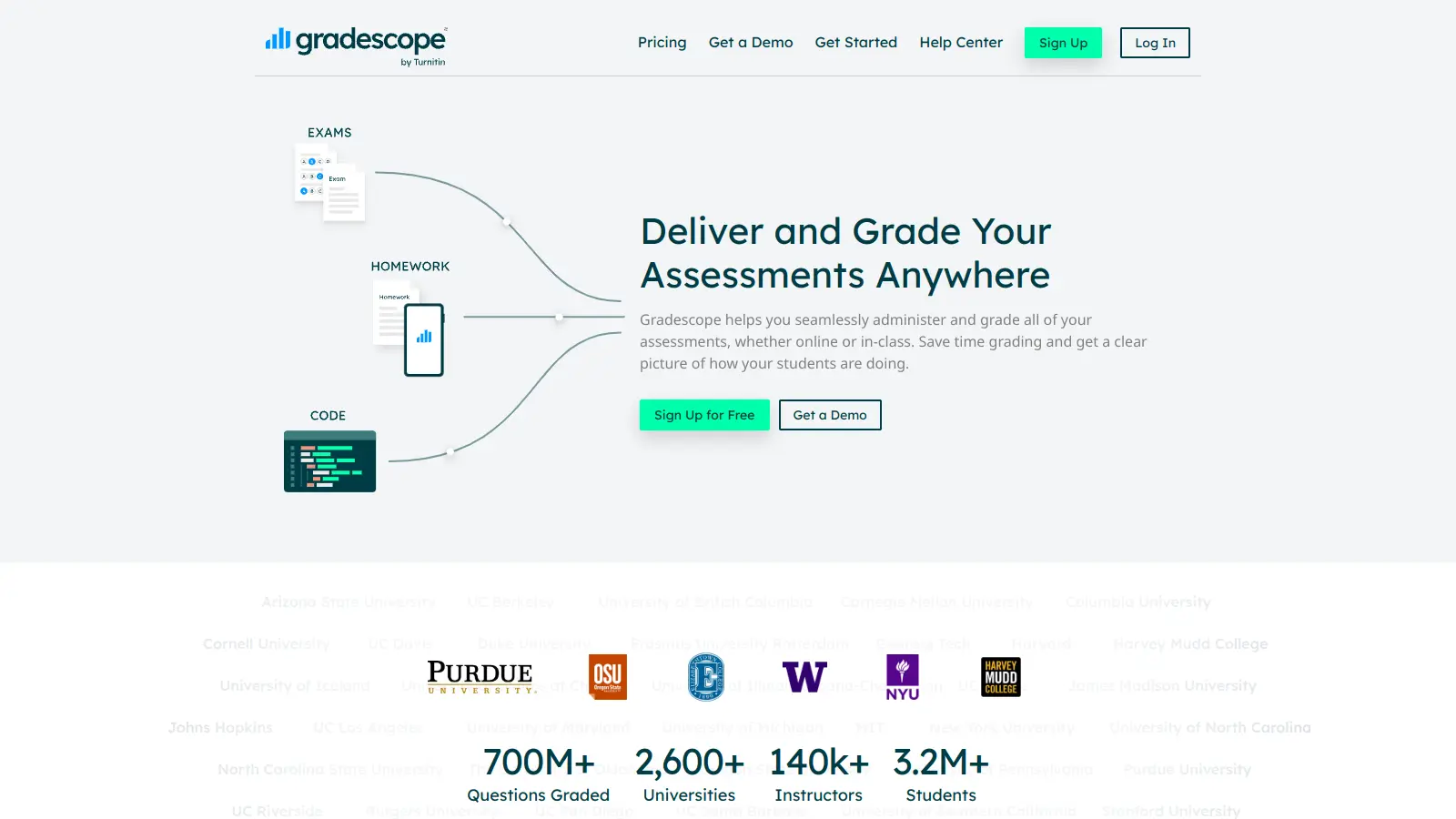
Gradescope is a comprehensive digital grading platform that streamlines assessment for various assignment types, including exams, homework, and programming assignments. Developed by UC Berkeley instructors, it reduces manual grading time through AI-powered tools, enables consistent feedback, supports multiple graders, and provides detailed performance analytics. The platform integrates with learning management systems and offers features like dynamic rubrics, annotation, and anonymous grading to enhance educational assessment efficiency.
best deal
Get started with Gradescope for just $1 per student and streamline your grading process

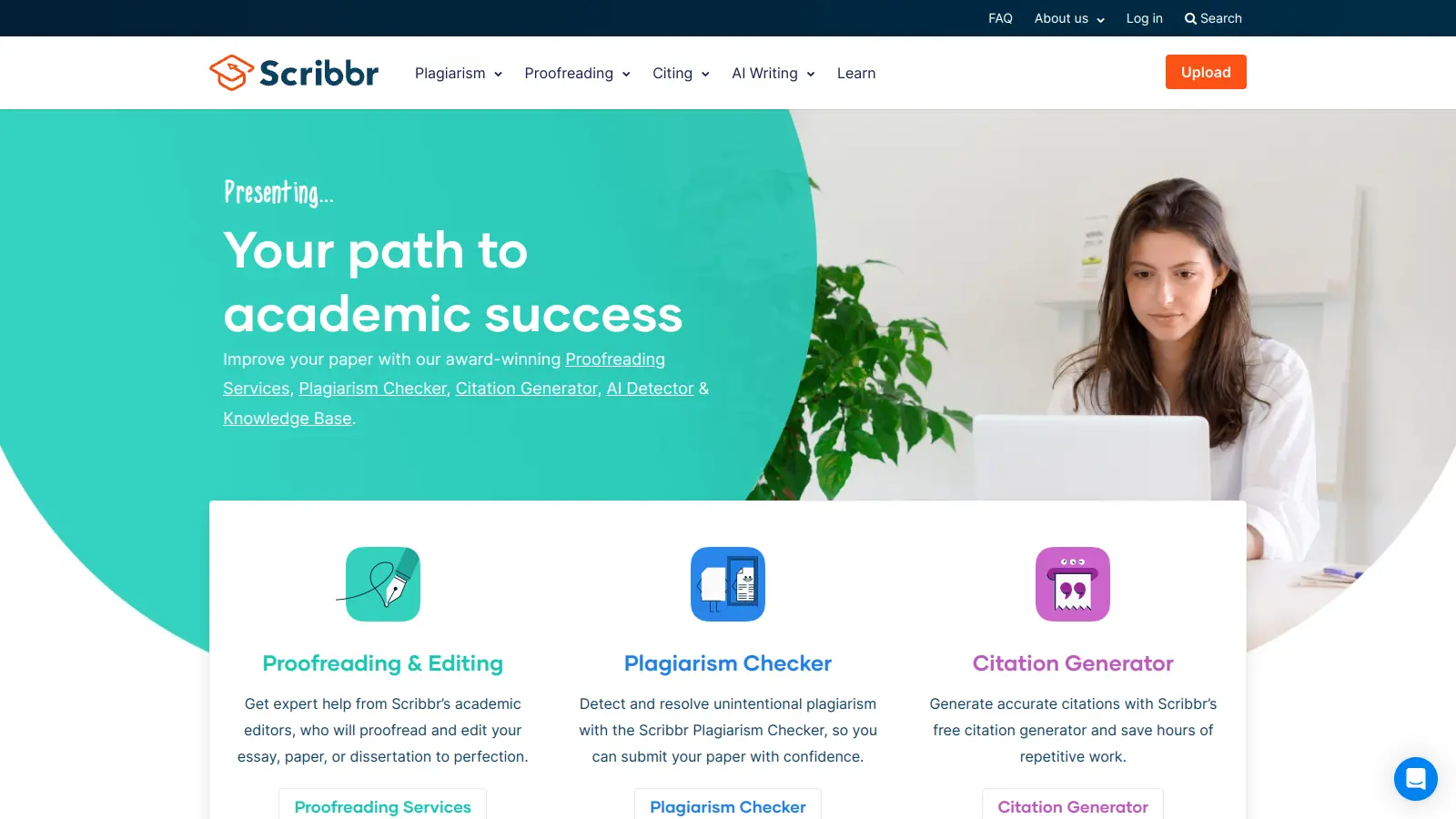
Scribbr is a comprehensive academic writing tool that helps students and professionals maintain writing integrity through plagiarism checking, AI detection, proofreading, and citation generation. It supports multiple languages, offers expert editing services, and provides a pay-per-use pricing model based on document size. With features like checking against a vast database of web pages and publications, Scribbr assists users in creating high-quality, original academic work.
best deal
Check your work for plagiarism starting at just $19.95

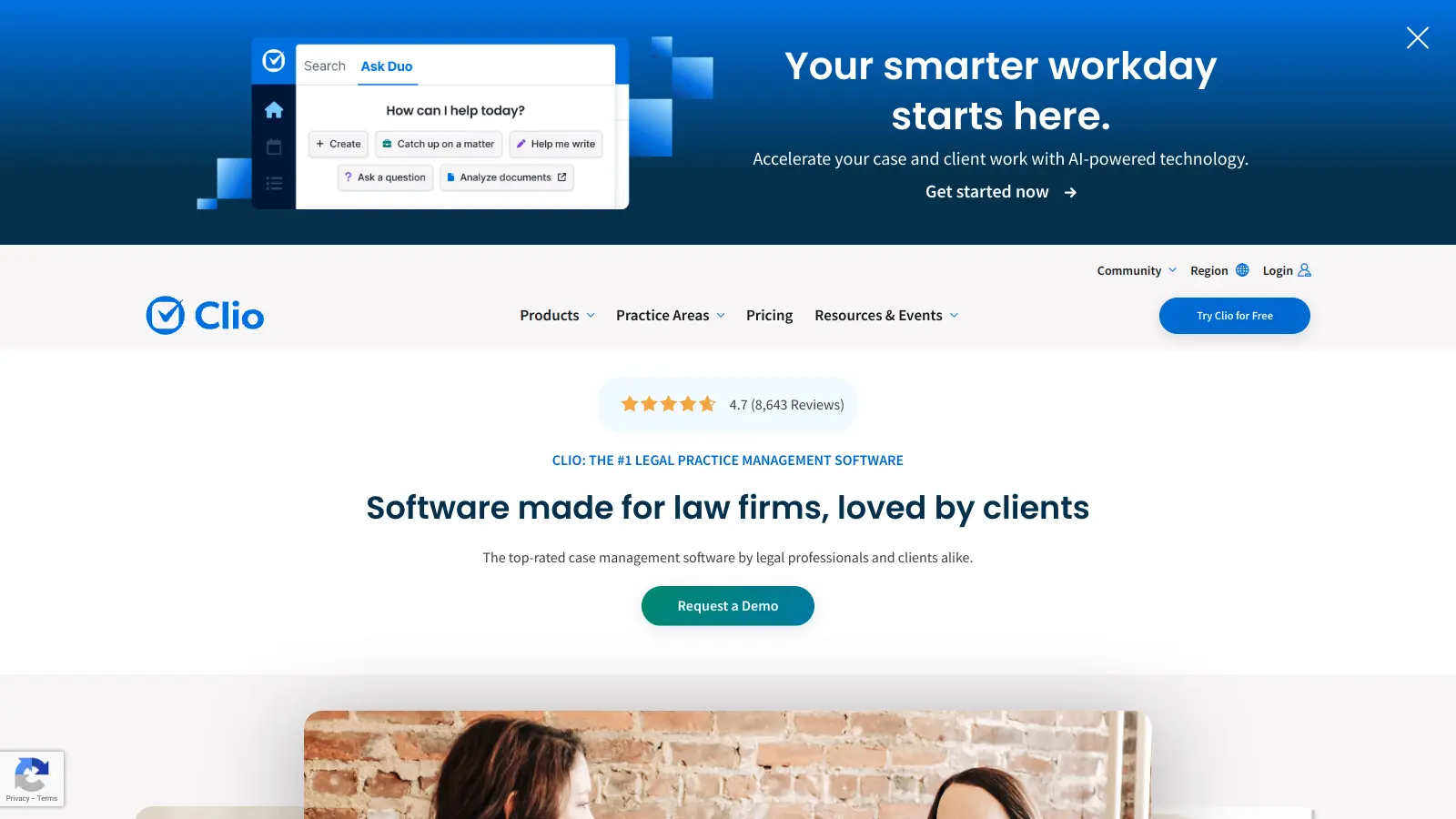
Clio is a cloud-based legal practice management software that streamlines law firm operations. It offers features for case management, billing, document automation, client intake, and collaboration. The platform provides AI tools like Clio Duo for automating tasks, tracking finances, engaging clients, managing documents, and integrating with other software.
best deal
Get 15% bundle savings and try Clio free before committing to a plan