tools for
humans

TitanHQ review 2026 - features, pricing & deals

published 26 august 2024last updated 13 february 2026
how we review

we track global search demand across every software category, monitor what real users are saying online, identify which professions rely on each tool, and surface the questions people are actually asking. reviews are consistently updated and reviewed for reliability.

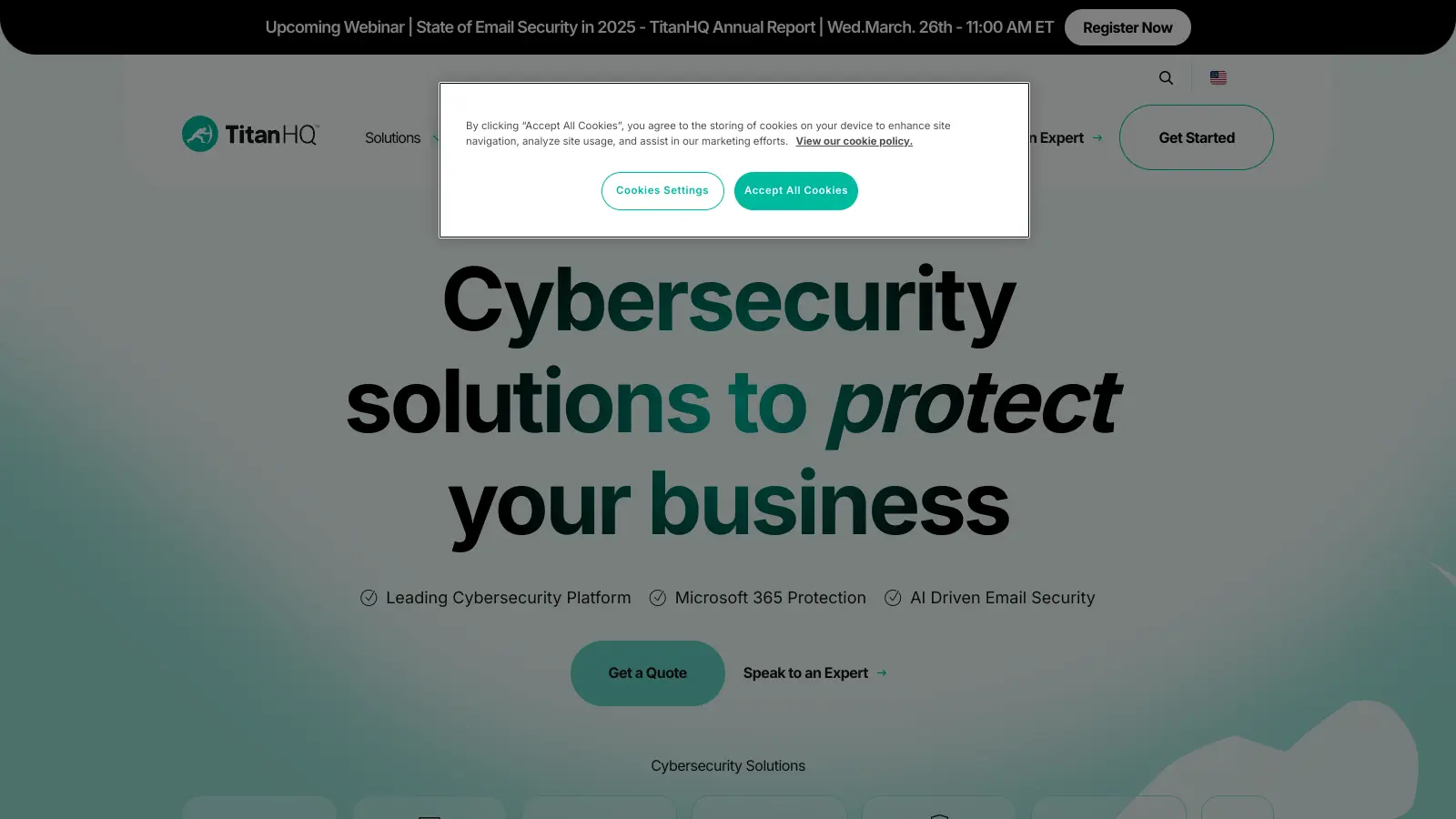
TitanHQ is a cybersecurity company that protects businesses from digital threats through AI-driven email security, web filtering, DNS filtering, and security awareness training. Founded in 1999 as SpamTitan Technologies, the company has grown to serve organizations worldwide with its cloud-based security solutions.

The company's core offerings include email protection with AI-powered phishing detection and URL rewriting, DNS filtering to prevent access to harmful websites, and email archiving for compliance purposes. Their Security Awareness Training platform helps organizations strengthen their human firewall by teaching employees to spot and avoid cyber threats through phishing simulations.

Built with both IT teams and managed service providers (MSPs) in mind, TitanHQ's solutions reduce the daily workload of security management. The platform includes automated features like auto-remediation that removes threats from inboxes post-delivery, time-of-click URL analysis, and detailed reporting to help businesses maintain strong security without excessive overhead. The system integrates natively with Microsoft 365 and scans inbound and outbound emails in real-time using machine learning models and threat intelligence.

Pricing follows a per-user subscription model with bundled plans ranging from $4.15 to $7.80 per user per month, with a 25-user minimum. The company offers flexible options for businesses of all sizes, with special pricing available for MSPs managing multiple client networks.

who is TitanHQ for?

TitanHQ is built for IT professionals and business leaders who need cybersecurity protection that runs mostly on autopilot. The platform handles threat detection and removal automatically, which matters if you don't have staff to babysit security dashboards all day.

  • Small to mid-sized business owners who lack dedicated IT security teams but need strong protection against phishing, malware, and web-based threats
  • IT managers who want to reduce daily security workloads through automation while maintaining strong compliance standards
  • Managed Service Providers (MSPs) looking for scalable, multi-tenant security solutions they can deploy across multiple client networks with centralized remediation
  • Organizations using Microsoft 365 who need to augment Exchange Online Protection and Defender with more advanced email security features
  • Compliance officers who need reliable email archiving and content filtering to meet regulatory requirements like GDPR, NIST, and PCI DSS
  • IT security teams who want to strengthen their human defenses through security awareness training and phishing simulations with automated tracking
  • Educational institutions and businesses requiring DNS and web filtering for content control and protection from malicious sites

TitanHQ fits organizations across healthcare, financial services, education, and professional services where digital protection and regulatory compliance are priorities.

online reviews (last 6 months summarised)

Users praise TitanHQ's email filtering accuracy and spam blocking. The software is easy to set up with a user-friendly interface, and the customer support team gets high marks for responsiveness. Schools and businesses report strong performance with web filtering, and many customers find the pricing reasonable for phishing attack prevention.

False positives block legitimate emails and require manual whitelisting. The reporting dashboard has limited customization options. Pricing runs higher for smaller teams due to the 25-user minimum on bundled plans. Some users report integration issues with certain email providers, limited mobile app functionality, and occasional delays in threat database updates.

features

  • AI-Driven Phishing Detection: Uses machine learning models and threat intelligence to detect phishing attempts in real-time, with URL rewriting and time-of-click analysis to block threats at the moment users interact with links.
  • Automated Threat Remediation: Automatically removes malicious emails from user inboxes post-delivery when threats are detected, preventing users from opening dangerous messages.
  • Advanced DNS and Web Filtering: Protects users from malicious websites and web-based threats by blocking dangerous online content in real-time with content control capabilities.
  • Behavior-Driven Security Awareness Training: Offers phishing simulations and tailored cybersecurity education with automated tracking to reduce human error and improve organizational security.
  • Native Microsoft 365 Integration: Integrates seamlessly with Microsoft 365 via native connectors and API to augment Exchange Online Protection and Defender with additional security layers.
  • Email Encryption and Archiving: Helps organizations meet regulatory standards like NIST, ISO27001, PCI DSS, and GDPR through secure email encryption and archiving with automated reporting.
  • Multi-Tenant MSP Management: Delivers specialized cybersecurity tools designed for managed service providers with centralized management, multi-tenant remediation, and streamlined client deployment.

pricing

  • Secure plan starts at $4.15 per user per month with DNS filtering and security, requiring a 25-user minimum with monthly or annual billing options.
  • Protect plan costs $4.35 per user per month for bundled security products, requiring a 25-user minimum with monthly or annual billing.
  • Comply plan is priced at $5.60 per user per month for bundled security products with compliance features, requiring a 25-user minimum.
  • Complete plan costs $7.80 per user per month for the full security suite including MX and ICES email protection, backup, recovery, awareness training, DNS filtering, and archiving with a 25-user minimum (custom pricing for larger deployments).
  • PhishTitan standalone phishing protection is available at $3.50 per user per month.
  • All plans include automated reporting and integrate with Microsoft 365 for real-time threat scanning and remediation.

frequently asked questions

What is the Auto Remediation feature in PhishTitan and how does it work?

PhishTitan's Auto Remediation feature works like your own security guard for emails. When it spots a harmful email that has already reached someone's inbox, it quickly pulls that email out and moves it to the junk folder. This happens automatically, so you don't have to do anything. Think of it as having someone constantly checking your mail and removing anything dangerous before you have a chance to open it. This feature is especially helpful for businesses using Microsoft 365, as it adds an extra layer of protection against phishing attacks that might slip through initial filters.

How does TitanHQ's Security Awareness Training differ from other training programs?

TitanHQ's Security Awareness Training focuses on changing how people act, not just what they know. The training uses AI to create lessons that fit each person's needs based on how they respond to fake phishing tests. Instead of making everyone sit through the same generic content, TitanHQ tailors the material to fix specific weak spots. For example, if you fall for a particular type of scam in a simulation, you'll get training that targets that exact problem. The system also runs automatically with built-in tracking, so IT teams don't need to spend hours setting up training sessions or running reports.

Is TitanHQ suitable for small businesses or just large enterprises?

TitanHQ serves small and medium businesses as well as larger enterprises. Their bundled plans start at $4.15 per user per month, though you'll need at least 25 users to get started. The tools are built to be easy to deploy, so you don't need a big IT team to manage them. Small businesses often choose TitanHQ because it gives them strong protection without requiring technical experts on staff. For MSPs managing multiple clients, TitanHQ offers multi-tenant management that makes it easy to scale across different organizations.

How does TitanHQ integrate with Microsoft 365?

TitanHQ integrates natively with Microsoft 365 through built-in connectors and API connections. The system works alongside Exchange Online Protection and Defender to add extra security layers without replacing what you already have. It scans inbound and outbound emails in real-time, and the auto-remediation feature can pull malicious messages out of user inboxes automatically. This means you don't have to rebuild your entire email setup - TitanHQ just plugs in and starts protecting your organization right away.

How does TitanHQ help with regulatory compliance?

TitanHQ helps businesses meet major security standards like NIST, ISO27001, PCI DSS, and GDPR. Their Security Awareness Training creates reports that show regulators you're actively teaching employees about security risks. The email archiving and encryption features save all emails securely, which many regulations require. When auditors ask for proof that you're protecting sensitive data, TitanHQ's detailed automated reports show exactly what security measures you have in place and how effective they've been. This makes compliance checks much smoother and helps avoid penalties for breaking the rules.

other tools to check out

Box screenshot
online buzz500k+ Searches
trend (1M)22%

Box

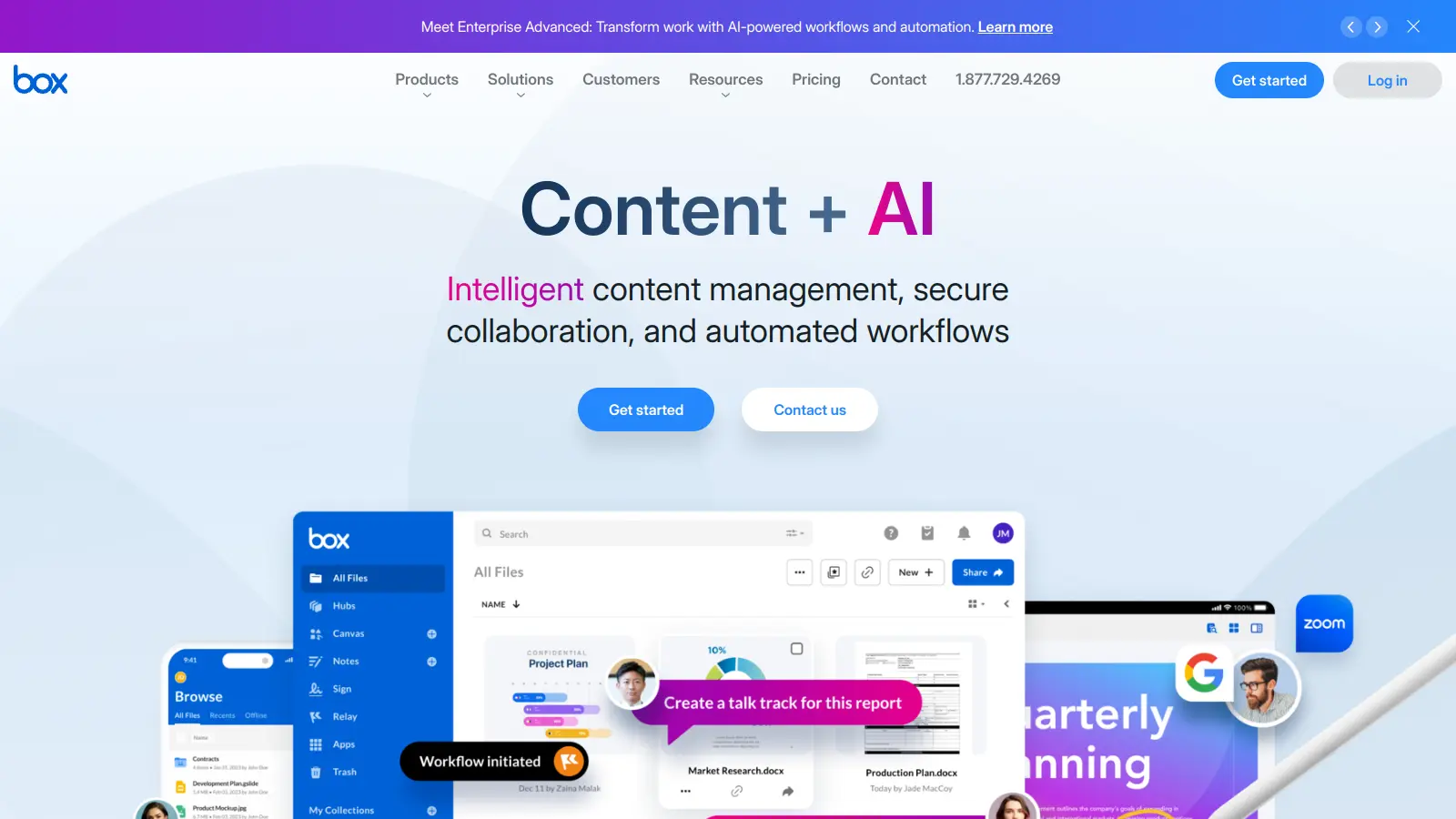
Box is a cloud-native content management platform that enables secure storage, collaboration, and content management. It offers features including security controls, AI-driven insights, workflow automation, and integrations across business applications. With scalable solutions for individuals, teams, and enterprises, Box helps organizations manage, share, and protect their digital content.

best deal

Try Box free with 10GB storage or get 30% off Enterprise plans when billed annually

PimEyes screenshot
online buzz250k+ Searches
trend (1M)-5%

PimEyes

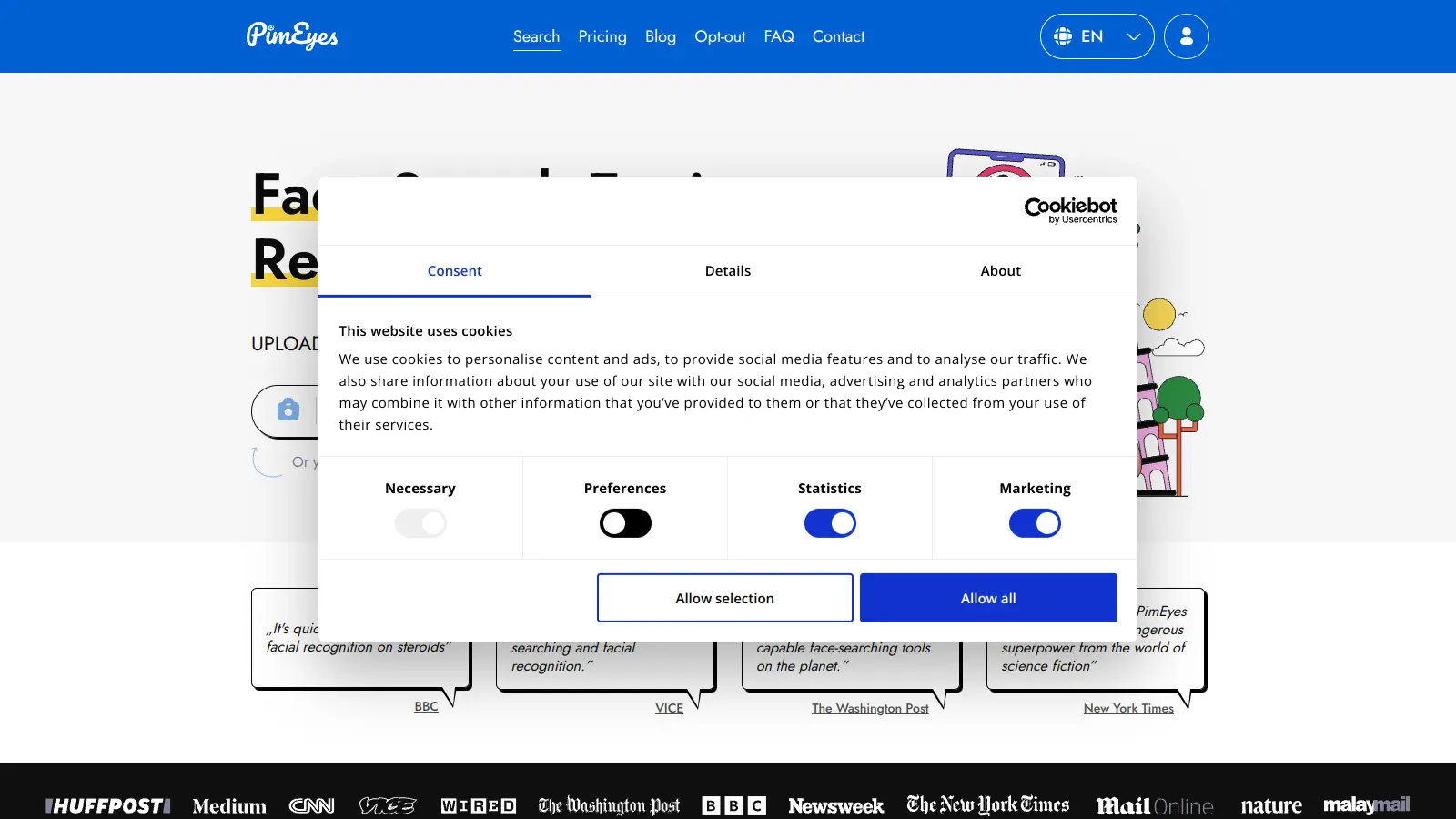
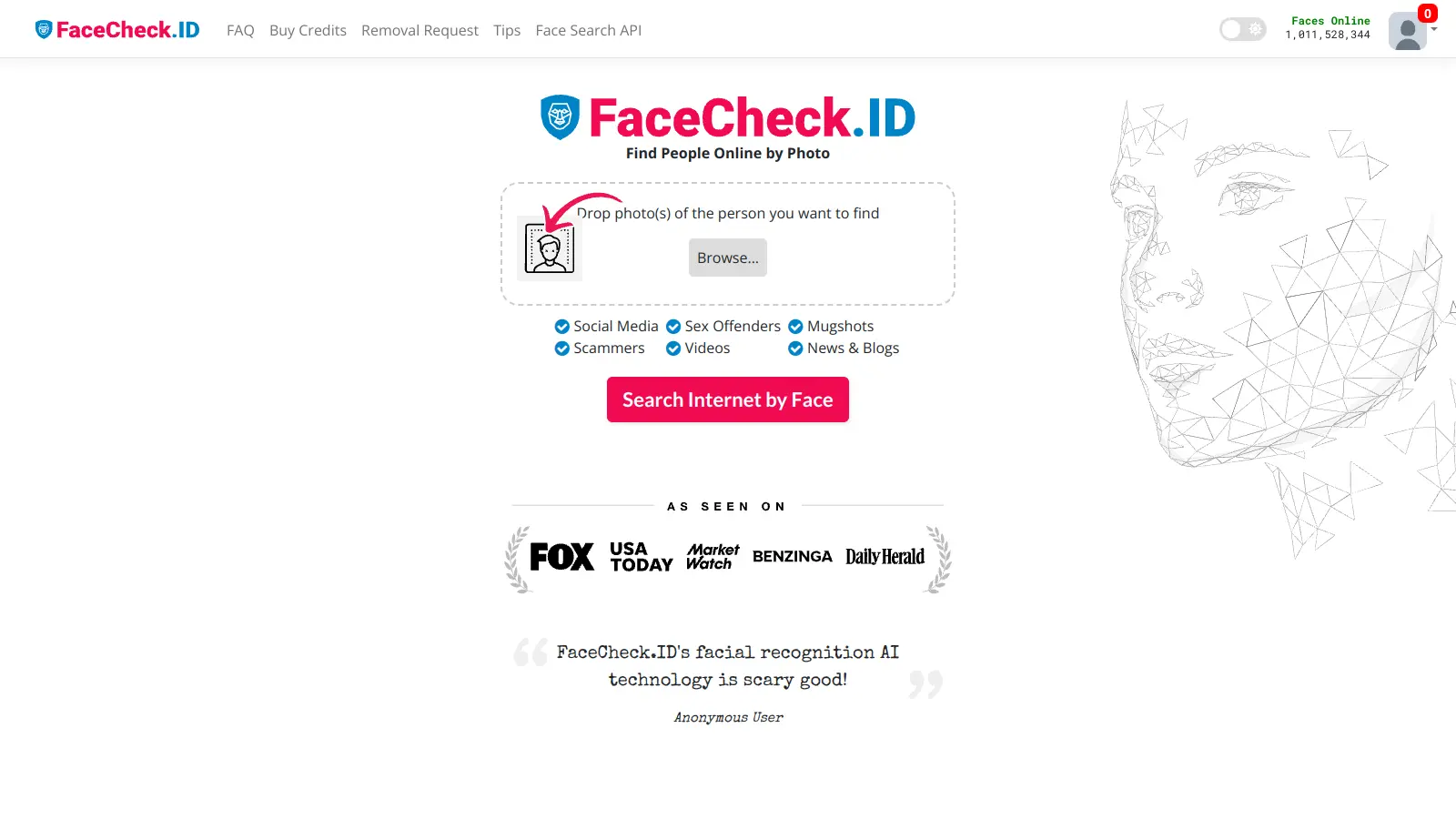
PimEyes is an advanced online facial recognition search engine that uses AI to perform reverse image searches across publicly accessible websites. It helps users monitor their digital presence, find instances of their face online, and provides tools for privacy protection, including image removal assistance and alert systems. Available through various subscription plans, PimEyes searches an index of 3.5 billion photographic images and focuses specifically on facial features rather than entire images.

best deal

Get 25% off annual plans: PROtect for $26.24/month or Advanced for $224.99/month

Vanta screenshot
online buzz25k+ Searches
trend (1M)22%

Vanta

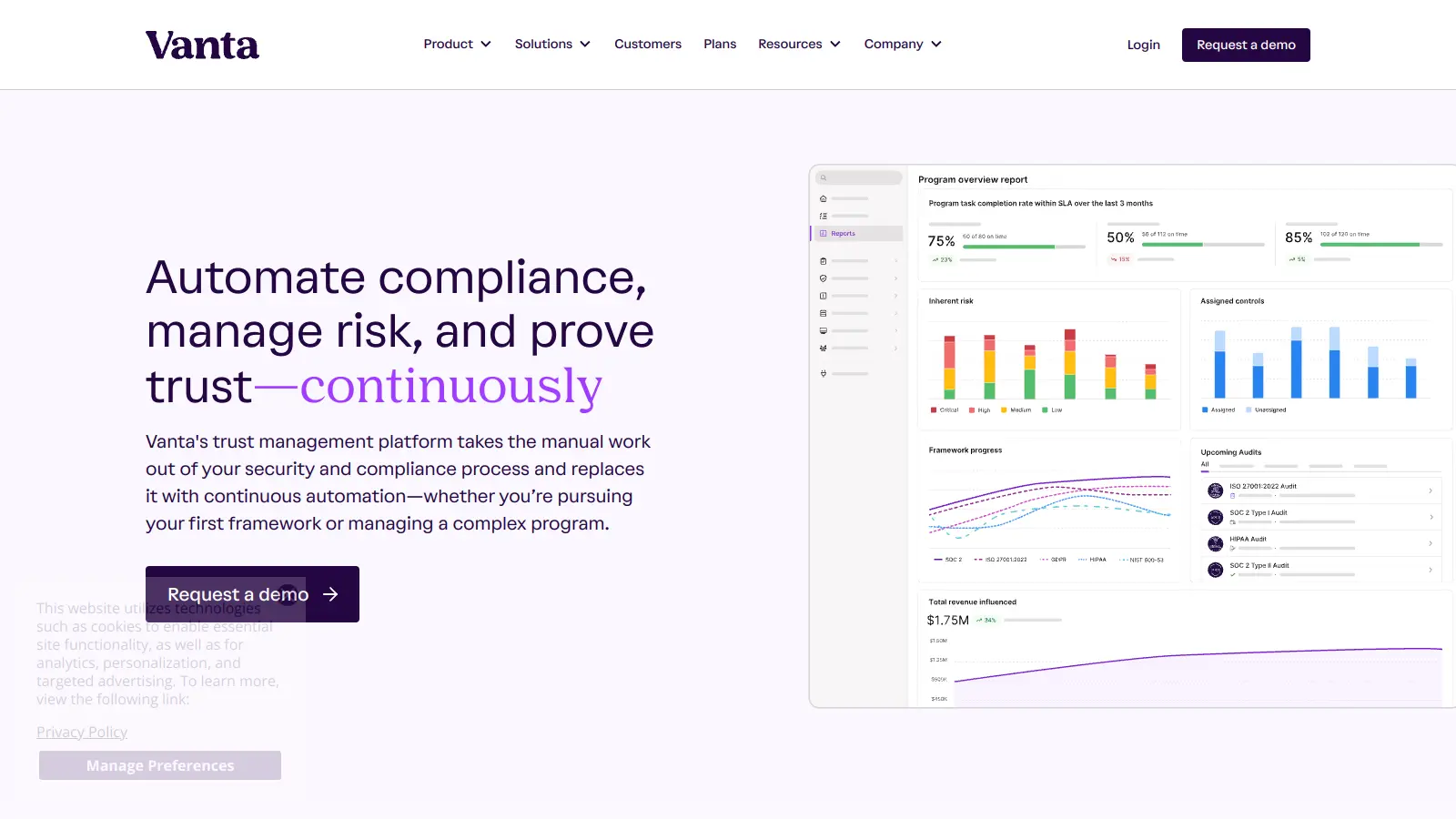
Vanta is a compliance and security platform that automates up to 90% of compliance work for major security frameworks like SOC 2 and ISO 27001. It offers automated evidence collection, policy management, access control, and AI-powered tools to help businesses streamline compliance processes, strengthen security, and build stakeholder trust.

best deal

Free trial available with no credit card required. Core plan starts at $7,500 annually.

LogicGate screenshot
online buzz25k+ Searches
trend (1M)15%

LogicGate

LogicGate is an AI-powered Governance, Risk, and Compliance (GRC) platform offering the Risk Cloud solution. The platform helps organizations manage cyber risk, third-party risk, compliance controls, and operational resilience through a no-code interface with built-in Spark AI features that automate evidence testing, form completion, and risk analysis.

best deal

Get started with Risk Cloud from $13,765/year and automate your compliance process with AI-powered features