Document Management System+2 more

Zoho WorkDrive
best deal
Start with Zoho WorkDrive's free Individual plan (5 GB storage), or try the Business Plan free for 15 days with no credit card required
redeem now
Zoho WorkDrive
best deal
Start with Zoho WorkDrive's free Individual plan (5 GB storage), or try the Business Plan free for 15 days with no credit card required
redeem nowWe start with direct ratings from our readers, then look at what real users are saying in practitioner forums and community spaces. We pair that with search demand data and profession-level persona analysis.
Editorial note: this was originally published in august of 2024
quick take
based on real user feedback, community sentiment, pricing value, and fit for target audience. see our full methodology
used Zoho WorkDrive? we'd love to know your thoughts
reader ratings shape our score
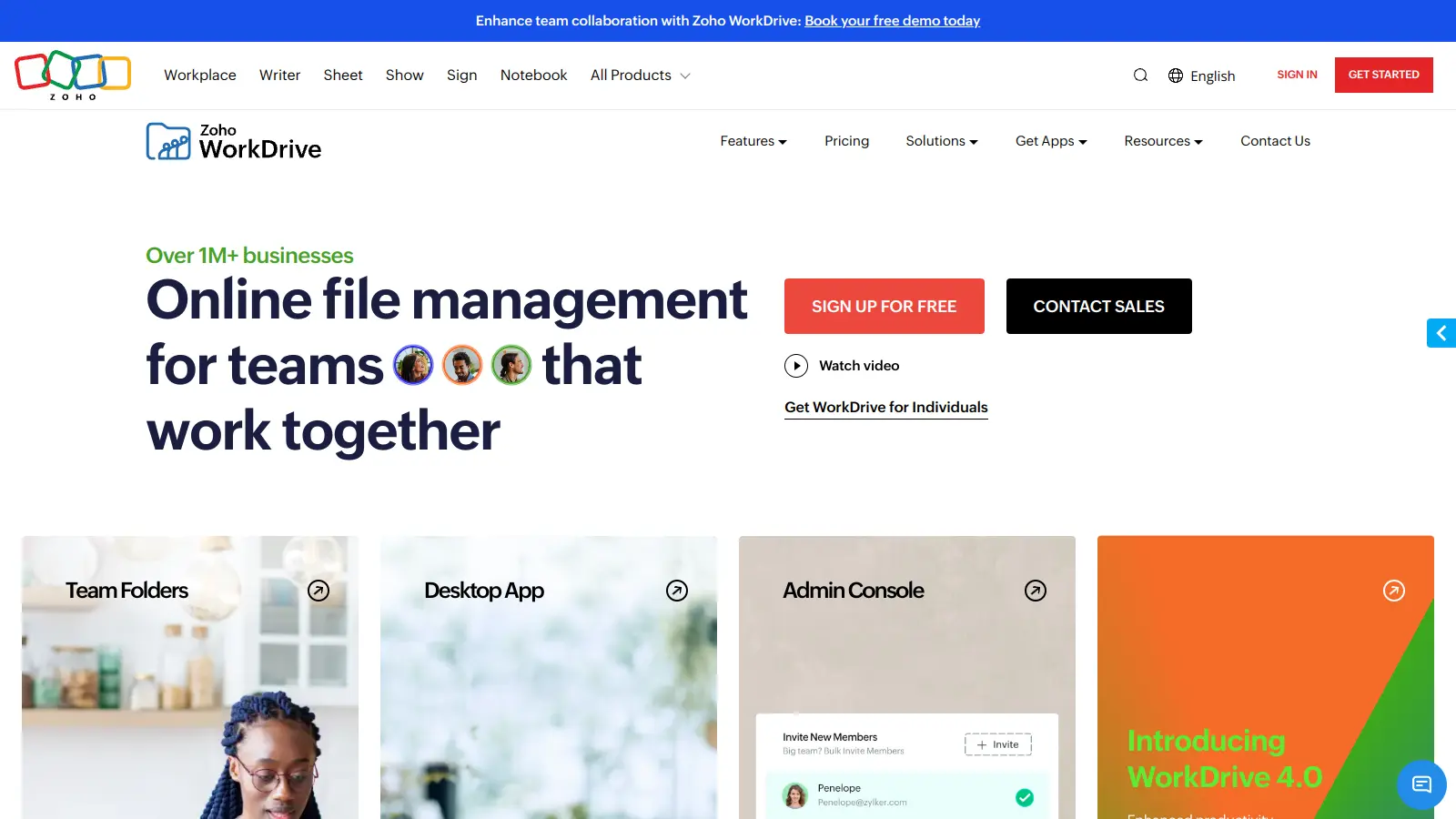
Zoho WorkDrive is a cloud-based file management platform that helps teams store, share, and work together on files. The platform integrates with other Zoho apps and external tools, making it a practical choice for businesses of all sizes.
Teams can access their files from anywhere, using any device. The system lets managers control who can see and edit specific files, keeping sensitive information secure while still allowing easy collaboration.
The platform includes real-time document editing, unlimited version history, and AI-driven search features. Users can create and edit documents using built-in tools like Zoho Writer, Sheet, and Show, or work with familiar programs like Microsoft Office. Desktop apps include WorkDrive Sync for full syncing and TrueSync for accessing files without downloading everything.
Pricing starts at $2.50 per user monthly for the Starter plan, with higher tiers offering more storage and features. There's also a free Individual plan with 5 GB storage. Companies can try the Business plan for 15 days without a credit card to test its capabilities.
Whether you need to manage team projects, share files with clients, or keep your company's documents organized, Zoho WorkDrive offers the tools to handle these tasks in one central location.
monthly search interest
5.4k/mo now
WorkDrive search interest has grown steadily from around 2,900 monthly searches in 2022 to a consistent 5,400 by early 2025, where it's held flat ever since. That kind of plateau after a clean growth run usually means the tool has found its audience: it's not viral, but it's not declining either. Safe to build a workflow around.
WorkDrive works very differently depending on how deep you are in the Zoho ecosystem. Pick your role below to see whether the price and features actually add up for your situation.
overall sentiment
select your role to see what people like you are saying
Small Business Owner
positiveIf you're already paying for Zoho CRM or Zoho Projects, WorkDrive is a natural add-on: the integrations are tight, the Starter plan at $2.50 per user per month is fair, and you won't need to train anyone for long. The main caveats are occasional sync delays and a permissions setup that takes more time than it should on first use. Worth it if you're in the Zoho stack; harder to justify otherwise.
strengths
concerns
Remote Team Manager
mixedCross-device sync and offline support are genuinely reliable here, and the version history makes it easy to track who changed what. The problem for remote managers is the mobile app: it's noticeably less capable than the desktop version, and if your team works heavily from phones or tablets across time zones, that gap will frustrate you. Worth it if desktop access is the norm; mixed if mobile is central to your workflow.
strengths
concerns
Office Administrator
mixedThe AI-assisted search speeds up retrieval on smaller document sets, and unlimited version history removes the usual anxiety around file overwrites. That said, if you're managing large volumes of documents, the search doesn't scale as well as advertised, and the interface feels dated compared to Google Drive or SharePoint. It's functional but don't expect it to impress anyone who's used modern document management platforms.
strengths
concerns
Sales Team Member (CRM User)
positiveThe tight integration with Zoho CRM makes WorkDrive an excellent fit for our sales workflow, allowing us to attach and manage files directly within customer records. The secure sharing options and granular access controls protect our client relationships, though we wish the search was more robust for finding older deal files.
strengths
concerns
“Don't subscribe to WorkDrive and then immediately wish you had the Microsoft stack.”
Community discussion around Zoho WorkDrive is thin but tilts positive, which tracks with what's available across commercial review platforms where it sits well above average across dozens of verified reviews. The consistent praise centres on pricing, with users noting that at $2.50 per user per month on the Starter plan, it undercuts both Google Workspace and Microsoft 365 significantly. The most common criticism isn't about quality, it's about scope: users flag that third-party integrations are narrower than competitors, the mobile app lags behind the desktop version, and initial permissions setup takes longer than it should. Sync delays come up repeatedly, particularly for teams working across time zones, though most reviewers describe these as occasional rather than chronic. The comparison with Microsoft OneDrive tends to favour WorkDrive on price and Zoho ecosystem integration, and OneDrive on breadth of third-party app connections and mobile polish.
Yes, with one condition: you need to be using other Zoho products. The Starter plan at $2.50 per user per month (billed annually) is genuinely competitive, and the free individual plan includes 5 GB, built-in Office editors, and version history, which is more than most free tiers offer. If you're not in the Zoho ecosystem, the value case weakens considerably because you'll spend time working around integration gaps rather than saving money.
Small business owners who already use Zoho CRM or Zoho Projects will get the most out of it: the integrations are tight and the pricing makes sense at that scale. Remote team managers running small-to-mid-sized distributed teams also benefit from the reliable cross-device sync and clear change tracking. Office administrators handling large document volumes should go in with lowered expectations on search power.
Two stand out. First, third-party integrations are narrow: if your workflow involves tools outside the Zoho suite, you'll hit walls quickly. Second, the mobile app is notably weaker than the desktop version, which is a real problem for remote teams who need full functionality on phones and tablets. Permissions setup is also flagged consistently as confusing for new admins, and sync delays crop up often enough to be worth knowing about before you commit.
For teams already in Microsoft 365, OneDrive wins on integration depth and mobile experience without question. WorkDrive wins on standalone pricing and Zoho app connectivity. If you're paying for Microsoft 365 anyway, use OneDrive. If you're a small team looking for a cost-effective document hub and you use any Zoho tools, WorkDrive is the better call.
You can, but you'll get less out of it. WorkDrive works as a standalone file management tool, and the built-in Zoho Writer, Sheet, and Show editors mean you're not locked out of document creation. The gaps show up in workflow automation and CRM-linked file access, which only fire properly when connected to other Zoho apps. As a pure cloud storage and collaboration tool it holds its own, but it's not the most feature-complete option at that price if you ignore the ecosystem angle.
toolsforhumans editorial team
Reader ratings and community feedback shape every score. Since 2022, ToolsForHumans has helped 600,000+ people find software that holds up after launch. how we research →

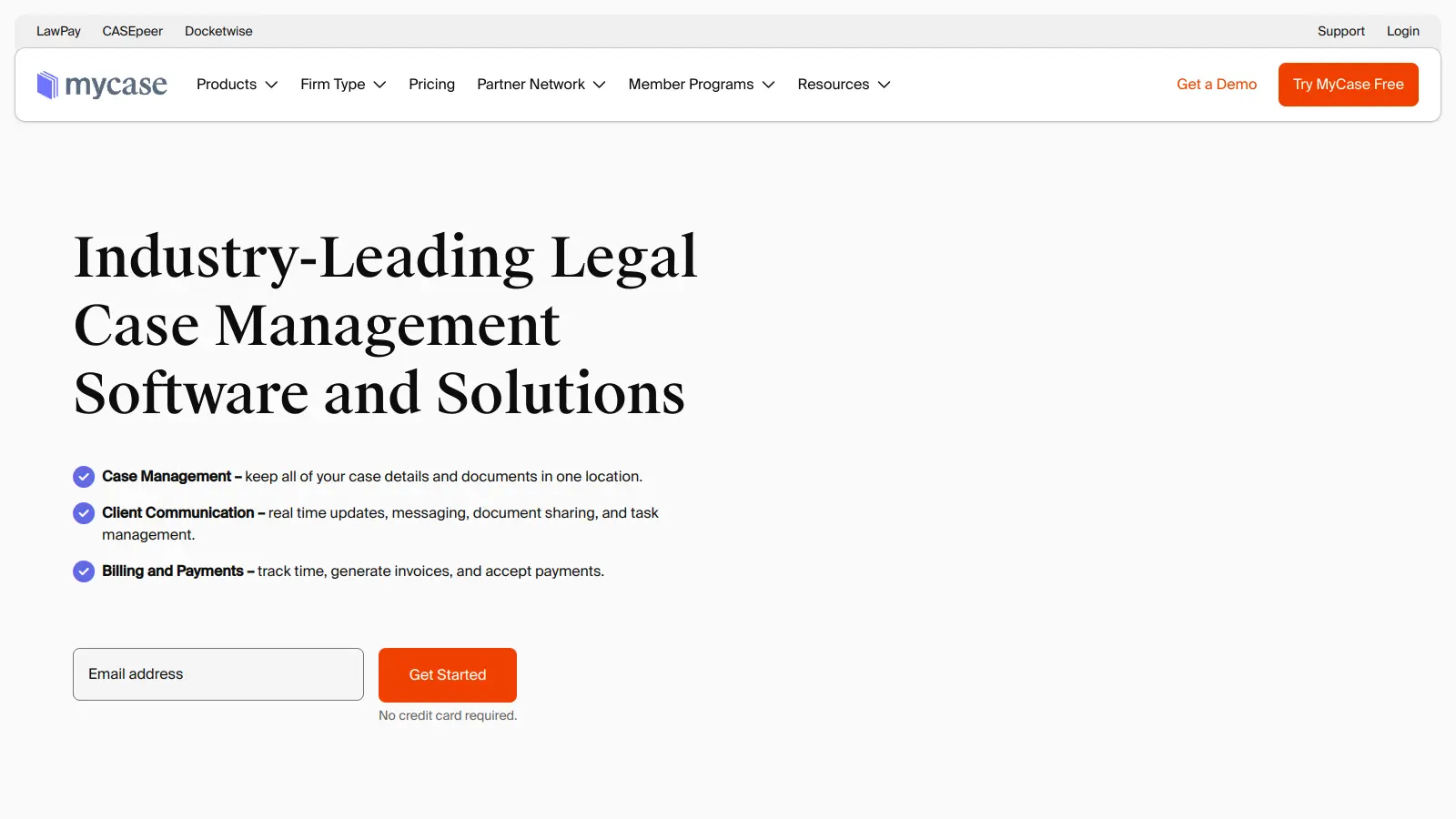
MyCase is a cloud-based law practice management software designed for solo and small to midsize law firms. It provides a platform for managing client communication, case workflow, billing, and document management. With features like client intake forms, eSignature, case tracking, secure client portals, AI-powered document summarization, and integrated payment solutions, MyCase helps law firms streamline their operations and improve efficiency across multiple practice areas.
best deal
Try MyCase Free for 10 Days - No Credit Card Required

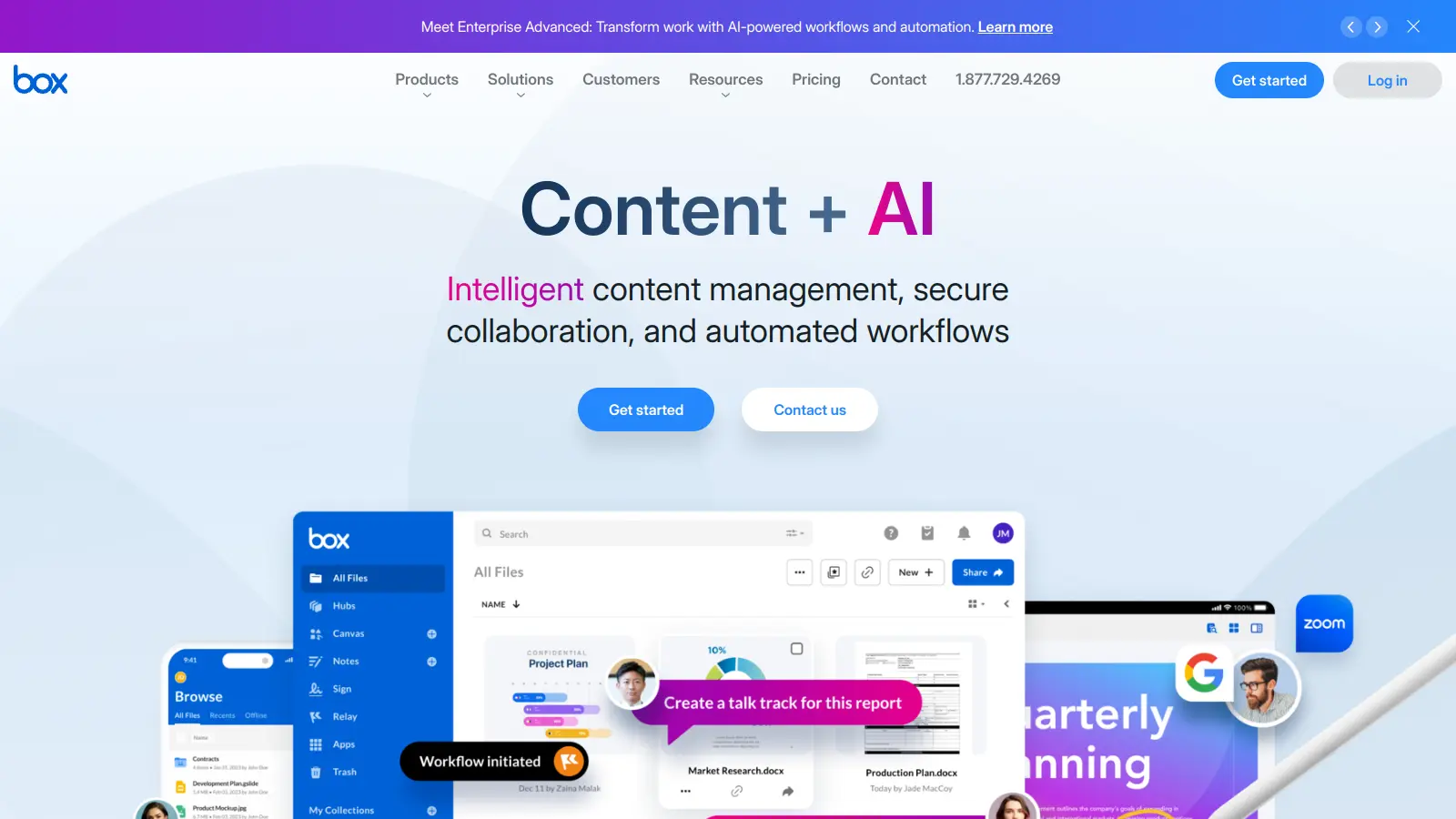
Box is a cloud-native content management platform that enables secure storage, collaboration, and content management. It offers features including security controls, AI-driven insights, workflow automation, and integrations across business applications. With scalable solutions for individuals, teams, and enterprises, Box helps organizations manage, share, and protect their digital content.
best deal
Try Box free with 10GB storage or get 30% off Enterprise plans when billed annually

Microsoft SharePoint is a web-based collaboration platform that helps organizations create team sites, intranets, and document management systems. It integrates with Microsoft 365 tools, offering features like real-time co-authoring, version control, security controls, customizable sites, and workflow automation.
best deal
Try SharePoint Plan 1 for just $5/month - Get 1TB pooled storage, real-time collaboration & core document management features

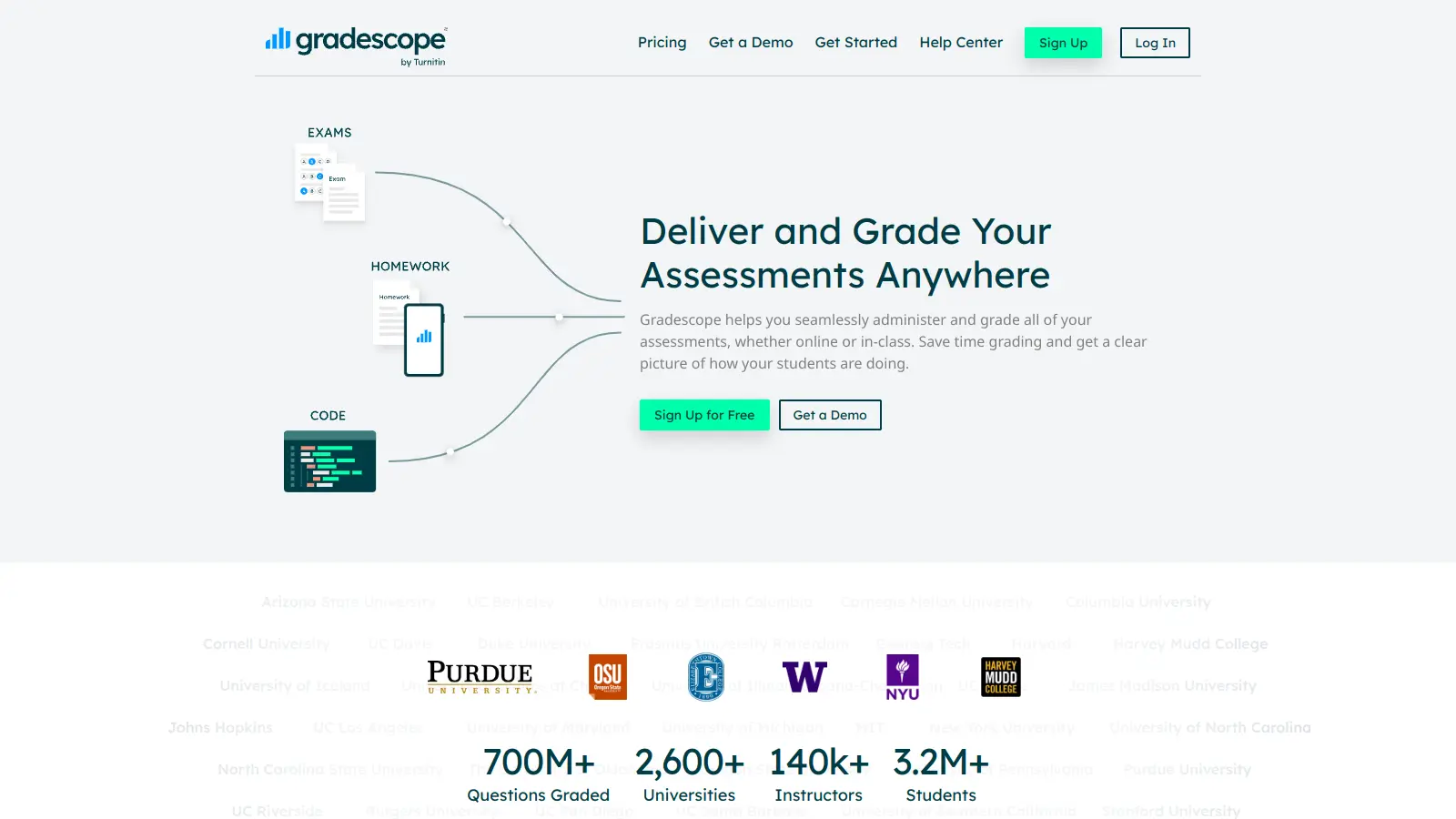
Gradescope is a comprehensive digital grading platform that streamlines assessment for various assignment types, including exams, homework, and programming assignments. Developed by UC Berkeley instructors, it reduces manual grading time through AI-powered tools, enables consistent feedback, supports multiple graders, and provides detailed performance analytics. The platform integrates with learning management systems and offers features like dynamic rubrics, annotation, and anonymous grading to enhance educational assessment efficiency.
best deal
Get started with Gradescope for just $1 per student and streamline your grading process

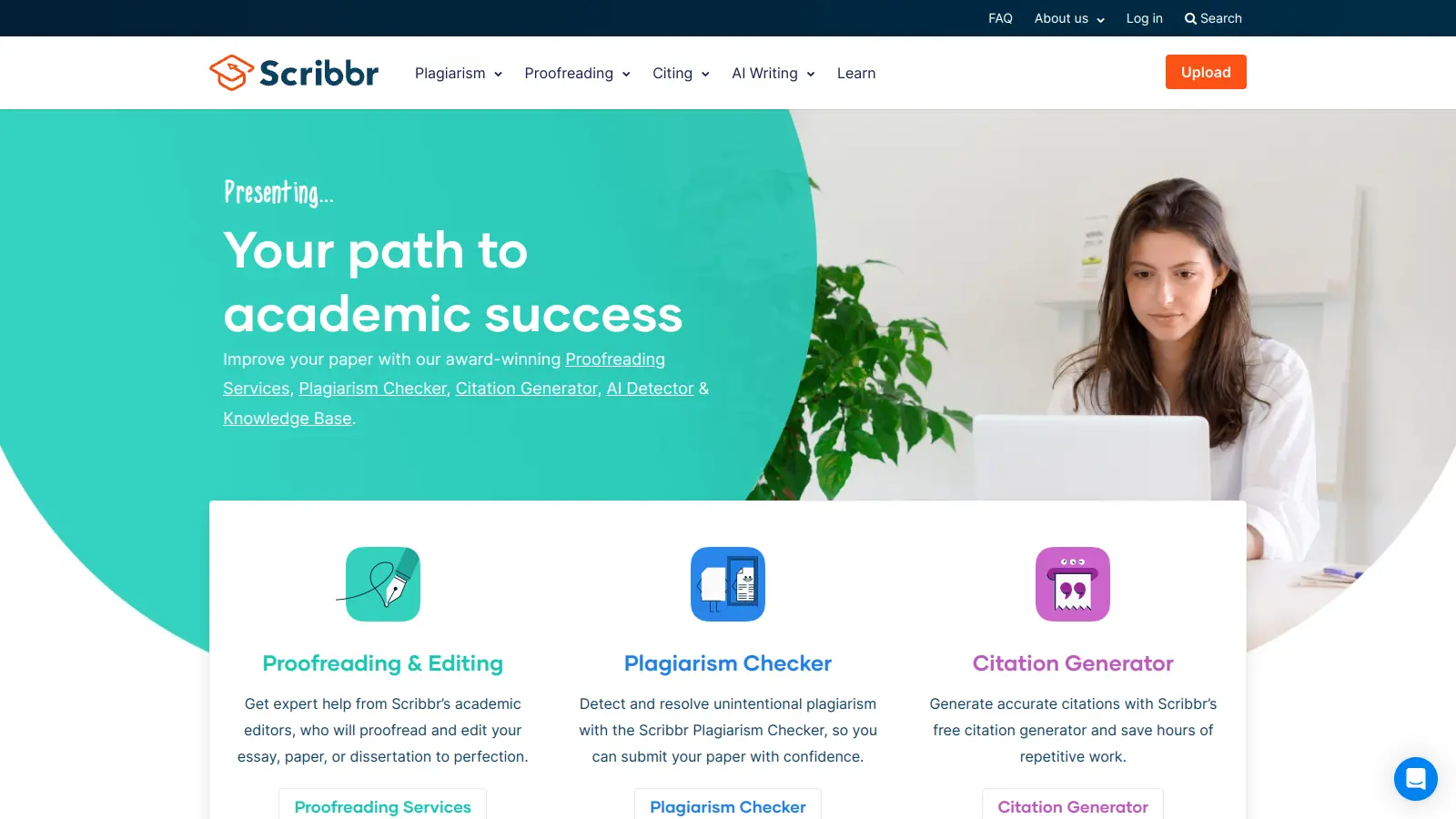
Scribbr is a comprehensive academic writing tool that helps students and professionals maintain writing integrity through plagiarism checking, AI detection, proofreading, and citation generation. It supports multiple languages, offers expert editing services, and provides a pay-per-use pricing model based on document size. With features like checking against a vast database of web pages and publications, Scribbr assists users in creating high-quality, original academic work.
best deal
Check your work for plagiarism starting at just $19.95

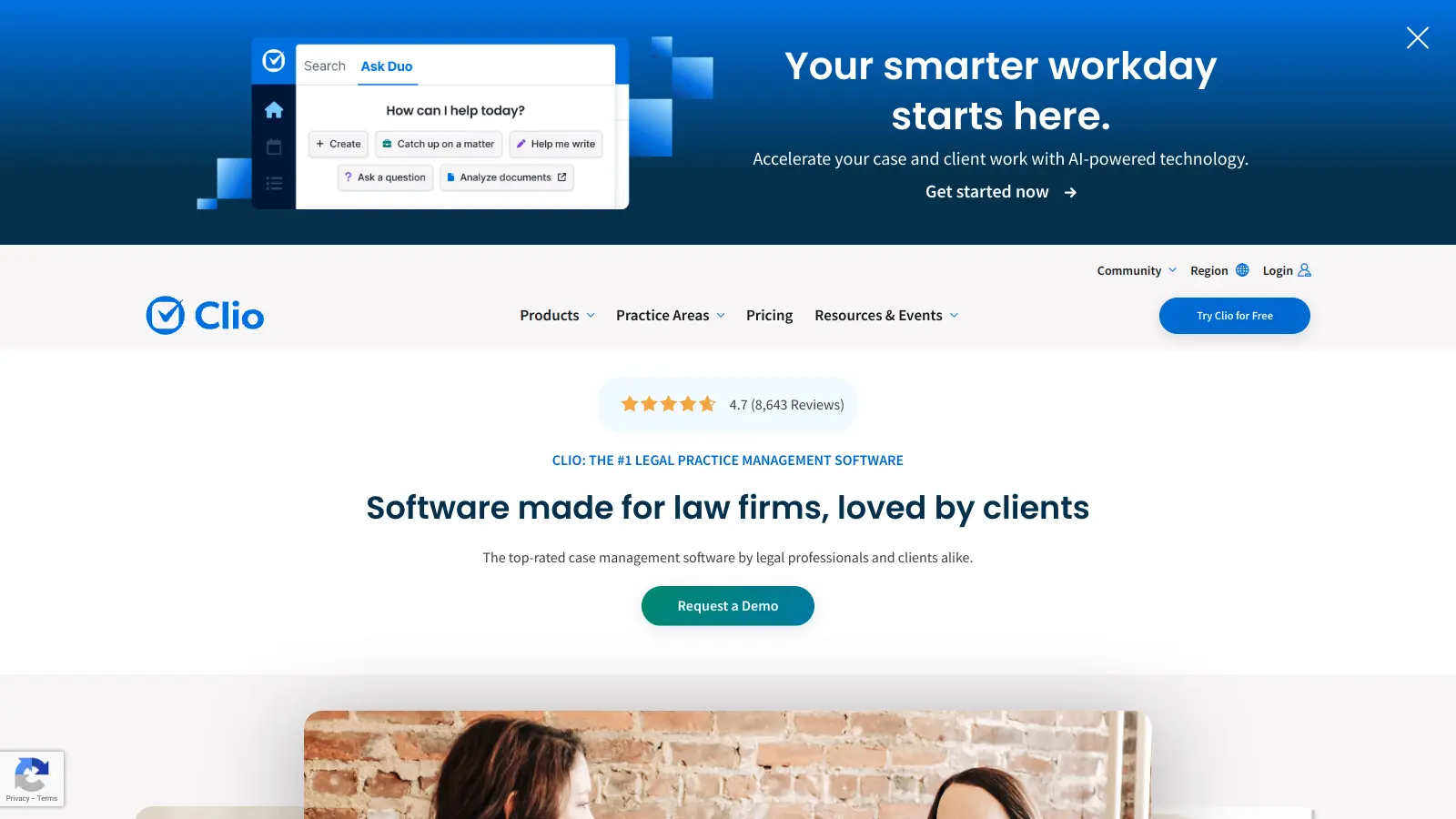
Clio is a cloud-based legal practice management software that streamlines law firm operations. It offers features for case management, billing, document automation, client intake, and collaboration. The platform provides AI tools like Clio Duo for automating tasks, tracking finances, engaging clients, managing documents, and integrating with other software.
best deal
Get 15% bundle savings and try Clio free before committing to a plan